A Graduating Class Turned Their Song Into an MV in One Night
A Graduating Class Turned Their Song Into an MV in One Night
The conclusion first: a graduating class — one week before the ceremony, with zero editing experience — turned their class anthem into a complete music video with synced lyric subtitles in a single evening. They pasted the song link into the SunoMV music video generator, let AI score the full song with visuals and align the lyrics automatically, swapped the cover for their class photo, then exported a landscape version for the ceremony screen and a vertical version for social feeds. The classic graduation-season deadlock — “we have the song, we have the photos, nobody can edit, no time left” — simply no longer holds in 2026.
Here’s the full debrief. If your class, club or cohort is stuck at the same step, the checklist at the end can be copied as-is.
1. One Week to the Ceremony: a Song, Photos, and Nobody Who Can Edit
The protagonist is the arts rep of an ordinary graduating class — let’s call her Yang. By late May, the class had pulled off two things:
- The anthem existed. The lyrics were written relay-style by the whole class — evening study halls, sports day, hallway arguments and reconciliations — and a classmate who knew AI music tools generated the full song in Suno. The melody turned out unexpectedly good; the whole class hummed along whenever the chorus played;
- The photos existed. Three years of the class album, from orientation camp to the very last lesson — thousands of pictures.
What jammed was step three: turning the song and the memories into a video that could play at the graduation ceremony.
Nobody in the class knew professional editing software. Two volunteers wrestled with editing tutorials for a whole weekend and produced a half-finished cut with jarring transitions and misaligned subtitles — with seven days left on the clock.
Practical rule: The biggest enemy of a graduation project isn’t “we can’t do it” — it’s “no time to learn it.” A solution you can ship within a week always beats a solution that takes a month to master.
2. The Night They Gave Up on Editing Software
On Monday night, Yang told the class group chat the truth: the edit wasn’t happening.
The chat went quiet for ten minutes. Then the classmate who had generated the song typed one line: “The song was made by AI. Why shouldn’t the MV be?”
Their requirements were actually crystal clear:
| Requirement | Why it mattered |
|---|---|
| Visuals across the whole song | The anthem runs 3+ minutes; only the chorus having video wasn’t acceptable |
| Lyrics on screen, synced | The whole class would sing along with the big screen at the ceremony |
| The class photo must appear | A graduation MV without the class photo has no soul |
| Landscape + vertical versions | Landscape for the ceremony screen, vertical for social feeds |
| Done in one evening | One week left, and rehearsal time had to be protected |
Run any tool against that table and traditional editing software fails on the last row — which is exactly where AI music video tools play at home. The workflow they landed on is nearly identical to the one in our café brand anthem case — only the material changed from “brand” to “youth.”
3. One Song, One Evening: the Actual Workflow
On Tuesday after evening study hall, Yang and two classmates finished the whole production on one computer in the school lab. Four steps:
Step 1: Paste the anthem link
They pasted the Suno share link of the class anthem into the SunoMV music video generator. If your anthem is a recorded audio file instead (say, a choir recording), uploading an MP3 follows the same flow — see the audio-to-video AI generator.
Step 2: Let AI score the full song with visuals
The AI detected the anthem’s structure — the build-up of the verses, the burst of the chorus, the quiet of the bridge — and generated mood-matched visuals for each section: a classroom at dawn, silhouettes on the sports field, paper planes at a graduation ceremony. In every section’s scene description they kept repeating keywords like “classroom,” “schoolyard” and “summer,” giving the whole film one consistent imagery of youth.
The image below shows the texture of this “visuals following the song’s narrative” output:
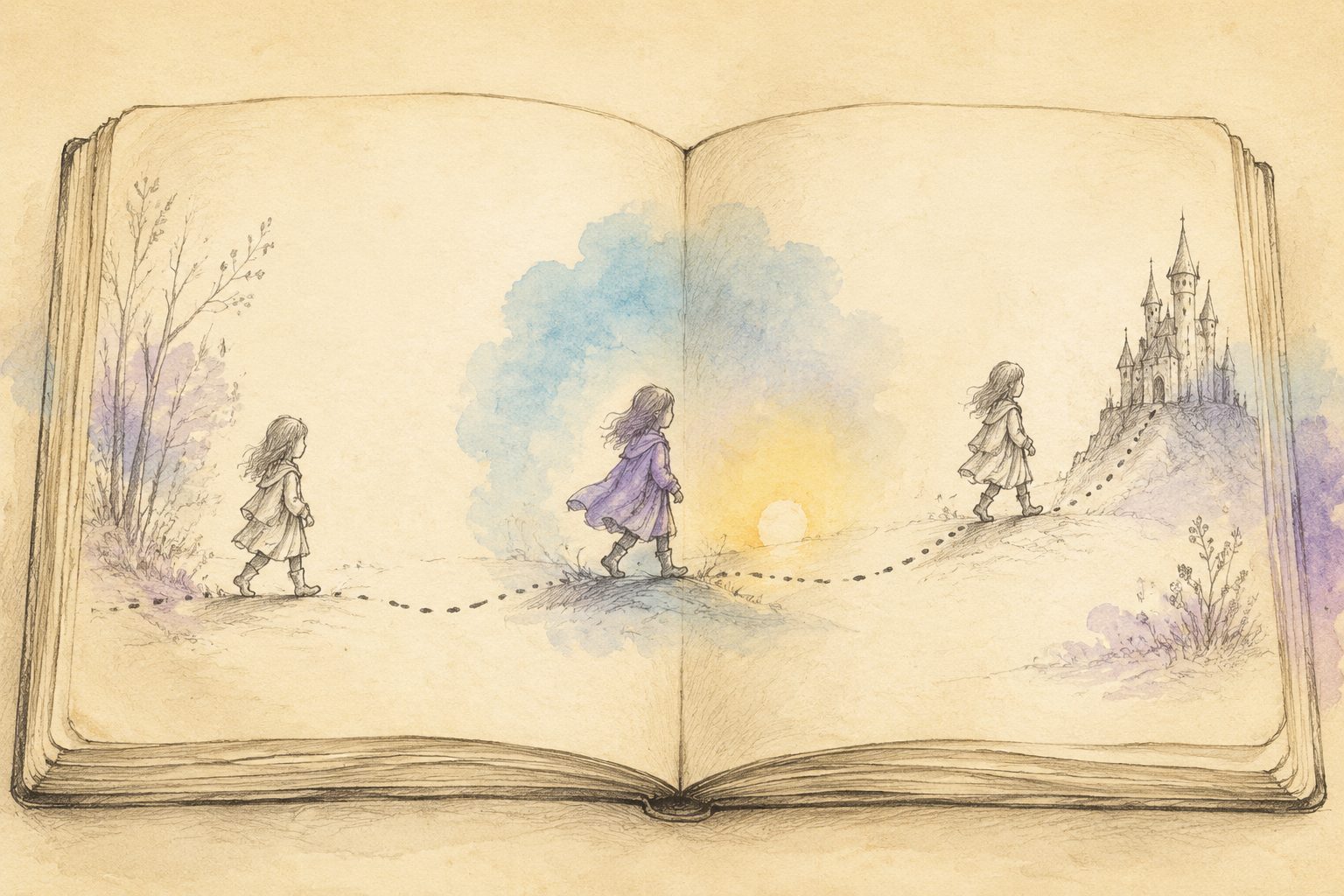
Image: SunoMV · narrative visuals generated along the song structure
Step 3: Turn on lyric subtitles so the whole class can sing
The biggest difference between a graduation MV and a normal MV: it exists to be sung along to. Using the line-by-line subtitles of the AI lyrics video maker, every lyric appears in time with the melody — the moment the big screen lit up at the ceremony, the whole class sang without anyone conducting. They picked the cleanest white-with-outline subtitle style; details in the complete AI lyric video tutorial.
Picture this with your own class anthem:
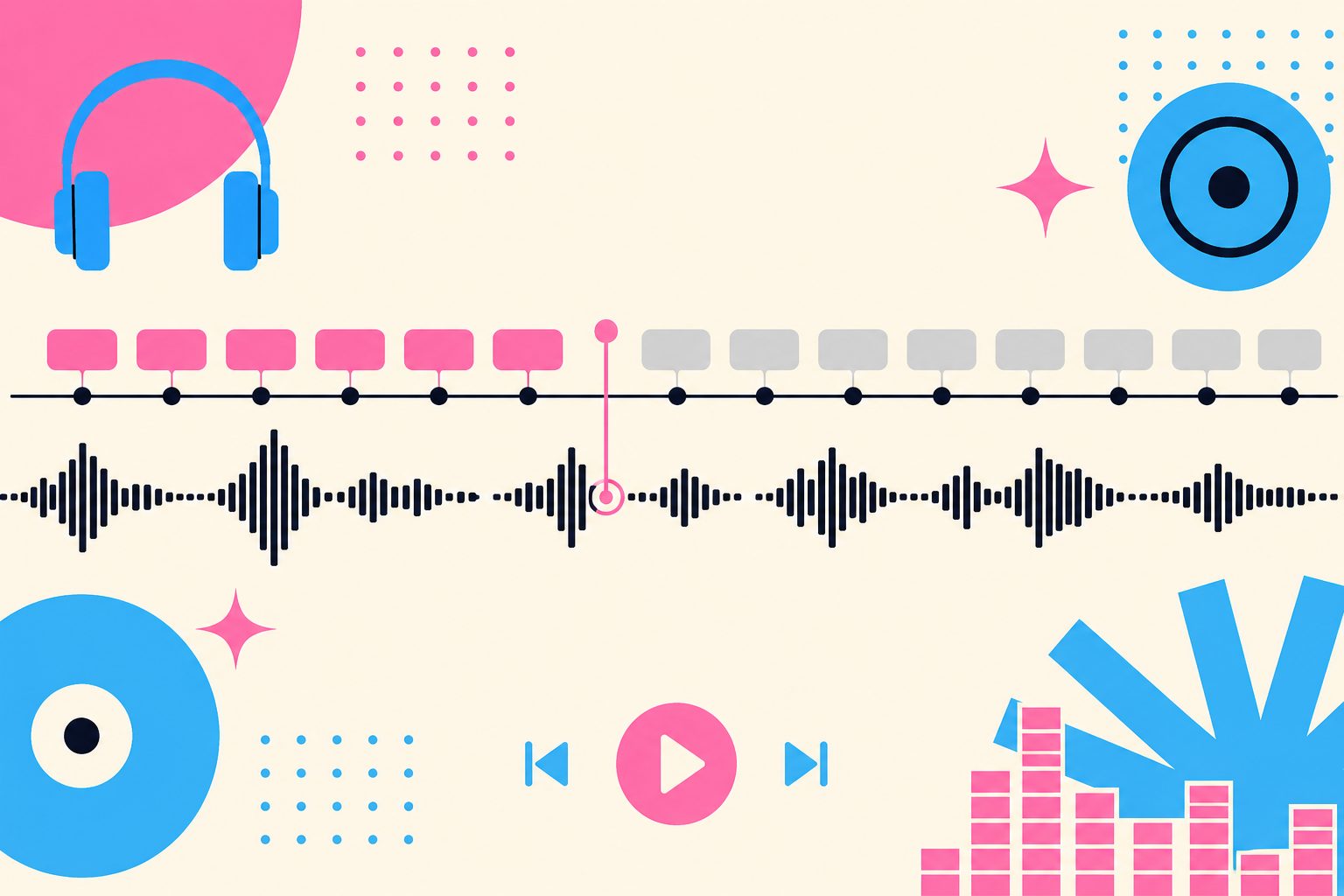
Image: SunoMV · line-by-line synced lyric subtitles
Step 4: Swap in the class photo, export two versions
The finishing touch: using the customization options, they set the MV cover to the class photo and a full-class shot on the sports field as the background image (cover and background customization is available on the paid plan). Then two exports — 16:9 for the ceremony screen, 9:16 for social feeds.
The whole process, from pasting the link to both versions exported, took one evening study session.
Practical rule: The class photo doesn’t need to be “edited into” every frame. Get two placements right — the cover and the background — and the MV already “belongs to your class.” AI visuals carry the emotion; the photo carries the identity.
4. Ceremony Day
The running order that day: the principal’s speech, performances, then the lights dimmed and the big screen started the MV.
People were still whispering during the intro. When the first lyric line appeared — a line they had written themselves — the hall went quiet. The chorus came in, and without anyone organizing it, the entire class started singing — including the boys who were usually too cool for everything. The final frame held on the class photo, everyone in it laughing.
That night, the vertical version went into the class group and everyone’s feeds. Parents shared it. The class next door asked “who made this for you?” The homeroom teacher saved it to her own computer — she said she wants one for every class from now on.
For Yang, the feedback that mattered was just one thing: three years of photos and that relay-written song didn’t stay buried in an album and a draft — they became a memory everyone can replay.
Practical rule: A graduation MV’s value isn’t in “how professionally it’s shot” but in “is it your own song, your own photos, your own words.” AI handles the production; you only have to supply what’s real.
The final frame of that MV had roughly this texture — cinematic visuals carrying a song that was entirely their own:
Image: SunoMV · cinematic music video final cut
5. Want One for Your Class? Copy This Checklist
If your class, club or cohort wants a graduation anthem MV this season, it’s doable within a week starting today:
- Lock the song (day 1-2): generate the anthem in Suno (relay-written lyrics work best), or use an existing choir recording;
- Make the MV (day 3, one evening): paste the song link into the SunoMV music video generator, let AI score the visuals and turn on lyric subtitles; write your keywords (classroom, schoolyard, summer, study hall) into the scene descriptions;
- Place the photos (day 3): set the class photo as the cover, pick a full-class shot as the background image;
- Export two versions (day 3): 16:9 for the ceremony screen, 9:16 for social feeds;
- Protect rehearsal time (day 4-7): screen it once in the classroom before the ceremony so everyone “pre-learns” the chorus — the live sing-along doubles in power.
Never touched tools like this before? Warm up with the no-editing-skills music video guide.
6. FAQ
Q1: We’ve never used AI tools and can’t edit — can we still pull this off?
Yes. The whole flow is: paste the song link (or upload audio), let AI match visuals, switch on lyric subtitles, export. There’s no timeline and no editing skills required.
Q2: Our class song is a recorded chorus, not an AI track — does that work?
It does. Upload the recording as an audio file (e.g. MP3) and the rest of the flow — visuals, subtitles, export — is exactly the same.
Q3: Can we put our class photo into the MV?
Yes. You can set a class photo as the cover and another group shot as the background image (custom cover and background are paid features) — those two spots alone make the video unmistakably yours.
Don’t Let the Class Anthem Die in the Drafts
Every June, countless class anthems get played a few times in the group chat and never again, and countless class albums are never opened after graduation. What’s missing was never the material — it’s the final step that turns material into a work.
Paste your class anthem’s link into the SunoMV music video generator — one evening, and that song will carry three years of photos into the MV your whole class sings along to at the ceremony. Start at suno.bi.
SunoMV Team
Popular guides
- 01 Suno AI Prompt Guide 2026: 10 Tips + Copy-Paste Templates
- 02 How to Turn Any Suno Song into a Music Video: The Complete Workflow
- 03 7 Best Free AI Song Generators in 2026 (Suno, Udio & More, Compared)
- 04 Suno v5 AI Music Complete Guide (2026): From Blank Page to Release-Ready Single
- 05 Suno Video Download Guide 2026: 3 Ways to Export AI Songs as MP4