Negative Space Wins: The "Breathing Room" Editing Method for AI Music Videos (2026 SunoMV Method)
Negative Space Wins: The “Breathing Room” Editing Method for AI Music Videos (2026 SunoMV Method)
Most AI music videos look cheap not because the visuals are bad, but because they are overstuffed — a cut every two seconds, constant motion, every frame packed with information, every frame screaming. When every shot pushes equally hard, the viewer’s eye has nowhere to rest, and the chorus can’t land — because the verse was already exploding. Premium music videos understand negative space: they deliberately leave frames empty, still, dark, and minimal, using emptiness to make the fullness hit. This methodology breaks down a repeatable “breathing room” editing method, and shows you how to execute each step in the SunoMV music video generator.
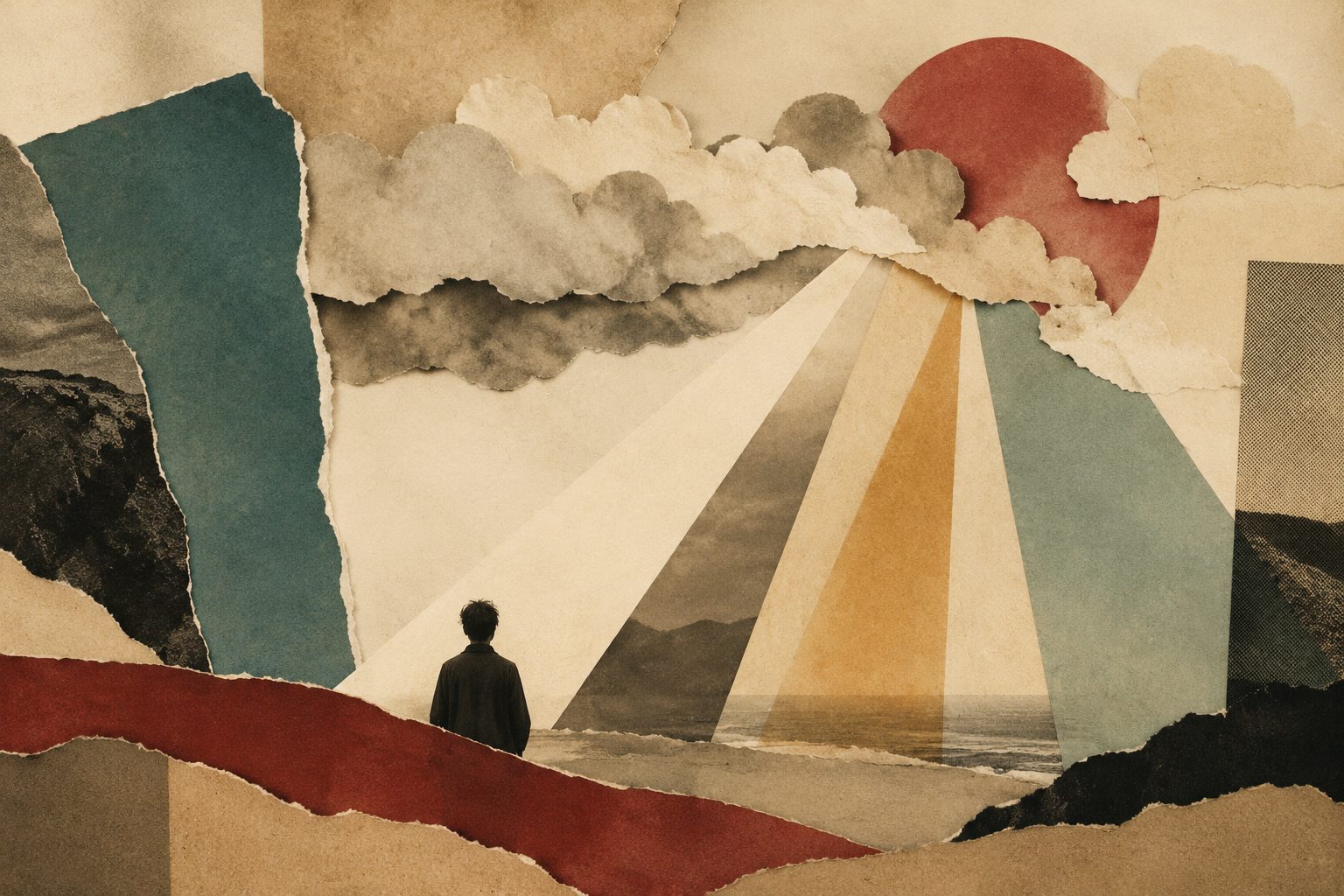
Negative space isn’t laziness — it’s a contrast tool. A music video that breathes alternates motion and stillness: calm shots push the chorus’s explosion higher, letting the viewer inhale before the emotion arrives.
Caption: SunoMV · the cinematic feel of minimal, negative-space composition
1. Why “Overstuffed” Is the #1 Source of Cheapness in AI Music Videos
AI generates a frame for every lyric line, and by default it tries to make every frame “pretty,” “rich,” and “informative.” So you get a chain of individually maximized shots — but stitched together, they exhaust the viewer:
- No focal point: when every shot is equally intense, viewers can’t tell where to look, and attention is diluted evenly;
- The chorus can’t land: if the verse already maxes out the screen, the chorus has no higher step to climb, and the emotional curve flattens;
- That assembled feel: human editors naturally leave breathing room — running at full capacity throughout exposes “an algorithm piled this up.”
Practical rule: A music video’s premium feel doesn’t depend on how full your fullest frame is — it depends on whether you dare to make your emptiest frame truly empty. Without empty, full means nothing.
In cinematography this is called negative space — the area of the frame deliberately left without a subject. Upgrade it from a composition concept to an editing-rhythm concept and you get “breathing room”: the whole piece rising and falling between motion and stillness, full and empty. The method below translates that professional instinct into steps an AI music video can actually execute.
2. Map the Energy Curve First: Find Where to Go “Full” and Where to “Breathe”
You can’t add negative space randomly — it has to land in the right place. Step one is always to map the song’s energy curve, then decide where to be full and where to breathe.
Listen through once and tag each section with an energy value (1 lowest, 5 highest). A typical pop song looks roughly like this:
| Song section | Energy | Full or breathing? | Visual treatment |
|---|---|---|---|
| Intro | 2 | Breathing | One still, minimal empty shot with lots of negative space |
| Verse 1 | 2-3 | Mostly breathing | Slow shots, single subject, dark background |
| Pre-chorus | 3-4 | Building | Motion starts to appear, but still restrained |
| Chorus | 5 | Full | Information density, motion, color all open up |
| Verse 2 | 3 | Breathing | Back to restraint, let the viewer exhale |
| Bridge | 1-2 | Maximum negative space | The emptiest, stillest passage — the film’s deep breath |
| Final chorus | 5 | Fullest | Emotional peak, strongest contrast |
| Outro | 2 | Breathing | Return to the opening’s emptiness, closing the loop |
The key insight: full and empty are relative. The chorus explodes because a calm passage sits beneath it. If you want a moment to be the film’s climax, put the emptiest shot right before it.
Practical rule: To make a chorus hit hardest, make the beat right before it as empty as possible — a still, dark, empty shot, even one or two seconds of a near-solid color. The bigger the drop, the stronger the chorus’s impact.
3. How to Design Breathing Shots: Four Concrete Forms of “Empty”
“Negative space” isn’t a black screen of nothing. It has concrete visual forms. These four are the most useful “breathing shot” types:
1. Held shot: an almost motionless frame — an empty room, a distant horizon, a single streetlight. The camera holds, doesn’t cut, and lets time slow down.
2. Minimal composition: only one subject in the frame, surrounded by lots of empty space — a person standing in vast snow, a chair in the center of an empty room. Negative space fills 70%+ of the frame.
3. Dark / low-information frame: a darkened, nearly monochrome image with minimal detail. The viewer’s eye rests, and it stores energy for the next bright scene.
4. Slow and still: not empty, but “moving extremely slowly” — a wisp of smoke rising, a barely-moving reflection on water. Visually, it’s still in a “breathing” state.
Practical rule: Breathing shots have to “dare to hold.” AI defaults to giving you frames that move; you have to actively ask for “still,” “slow,” “minimal,” “lots of negative space” — these words are your breathing switch.
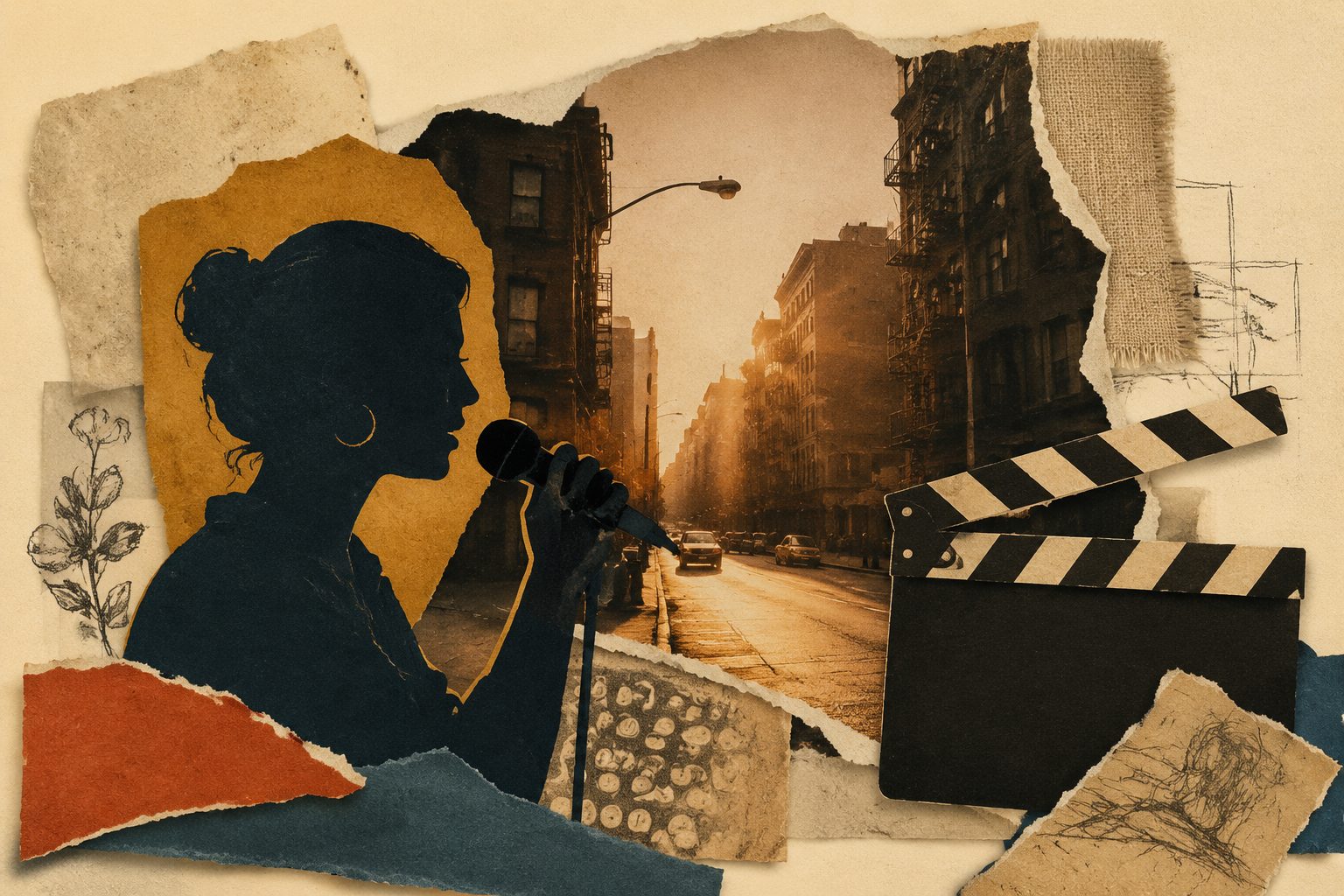
Caption: SunoMV · three kinds of breathing shots — held, dark, minimal composition
4. The Busy-to-Breathing Ratio: Keep Full Under Half, So Empty Stays Precious
Many people hear “negative space” and go to the extreme, making the whole film empty and dull. Negative space is the seasoning, not the main dish. Controlling the busy-to-breathing ratio is the core discipline of this method.
A useful starting ratio is 6 : 4 — sixty percent full, forty percent breathing. For a 3-minute MV specifically:
- Full sections (chorus, bridge climax, peak): dynamic, dense, saturated color;
- Breathing sections (intro, verse, transitions, outro): still, minimal, dark;
- The two alternate — don’t run three full sections in a row, and don’t run three empty ones in a row either.
The test is simple: close your eyes and recall the MV. If what you remember is “full the whole time” or “dull the whole time,” the ratio is wrong. If what you remember is “quiet — explosion — quiet — bigger explosion,” the ratio is right.
Practical rule: Don’t let full sections exceed half the film. When more than half your shots are “pushing hard,” the pushing itself loses meaning — because there’s no un-pushed part left to set it off.
5. Build It in SunoMV: Write Per-Section Prompts and Insert the “Breathing”
Once you understand the method, execution is direct. SunoMV’s key lever is this: you can write a different visual prompt for every song section. That means “full” and “empty” can be precisely assigned to each section. In the cinematic abstract music video generator:
Step 1: Paste the song, see the section structure
Paste the song link (or audio file) into the generator and it identifies the verse, chorus, and bridge structure — which is exactly the skeleton for placing your motion and stillness. You can also write a new song with AI before this step.
Step 2: Write “still, empty, dark” prompts for breathing sections
For breathing sections — intro, verse, bridge, outro — deliberately write minimal prompts. For example:
- Intro: “A still empty shot: a vast seaside at dawn, a tiny figure in the bottom-right corner, a gray-white sky with lots of negative space.”
- Bridge: “A very dark room, a single beam of light, the frame nearly all black, slow, almost motionless.”
- Outro: “Return to the opening seaside empty shot, the figure leaves, only the empty shore remains.”
The key is to write the words “still,” “minimal,” “lots of negative space,” “dark” explicitly — leave them out and AI defaults to full.
Step 3: Write “full, moving, bright” prompts for the busy sections
When the chorus arrives, flip it and max out the density:
- Chorus: “Color explosion, multiple elements, dynamic shots pushing in fast, bright and highly saturated.”
Make the chorus form the biggest possible drop against the bridge or verse before it. SunoMV generates frames from your per-section prompts, adds word-by-word synced lyric subtitles and section transitions, and exports a horizontal or vertical finished video — with the motion-stillness rhythm fully under your control.
Step 4: Review the breathing rhythm in the finished cut
Before exporting, watch it once just for rhythm: do the breathing sections actually “stop”? Is there a drop before the chorus? If any section feels too full, simplify just that section’s prompt and regenerate that section alone — no need to redo the whole film.

Caption: SunoMV · the finished breathing rhythm after assigning motion and stillness per section
Practical rule: For the same motif or scene, use its “minimal version” in breathing sections and its “explosive version” in full sections — that way you get negative-space contrast without losing consistency. For a more abstract, purely visual breathing rhythm, try the cinematic abstract music visualizer.
6. Pre-Publish Self-Check Checklist
Before you export, run through these 6 quick checks:
- Can I point to the single emptiest shot in the whole film? (If you can’t, it’s too full throughout.)
- Is the beat right before the chorus a quiet / negative-space shot?
- Do full sections exceed half the film? (If so, cut them down.)
- Is the bridge the emptiest, stillest passage in the film?
- Does the outro echo the intro, returning to the opening’s emptiness?
- With the sound off, watching only the visuals, can you feel “breathing” — a rise and fall of tension and release?
Tick all six and your MV goes from “screaming the whole time” to “breathing.” Negative space is exactly what AI generation most easily ignores, and exactly where the biggest quality gap opens up. For further reading, see the recurring visual motif methodology and combine negative space with a motif.
7. Frequently Asked Questions (FAQ)
Q: Won’t negative space make the MV feel “boring” or “empty”? A: The opposite. What makes people bored is usually the fatigue of “full the whole time,” not negative space. Negative space exists to make the full sections hit harder — it’s one half of the contrast, not an absence.
Q: Do I have to use a 6:4 ratio for every song? A: 6:4 is just a useful starting value. Intense dance tracks can go fuller (7:3); ambient and ballad tracks can go emptier (5:5 or even 4:6). The principle is unchanged: full and empty must alternate, and there must be a drop before the chorus.
Q: How do I get AI to actually generate “empty” frames? A: Explicitly write words like “still,” “minimal,” “lots of negative space,” “dark,” “single subject.” AI defaults to full frames; you have to actively press these “breathing switches.”
Q: Does negative space conflict with color consistency, motifs, and other methods? A: No — they’re complementary. Negative space governs “the rhythm of motion and stillness,” color governs “the consistency of color,” and motif governs “the anchor of memory.” Stack all three and the MV becomes truly premium.
Q: Does this work for vertical short videos too? A: Yes, and it’s needed even more there. Attention is scarcer in vertical feeds, and a quiet negative-space shot can actually “stop” a viewer’s thumb in the scroll. SunoMV supports horizontal and vertical export, and the rhythm method is universal.
Final Thoughts
In the AI era, making every frame polished is no longer scarce; what’s scarce is daring to leave it empty. A music video that breathes wins not through fullness but through the drop between full and empty: map the energy curve, place the emptiest shot before the chorus, hold the ratio around sixty-forty, then use SunoMV’s per-section prompts to insert the “breathing” precisely.
Negative space wins. Go give your next MV room to breathe at suno.bi.
SunoMV Team
Popular guides
- 01 Suno AI Prompt Guide 2026: 10 Tips + Copy-Paste Templates
- 02 How to Turn Any Suno Song into a Music Video: The Complete Workflow
- 03 7 Best Free AI Song Generators in 2026 (Suno, Udio & More, Compared)
- 04 Suno v5 AI Music Complete Guide (2026): From Blank Page to Release-Ready Single
- 05 Suno Video Download Guide 2026: 3 Ways to Export AI Songs as MP4