The Recurring Visual Motif Method for Music Videos (2026)
The Recurring Visual Motif Method for Music Videos (2026)
Short answer: a visual motif is a fixed visual element that recurs throughout a music video — an object, a color, or a composition. The more deliberately it repeats, the deeper the memory it leaves: the first appearance is just an image, the second becomes a clue, and by the third it carries meaning. The whole method fits in one sentence: pick 1-2 motifs, place their recurrences at key points of the song structure, and let the ending echo the opening to close the loop. When working in the SunoMV music video generator, you achieve this simply by writing the motif into every section’s scene description.
Let’s walk through the three questions that matter: what to pick, where to place it, and how to execute it.
1. What a Visual Motif Is: Your MV’s Memory Anchor
A motif is not a “theme” and not a “style.” Style governs the overall look of the piece (covered in our scene consistency method); a motif is one specific, nameable visual element:
- Object motif: a red umbrella, a rotary phone, a paper plane — a prop viewers recognize at a glance;
- Color motif: the only saturated red in an otherwise cold-toned film, appearing with intent each time;
- Composition motif: every chorus returning to the same centered symmetrical frame, or the same doorway shot looking out.
A motif’s power comes from repetition. Psychology calls it the mere-exposure effect — people grow familiar with and fond of what they see repeatedly. In storytelling it’s setup and payoff: an object that reappears in the third act makes viewers stitch earlier scenes into a story on their own.
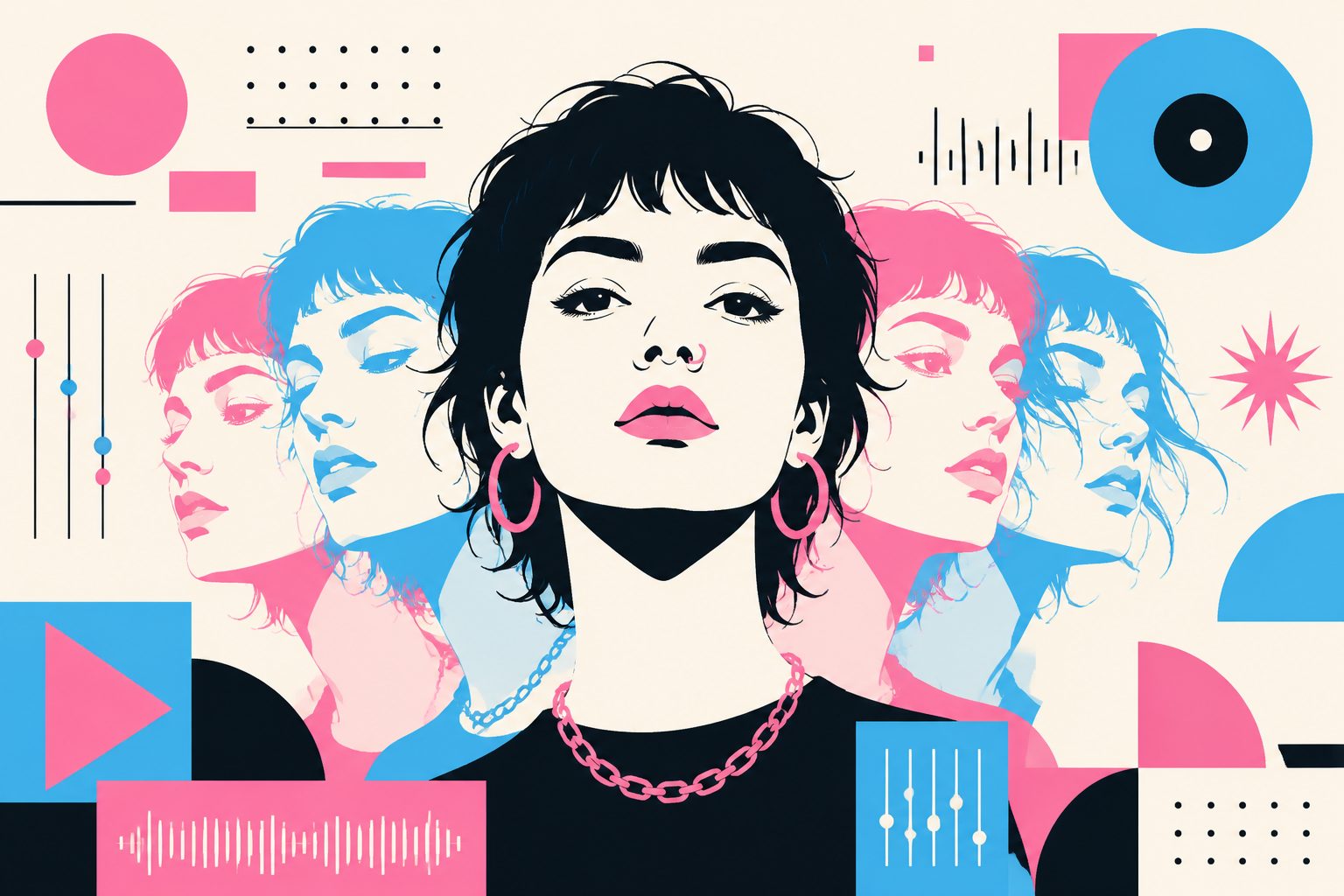
The image below shows what a fixed visual element running through a whole film does — the same character recurring across different scenes instantly gives the MV a serialized, intentional feel:
Image: SunoMV · a fixed visual element carried through the full video
Practical rule: Motifs work when they’re few and precise. For a 3-minute MV, one primary motif plus at most one secondary motif is the ceiling; three or more motifs equals no motif at all.
2. Why Recurrence Beats Spectacle
The cost of generating beautiful frames has collapsed to near zero, so single-frame polish is no longer scarce. In 2026, viewers don’t skip your MV because the frames aren’t good enough — they skip remembering it because nothing sticks. Recurrence solves exactly that:
- Memorability: what viewers can retell afterwards is always “that red umbrella that kept coming back,” never “the pretty light flare at 0:47”;
- Narrative closure: when the motif returns at the end in a transformed state (the umbrella folded, the paper plane landed), the song’s emotional arc gets a visible sense of completion;
- Rewatch motivation: once viewers sense the pattern, they go back to find the appearance they missed — directly lifting watch-through and replays;
- Channel identity: reusing a motif across releases becomes your visual signature as an artist.
Practical rule: Move your budget — whether time or generation credits — from “make every frame spectacular” to “make the same element appear 4-6 times.” The return is far higher.
3. Picking the Motif: Grow It From the Song, Don’t Glue It On
Good motifs grow out of the song itself. Search in this order — concrete nouns in the lyrics first, then the song’s emotional color temperature, and only then pure composition:
| Motif type | Where to look | Example | Best for |
|---|---|---|---|
| Object | Concrete nouns in the lyrics | Lyric says “letters I never finish” → letter paper | Narrative folk, rap |
| Color | The song’s emotional temperature | One warm orange inside a cold blue palette | Ambient, electronic, R&B |
| Composition | The melody’s structural feel | Every chorus returns to a centered symmetric frame | Rhythmically regular pop, dance |
Three selection principles:
- Nameable: viewers can point at it with one word (“that umbrella”) — a vague “mood” is not a motif;
- Transformable: it must be able to carry a state change — intact→broken, far→near, cold→warm;
- Generatable: in an AI workflow, prefer elements that are simple to describe and easy for models to reproduce consistently (concrete objects beat complex actions).
Practical rule: Read the lyrics start to finish, circle every concrete noun, then pick the one that sits inside the emotional turning line — it is almost always your best motif.
4. Placement: Laying the Motif Across the Song Structure
Motifs don’t appear at random — they’re placed on the song’s structure. For a typical 3-minute track:
| Song section | Motif action | Purpose |
|---|---|---|
| Intro (0:00-0:10) | First appearance, in close-up | Plant the anchor; viewers register it subconsciously |
| Verse 1 | Motif recedes to the background | Keep presence without hijacking the story |
| Chorus 1 | Motif returns to center frame | Bind it to the melodic hook |
| Bridge | Motif changes state (breaks / shifts color / moves) | Carry the emotional turn |
| Final chorus | Strong recurrence in its transformed state | Push the emotional peak |
| Outro | A shot echoing the intro, motif in its final state | Close the loop; create the “finished” feeling |
The essence of this table: let the motif’s state-change curve follow the song’s emotional curve. The intro-outro echo matters most — it’s what makes viewers feel “this MV told a complete story.” For nailing the motif inside the first seconds of a vertical cut, pair this with the first-3-seconds hook method; for handling the space between sections, see the silence and pause method.
Sketched as a storyboard, the placement rhythm looks like this:
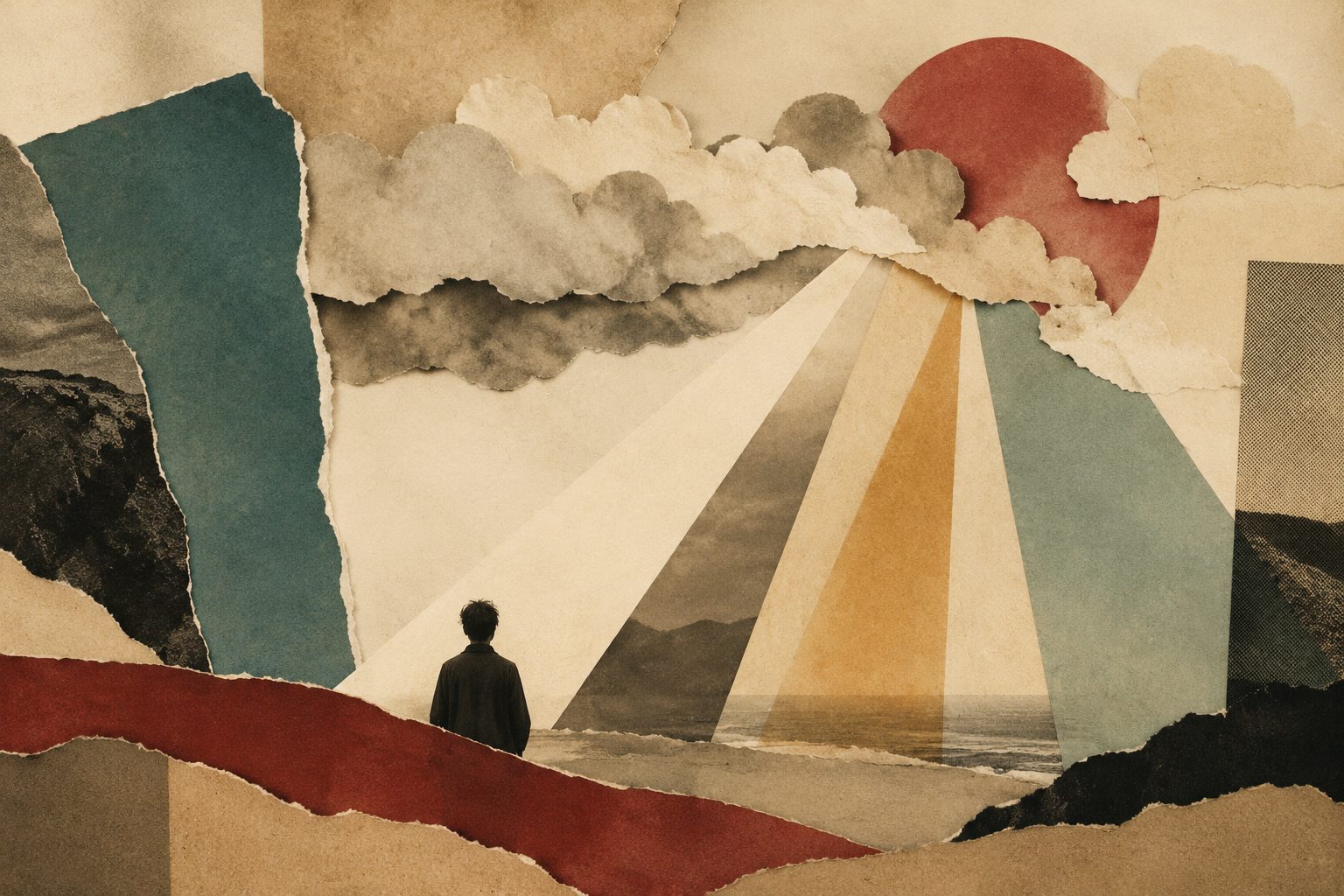
Image: SunoMV · visual rhythm of motif placement along the song structure
5. Executing in SunoMV: 3 Steps
Once the method is clear, execution is simple. In the SunoMV music video generator:
Step 1: Paste the song, get the sections
Paste the full song link (or audio file) into the generator. The AI detects the verse / chorus / bridge structure — which is exactly your motif placement skeleton.
Step 2: Write the motif into every section’s scene description
Reuse the same motif keyword in each section’s visual description, controlling its “state” according to the placement table. Say the motif is a paper plane:
- Intro: “Close-up: a white paper plane resting on a windowsill”
- Chorus 1: “The paper plane launches from a hand, gliding over the city”
- Bridge: “In the rain, the paper plane soaks and falls”
- Outro: “On the windowsill, the paper plane is unfolded and smoothed into a letter”
The key: name the motif in every section — if you don’t write it, the AI won’t remember it for you.
Step 3: Check motif clarity in the final cut
Before exporting, run one pass: is the motif clearly recognizable at each appearance? Does its state change track the emotional arc? Do the opening and ending echo? Regenerate only the sections that fail — no need to redo the whole film.
Image: SunoMV · final cut after writing motif descriptions per section
Practical rule: In AI generation, motif consistency comes from repeated wording. Describe the motif with the exact same core phrase every time (“white paper plane” stays “white paper plane”) — never rotate synonyms.
6. Common Mistakes and the Pre-Release Checklist
The four traps beginners fall into:
- Too many motifs: adding a new element to every section means nothing gets remembered — cut to 1 primary + 1 secondary;
- Only two appearances: once at the start, once at the end, absent in between — viewers never build the memory. Aim for at least 4;
- Recurrence without change: six identical appearances turn the motif into a sticker, not a story — schedule at least one state change;
- Motif unrelated to the song: an element picked purely for looks can’t carry the emotional turn — go back to the lyrics and re-pick.
Five checks before publishing:
- Can the motif be named with one word?
- Does it appear ≥ 4 times across the video?
- Does it change state at least once?
- Does the outro echo the intro?
- Watching muted, does the video still feel like it “told a complete story”?
All five checked — your MV now has the structural foundation of “remembered after one watch.”
7. FAQ
Q1: How many motifs should one MV have?
One primary motif plus at most one secondary. A motif works through repetition; three or more dilute each other into noise.
Q2: What if the AI renders the motif inconsistently?
Lock the motif into one exact phrase (e.g. “white paper plane”) and repeat it verbatim in every section’s visual description — never swap in synonyms. If one section drifts, regenerate just that section.
Q3: Does the motif method work for ambient, non-narrative tracks?
Yes. Atmosphere-driven songs suit color or composition motifs best — a single warm orange in a cold palette, or returning to the same framing on every chorus, anchors memory just as well.
Pick a Motif for Your Next Song — Now
Before generating your next MV, spend two minutes reading the lyrics and circling the concrete noun inside the emotional turning line. Then write it into every section’s scene description in the SunoMV music video generator, controlling its appearances and transformation with the placement table above.
One song, one motif, six recurrences — that’s the entire secret of being remembered after a single watch. Try it now at suno.bi.
SunoMV Team
Popular guides
- 01 Suno AI Prompt Guide 2026: 10 Tips + Copy-Paste Templates
- 02 How to Turn Any Suno Song into a Music Video: The Complete Workflow
- 03 7 Best Free AI Song Generators in 2026 (Suno, Udio & More, Compared)
- 04 Suno v5 AI Music Complete Guide (2026): From Blank Page to Release-Ready Single
- 05 Suno Video Download Guide 2026: 3 Ways to Export AI Songs as MP4