
Seedance 2.0 Goes Native 4K, 2.5 Teases 30-Second Shots: What ByteDance's Launch Means for AI Music Videos (2026)
Seedance 2.0 Goes Native 4K, 2.5 Teases 30-Second Shots: What ByteDance’s Launch Means for AI Music Videos (2026)
You just generated a song in Suno. The chorus is stuck in your head, and you want to give it a real music video — not a slideshow of static images, but something with camera movement, transitions, and visuals that track the emotion. You open a few AI video tools and hit an awkward reality: the resolution looks great but clips cap out at a few seconds; the duration is fine but your character’s face changes shot to shot; you finally get continuity, switch on 4K, and the render takes forever.
Making an AI music video is, at its core, a constant trade-off between four variables: quality, length, consistency, and cost. And on June 23, 2026, ByteDance pushed the edge of that trade-off forward again at its Volcano Engine FORCE conference.
Headlines quickly piled up claiming “the Seedance trio all dropped today,” but half of that is old news and half of it confuses an image model with a video model. This piece skips the press release and answers one question: what actually changed today, what you can use right now, what you still have to wait for — and whether any of it helps your next MV.
1. What Did Seedance Actually Ship Today? (Get the Timeline Straight First)
Cold water first: the claim that “Seedance 2.0 4K, 2.5, and mini all launched today” is not accurate. Lay out the real timeline and you’ll know what’s actually worth your time:
| Version | Real status | Date |
|---|---|---|
| Seedance 2.0 | Old news, long available | China Feb 12 / Global Apr 15 |
| Seedance 2.0 Mini | Shipped days ago, faster and cheaper | June 15 |
| Seedance 2.0 native 4K | Launched today, effective immediately | June 23 |
| Seedance 2.5 | Announced today, not yet live | Unveiled June 23, expected early July |
So today’s real news is just three things: the Seedance 2.0 line now does native 4K (and 10-bit high color depth), Seedance 2.5 was officially unveiled (but you can’t call it until early July), and a “3D blockout preview” billed as an industry first (rough low-fidelity animation to confirm the camera move before rendering the final shot). ByteDance also confirmed it skipped a number here — the plan was a 2.1, but it jumped straight to the stronger 2.5.
Practical rule: When you see a headline like “model X dropped N versions today,” check each version’s real ship date before chasing it — half of the “new features” were usable last month.
One trap that’s especially easy to fall into: Seedance is the video model, Seedream is the image model — the names are one letter apart. ByteDance also shipped Seedream 5.0 Pro (image) and Seed-Audio 1.0 (audio) at the same event, so don’t lump them in with today’s video star. For the official source, see ByteDance Seed’s Seedance page.
2. Native 4K + 10-bit: What Does It Mean for a Finished Music Video?
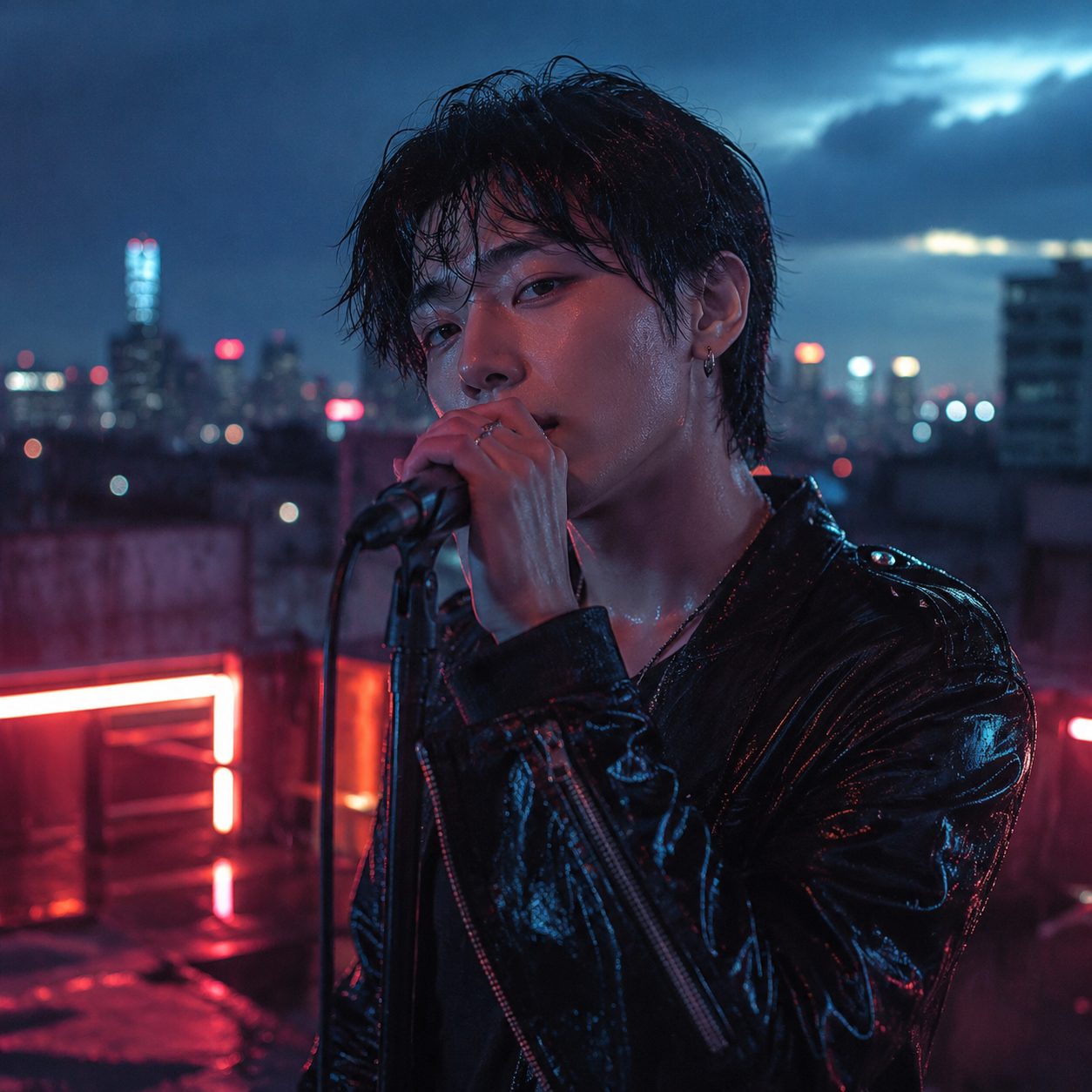
An MV isn’t a throwaway short clip: it’s a “piece” you publish to YouTube and watch on big screens on repeat, so image quality is its face. Native 4K means hair strands, the sheen on silk, and fabric texture survive instead of smearing when scaled up; 10-bit color depth makes shadow gradients smoother and gives you far more grading headroom — exactly the two things an MV leans on most.
But there’s a counterintuitive cost trap worth spelling out. In Volcano Engine’s official pricing for Seedance 2.0, the 4K tier’s unit price is actually lower than 720p (roughly 26 vs 46 RMB per million tokens), so people glance at it and assume “4K is cheaper.” The opposite is true: token usage scales with width x height x frame rate, and 4K has over nine times the pixels of 720p — so even with a lower unit price, the total cost per second of finished footage is far higher. The low unit price is just tier-based differential pricing, not a discount.
Practical rule: Save 4K for the final deliverable that has to be a finished piece on a big screen. Draft, screen-test, and tune the pacing at 720p — the compute you save buys you a dozen more takes.
So is the quality actually there? On the third-party Artificial Analysis video arena, Seedance 2.0 ranks first in the with-audio text-to-video tier (Elo 1219), ahead of established names like Veo and Wan. So this 4K isn’t “technically possible but rough” — the foundation is a number-one foundation.
3. Seedance 2.5’s Three Big Moves: What Do They Mean for MV Creators?
You can’t call 2.5 via API yet (early July), but the three upgrades ByteDance confirmed at FORCE each hit a long-standing MV pain point dead on:
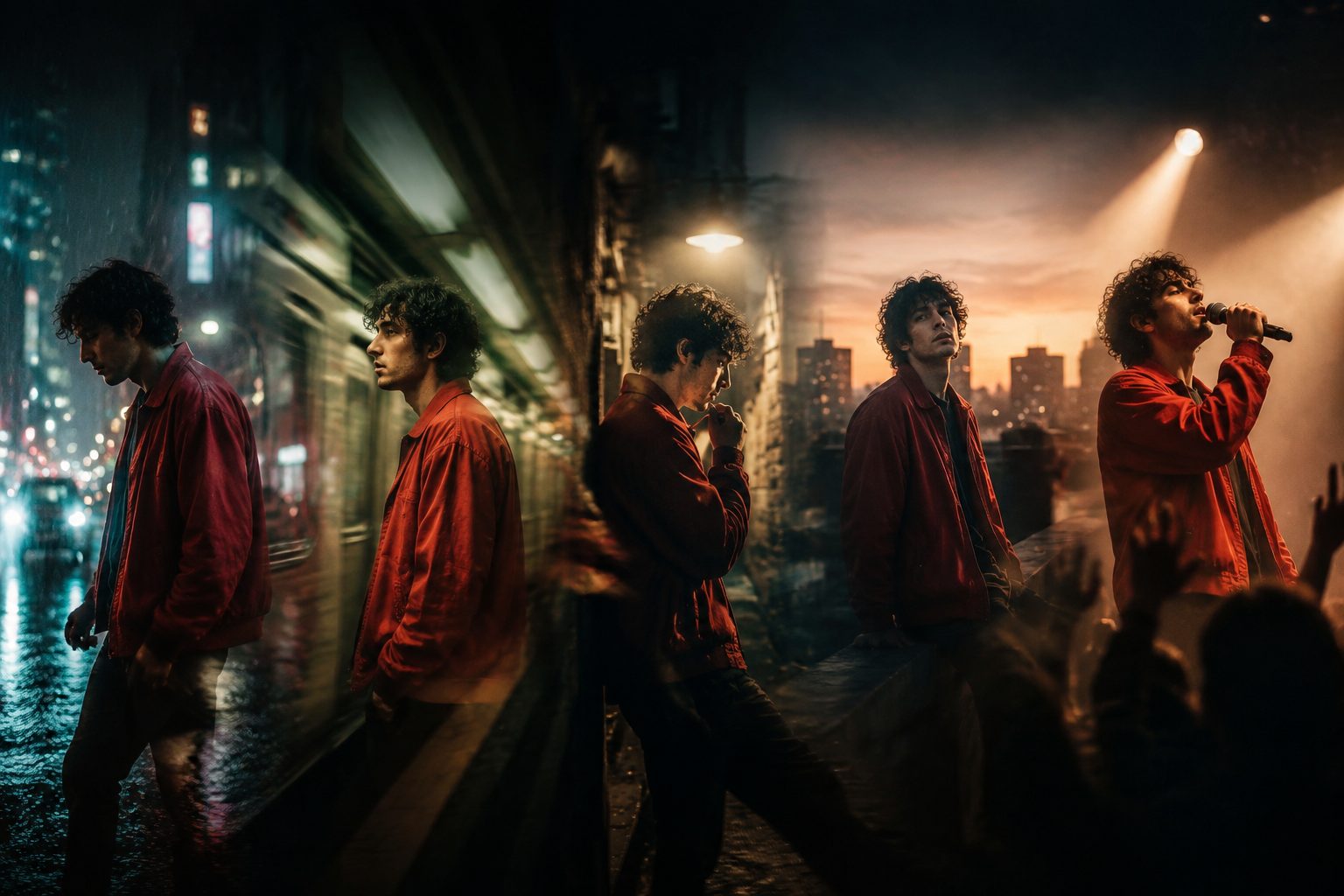
- A single native shot up to 30 seconds (2.0 caps at 15): a verse or a chorus is often just 20-30 seconds. A 30-second single shot means that section can be one continuous take, instead of being chopped into two or three separately generated pieces and then forced together — and those seams, with their jumps and discontinuity, are exactly what gives an amateur MV away.
- Up to 50 multimodal reference assets in one input (2.0 handles around 12): you can feed in your whole character sheet, scene references, even a reference track at once, and have the model generate shot by shot against that “storyboard library,” locking character and style across the whole piece.
- More flexible local video editing: change a local region while the overall frame stays put (the official demo recolors a lipstick on the fly). For an MV, that means tweaking one element in a shot without re-rendering the whole segment.
Practical rule: To judge whether a video model is good for MVs, look at two numbers first — the maximum single-shot length (can it cover a whole section in one take?) and the reference-asset ceiling (can the character stay consistent throughout?). Those matter more to the final feel than “how many K.”
But to be honest: ByteDance’s official framing for 2.5 actually skews toward industrial, embodied-AI, and autonomous-driving B2B scenarios — there’s no dedicated beat-synced MV sample from the company. So the “MV upsides” above are reasonable inferences from the specs, not frame-by-frame official promises — once it’s live in July, it’s worth running your own test.
4. Where Does Seedance 2.x Actually Stand Among Video Models?
Put today’s star back on the table next to the current mainstream video models:
| Dimension | Seedance 2.0 / 2.5 | Kling 3.0 | Veo 3.1 |
|---|---|---|---|
| 4K | 2.0 native 4K (10-bit) / 2.5 native 4K | Native 4K | 4K |
| Max length | 2.0 = 15s / 2.5 = 30s single shot | Multi-shot ~15s | 8s tier |
| Audio sync | Single-pass, stereo multi-track | Omni native lip-sync | Native audio, best lip-sync |
| Price (720p class) | ~1 RMB/sec; ~$0.24-0.30/sec on fal | ~$0.08-0.10/sec via third parties | $0.75 standard / $0.15 Fast per sec |
(Sources: Volcano Engine pricing docs, Seedance 2.0 on fal, and public benchmarks.)
In one line: Seedance is very strong right now on the “quality + length + overall value” axis; Veo’s lip-sync and native audio are better but much pricier; Kling has its own edges in multi-shot work and low cost. As for Sora, once treated as the benchmark — OpenAI retired the consumer Sora app in April 2026 and has announced the wind-down of the Sora 2 API (see OpenAI’s official notice), so it’s no longer an active contender for this comparison.
Practical rule: Don’t fixate on a single “best model.” The efficient way to make an MV is to mix and match — draft with the cheap fast one, shoot key shots with the high-quality one. That’s exactly why mature MV tools wire up several video models at once.
5. The Good News: You Can Already Make Music Videos with Seedance (Hands-on + FAQ)
After all the conference talk, here’s the thing about “I want to make one today” — you don’t have to wait. Aligning audio, visuals, and lyrics into a finished piece is something you can run right now, and Seedance 2.0 has long been one of the selectable video models for it.
In SunoMV’s video model lineup, Seedance 2.0 and Seedance 2.0 Fast are both ready-to-pick options, used specifically to generate cinematic motion transitions between each line of lyrics — the key step that turns “a pile of static images” into “an MV with real video feel.” Paired with automatic word-level lyric timestamps, the visuals, transitions, and subtitles actually land on the beat instead of drifting apart.

We break the full method down in two more pieces: the Seedance 2.0 + Suno workflow covers the five stages of “audio to synced visuals to finished cut,” and adding cinematic transitions to a Suno MV with Seedance covers transitions and how to choose among five models. To watch someone do it end to end, this full AI music video from a Suno song tutorial (Roboverse, 12 min) is a solid intro.
FAQ
Q: What’s the difference between Seedance and Seedream? A: Seedance is the video generation model; Seedream is the image generation model (bumped to 5.0 Pro in June 2026). For an MV you want Seedance for motion and an image model like Seedream for keyframe stills — used together.
Q: Can I use Seedance 2.5 and native 4K right now? A: Native 4K is callable via the Volcano Engine API as of today (June 23); Seedance 2.5 is still in closed testing, with an official early-July launch target. SunoMV stays close to ByteDance’s video-model release cadence, and Seedance 2.0 / Fast are already selectable inside it for MV transitions.
Q: Roughly how much does one MV cost? A: It depends on the number of transitions, the resolution, and the model you pick. The cheapest approach is to draft at 720p on the faster, cheaper tiers, then use a higher-quality model only for the key shots in the final cut.
Q: Do I need editing skills? A: No. The alignment of audio, visuals, and lyrics is automatic; your main job is picking the song, setting the style, choosing the model, and making your creative intent clear.
Q: Is Seedance 2.0’s quality good enough for YouTube? A: Yes. It currently ranks first on a third-party text-to-video leaderboard, and 720p / 1080p output is perfectly fine for mainstream platforms; for big-screen finishing quality, it’ll get even better once 4K is wired into the tooling.
6. From a Song to a 4K MV: What to Do Next
Boil the breakdown above into one executable path:
- Lock the music first: generate a song in Suno or import existing audio — the music is the timeline backbone of the whole MV.
- Set the tone and shot list: decide the overall style, the lead, and a few key scenes.
- Generate visuals + transitions line by line: make the visuals move, and use a video model like Seedance for the motion transitions between shots.
- Align three tracks: place audio, visuals, and lyrics on one timeline by word-level timestamps so everything lands on the beat.
- Export the cut: composite, export, publish straight to your platform.
The conference buzz will fade, but the bar for “turn a song you love into a real MV” is genuinely dropping. The people who get the most out of this wave of updates aren’t the ones refreshing for every version number — they’re the ones who already have a song and open the tool to start right now.
Head to the SunoMV audio-to-video generator, pick a video model (Seedance 2.0 is right there in the list), drop in the song you can’t stop replaying, and see what the AI turns it into.
— The SunoMV Team
Popular guides
- 01 Suno AI Prompt Guide 2026: 10 Tips + Copy-Paste Templates
- 02 How to Turn Any Suno Song into a Music Video: The Complete Workflow
- 03 7 Best Free AI Song Generators in 2026 (Suno, Udio & More, Compared)
- 04 Suno v5 AI Music Complete Guide (2026): From Blank Page to Release-Ready Single
- 05 Suno Video Download Guide 2026: 3 Ways to Export AI Songs as MP4