How a Wedding Planner Turns a Couple’s Custom Love Song Into a Story MV With SunoMV (2026 Case)
How a Wedding Planner Turns a Couple’s Custom Love Song Into a Story MV With SunoMV
Here’s the result first: this spring, when wedding planner Maya played the “love-story MV” she’d made for a couple at their reception, the room went silent for three seconds — then the bride’s mother started crying and the guests quietly sang along with the on-screen lyrics. From the couple’s custom love song to the finished video, Maya did the whole thing solo with SunoMV — no videographer, no editor, in under an afternoon. Today it’s a clearly priced add-on on her studio’s menu, billed on top of each booking, and almost pure margin. This is how she got there, step by step.
1. The problem: every couple wants a personalized video, but the studio has no editor
Maya runs a small three-person wedding-planning studio. She’s been doing weddings for six years, and over the last two she noticed a request that kept coming up: couples want a video that is “theirs” — a love-story montage to play at the ceremony or the reception. Not a generic slideshow of pre-wedding photos, but something with a story, an arc, the kind that makes you tear up.
She was stuck in three places:
- No editor: just three people on the team, nobody who could do post-production, let alone cut footage to a song’s rhythm;
- Videographers are expensive and slow: a custom MV from a pro team runs into four or five figures and takes two to three weeks — and many couples only bring up the idea the week before the wedding;
- Deadlines are always tight: the wedding date is fixed, and working backward, the production window is often just a few days.
Maya tried tackling editing software herself. “One night I was dragging things around the timeline until 2 a.m. Just getting the visuals to land on the chorus drum hit took me over an hour, and it still felt off.” She closed the program and admitted it was a dead end — she’s a planner, not an editor, and forcing herself to learn would sink every booking.
Practical rule: Don’t force yourself to become an editor. A wedding planner’s value is in understanding this couple’s story. Hand the technical work to AI and stay focused on what story to tell.
2. The turning point: a custom love song meant to be background music
The turning point was almost an accident. One couple — the groom had secretly written a song for the bride as a wedding surprise. He’d used AI to write the lyrics and melody and turned it into a love song just for them, with the lyrics hiding the café where they met and the city of their first trip. They’d only planned to play it as background music during the ceremony.
When Maya heard it, an image popped into her head instantly: what if the song could have visuals? The café in the lyrics, that city, the seasons turning… if the visuals followed the lyrics, and she dropped in their photos — wasn’t that exactly the “love-story MV” couples kept asking for?
She found SunoMV — you can paste a Suno song link, upload audio, or write a custom song with AI right inside it, then generate a finished MV in one click. That night she dropped the love song in to test it, and five minutes later she had a finished video: visuals moving with the melody, lyrics appearing word by word on screen. “I looked at that clip and my first thought was — I can take this job now.”
3. The exact workflow she runs for every couple
From then on, Maya standardized the process and runs it the same way for every couple. She handles the whole thing solo, usually in a single afternoon.
Step 1: Get the couple’s custom love song
Ideally the couple already has a custom song (like the pair above). If not, Maya sits down with them and tells their story to the AI — where they met, the most unforgettable moment, what they want to say to each other — and uses the AI song generator to create a love song on the spot, with their names and story woven into the lyrics. She tries a few versions and picks the one that fits best.
Practical rule: The song is the soul of the whole MV. Get the song right and the visuals fall into place; get the song wrong and no amount of flashy visuals will save it.
Step 2: Turn the love song into a story MV with visuals
Once the song is set, she pastes the full track into the SunoMV music video generator and lets AI add visuals matching the song’s mood and lyrics — warm tones, flowing light, a rhythm that rises and falls with the melody. The visuals run across the whole song, not just a few-second clip.
Caption: SunoMV · the visual mood of a wedding love-story MV
Step 3: Add word-by-word synced lyric subtitles for a sing-along
This is the “reception killer” Maya discovered later. She turns on the lyric subtitle feature for every MV — the subtitles light up word by word with the melody, so guests can sing along softly as they watch the screen. She tried several subtitle styles and settled on one clean, unobtrusive look for weddings.
Practical rule: Always turn on word-by-word synced subtitles for a wedding MV. It turns “watching a video” into “everyone singing together” — and that moment of collective participation is what the couple and the parents remember for life.
Step 4: Drop the couple’s photos onto the cover and background
Maya asks the couple for a dozen photos with a story — meeting, the proposal, trips, everyday moments. She places these on the MV’s cover and background so the visuals aren’t just “pretty AI footage” but unmistakably theirs. This step turns the finished video from “beautiful” into “personalized.”
Step 5: Export a big-screen version + a phone version
The last step, every time: two versions. 16:9 landscape for the big-screen projection at the reception, and 9:16 vertical for the couple to post to social and share with relatives who couldn’t attend. One creation covers both the venue and social channels.
Practical rule: Always export two ratios. The big screen needs landscape on the day, but the next day the couple will absolutely want to post a vertical version to social — export both up front and save yourself the rework.
4. The wedding day: those three seconds of silence
Back to that first couple’s wedding. At the reception, the lights dimmed, the big screen lit up, their custom love song came on, the visuals flowed with the melody, and the lyrics lit up one word at a time.
The room went silent for three seconds first — everyone processing “is this their own song?” Then the bride’s mother teared up, and a few tables of close friends began singing along softly with the subtitles. A five-minute MV pushed the whole reception to its emotional peak.
The couple messaged Maya afterward: “This was our favorite part of the entire wedding — it hit harder than the wedding photos.” And that MV was something Maya made solo, in a single afternoon.
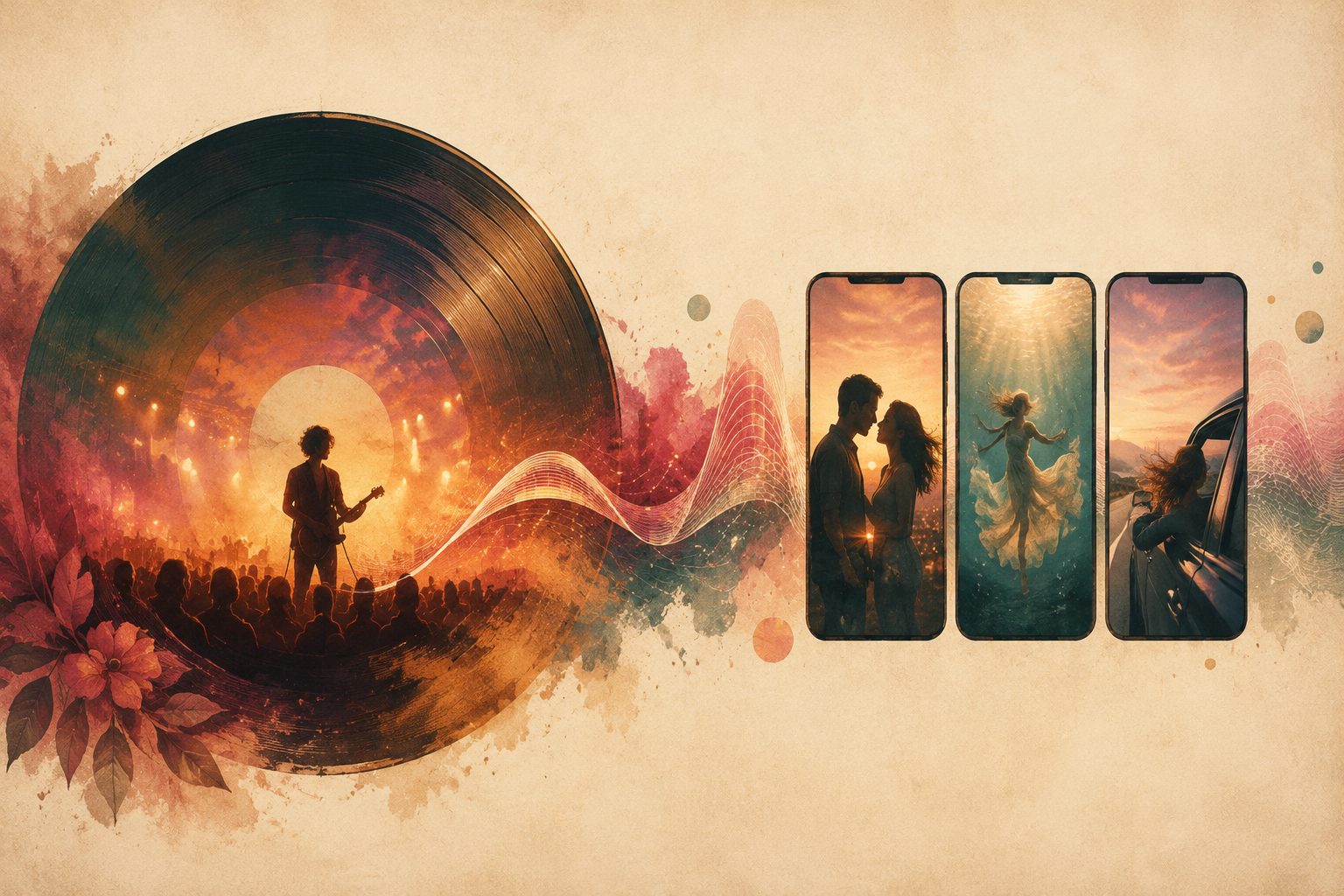
Caption: SunoMV · the moment a love-story MV plays on the reception big screen
5. How it became a steady, profitable service
After that wedding, Maya turned the “love-story MV” into a separately billed item on the studio’s menu. The logic is simple:
- Cost is nearly zero: she subscribed to a plan with a commercial license (reselling to clients requires it), so the marginal cost per couple is one afternoon of her time;
- The price is pure upside: she adds an MV production fee on top of the planning fee, and couples accept it readily — because they know exactly what they’re getting: “the personalized moment the parents will remember”;
- It markets itself: couples post the vertical MV to social, relatives see it and ask “who made this?”, and that drives inquiries straight to the studio.
More importantly, the delivery rhythm changed. She used to turn down “an MV requested the week before the wedding”; now she takes it — because a finished video takes about five minutes, versus the days and four-figure quotes of a traditional videographer. She has the confidence to hand a couple a surprise in the final week.
Practical rule: Sell the MV as a “clearly priced add-on,” not a freebie. Couples will pay for “the feeling that it’s theirs”; giving it away free actually makes them value it less.
Copy-this checklist
If you’re a wedding planner, a wedding studio, or a couple who just wants to make an MV for your own wedding, follow this list:
- Get the song right first — a couple’s own custom song is best; if there isn’t one, write one with AI and weave their story and names into the lyrics.
- Paste it into SunoMV to generate the MV — let AI add visuals matching the song’s mood, running across the whole song.
- Turn on word-by-word synced subtitles — the key to a room-wide sing-along; use a clean subtitle style for weddings.
- Drop in the couple’s photos — cover + background, turning “beautiful” into “personalized.”
- Export landscape + vertical — landscape for the big screen, vertical for social.
- Use a commercial-license plan if reselling — billing clients requires commercial rights.
- Price it as an add-on — don’t give it away; couples will pay for the personalized feeling.
FAQ
Q: I can’t edit video at all — can I really make this? A: Yes. The whole process doesn’t require you to open any editing software — pasting the song, generating, turning on subtitles, dropping in photos, exporting are all point-and-click. Maya isn’t an editor either; what she does is define this couple’s story and hand the technical work to AI.
Q: How long does one wedding MV take? A: A finished video usually takes about five minutes. With song selection, gathering photos, and confirming the style, Maya can fully deliver for one couple solo in an afternoon — so even a request the week before the wedding is doable.
Q: What if the couple doesn’t have a custom song? A: You can write one with AI on the spot. Sit with the couple and get their story clear — where they met, unforgettable moments, what they want to say — and generate a love song with their names and story in the lyrics, trying a few versions and picking the best fit.
Q: Is reselling to clients safe on copyright? A: With a commercial-license plan, yes. If you’re selling the MV as a paid service to couples, choose a tier that includes commercial rights — that’s far safer than pulling unlicensed BGM off the internet.
Q: Do I need to make two videos for the big screen and social? A: No. Same song, just switch between the 16:9 and 9:16 ratios to export each — landscape for the venue screen, vertical for social, one creation covering both channels.
Get started now
If you do weddings too and you’ve got a couple who wants a “video that’s theirs” — open SunoMV, drop in their song (or their story), and in five minutes you’ll have your first love-story MV. To see the full wedding playbook, check out the wedding song video maker; to push lyric subtitles further, see the complete AI lyric video generator guide.
Tell us tomorrow: which moment at the reception was the one that made your couple tear up.
SunoMV Team
Popular guides
- 01 Suno AI Prompt Guide 2026: 10 Tips + Copy-Paste Templates
- 02 How to Turn Any Suno Song into a Music Video: The Complete Workflow
- 03 7 Best Free AI Song Generators in 2026 (Suno, Udio & More, Compared)
- 04 Suno v5 AI Music Complete Guide (2026): From Blank Page to Release-Ready Single
- 05 Suno Video Download Guide 2026: 3 Ways to Export AI Songs as MP4