/icon.png)
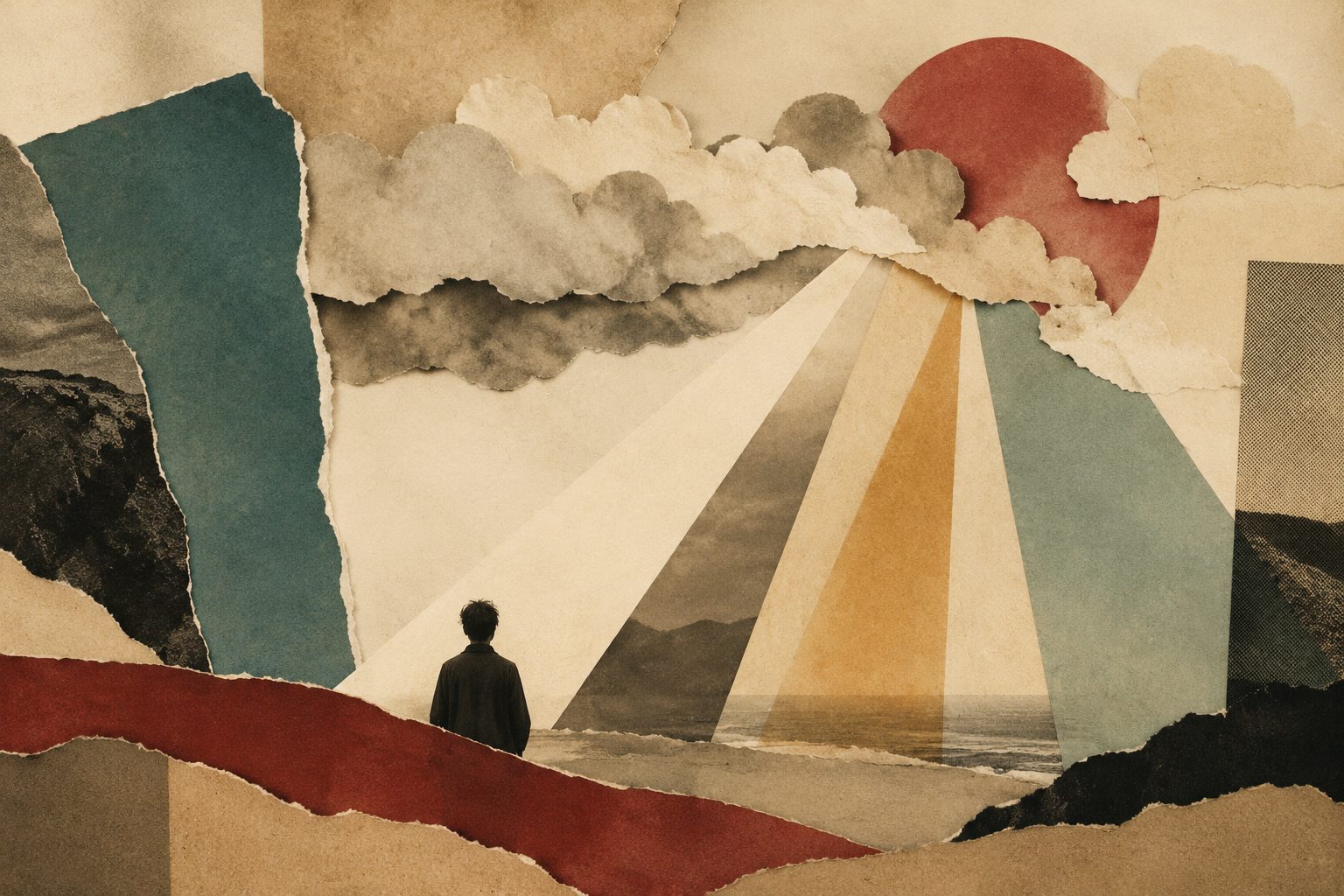
Negative Space Wins: วิธีการแก้ไข "Breathing Room" สำหรับวิดีโอดนตรี AI (วิธี SunoMV 2026)

วิดีโอดนตรี AI ส่วนใหญ่ดูถูกไม่ใช่เพราะภาพดูแย่ แต่เพราะว่า เต็มไปหมด — ตัดทุก ๆ สองวินาที การเคลื่อนไหวอย่างต่อเนื่อง ทุกเฟรมเต็มไปด้วยข้อมูล ทุกเฟรมกำลังตะโกน เมื่อทุกภาพผลัก equally hard สายตาของผู้ชมไม่มีที่พักผ่อน และ chorus ไม่สามารถลง — เพราะว่าคำพูด already ระเบิด premium music video เข้าใจ negative space: พวกเขา deliberately ปล่อยให้เฟรมว่าง ยัง มืด และ minimal ใช้ emptiness เพื่อทำให้ fullness ตี วิธีการนี้เรียนหยุด “breathing room” editing method และแสดงให้คุณเห็นวิธีการ ทำแต่ละขั้นตอนใน the SunoMV music video generator
Negative space ไม่ใช่ความเกียจคร้าน — มัน contrast tool วิดีโอดนตรีที่ breathe สลับระหว่างการเคลื่อนไหวและ stillness: ภาพสงบผลัก chorus ระเบิดสูงขึ้น allowing ผู้ชมหายใจในก่อนความรู้สึก arrive
Caption: SunoMV · the cinematic feel of minimal, negative-space composition
1. ทำไม “Overstuffed” คือแหล่งที่มาอันดับ 1 ของถูกใจใน AI Music Video
AI สร้าง frame สำหรับทุก lyric line และ default มันพยายามทำให้ทุกเฟรม “pretty,” “rich” และ “informative” ดังนั้นคุณได้ chain ของช็อตที่ optimize — แต่ stitch ร่วม พวกเขา exhaust ผู้ชม:
- No focal point: เมื่อทุกช็อต equally intense ผู้ชม ไม่สามารถบอก ที่ดูที่ และ attention diluted evenly
- The chorus ไม่สามารถลง: ถ้า verse already maxed screen chorus ไม่มี higher step ปีน และ emotional curve flatten
- That assembled รู้สึก: human editor naturally ปล่อยให้ breathing room — running ที่ full capacity throughout expose “algorithm ซ้อนนี้”
Practical rule: A music video premium รู้สึก ไม่ depend บน how full your fullest frame — มัน depend บน whether คุณ dare ให้ your emptiest frame truly empty โดยไม่ empty full mean nothing
In cinematography นี้ call negative space — area frame deliberately ปล่อยให้โดยไม่มีเรื่อง Upgrade มันจาก composition concept ไปยัง editing-rhythm concept และคุณได้ “breathing room”: whole piece rising และ falling ระหว่าง motion และ stillness full และ empty method ด้านล่าง translate ว่า professional instinct ไปยัง step AI music video สามารถ actually execute
2. Map Energy Curve First: Find Where ไป “Full” และ Where ไป “Breathe”
คุณไม่สามารถเพิ่ม negative space randomly — มัน ต้อง land ในตำแหน่ง right Step one นั้น always เพื่อ map song energy curve แล้ว decide ที่ full และ ที่ breathe
ฟังผ่าน once และ tag แต่ละ section ด้วย energy value (1 lowest 5 highest) typical pop song ดู roughly เช่นนี้:
| Song section | Energy | Full or breathing? | Visual treatment |
|---|---|---|---|
| Intro | 2 | Breathing | One still minimal empty shot ด้วย lots negative space |
| Verse 1 | 2-3 | Mostly breathing | Slow shot single subject dark background |
| Pre-chorus | 3-4 | Building | Motion start ปรากฏ แต่ยัง restrained |
| Chorus | 5 | Full | Information density motion color ทั้งหมด open up |
| Verse 2 | 3 | Breathing | Back ไป restraint let ผู้ชม exhale |
| Bridge | 1-2 | Maximum negative space | The emptiest stillest passage — film deep breathe |
| Final chorus | 5 | Fullest | Emotional peak strongest contrast |
| Outro | 2 | Breathing | Return ไปยัง opening emptiness closing loop |
key insight: full และ empty นั้น relative chorus ระเบิด เพราะว่า calm passage sit underneath มันถ้าคุณต้อง moment ที่ climax film put emptiest shot right ก่อน
Practical rule: เพื่อทำให้ chorus ตี hardest put beat right ก่อน chorus เป็น quiet / negative-space shot — still dark empty shot even one หรือ two second near-solid color bigger drop stronger chorus impact
3. วิธีการออกแบบ Breathing Shot: Four Concrete Form ของ “Empty”
“Negative space” ไม่ใช่ black screen nothing มันมี concrete visual form สี่นี้ useful “breathing shot” type:
1. Held shot: almost motionless frame — empty room distant horizon single streetlight camera hold does cut และ let time slow down
2. Minimal composition: เพียง one subject ในเฟรม surrounded โดย lots empty space — person standing ใน vast snow chair ในใจ empty room negative space fill 70%+ frame
3. Dark / low-information frame: darkened nearly monochrome image ด้วย minimal detail ผู้ชมน eye rest และ store energy สำหรับ next bright scene
4. Slow และ still: ไม่ empty แต่ “moving extremely slowly” — wisp smoke rising barely-moving reflection บน water visually still ในใน “breathing” state
Practical rule: Breathing shot ต้อง “dare hold” AI default give frame ที่เคลื่อน; คุณต้อง actively ask “still” “slow” “minimal” “lots negative space” — word นี้ your breathing switch
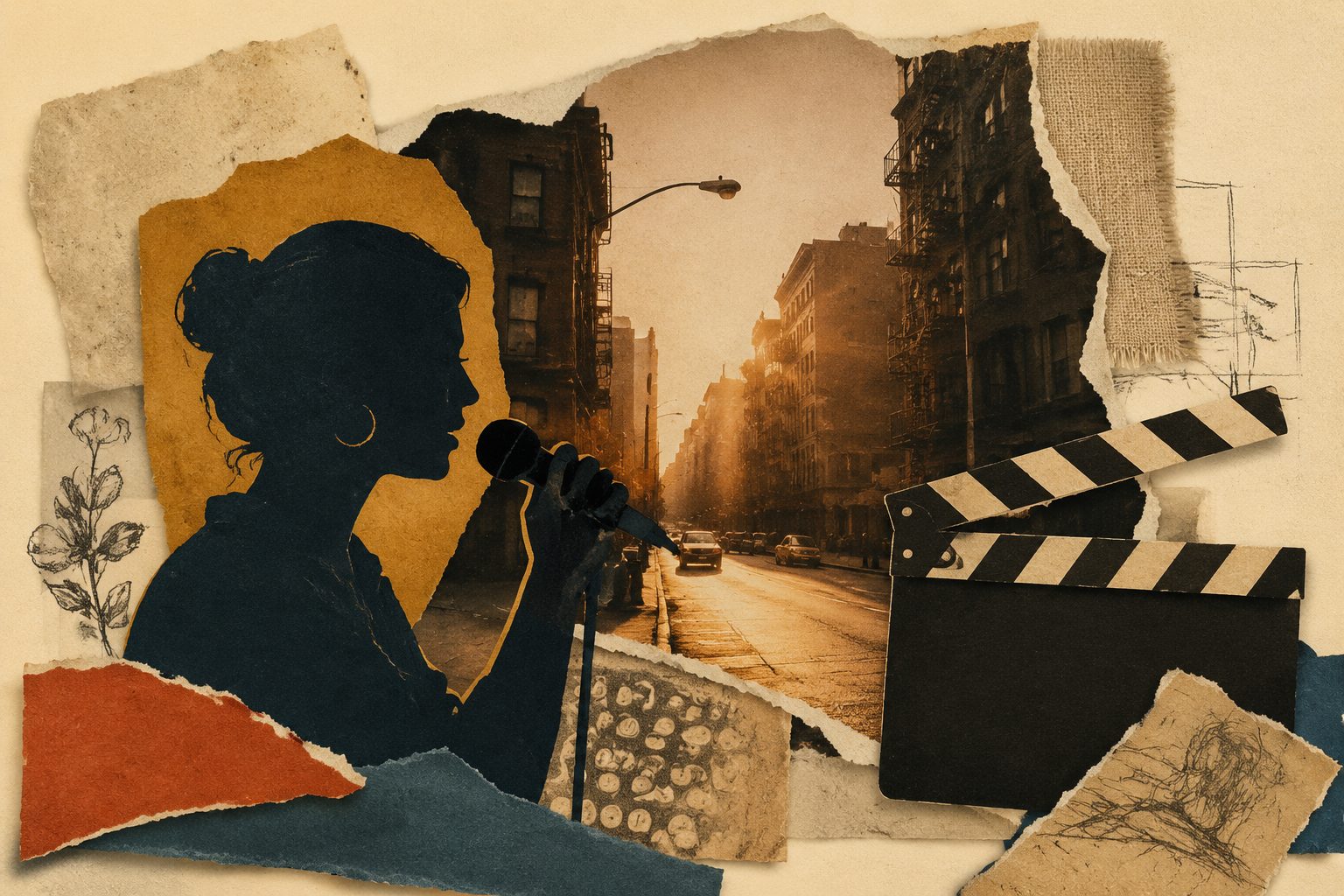
Caption: SunoMV · three kind breathing shot — held dark minimal composition
4. The Busy-to-Breathing Ratio: Keep Full Under Half ดังนั้น Empty Stay Precious
หลาย people ยืดหญ้า “negative space” และ go ไปยัง extreme ทำให้ whole film empty และ dull negative space นั้น seasoning ไม่ main dish Controlling busy-to-breathing ratio เป็น core discipline method นี้
useful starting ratio นั้น 6 : 4 — sixty percent full forty percent breathing สำหรับ 3-minute MV specifically:
- Full section (chorus bridge climax peak): dynamic dense saturated color
- Breathing section (intro verse transition outro): still minimal dark
- the two alternate — don run three full section row และ don run three empty row either
test นั้น simple: close eye และ recall MV ถ้า remember “full whole time” หรือ “dull whole time” ratio นั้น wrong ถ้า remember “quiet — explosion — quiet — bigger explosion” ratio นั้น right
Practical rule: Don let full section exceed half film เมื่อมากกว่า half your shot “pushing hard” pushing itself lose meaning — เพราะว่า there no un-pushed part left set off
5. Build It ใน SunoMV: Write Per-Section Prompt และ Insert “Breathing”
Once คุณเข้าใจ method execution นั้นตรง SunoMV key lever นั้น: you สามารถ write different visual prompt สำหรับทุก song section นั่น mean “full” และ “empty” สามารถ precisely assigned ไปยัง section ใน the cinematic abstract music video generator:
Step 1: Paste song see section structure
Paste song link (หรือ audio file) ลงใน generator และ identify verse chorus และ bridge structure — ซึ่งเป็นสูตรสำหรับ placing motion และ stillness คุณยัง สามารถ write new song ด้วย AI ก่อน step นี้
Step 2: Write “still empty dark” prompt สำหรับ breathing section
สำหรับ breathing section — intro verse bridge outro — deliberately write minimal prompt สำหรับ example:
- Intro: “A still empty shot: vast seaside ที่ dawn tiny figure ใน bottom-right corner gray-white sky ด้วย lots negative space”
- Bridge: “A very dark room single beam light frame nearly ทั้งหมด black slow almost motionless”
- Outro: “Return ไปยัง opening seaside empty shot figure leave เพียง empty shore remain”
key นั้นเพื่อ write word “still” “minimal” “lots negative space” “dark” explicitly — ปล่อยให้พวกเขา out และ AI default full
Step 3: Write “full moving bright” prompt สำหรับ busy section
เมื่อ chorus arrive flip มัน และ max out density:
- Chorus: “Color explosion multiple element dynamic shot pushing fast bright และ highly saturated”
Make chorus form biggest possible drop ต่อ bridge หรือ verse ก่อน SunoMV generate frame จาก per-section prompt ของคุณ add word-by-word synced lyric subtitle และ section transition export horizontal หรือ vertical finished video — ด้วย motion-stillness rhythm fully ภายใต้ control ของคุณ
Step 4: Review breathing rhythm ใน finished cut
ก่อน exporting watch มัน once สำหรับ rhythm: do breathing section actually “stop” มี drop ก่อน chorus ถ้า section feel too full simplify section prompt ตัดเพียง section ตัดเพียง — ไม่ต้อง redo whole film
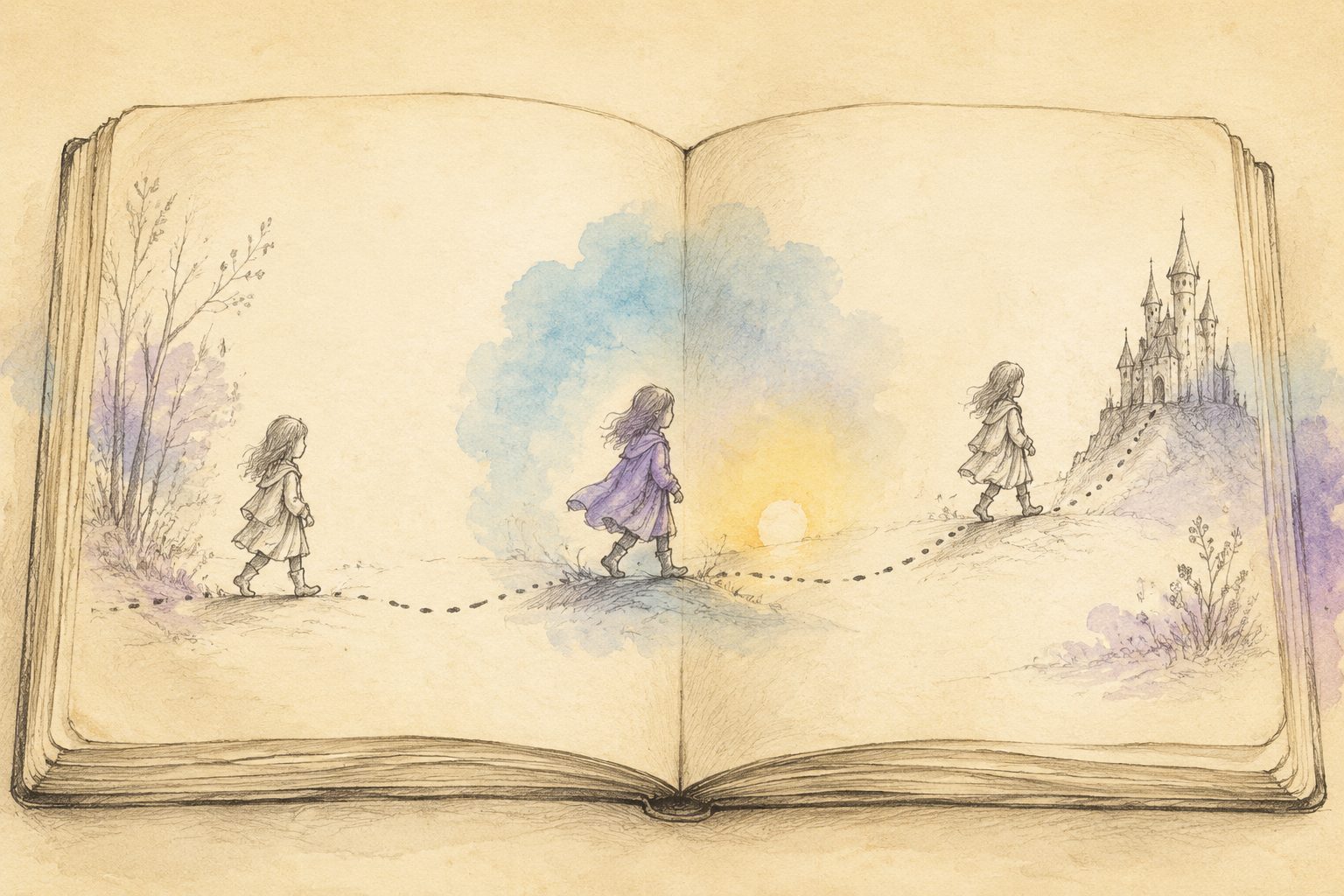
Caption: SunoMV · the finished breathing rhythm after assigning motion และ stillness ต่อ section
Practical rule: สำหรับ same motif หรือ scene ใช้ “minimal version” ในใน breathing section และ “explosive version” ในใน full section — ด้วยวิธีนั้น คุณได้ negative-space contrast โดยไม่หมดสะสม สำหรับ abstract purely visual breathing rhythm ลอง cinematic abstract music visualizer
6. Pre-Publish Self-Check Checklist
ก่อน export run ผ่าน 6 quick check:
- สามารถ point ไปยัง single emptiest shot ในใน whole film? (ถ้าคุณ can it too full throughout)
- beat right ก่อน chorus quiet / negative-space shot?
- do full section exceed half film? (ถ้า cut down)
- bridge emptiest stillest passage ใน film?
- outro echo intro returning ไปยัง opening emptiness?
- ด้วย sound off watching เพียง visual คุณรู้สึก “breathing” — rise และ fall tension และ release?
Tick ทั้ง 6 และ MV ของคุณไป จาก “screaming whole time” ไปยัง “breathing” negative space นั้น exactly AI generation ที่ฟังอย่างง่ายที่สุด ignore และ exactly ที่ biggest quality gap open up สำหรับ further reading see recurring visual motif methodology และ combine negative space ด้วย motif
7. คำถามที่พบบ่อย (FAQ)
Q: Won negative space make MV รู้สึก “boring” หรือ “empty”? A: opposite สิ่งที่ทำให้คน bored ปกติว่า fatigue ของ “full whole time” ไม่ negative space negative space exist เพื่อทำให้ full section ตี harder — it one half contrast ไม่ absence
Q: ฉันต้อง use 6:4 ratio สำหรับ every song? A: 6:4 just useful starting value intense dance track สามารถไป fuller (7:3); ambient และ ballad track สามารถไป emptier (5:5 หรือ even 4:6) principle นั้น unchanged: full และ empty ต้อง alternate และ must drop ก่อน chorus
Q: ฉันจะได้ AI actually generate “empty” frame? A: Explicitly write word เช่น “still” “minimal” “lots negative space” “dark” “single subject” AI default full frame; คุณต้อง actively press breathing switch
Q: does negative space conflict ด้วย color consistency motif และ other method? A: No — they complementary negative space govern “rhythm motion และ stillness” color govern “consistency color” และ motif govern “anchor memory” stack ทั้งสาม และ MV เป็น truly premium
Q: does work สำหรับ vertical short video too? A: Yes และ needed even more ที่นั่น Attention scarcer ใน vertical feed และ quiet negative-space shot สามารถ actually “stop” viewer thumb ใน scroll SunoMV support horizontal และ vertical export และ rhythm method universal
Final Thought
ใน AI era ทำให้ทุกเฟรม polish ไม่ยังคง scarce; สิ่งที่ scarce นั้น daring ให้ empty A music video ที่ breathe win ไม่ผ่าน fullness แต่ผ่าน drop ระหว่าง full และ empty: map energy curve place emptiest shot ก่อน chorus hold ratio ข้อมูล around sixty-forty แล้ว use SunoMV per-section prompt เพื่อ insert “breathing” precisely
Negative space win go give your next MV room breathe ที่ suno.bi
SunoMV Team
คู่มือยอดนิยม
- 01 รวม Prompt Suno 30 แบบ แยกตามแนวเพลง ก๊อปไปใช้ได้เลย (2026)
- 02 วิธีทำมิวสิกวิดีโอจากเพลง Suno ของคุณ: แค่วางลิงก์ (2026)
- 03 7 เครื่องมือสร้างเพลง AI ที่ฟรีจริงในปี 2026 (Suno, Udio, ACE-Step)
- 04 คู่มือเพลง AI ที่สมบูรณ์ของ Suno v5 (2026): จากหน้าว่างเปล่าไปจนถึงซิงเกิลพร้อมเปิดตัว
- 05 ดาวน์โหลดเพลง Suno เป็น MP4 ฟรี: เทียบ 3 วิธี (2026)
บทความอื่นในชุดนี้
- วิธีการ Recurring Visual Motif สำหรับวิดีโอเพลง (2026)
- ความเงียบและการหยุด: วิธี Tension ให้ AI Music Video "หายใจ" (2026 Method) — หยุดแค่บางจังหวะ
- วิธีการแมปประเภทไปยังวิศวกรรมการมองเห็น: ทำให้ภาพวิดีโอเพลง AI ของคุณรู้สึกถูกต้องในมุมมองแรก (วิธีการ 2026)
- AI Music Video ดูแบน? วิธี Shot-Scale + Camera-Motion: ให้วิชวลหายใจ (2026 Method)
- วิธีการจัดสไตล์และเวลาของคำบรรยาย (2026): ทำให้คำบรรยายเพลง AI อ่านได้ ตามจังหวะ และไม่ท้อใจ
ดูบทความทั้ง 35 เรื่องในหัวข้อ งานฝีมือและการกำกับมิวสิกวิดีโอ →