AI Birthday Song with Name — Made into a Music Video
Paste a song link, upload your audio, or compose with AI. SunoMV auto-aligns karaoke subtitles and uses the birthday person's photo to generate consistent scenes across the entire video.
Start for FreeSample: an AI birthday song with a name, turned into a 9:16 music video
“Happy Birthday, Mia” (94 s) was made end to end in SunoMV: the song, the storyboard, the AI-filmed opening shot and the karaoke lyrics. Nothing was edited outside the app.
- Pick a style and SunoMV paints the first 3 storyboard shots from your lyrics.
- The first shot is filmed as an AI video clip, so the MV opens in motion.
- The rest of the song plays over the cover art with word-by-word karaoke lyrics.
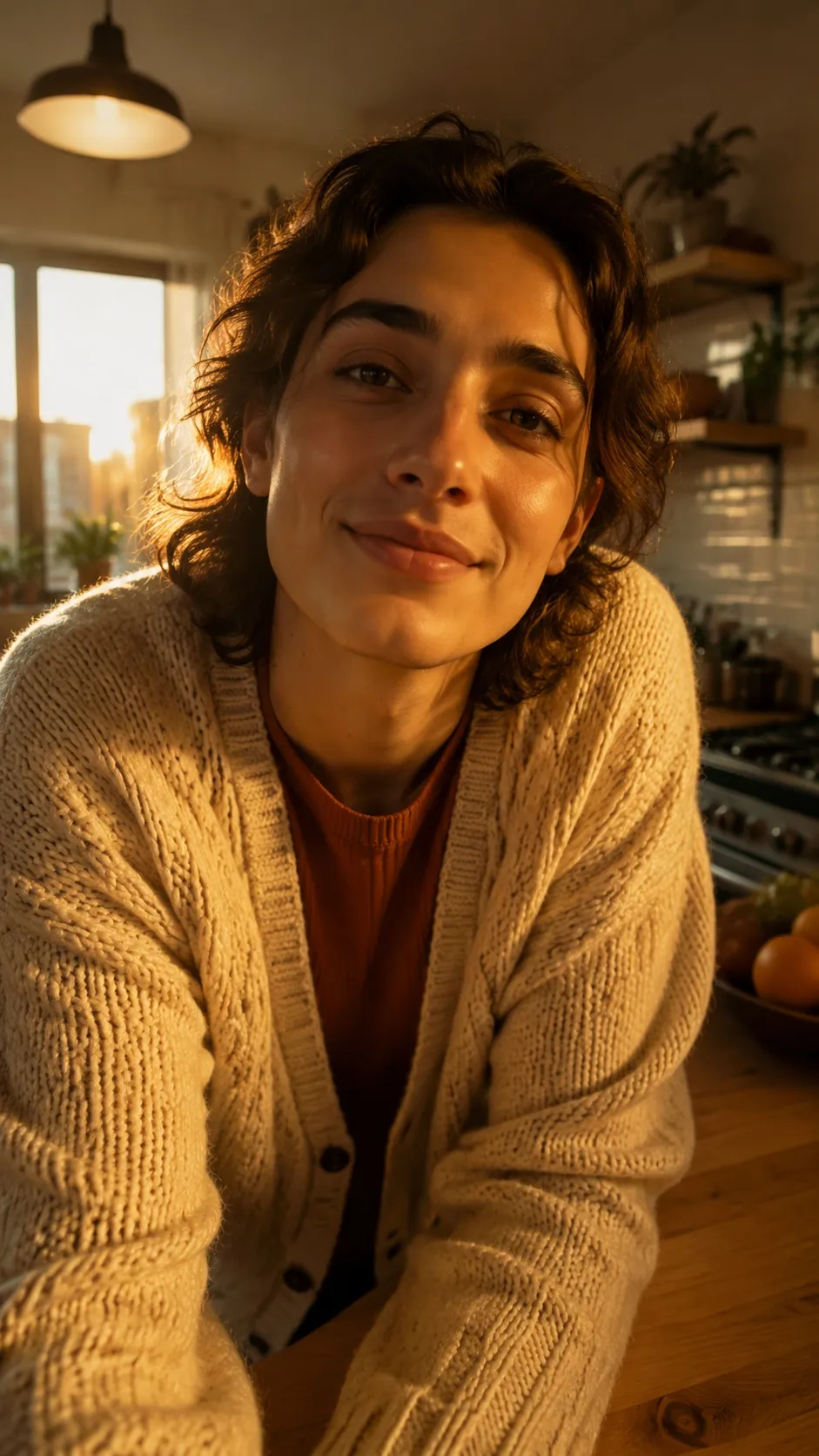
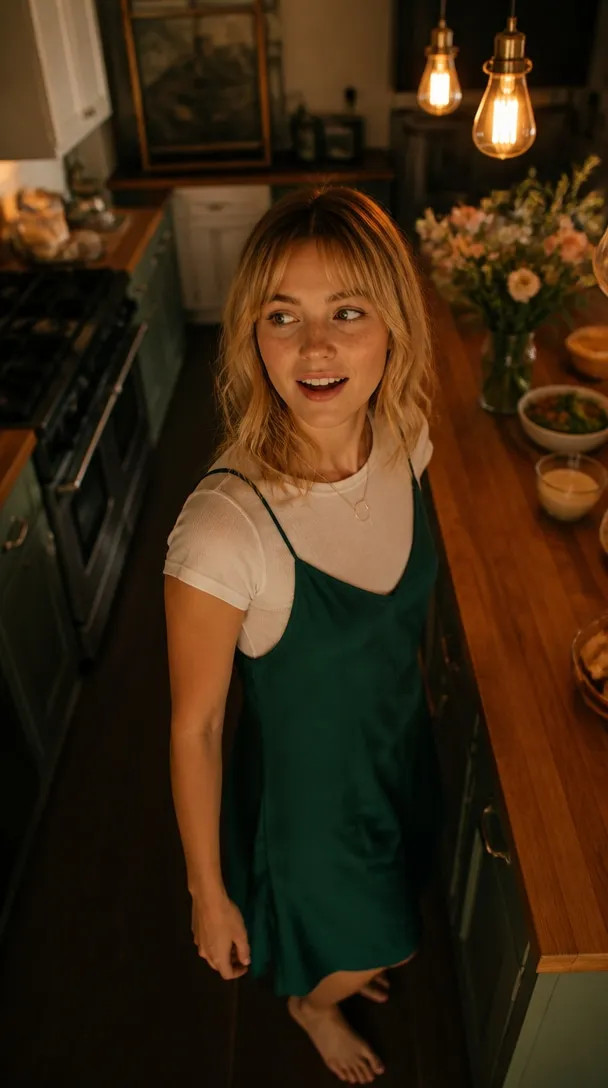
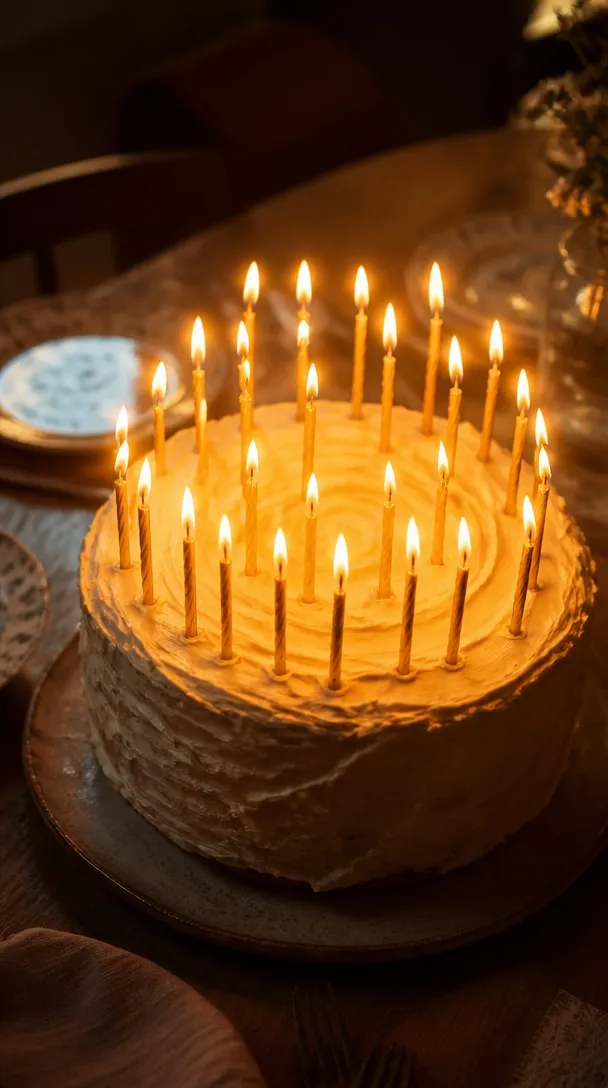
Three Ways to Make a Birthday Music Video
Whether you have an existing birthday track, want AI to compose custom lyrics and music, or already have a song link, create a birthday MV in minutes.
Personalized in Ways a Card Can't Be
Consistent protagonist faces, word-by-word karaoke subtitles, 22+ visual styles, and dynamic video transitions — craft memorable birthday music videos.
Word-by-Word Karaoke Subtitles
Choose from 18 subtitle styles, including KTV fill and word-by-word highlights, precisely synced to vocals for party sing-alongs.
22+ Visual Art Styles
Choose from 22+ art styles including anime, realistic, oil painting, ink wash, and cyberpunk, or let Auto mode pick visual scenes line by line.
Consistent Protagonist Face
Upload a photo of the birthday person, and the AI will preserve their facial features consistently across all generated scene shots (Pro feature).
AI Motion Video & Transitions
Upgrade static frames into AI motion clips with camera transitions using credits, bringing dynamic energy to celebration scenes.
Custom Cover, Titles & Waveform
Customize the video cover, song title, and artist name, and add an animated audio waveform for a polished, celebratory look.
Multiple Aspect Ratios for Any Platform
Support 16:9 (projectors/TV), 9:16 (TikTok/Shorts), 1:1, 4:3, and 4:5. Export in 1080p MP4 ready for any screen.
How to Make a Birthday Music Video in 3 Steps
From audio and photo to finished 1080p video in minutes — no video editing experience required.
Import Song & Upload Photo
Paste a song link, upload your birthday audio file, or generate one with AI. Upload the birthday star's photo as the visual protagonist.
Choose Art & Subtitle Styles
Auto-extract lyrics with vocal alignment. Pick from 22+ art styles and choose your preferred karaoke subtitle animation.
Preview & Export HD Video
Preview your video online, then export watermark-free 1080p MP4 to share on chat groups, social media, or play at the party.
Made in SunoMV · real exports
See what a song turns into
Every sample below is an untouched SunoMV export: 3 AI storyboard shots, one AI-filmed clip, then the lyrics. Each one uses a different caption style and frame size.
SunoMV vs Sendwishonline vs Greeting Cards
Create vibrant birthday music videos with consistent protagonist faces, word-synced karaoke subtitles, and custom art styles.
Birthday Song Video Maker FAQ
Can I include the birthday person's name in the song?
Yes. You can use the built-in AI music generation to write custom lyrics with their name, or record and upload your own audio file (MP3, WAV, M4A, etc.). SunoMV will auto-detect the lyrics and sync the subtitles.
Is this suitable for making kids' birthday videos?
Yes. You can select lively styles like anime for a playful look. If you prefer not to upload photos, you can generate animated scenes directly from lyrics, paired with vibrant karaoke subtitles.
Does SunoMV support batch creating multiple birthday videos?
We do not currently support CSV batch imports. However, the Studio plan ($129.9/mo) includes 5x concurrent task processing and 20,000 monthly credits, allowing you to generate multiple video projects simultaneously.
How long can a birthday music video be?
The video length matches your imported audio track. Whether it's a 30-second birthday greeting or a full 3 to 5-minute song, visuals and subtitles are generated to match the timeline line by line.
Can I include personal memories or inside jokes in the video?
Yes. When composing with AI, you can write personal memories directly into the lyrics. If uploading existing audio, you can edit the lyrics text. SunoMV generates AI visuals corresponding to each line of lyrics.
Can I use it for free?
You can preview for free. Free users get 3 link-based video previews per day (export not included). To export 1080p watermark-free videos, upgrade to Pro ($39.9/mo, unlimited lyric video exports, 5,000 credits, commercial use). Studio ($129.9/mo) offers 20,000 credits and 5x concurrency.
More AI Music Video Tools
Wedding music videos — keep the couple consistent across scenes with romantic karaoke subtitles.
Lullaby MV for the baby's first birthday or sleep-time routine.
Choose anime and stylized art presets to create fun music videos for anime enthusiasts.
Support 9:16 vertical aspect ratio and highlight subtitles, ready for TikTok, Instagram Reels, and Shorts.
Make a Birthday Music Video They'll Actually Watch
Upload audio or compose with AI, generate synced karaoke subtitles, and make the birthday star the face of every scene.