/icon.png)

Pictures + motion
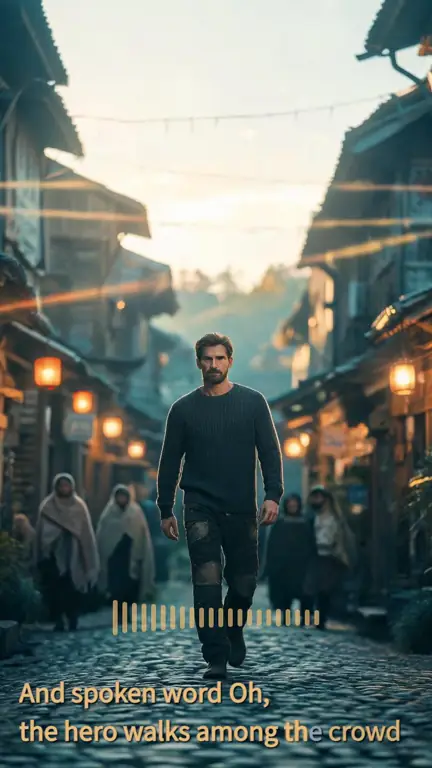
Hero · the chorus
Storyboard pictures with camera motion and synced lyrics. 30 seconds from a full-song export.
Paste a Suno link. We sync the lyrics, draw a picture for every line, and film the scenes you pick.
Real exports from real songs. Press play.
Storyboard pictures with camera motion and synced lyrics. 30 seconds from a full-song export.
One scene filmed with AI video, 5 seconds. You pick which scenes get this.
Oil-painting look. One picture for each lyric line.
💡 Most videos mix the two: film the chorus, keep the verses as pictures. It keeps the cost down.
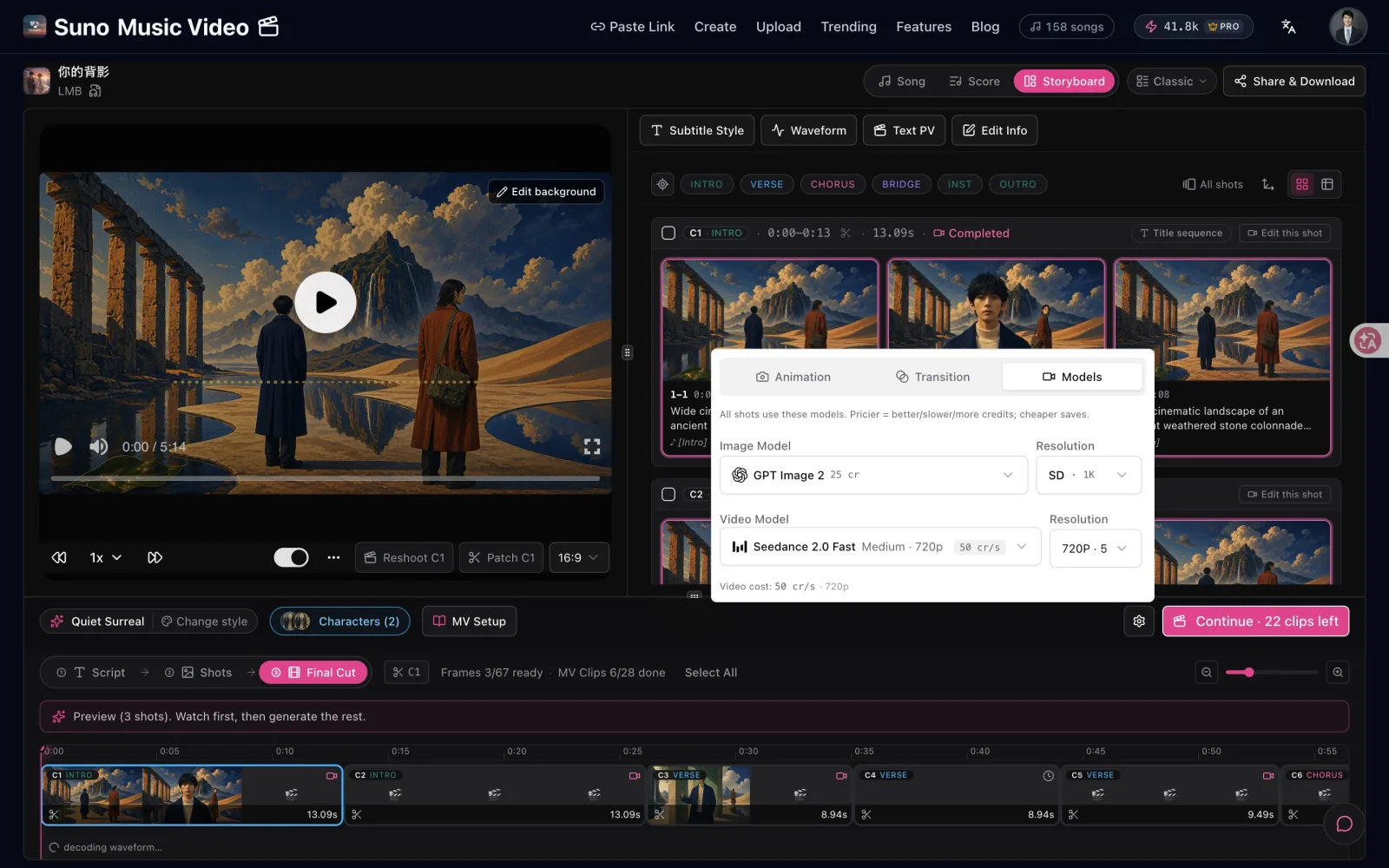
Suno to Video turns a finished Suno song into a music video in your browser. You get a storyboard first, check a preview, then film only the scenes you want moving. Each step shows its price before it runs. For the wider category, see AI Music Video Generator.
Four steps. You see each one before you pay.
We pull the song and lyrics, and sync every line to the vocals.

Choose from 36 styles. Add a face photo so your singer looks the same in every scene.
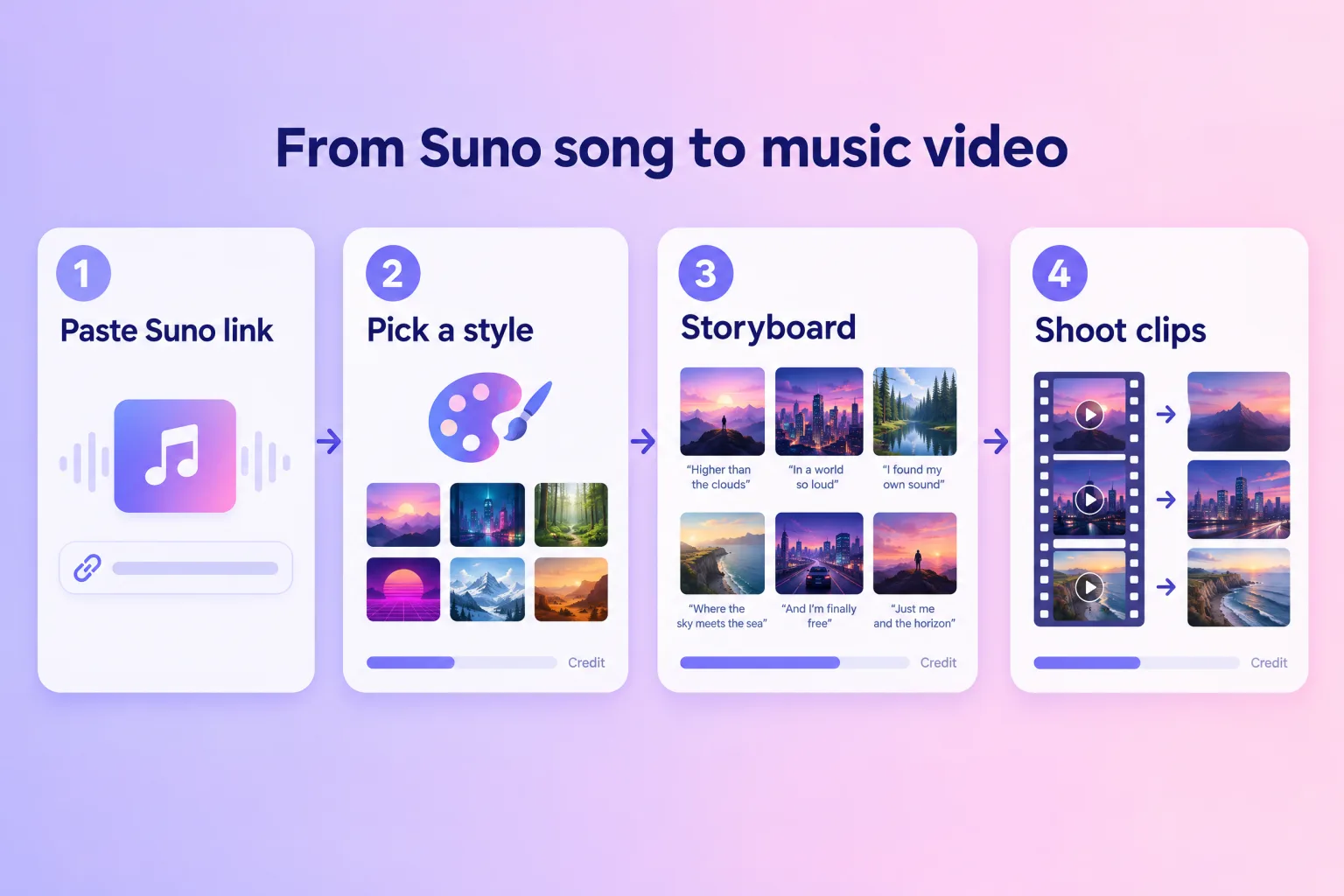
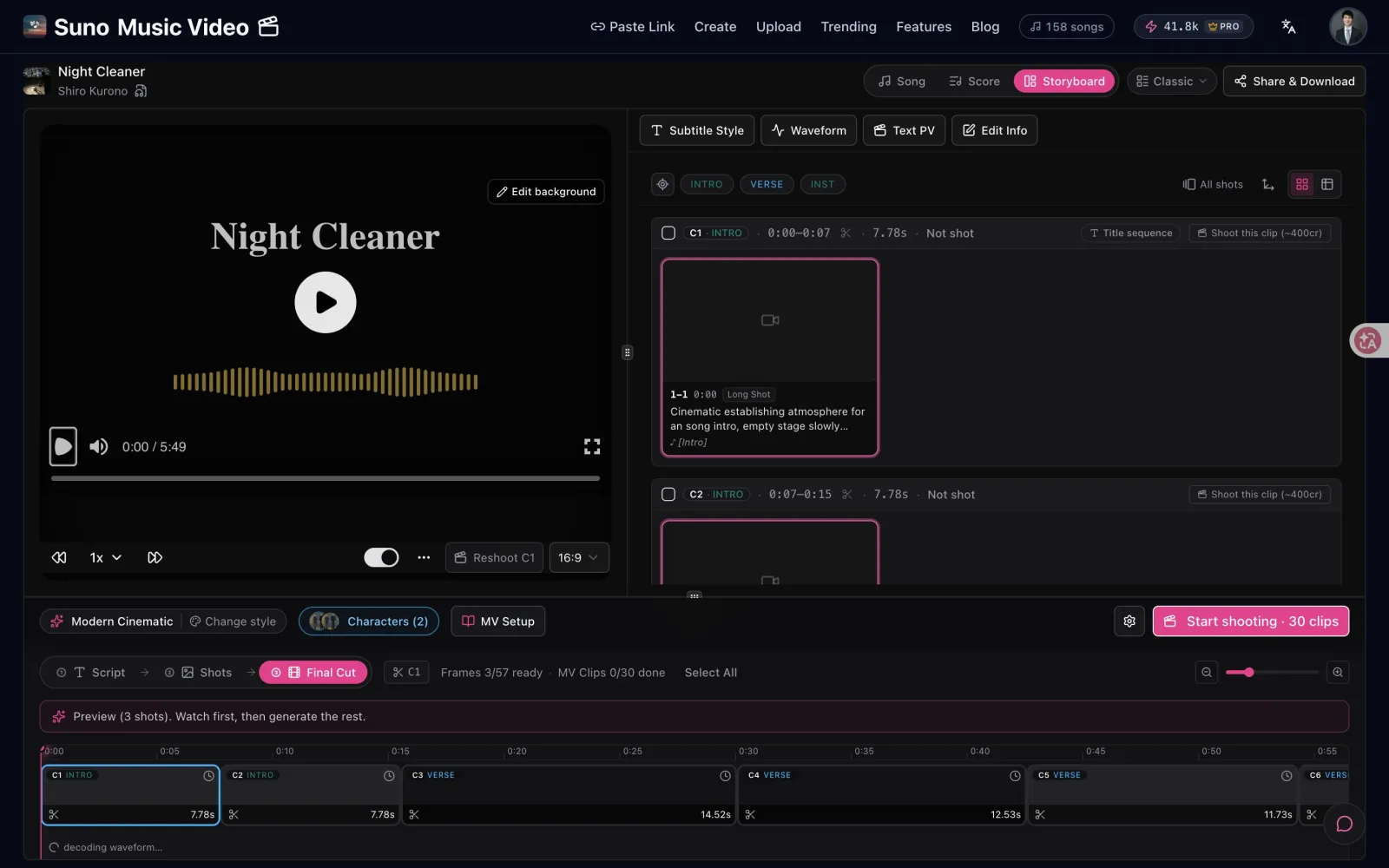
We draw a few pictures first. Like the look? Draw the rest of the song.
Film the scenes you want moving. The rest play as pictures or lyric scenes. Export 9:16 or 16:9.
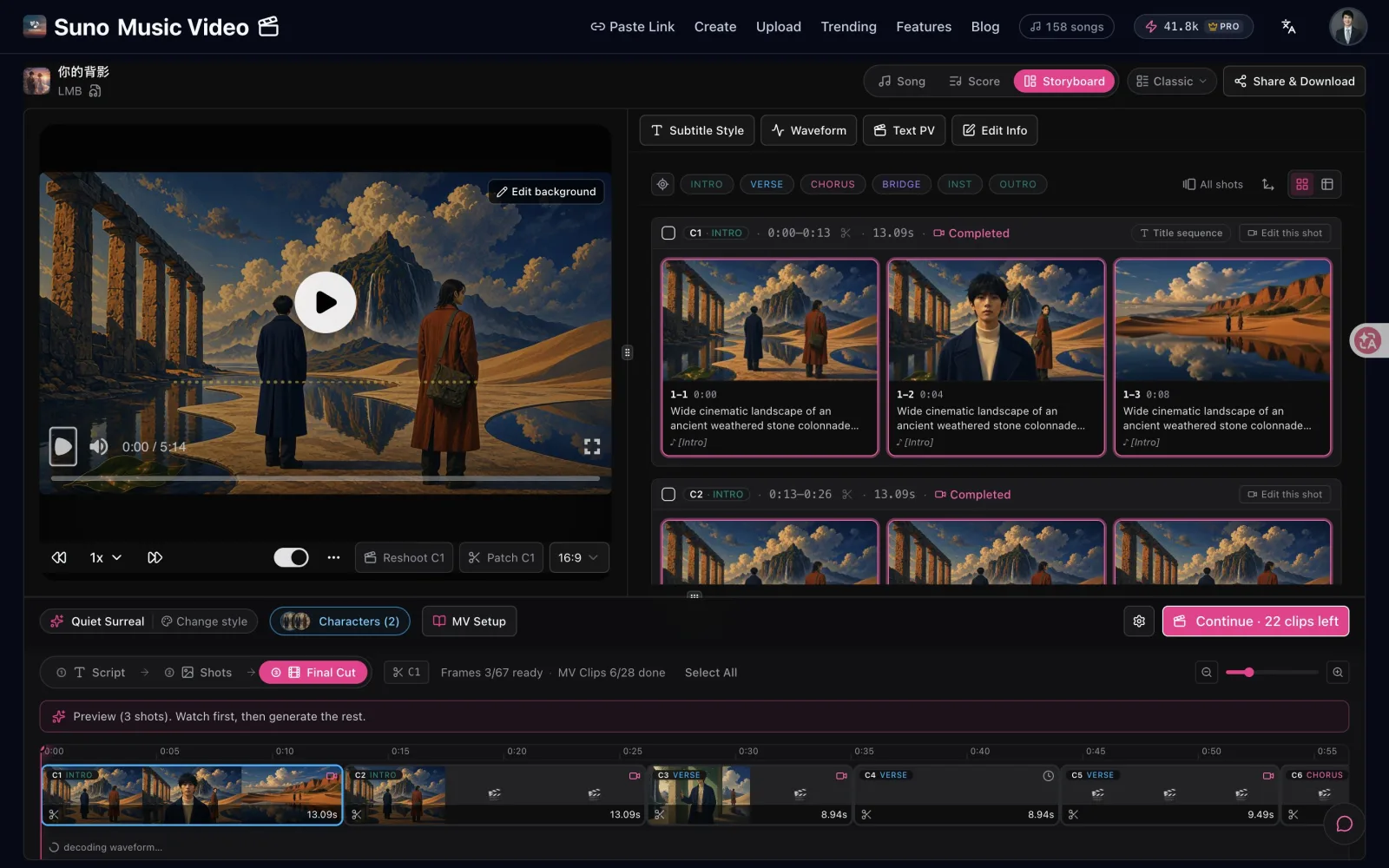
The price is on the button before you press it.
Anyone with a finished Suno song.
A video to post, pin and run ads with. Film the chorus, keep the verses as pictures.
Cut the hook into a 9:16 clip. Lyrics on screen, so it works on mute.
Lyric scenes and pictures only. No video credits needed.
A lyric video displays a song’s words on screen in time with the vocals, over a static, animated or generated background. It exists because most music platforms are audio-only while most social feeds are video-only — the lyric video is the format that lets a song travel through a video feed.
A storyboard is one picture per shot, laid out in order before anything is filmed. Directors use it to agree on the look and the cuts cheaply. In an AI music video it plays the same role: a still costs a fraction of a video clip, so fixing the picture first saves credits.
Song structure is the arrangement of sections — intro, verse, chorus, bridge, outro — that most popular music follows. It matters for video because those section boundaries are natural cut points. A track already carries its own shot list; the sections tell an editor where the picture should change.
Suno users generate roughly 7 million songs per day, while Deezer reports that 44% of tracks newly uploaded each day are fully AI-generated. The volume of finished songs now far exceeds the volume of finished videos.
Suno Revenue and Usage Statistics (2026), Business of Apps ↗FAQ'S
Ask us anything!
Paste your link, preview free, then film the parts you love.