Audio to video AI: turn your MP3 into a music video
Upload a song, a voice recording or a podcast clip. We put the words on screen, draw a picture for each line, and you film the scenes you want moving.
Free account, no card. 3 songs a day.
- Songs, voice notes, podcasts
- Words synced for you
- 9:16 or 16:9
What audio works
If it has sound, it can have a video.
Songs
Your own track, a demo or an AI song. Paste the lyrics for exact subtitles, or leave them blank and we write them down.
Instrumentals
No words? Turn on Instrumental. We split the track into parts like intro, groove and break, with pictures for each.
Voice notes and podcasts
A recording, a talk or a podcast clip. What you say becomes on-screen captions, with a picture for each line.
Made with SunoMV
Real exports. Press play.
Hero · the chorus
Pictures with camera motion and synced lyrics. 30 seconds from a full export.
Hero · opening scene
One scene filmed as AI video, 5 seconds. You choose which scenes get this.




Storyboard pictures
Oil-painting look. One picture for each line.
Most videos mix the two: film the best part, keep the rest as pictures. It keeps the cost down.
How it works
Three steps. You see each one before you pay.
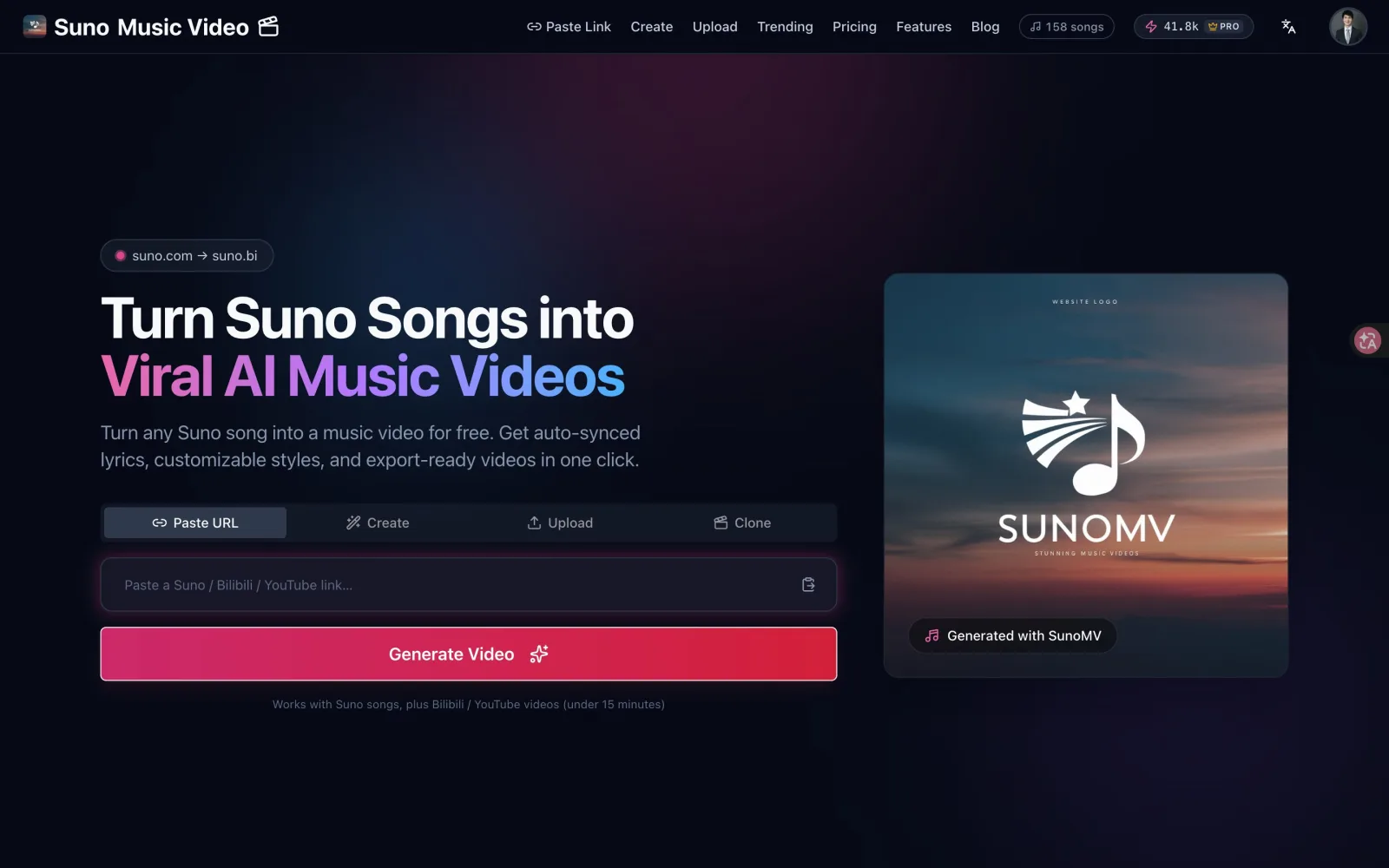
Add your audio
Upload a file or paste a link. We find the words and line them up with the sound.
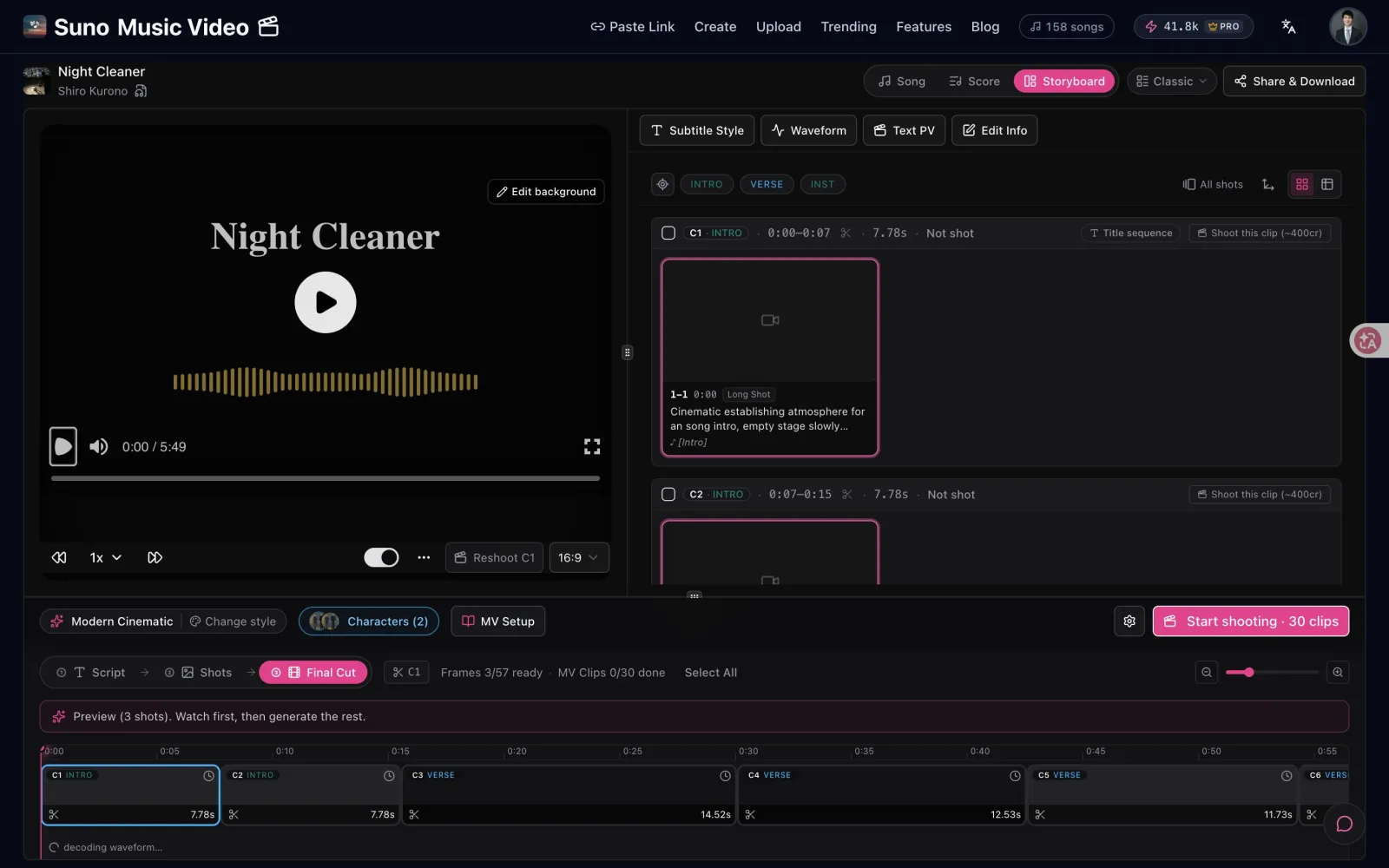
Check the preview
Pick a look. We draw a few pictures first. Like them? Draw the rest.
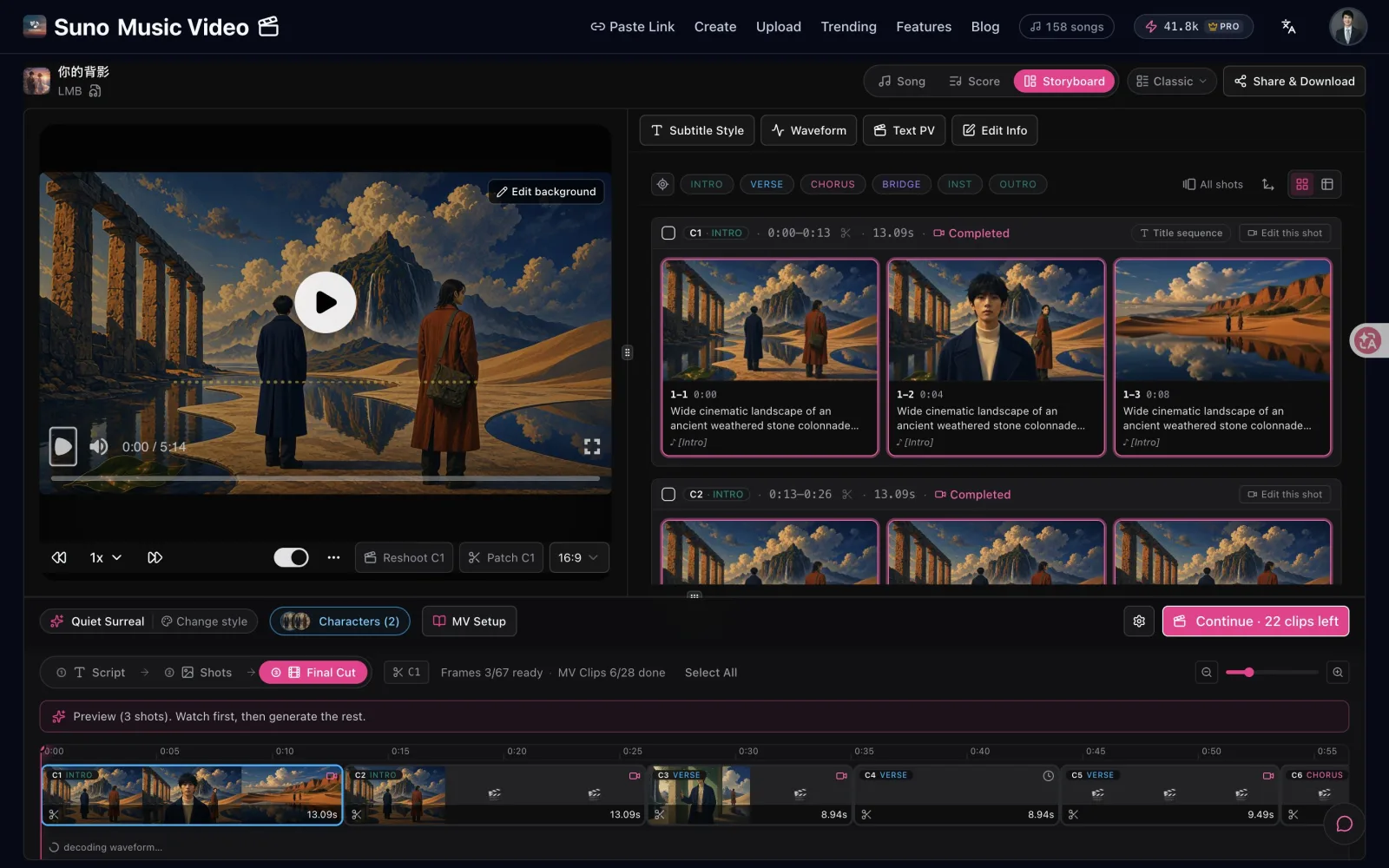
Film and export
Film the scenes you want moving. The rest play as pictures or lyric scenes. Export 9:16 or 16:9.
What's free, what costs credits
The price is on the button before you press it.
3 songs a day with a free account, up to 15 minutes each.
Enough for your first preview pictures.
Plus: 50 songs a month. Pro: no monthly limit. Paid plans take files over 15 minutes, up to 500 MB.
Depends on the image model you pick.
Default: 50 credits a second at 720p. Scenes you don't film use no video credits.
Pro: 5,000 credits a month, 1080p, no watermark.
SunoMV vs VidMuse vs MVLAND vs Free Tools
Feature and pricing breakdown.
Frequently Asked Questions
What audio formats can I use?
Audio: MP3, WAV, M4A, AAC, OGG and FLAC. Video: MP4, MOV, WebM, AVI and MKV, and we pull the sound out for you. Files can be up to 500 MB. You can also paste a YouTube, Bilibili or Suno link.
How long can my audio be?
On the free plan each song can be up to 15 minutes, whether you upload it or paste a link. Paid plans take longer files, up to 500 MB. The video is as long as your audio, so a 30-second clip makes a 30-second video.
What can I do for free?
With a free account you can make 3 songs a day: upload a file or paste a link, up to 15 minutes each. We sync the words and write a scene for every line, and new accounts get 100 credits to draw the first preview pictures. Exporting the video needs a paid plan.
Can I use it without signing up?
You can watch the samples here without an account. To make a video you need a free account, so your project is saved and you can come back to it. Signing in takes a few seconds. No card needed.
Does it work without lyrics, for instrumentals or for podcasts?
Yes. Paste your lyrics for exact subtitles, or leave them blank and we write down the words. Turn on Instrumental and we split the track into parts with pictures for each. Voice notes and podcast clips work too: what you say becomes captions.
Is it one click?
No. You get a storyboard first: one picture for each line. Check the preview, draw the rest, then film only the scenes you want moving. Each step shows its price before it runs.
Can I use SunoMV-generated videos commercially?
Yes. Pro and Studio subscribers get full commercial rights and watermark-free exports. Free tier is preview only, export requires Pro.
Got a track? Give it a video.
Upload a file or paste a link. Both are free to start.