/icon.png)
MiniMax Music 3.0 Is Live on SunoMV: New Mix Engine, New Vocal Engine, Under Two Minutes to a Finished Song

MiniMax Music 3.0 Is Live on SunoMV: New Mix Engine, New Vocal Engine
MiniMax has released Music 3.0, its new-generation music generation model. We integrated it and ran real tests on launch day, so when you open the SunoMV create page today, it is already sitting in the model list — no waitlist, no extra setup.
1. What actually changed in this generation
Per MiniMax’s official documentation, Music 3.0 concentrates its improvements in three places — and all three happen to be exactly where AI-generated music usually gives itself away:
1. An upgraded semantic model, so it drifts less. Write “late night, restrained, just one piano” and the previous generation would happily bury it in strings. 3.0 tracks your creative intent more faithfully; MiniMax describes it as reducing the usual AI-generated drift. In practice that means fewer regenerations — your style description actually gets heard.
2. Sound quality is the biggest single jump. MiniMax’s own wording: no more cramped or muddy mixes. It also supports specific instruments and real playing techniques such as slides and legato. Concretely, you can now ask for “electric guitar slide into the chorus” instead of vaguely writing “rock.”
3. A rebuilt vocal engine. The high-frequency “digital hiss” is gone, and melody, pronunciation, breathing, and layered harmonies are now things you can steer. Vocals have always been the easiest tell in AI music, which makes this the improvement that most directly decides whether a track is publishable.
2. Our test numbers
On integration day we ran the same lyrics and the same style description (dream pop, female vocal, warm synth pads, 90 BPM) through 3.0 and the previous generation, back to back:
| Generation time | Track length | |
|---|---|---|
| MiniMax 3.0 | 64 seconds | 1 min 49 sec |
| MiniMax 2.6 | 46 seconds | 1 min 09 sec |
Two things worth calling out:
- 18 seconds slower, but the output is more complete. 3.0 stretched the same lyrics into a nearly two-minute structured arrangement, while 2.6 wrapped up just past the one-minute mark. If you are making a music video, that difference is very practical — a longer track gives your visuals room to breathe.
- Instrumental-only works the same way. Skip the lyrics, give it a style description, and you get a stable instrumental track — useful for background beds and transitions.
One honest caveat: sound quality is subjective, and the numbers above only describe generation behaviour. Run the same lyrics through both and listen side by side — that is the fastest way to find out which model fits your taste, and it is exactly how we pick models internally.
3. How to use it inside SunoMV
SunoMV is not trying to be another song generator. The point is turning one idea into a music video you can publish as-is. With Music 3.0 in the list, the full path looks like this:
- Write an idea or lyrics — a single sentence is enough; AI expands it into full lyrics
- Pick MiniMax 3.0 — straight from the model list, and go ahead and name specific instruments and playing techniques in your style description
- Generate the song — a finished track in a couple of minutes, lyrics and music together
- Get visuals automatically — lyrics are split into shots, and each section gets its own generated scene
- Export a vertical music video — ready for TikTok, Reels, Shorts, or Douyin
Step 4 is the whole point: a song is raw material; the music video is what the algorithm actually distributes. Generate only a track and you still have to source visuals, line them up to the timeline, and edit an export. SunoMV covers that entire stretch.
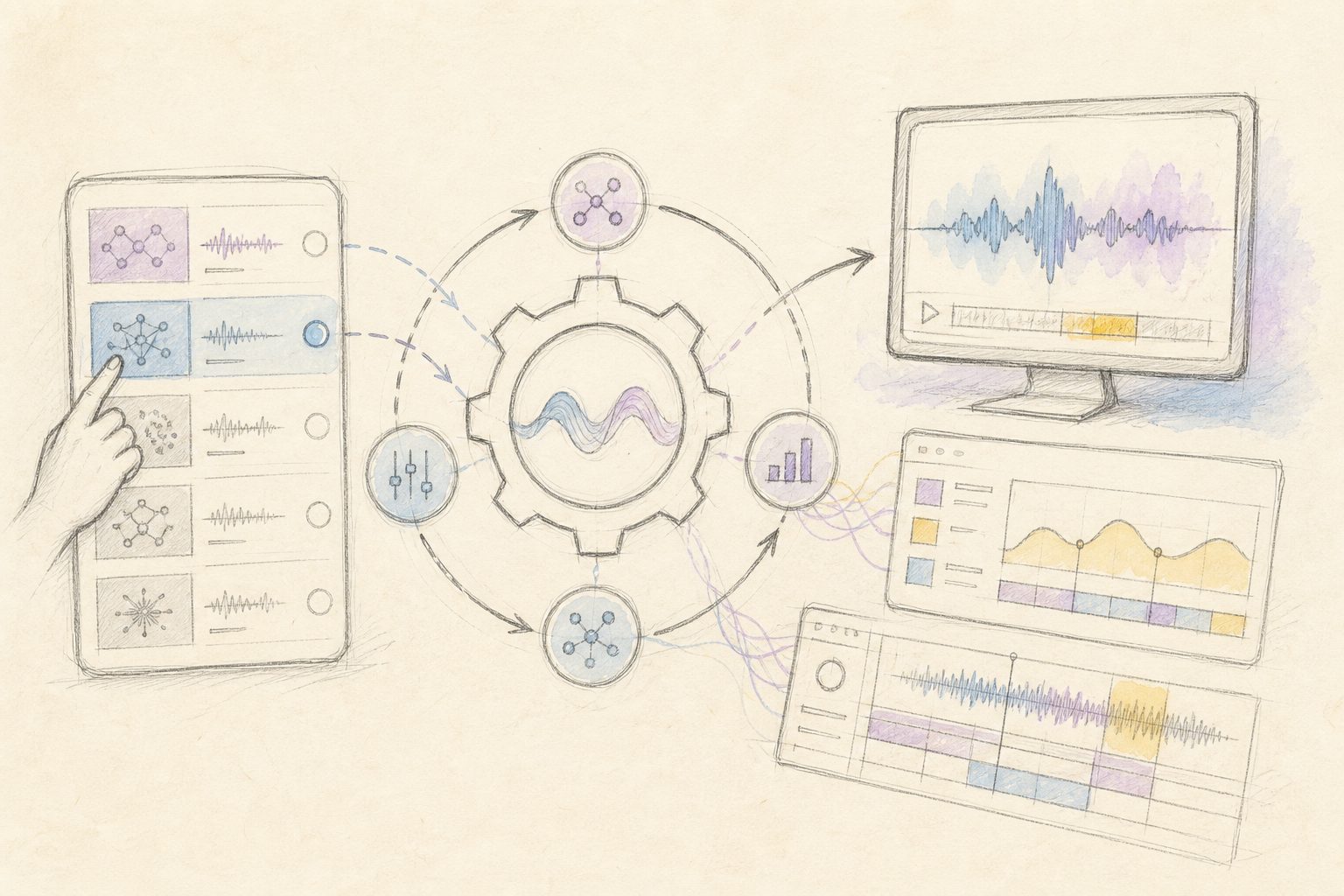
The diagram below maps that same path, from a line of lyrics to a finished cut:
Illustration: drawn by the BibiGPT team
4. When to reach for it
No model is universally better — only better fitted. For Music 3.0, these needs are worth trying first:
- Songs with vocals in Chinese: MiniMax has always been strong on Mandarin pronunciation and emotional delivery, and the new vocal engine makes that lead more obvious
- Specific instrumentation: if you want “solo piano into the chorus” or “electric guitar slide,” 3.0 is the one that understands the request
- Tracks you intend to publish: high-frequency vocal hiss is the artifact listeners notice first, so fixing it directly determines whether a cut is usable
If all you want is a quick 30-second clip to test an idea, there are lighter and faster options in the list. If you want a finished, publishable piece, Music 3.0 is one of the strongest picks available right now.
5. Available today
MiniMax Music 3.0 is live on SunoMV — nothing to request, nothing to wait for. Open the create page, select it from the model list, and write your first line. Two minutes later you have a complete song, and one step further you have a music video ready to post.
MiniMax 2.6 stays in the list, so if you prefer its character, keep using it.
The full breakdown of the model, plus the questions people ask most, lives on the MiniMax Music 3.0 page.
Popular guides
More in this series
- Seedance 2.0 vs 2.5 In-Depth Comparison: What Does 52% More Money Actually Buy You? Prompting, Capabilities, and Real Costs Explained (August 2026)
- FLUX 3 Video Model Tested: From Text-to-Video to Video Extension, What Music MV Creators Need to Know
- Suno v5.5 Song to Music Video: SunoMV vs Freebeat vs VidMuse (2026)
- MiniMax H3 (Hailuo 03) for AI Music Videos: Feed the Song Itself In, and the Visuals Finally Hit the Beat
- GEMA vs Suno: What the Munich Verdict Means for AI Music Creators (2026)