/icon.png)

MiniMax H3 (Hailuo 03) for AI Music Videos: Feed the Song Itself In, and the Visuals Finally Hit the Beat

The line flooding social feeds these past two weeks is “MiniMax H3 is here, and the music video results are incredible.” As of July 31, 2026, this wave of buzz revolves around three numbers: native 2K, 15 seconds per clip, and built-in audio generation.
But if you have actually made an AI music video before, you know these three numbers are not the thing that kept you up until 2am last night. Picture quality has long been good enough to publish. What actually stalls you is usually two other things: during the chorus, the character’s lip movements do not match the words at all, and the cuts and the beat drift apart from each other, like someone stitched an unrelated short film onto a song.
The capability in H3 that actually addresses these two problems happens to be the one getting the least attention. This post is not a rehash of the launch spec sheet - it only answers which part of music video production H3 actually solves, and how to use it today.
1. The facts on H3, laid out plainly
MiniMax first unveiled Hailuo 03 at WAIC 2026 on July 17, 2026, also referred to externally as MiniMax H3. Here is a table pulling together the scattered claims:
| Capability | What H3 actually does |
|---|---|
| Resolution | Native 2K (2560x1440), not 720p upscaled |
| Clip length | Up to 15 seconds (starting at 5 seconds) |
| Audio | Generates dialogue, sound effects, and ambient sound in sync during generation, no separate audio pass needed |
| Reference inputs | Text, reference images, reference video, and reference audio can all be fed in simultaneously |
| Availability | Initially limited to a small group of creator partners, then gradually rolled out on Hailuo and partner platforms |
For a full spec breakdown, see third-party writeups like what is the Hailuo H3 model and MiniMax H3 (Hailuo 3.0) 2K video explained. We will not repeat the parameters here.
Practical rule: When a new video model drops, do not look at resolution first - ask whether it can take your existing footage as input. Resolution determines where your final cut can be published; reference input capability determines whether you have to redo everything ten times.
2. The real pain point in AI music videos is not picture quality, it is visuals falling out of sync with the music
What ruins a music video is usually not ugly visuals, it is that the picture and the music run on two independent timelines.
There are three common symptoms you have almost certainly run into:
- Mismatched lip sync: the person on screen is singing, but clearly not this song. Viewers check out within three seconds.
- Beat misalignment: right as the chorus explodes, the shot is still lingering on the previous empty frame; by the time it cuts, the beat has already passed by half a second.
- Character drift: the same protagonist looks different at second 4 versus second 12, and the whole narrative falls apart.
The traditional fix is to hand all of this to post-production: generate the visuals first, then manually align them, manually fix the lip sync, manually trim to the beat. The problem is that a single song usually needs dozens of shots, and the cost of manual alignment far exceeds the cost of generating the footage itself - which is why so many AI music videos end up degrading into “a slideshow of images with transitions.”
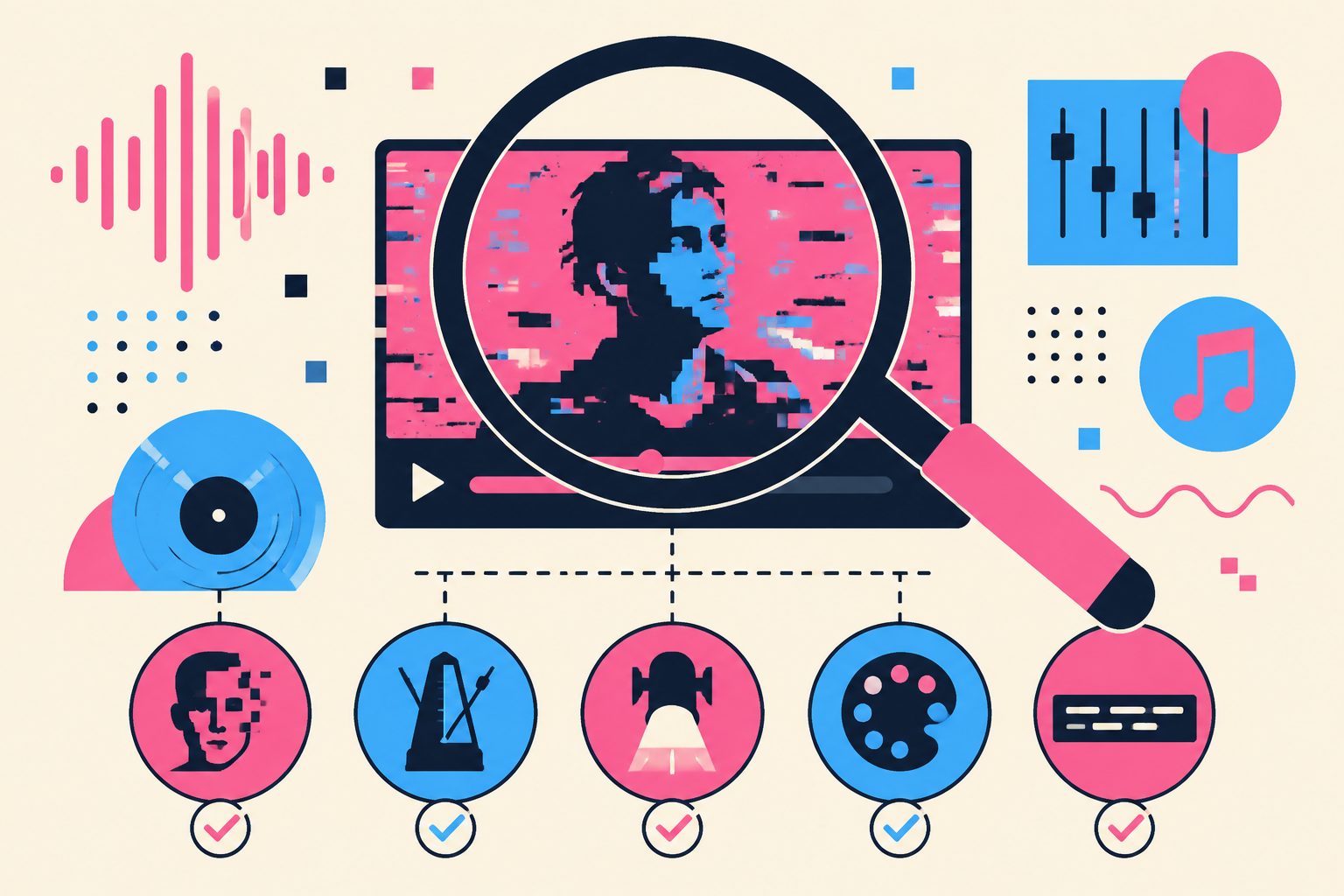
Practical rule: To judge whether an AI music video is professional, do not look at single-frame image quality - look at how many cuts happen during the 8 seconds of the chorus, and whether each cut lands right on the beat.
3. H3’s most underrated feature: the song itself can be an input
Among H3’s reference inputs is one called reference audio - you can feed a segment of audio directly into the model and have it generate visuals based on that. On SunoMV, this feature supports up to 3 reference audio clips.
For anyone making a music video, the implication is direct: the song you are trying to score can itself become an input.
- A character’s lip movements can follow the actual vocal track you provide, instead of the model inventing its own lip sync;
- The pacing of the visuals gets an actual timing anchor to reference, rather than relying purely on a text prompt like “cut to the rhythm” and hoping for the best;
- For covers or live-performance-style shots that need to preserve the texture of the original vocal performance, you no longer have to fix lip sync frame by frame in post.
This is also the most practical dividing line between H3 and other popular video models released around the same time. Multi-shot storytelling, longer durations, faster generation - plenty of models have been pushing on these fronts in recent years. But treating the song itself as a first-class input is still rare among the video models available today.
Practical rule: If you want lip movements and emotion to follow the song, feed the audio in at generation time. Fixing lip sync in post afterward costs several times more.
4. Nine reference images to lock the face: keeping the protagonist the same person across 15 seconds
Another of H3’s inputs is reference images, capped at up to 9 on SunoMV. What this quantity unlocks is not “a bit more accurate” - it is whether a character can hold together at all.
A single reference image can only lock one angle. Nine images can cover a front view, side profile, half-body shot, different lighting, and multiple outfits - giving the model enough information about this person’s multiple facets so that turns, movement, and lighting changes do not suddenly swap in a different face. Stack on up to 3 reference videos to guide motion and camera movement, and a 15-second shot has a real chance of being the same person from start to finish.
Character consistency is the most expensive part of making an AI music video. We break down the methodology in more depth in the AI music video character consistency method. H3 lowers the barrier to “just prepare a few more images.”
5. When to use H3, and when not to
H3 is the flagship tier - high image quality, high cost per generation. Using it for the entire video is usually a waste. It works better as a “reserved for key shots” tool:
| Scenario | Recommendation |
|---|---|
| Chorus climax, close-ups, shots with lip sync | Use H3, pair reference images with reference audio |
| Empty shots, transitions, atmosphere-building | Use a faster, cheaper tier, save the budget for key shots |
| Full rough cut, exploratory draft stage | Run a low-cost tier first, bring in H3 once the structure is locked |
| Cuts shorter than 5 seconds | H3’s minimum is 5 seconds, hand these off to another model |
Mixing multiple models within one music video is standard practice, not a compromise. ByteDance’s Seedance update a while back followed the same logic, and we made the same tradeoff analysis in what native 4K Seedance means for AI music videos.
Don’t treat H3 and H3 Max as the same thing. H3 (Hailuo 03) is the 2K + reference-audio flagship, reserved for chorus lip sync and hero close-ups. H3 Max is the fast-preview tier in the same family: measured $0.125 per 5-second clip ($0.025/s) at 480p, 5.41 seconds end-to-end, no reference audio, capped at 720p. Run the whole song through H3 Max first to nail the structure, decide which cuts are actually worth paying for, then hand only those to H3. See the 2026 music video model rankings for the full comparison.
Practical rule: The budget for a music video should be shaped like a pyramid - spend 80% of shots on a cheap tier to get the structure working, and reserve the flagship model for the 20% of shots that make or break the video.
6. Make a music video with H3 on SunoMV right now
No need to wait for a public rollout. Hailuo 03 is already a selectable option in the video model list on SunoMV, and reference-image face locking, reference-audio lip sync, and native 2K output all work directly.
Four steps to get started:
- Pick the song first: generate one with AI, or upload audio you already have - the music is the timing backbone of the entire video.
- Prepare protagonist material: gather multiple-angle images of the same character - front-facing, side profile, different lighting.
- Use Hailuo 03 for the key shots: feed it the reference images together with the vocal line for that segment, use a cheaper tier for the rest.
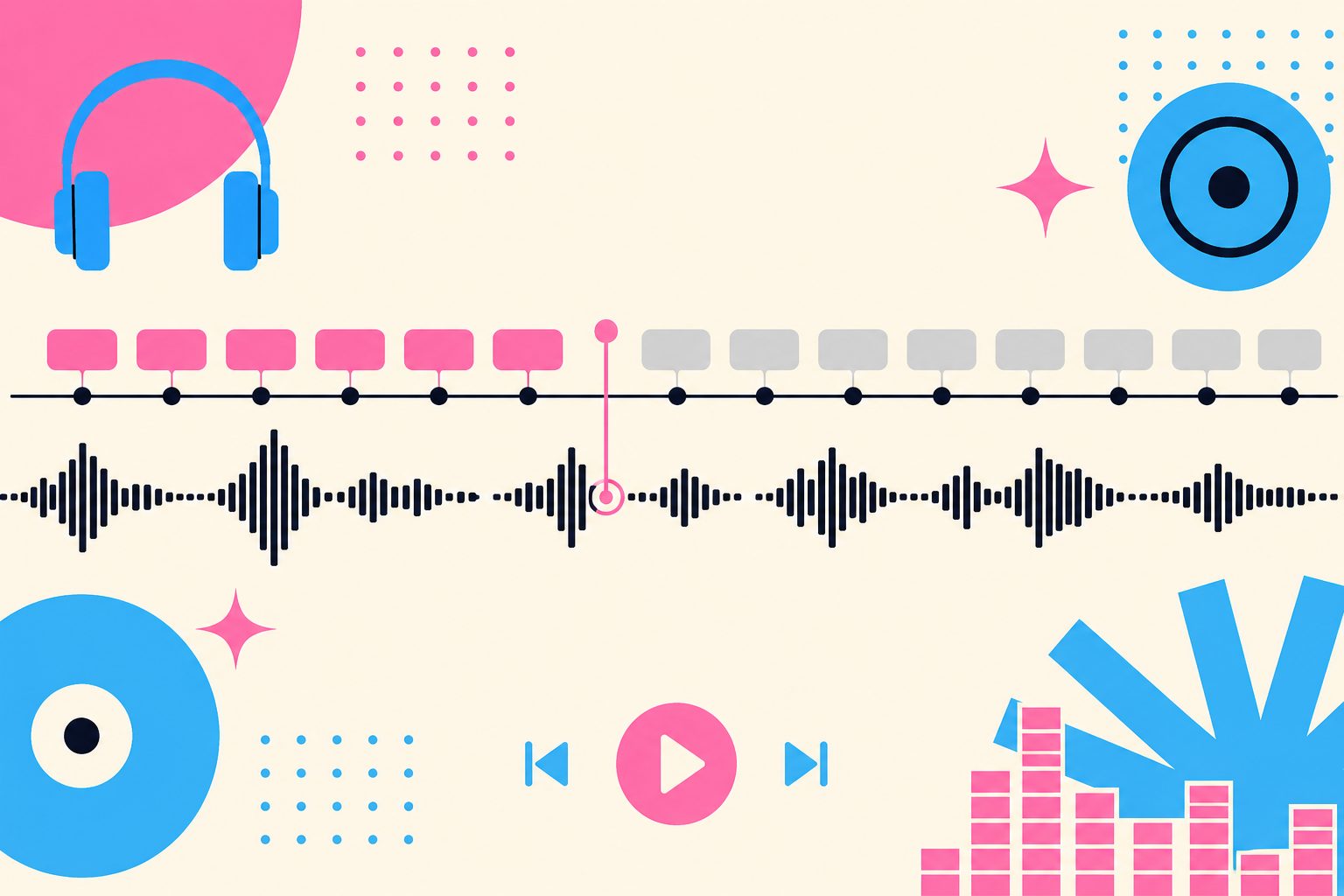
- Align all three tracks and export: lay the lyrics onto the timeline with word-level timestamps, lock the visuals, subtitles, and beat together, then export.
For how to precisely align lyrics and visuals down to the character, see the word-by-word synced lyric video guide. If you want to see the overall workflow first, this tutorial on turning an AI song into a complete music video is a good starting point.
FAQ
Q: Are H3 and Hailuo 03 the same thing? A: Yes. This video model, unveiled by MiniMax at WAIC 2026, is officially named Hailuo 03, and is commonly referred to as MiniMax H3 in public discussion.
Q: Do I need the original vocal recording to use reference audio? A: No. An AI-generated song works just as well as reference audio - what matters is having a defined piece of audio, not where it came from.
Q: Is 15 seconds enough to make a music video? A: Enough for a single clip. A 3-minute music video is made up of dozens of shots anyway, and 15 seconds is already long for a single shot - most musical shots should cut somewhere between 3 and 8 seconds.
Q: Is it worth making the entire video with H3 alone? A: Not really. It is the flagship tier, and costs noticeably more than the faster tiers. Reserving it for the chorus and close-ups while using a cheaper tier for the rest gives you the best value.
Q: Why is my lip sync still off? A: First check whether you actually fed in the audio for that specific line as a reference. Just writing “sing along” in the text prompt does not work - the model needs the actual audio. For general lip sync guidance, see the Hailuo lip sync feature guide.
7. What is next
The buzz from a product launch fades within a week, but the barrier to “turning a song you love into a proper music video” is genuinely dropping. H3’s value is not in those few numbers - it is in turning “audio” and “character” from post-production headaches into inputs at generation time.
Head over to the SunoMV audio-to-video generator right now, pick Hailuo 03, drop in the song you have had on repeat lately, and see what those eight seconds of chorus can become.
— SunoMV Team
Popular guides
More in this series
- GEMA vs Suno: What the Munich Verdict Means for AI Music Creators (2026)
- Suno vs Udio vs Riffusion 2026: How to Choose an AI Music Generator
- Seedance 2.0 Goes Native 4K, 2.5 Teases 30-Second Shots: What ByteDance's Launch Means for AI Music Videos (2026)
- Suno Raised $400M: How Your AI Song Gets Heard in 2026
- Best AI Music Video Makers 2026: 8 Tools Compared (With a Tool-Picking Decision Tree)