/icon.png)
AI Instrumental Cover Music Video Guide (2026): How to Make Covers That Have Their Own Face with SunoMV

You just finished recording an Adele cover. The vocal is comped, the reverb is dialed in, and you’re staring at the upload page on YouTube. Then you open CapCut, scroll through the lyric video templates that 50,000 other covers used last month, and a small voice says: “what’s going to make mine different?”
Cover song saturation isn’t new in 2026, but two forces are reopening the differentiation gap this year. First, AI can now generate a re-arranged instrumental that isn’t derived from the original master — meaning you can release without copyright strikes. Second, AI visuals have collapsed the cost of producing a dedicated music video from a week to a couple of hours. Combine those two, and you have what this guide unpacks: how to use SunoMV to make covers that have their own visual identity, not another templated lyric video.
Most articles on this topic open with a tool comparison. This one doesn’t. We start with copyright (one wrong move and your channel takes a strike), then talk about instrumental sourcing, and only then get to specific SunoMV moves. The order matters because all the visual polish in the world won’t save a video that gets demonetized in the first 24 hours.
One-sentence answer: what is an “AI instrumental cover MV” workflow?
An AI instrumental cover MV combines three steps: (1) generate a stylized, copyright-clean instrumental with an AI tool (not just stem-separating the original), (2) layer your own vocal on top, (3) use SunoMV to generate a dedicated music video matched to your vocal’s mood and the arrangement’s style. Unlike using a ripped instrumental, an AI re-arrangement is a derivative work rather than a copy — as long as your prompt doesn’t quote the original melody verbatim, the copyright risk drops by an order of magnitude.
Why “original instrumental + lyric template” stopped working
Open YouTube and search any popular song’s covers. Of the top 30 results, 28 will use the same lyrics-floating-over-blurred-original-MV template. Recommendation systems flag this kind of content as “weak originality” — according to YouTube Creator Insider’s 2025 Shorts policy guidance, reusing third-party visual assets without meaningful transformation triggers algorithmic suppression.
Practical rule: A dedicated visual asset has gone from “nice to have” to baseline for cover songs. No proprietary visual = automatically forfeiting roughly 70% of recommendation slots.
User behavior shifted too. Buzzsprout’s 2026 creator trend report shows 38% of audio-visual content consumers decide whether to keep watching in the first 8 seconds, down from 14 seconds in 2023. Even a great vocal can’t save you if the first 8 seconds don’t grab attention visually.

Copyright boundaries: four instrumental sources ranked by risk
Cover songs are generally legal worldwide (mechanical licenses required), but the source of your instrumental determines whether Content ID grabs your video and demonetizes it.
| Instrumental Source | Copyright Risk | Commercial Viable | Best For |
|---|---|---|---|
| Stem-ripped from original | 🔴 High (Content ID guaranteed) | ❌ No | Local practice only |
| Official instrumental release | 🟡 Medium (still original copyright) | Partial (mechanical license required) | Paid cover releases |
| Third-party paid BGM platforms | 🟢 Low | ✅ Yes | Commercial-grade covers |
| AI re-arranged instrumental (SunoMV / Suno V5) | 🟢 Low | ✅ Yes (provided prompt is original-free) | Recommended main path |
Decision filter: If your video will be monetized, take sponsorships, or carry affiliate links, the AI re-arranged instrumental is the only path that combines copyright safety with differentiation. Stem-ripping is for practice only — do not upload anywhere commercial.
Data point: according to Adobe’s 2025 creator copyright report, over 60% of small creators have received copyright strikes for background music misuse, and 78% of those came from “official-sounding sources they assumed were legal.” The gray zone is more dangerous than it looks.
Method A: Generate instrumental + visual together inside SunoMV
Best for first-time cover creators or anyone who doesn’t yet have instrumental production skills. SunoMV puts instrumental generation, vocal layering, and visual generation in a single pipeline — no toggling between a DAW and a video editor.
When this path fits
- You only have a vocal demo, no backing track
- You want to A/B test 3 different arrangements (piano / strings / lo-fi)
- Video publishing matters more than musical perfection (creator launch phase)
How to operate (5 steps)
- Open SunoMV AI Instrumental Generator, describe the arrangement style you want (e.g. “soft piano ballad with subtle string pad, 72 BPM, key of G major”)
- Upload your vocal demo (24bit WAV recommended, avoid lossy transcodes)
- Let SunoMV auto-align key + tempo between vocal and instrumental
- In the visual stage, set one visual tone for the whole track (instrumental covers have no wall of lyrics, so a pure-scene style like Modern Cinematic or Watercolor fits best) — fuller shots on choruses, calmer framing on verses
- Export 1080p / 4K, distribute to YouTube + TikTok + Bilibili (resolution auto-adapts)
When this path doesn’t fit
If your cover is for a competition or music festival, AI-generated instrumentals may lose points in the judging round for “unclear derivative source.” Use Method B for those scenarios.
https://www.youtube.com/embed/aJ4tQYY_RBM
Method B: Bring your own instrumental + visualize with SunoMV (intermediate creators)
For anyone who already produces their own instrumentals — treat SunoMV as a dedicated “music video generator.”
Workflow
- Complete instrumental production and vocal mixing in your DAW (Logic / Ableton / FL Studio)
- Export the full master (reserve -1dB true peak headroom)
- Upload to SunoMV’s AI Music Video Generator, set the Modern Cinematic visual tone, and turn on beat-synced cutting
- SunoMV auto-detects BPM and cuts shots on the downbeats

Advanced tip: anchor your prompt in visual language, not musical language
Lots of users write “make it cinematic.” SunoMV sees “cinematic” and applies a generic film-look preset. A more precise prompt uses scene + emotion + camera language:
A solo singer-songwriter performing in an empty cathedral at dusk,
warm amber light streaming through stained glass,
slow camera push-in during the chorus,
soft dissolve transitions between verses
This format tells the model your visual screenplay instead of asking it to guess.
Practical rule: When prompting SunoMV, translate every “musical term” into a “visual term” — the visual model understands frames, not “epic” or “chill.”
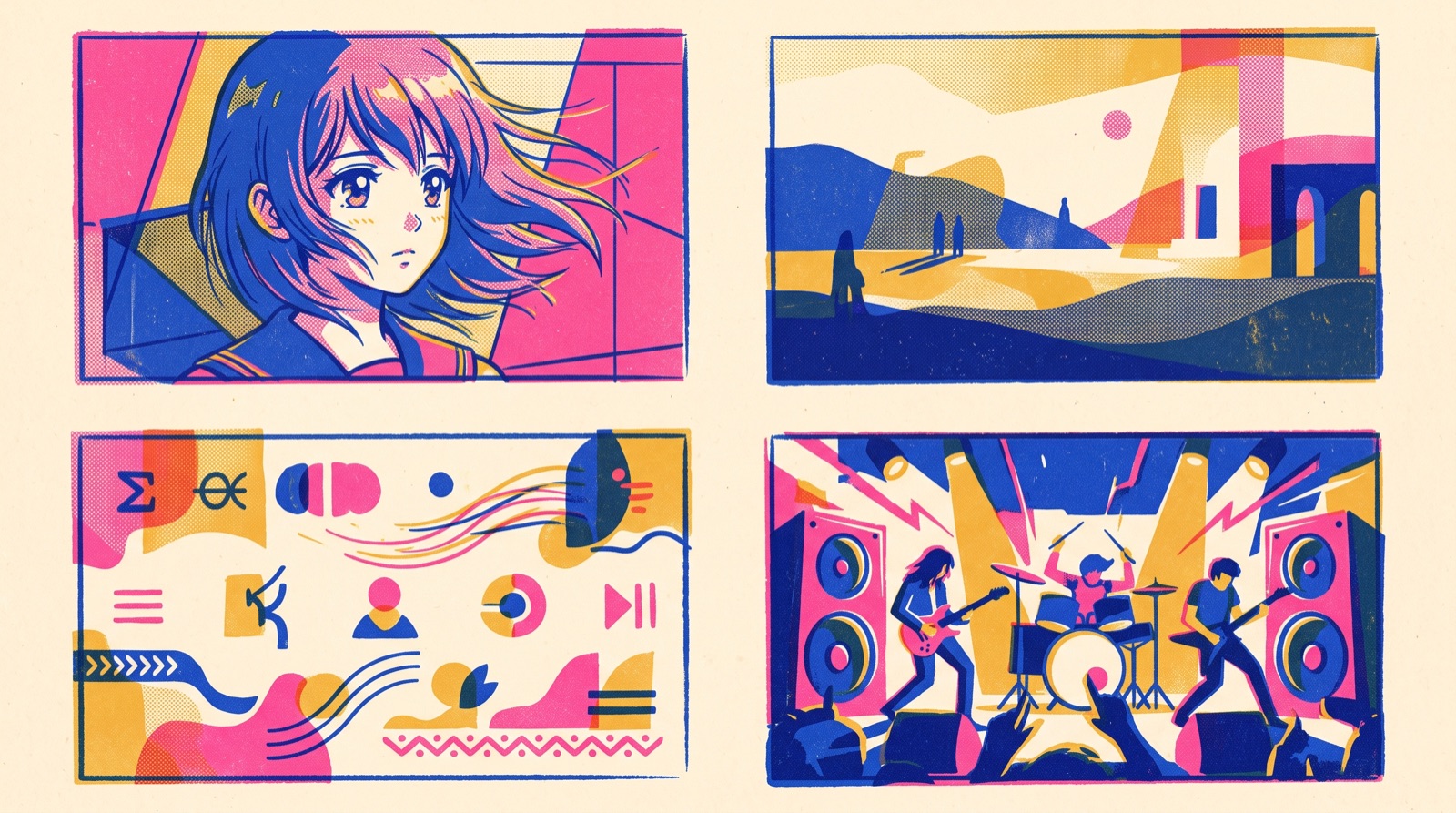
Four typical cover-MV visual styles compared
SunoMV ships a dozen-plus visual styles. Here are four that suit instrumental covers best — with a sparser vocal, the visuals carry the song, so picking the right tone matters more than piling on elements.
Style 1: Minimal and lyrical (Adele / Sam Smith school)
- Visual elements: face close-ups + slow motion + a unified palette
- Best for: ballads, folk, slow tempo
- SunoMV config: Modern Cinematic style + Movie caption template
Style 2: Retro standards (80s / 90s urban nightscape)
- Visual elements: neon palette + city-at-night scenes + slow camera moves
- Best for: 80s / 90s standards covered today
- SunoMV config: Neon Painterly style + Pop caption template
Style 3: Anime style (J-Pop / Anime OP covers)
- Visual elements: hand-drawn scenery + consistent characters + luminous light
- Best for: J-Pop / anime opening covers
- SunoMV config: Makoto Shinkai or Studio Ghibli style (see the AMV anime music video workflow)
Style 4: Cozy slow-life (lo-fi covers)
- Visual elements: warm lighting + rainy night / coffee shop / bedroom settings
- Best for: pop songs reimagined as lo-fi
- SunoMV config: Cozy Healing or Tranquil East style + Subtle caption template
Selection decision: when to AI-generate vs use a template
| Scenario | Recommended approach | Reason |
|---|---|---|
| Launch phase (first 30 videos) | 100% SunoMV-generated | Differentiation in launch phase decides recommendation weight |
| Stable traffic already | 80% AI + 20% template (fan callbacks) | Keep consistency without losing identifiability |
| Branded commercial work | 100% AI + client custom prompt | Templates can’t match brand tone |
| Personal memorial covers | User footage + SunoMV enhancement | Authenticity beats visual precision |
Decision filter: To decide if a cover deserves AI visuals, ask one question: will people still search for this song 12 months from now? If yes, every frame is worth investing in. If no, template is more efficient.
FAQ: common cover MV questions
Q1: Cover + AI instrumental + AI visuals — will algorithms flag this as “over-synthesized” and suppress it?
No. The algorithm measures originality and user engagement signals, not tool stack. As long as your vocal is real and the visuals carry specific narrative, AI tools are a bonus — they let you produce visuals templates can’t match.
Q2: I want to use the original instrumental + my vocal for a producer demo. Copyright?
That falls under “private demo” — don’t publish it. For anything visible publicly (even just a friends-only post), default to the AI re-arrangement path.
Q3: Can I copyright the instrumental SunoMV generated?
Yes, but the protection scope is limited. SunoMV’s arrangement is a derivative work — you own the composite “arrangement + vocal” copyright, but the instrumental melody layer, if too similar to the original, may still be claimed by the original rights holder. Best practice: abstract any “original song info” out of your prompt (instead of “like Adele’s Rolling in the Deep,” write “slow ballad with strong female lead vocal”).
Q4: Does the cover’s BPM have to match the original?
Not required. Changing BPM is one of cover differentiation’s biggest levers — slow-to-fast, 4/4-to-6/8 all give a cover its own personality. SunoMV’s BPM-synced cut transition method walks through the visual equivalents of tempo changes.
Q5: Can I batch-produce multilingual versions of the same cover MV?
Yes. SunoMV’s subtitle generation supports Chinese, English, Japanese, Korean, and Traditional Chinese. The instrumental and visuals stay identical — only the subtitle track swaps. One cover can serve 5 markets.
5-step workflow (from raw vocal to publish)
Everything above compressed into an executable checklist:
- Record: dry vocal, 24bit WAV, reserve -3dB headroom
- Instrumental: pick Method A (SunoMV one-shot) or Method B (DAW + SunoMV visuals)
- Mix: layer vocal + instrumental, align key/tempo, basic EQ + compression
- Visual: write visual prompt in SunoMV, pick Style 1-4 from this guide
- Distribute: 4K master to YouTube, vertical cut of the 60-second hook to TikTok / Reels
Closing thought: the cover market doesn’t lack singers — it lacks people who make their own visuals. Treat your vocal as the core content and AI visuals as your differentiation moat. That’s how you stop being “the 50,000th cover” and start being “the 1st version of this song.”
Want to run this workflow today? Try SunoMV free — one input produces “instrumental + visuals + subtitles” in a single pass, so your cover gets the face it deserves.
Popular guides
More in this series
- Solo Musician Ships 8 MVs for Debut Album in 30 Days with SunoMV (Real 2026 Case)
- The 2026 Hands-On Guide to AI Meditation Music Videos with SunoMV: 5 Scenarios, One Workflow
- Indie Game Developer Uses SunoMV for the Entire OST + Promo MV: From a $1,500 Quote to a $30 Self-Made Soundtrack (2026 Case Study)
- Lo-fi Study Music Video Generation Guide: Build 1-Hour Focus Streams with SunoMV (2026)
- Make an AI Music Video From Photos: SunoMV 2026 Beginner Guide (No Editor Needed)
View all 34 articles in Indie Albums, Game Soundtracks & Format Stories →