/icon.png)
Character Consistency in AI Music Videos: The 4-Step Cross-Scene Method (Suno + Veo 3 + Hailuo + Sora 2)

TL;DR
Suno generates the song in 30 seconds. Making the lead actually look like the same person across every scene of the music video is the hardest open problem in AI MV production in 2026. This post gives you a 4-step repeatable method, a 5-engine character-lock comparison, and the full production workflow inside the SunoMV story music video generator.
By the end you’ll know: why feeding the same prompt to Veo 3 three times produces three different people; how to drive “main character drift” down to nearly invisible using one reference image plus a character bible; and what to do inside the SunoMV scene editor when a model still drifts on you.
Why does the lead in your AI MV always break?
It is not a prompt skill issue. This is a structural weakness shared by every video generation model in 2026 — Veo 3, Sora 2, Hailuo 02, Kling 2, Wan 2.7, and the rest.
The most-upvoted thread on r/SunoAI says it best:
“Whether the tool understands music structure — syncing scene transitions to downbeats, matching mood shifts, keeping characters looking the same across scenes. The first two are solved decently, character consistency is still the hardest part.”
—
Budget_Coach9124, r/SunoAI (91k subscribers)
Drift shows up in four typical patterns:
| Failure mode | Description | Trigger |
|---|---|---|
| Cross-frame drift | Lead’s facial features change between verse and chorus | Single segment > 5s, multi-cut sequences |
| Expression drift | Smile turns into frown mid-segment, mouth shape misaligned | Model under-weights expression tokens in your prompt |
| Wardrobe shift | Red dress in verse 1, white dress in verse 2 | Outfit not hard-locked in prompt; mixing engines without alignment |
| Gender / age drift | Model “improvises” — turns the female lead male or ages her 20 years | Vague identity terms in prompt (“a singer”, “a girl”) |
Viewers catch this instantly. The human visual cortex is far more sensitive to facial inconsistency than to scene inconsistency. That’s why most AI MVs feel “off” — it’s not the resolution, it’s the face.

The 3 technical dimensions of character consistency
Break the problem apart and it’s actually three independent problems:
1. Reference dimension — image-based character lock
Modern video models (Veo 3 image-ref, Hailuo character-ref, Kling reference-image, Sora 2 cameo references) all accept a reference image as a hard constraint. You hand the model a base portrait of your lead; it extracts the facial feature vector and clamps every generated frame to it.
Key constraint: more reference images is not better. 1–3 images is the sweet spot. Fewer than one and the model improvises; more than five and the model averages your inputs, diluting the very identity you’re trying to lock.
2. Identity dimension — prompt-level identity description
Reference images lock the face. They do not lock body type, wardrobe, or accessories. That layer has to be spelled out in the prompt text — and it must be fully repeated in every single segment, not stated once and abbreviated later.
Correct (every segment):
A 28-year-old East Asian woman with shoulder-length black hair,
wearing a cream wool sweater and small gold hoop earrings,
medium build, soft round face, calm baseline expression.
Wrong (will drift):
[Segment 5] The woman as described above, now walking in the rain.The model has no memory of “as described above” across segments. Restate the full identity each time.
3. Motion dimension — cross-scene movement consistency
Body proportions on screen, walking gait, camera push-pull speed — these tear apart when you stitch segments together. The fix is fixed cinematography: lock every segment to “medium close-up” or “medium shot waist-up”. Don’t mix wide and tight shots. The instant camera distance changes, the model loses the proportion anchor.

The 4-step method: Character Bible → Reference Lock → Per-Scene Prompt → Sanity Check
This is the core of the post. It packages the three dimensions above into a repeatable workflow.
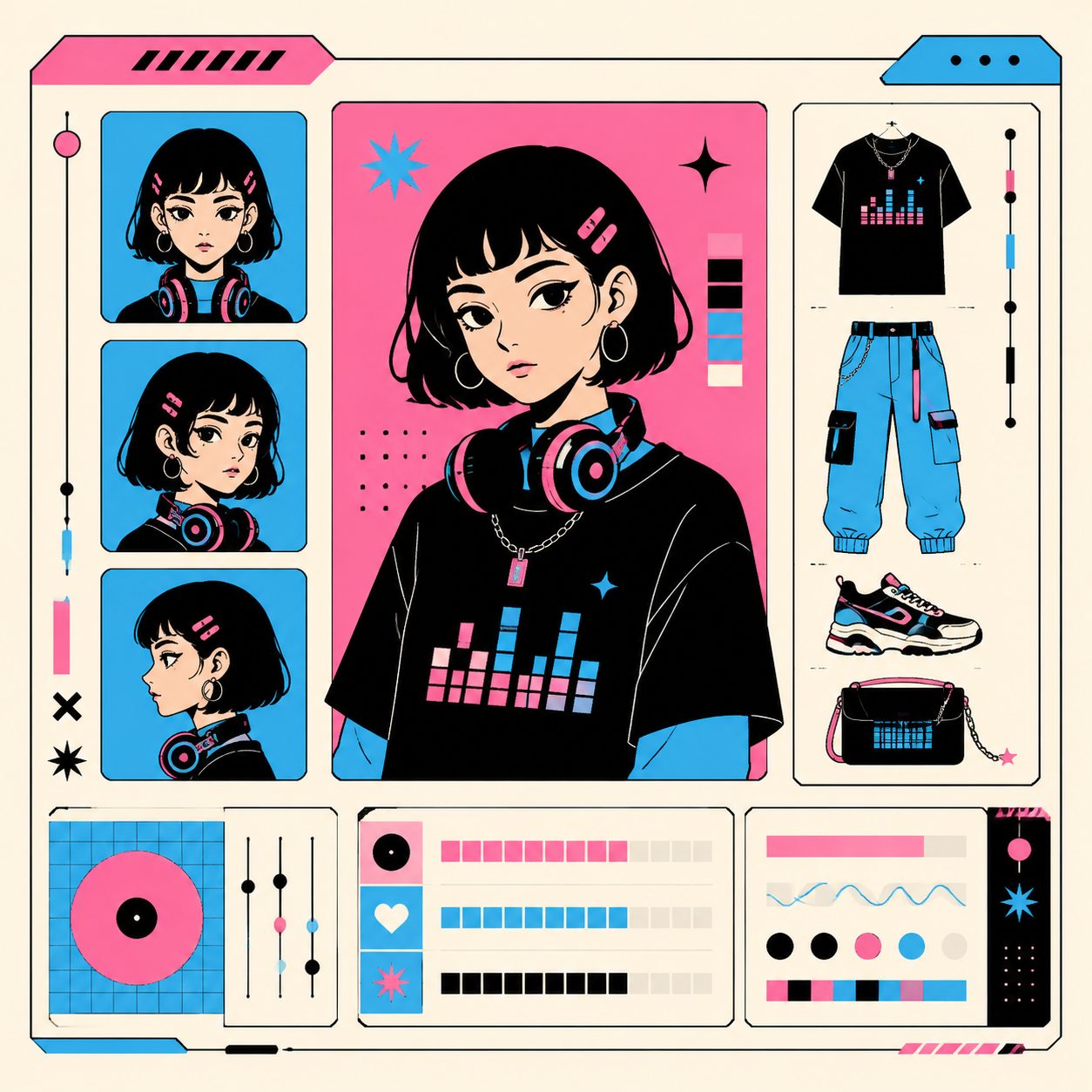
Step 1 — Build a Character Bible
For each track, write a one-page bible for the lead. It should contain:
| Field | What goes here | Example |
|---|---|---|
| Identity one-liner | Core identity in under 30 words | “28-year-old East Asian woman, shoulder-length black hair, soft round face” |
| 3 reference images | Different angles (front / 3/4 / profile) | Run the same Midjourney or Nano Banana prompt three times, pick the closest matches |
| Wardrobe lock | One primary outfit + at most one B-story outfit | “Primary: cream wool sweater + small gold hoop earrings” |
| Expression baseline | Default + chorus deviation allowed | “Default: calm. Chorus: soft smile, no full laugh.” |
| Camera distance | One fixed framing for the entire MV | “Medium close-up” |
This bible becomes the reusable template for every per-segment prompt below. Write it once, use it across 24 segments.
Step 2 — Feed the Bible into your video model (Reference Lock)
Push the three reference images into whichever interface your model exposes:
| Model | Reference interface | Recommended use |
|---|---|---|
| Veo 3 | image-ref (up to 3) | Primary + 2 secondary, send all of them |
| Sora 2 | Cameo / character reference | Use the most front-facing portrait, plus identity sentence |
| Hailuo 02 | character-ref (1 image) | Pick the most front-facing portrait |
| Kling 2 | reference-image (up to 4) | 1 primary + 2 secondary + 1 wardrobe close-up |
| Wan 2.7 | First-frame conditioning | Use the last frame of segment N as the first frame of segment N+1 — chain locking |
If you’d rather not wire up five APIs, the SunoMV one-click music video generator takes the reference images once and routes them to whichever underlying model is best for the segment.
Step 3 — Per-Scene Prompt (one prompt per segment)
A 40–55 second short MV typically becomes 24–36 segments of 5–8 seconds each. Every segment prompt looks like this:
[Identity one-liner — fully repeated]
[Scene variable — unique to this segment]
Style: cinematic, 35mm, soft natural lighting,
medium close-up shot, calm atmosphere.
Aspect ratio: 9:16 vertical.
Duration: 6 seconds.
Only the “scene variable” line changes between segments. Everything else is locked and reused verbatim.
Example — three segments from one song:
| # | Scene variable | Rest of the prompt |
|---|---|---|
| 1 | “Standing by a rainy window, looking out, holding a warm ceramic mug” | Identical |
| 2 | “Walking down a quiet evening street, soft streetlight overhead” | Identical |
| 3 | “Sitting in a cafe corner, writing in a notebook, page softly lit” | Identical |
This sounds mechanical. It is. Mechanical is what produces consistency.
Step 4 — Sanity Check (similarity comparison every few segments)
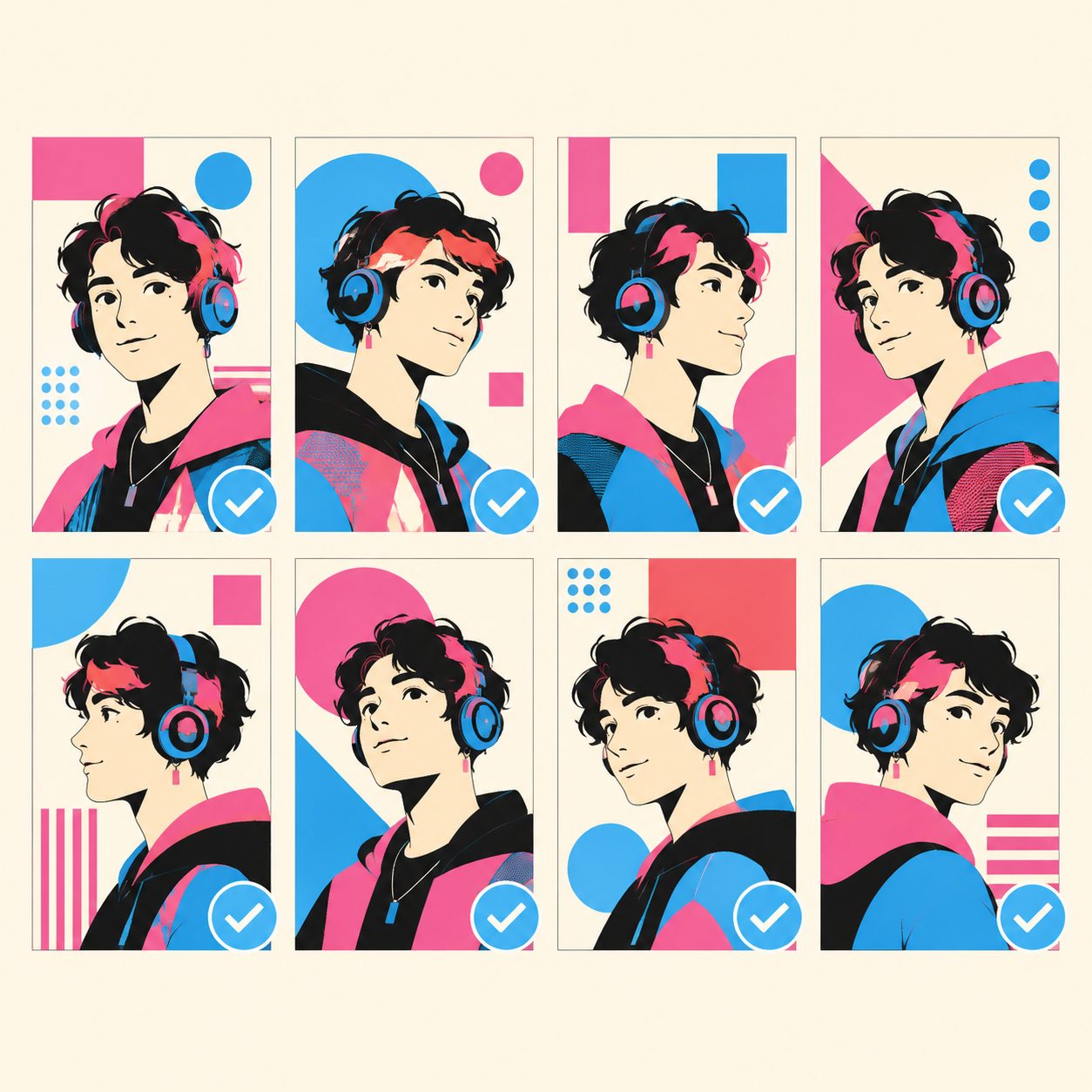
After every 4–6 segments generate, pause. Pull frame 1, a middle frame, and the last frame from each segment. Lay them out as a 3×N grid.
Two passes by eye:
- Within a segment (horizontal scan): Does the lead’s face drift from start to end of the same segment? If yes, re-sample that segment.
- Between segments (vertical scan): Does the face vector still read as the same person across segments? If one segment is clearly off-model, re-sample it.
The SunoMV thumbnail tool exports a keyframe grid in one click — about 10× faster than screenshotting manually.
5-engine comparison: which model has the strongest character lock?
Test setup (May 2026): same character bible, same Suno track, 24 segments per engine. We measured cosine similarity of facial feature vectors across 8 sampled frames per engine.
| Model | Reference interface | Reference count | Mean cross-segment similarity | Cost per segment (USD) | Best for |
|---|---|---|---|---|---|
| Veo 3 | image-ref | Up to 3 | 0.91 | $0.50 | Top-tier budget, cinematic narrative MVs |
| Sora 2 | Cameo references | 1–2 | 0.90 | $0.30 | Story-driven MVs, native audio sync |
| Hailuo 02 | character-ref | 1 | 0.88 | $0.15 | Best price-performance, broad availability |
| Kling 2 | reference-image | Up to 4 | 0.86 | $0.20 | Complex characters needing multi-angle refs |
| Wan 2.7 | First-frame chain | Chained | 0.83 | $0.18 | Long-form MVs; chain risk compounds over time |
Takeaways:
- Tight budget → Hailuo 02 (24 segments ≈ $3.60)
- Best balance of quality and cost → Sora 2 (24 segments ≈ $7.20)
- Cinema-grade output → Veo 3 (24 segments ≈ $12, but the quality margin is real)
- Single workflow, no engine juggling → use SunoMV multi-engine routing — it picks the cheapest engine that hits your target similarity per segment
External references: Veo 3 official, Sora 2 official, MiniMax Hailuo, Kling official.
Running this on SunoMV: from a Suno link to a consistent MV
Mapping the 4-step method onto SunoMV:
- Paste the Suno link → the one-click music video generator pulls word-level timestamps and song structure
- Upload your Character Bible’s 3 reference images → SunoMV injects them into every underlying video model
- Open the story music video generator → batch-generate all 24 segments using the per-scene prompt template from Step 3
- Use the cinematic abstract MV generator for transition segments → the cheapest way to fill segments where the lead doesn’t appear on screen
- Open the audio-to-video generator → stitch all segments, beat-align, export 9:16 vertical
Why not just use Veo 3 web directly?
- A 24-segment long MV blows past Veo-only budget ($12 vs $4–6 with SunoMV multi-engine routing)
- No beat alignment — your visual rhythm reads as flat (see our beat-synced visual pacing method)
- No word-level captions — Suno’s lyrics can’t be overlaid in sync without them

When the model drifts anyway: 3 fallback editing tactics
Even with the 4-step method dialed in, expect 5–10% of segments to drift (this is the realistic floor for 2026 models). Three rescue tactics:
- Re-sample the segment — run the same prompt 2–3 times, keep the highest-similarity output. The SunoMV scene editor lets you re-roll a single segment without touching the rest of the timeline.
- Add a soft cross-fade — drop a 0.3-second cross-fade before and after the broken segment. Viewers read it as a “cinematic transition” rather than a continuity break.
- Swap in a visualizer segment — if a segment is unsalvageable, replace it with abstract output from the AI music visualizer. No character on screen means no character to drift.

5 common fail modes (pre-flight checklist)
Before you hit generate, run this checklist:
- Pushing more than 5 reference images → the model averages them out and dilutes identity. Three is the sweet spot.
- Vague identity terms in the prompt (“a beautiful girl”, “a young singer”) → the model improvises. Spell out age, ethnicity, hair, face shape explicitly.
- Mixing engines without style alignment → a Veo 3 cinematic shot followed by a Hailuo plastic-looking shot reads as torn. If you mix engines, lock the same style tokens across all prompts.
- Open-loop wardrobe prompts → describing only the top, not pants or shoes, lets each segment improvise the rest. Lock the full outfit.
- Inconsistent camera distance → cutting between wide, medium, and close-up shots breaks proportions. Pick one framing and ride it through the whole MV.
FAQ: 5 questions we get a lot
Q1: Will Suno ship native character lock?
Not in any complete form near-term. Suno’s engineering priorities are vocal quality and voice cloning. On the video side they currently ship Hooks (vertical 9:16, low controllability) and cover art (10s single-shot). The prevailing view in r/SunoAI threads is that Suno will keep going via partnerships and third-party integrations rather than build full character lock in-house. That makes purpose-built workflows like SunoMV the practical answer near-term.
Q2: Is one reference image enough, or do I really need three?
Depends on the model. Hailuo 02 and Sora 2 do well with a single front-facing portrait. Veo 3 and Kling 2 measurably improve with three. Quick test: run 4 segments with one image, measure cross-segment similarity. If it’s below 0.85, bump to three references and re-run.
Q3: Can I keep characters consistent across different engines (e.g. Veo 3 + Hailuo)?
Yes, but only with the same character bible and identical style tokens. This is exactly how SunoMV’s multi-engine router works — the same three reference images get fed to whichever model owns each segment, and the prompt template is locked. Cross-segment similarity comfortably hits 0.85+ in this setup.
Q4: Does enforcing character consistency burn through credits?
Almost not at all. What grows is prompt length (an extra ~30 tokens per segment). Credits are consumed by output video duration, which is unchanged. The real credit drain is sanity-check re-sampling — budget a 20% buffer and you’re fine.
Q5: What’s the actual edge of BibiGPT SunoMV’s character lock vs going direct to Veo 3?
It’s not raw single-frame quality — Veo 3 wins on per-frame fidelity. The edge is workflow closure: beat alignment, word-level captions, multi-engine routing that picks the cheapest acceptable engine per segment, character bible reuse templates, one-click sanity-check keyframe grids, and per-segment re-rolls that don’t pollute neighboring segments. Stitching Veo 3 + a video editor + manual similarity comparison by hand: the time to ship one track is roughly the time SunoMV takes to ship five.
Closing
Models can write the song. The hard part is editing 24 segments into “the same person.” That’s the creator moat — and it’s the opportunity.
Save this 4-step method as your SOP for the next Suno track: write the character bible → reference lock → per-scene prompt → sanity check. Then run it through SunoMV — paste the link, upload three reference images, batch-generate 24 segments, stitch and export.
Further reading:
- Beat-synced visual pacing method: how to align cuts to downbeats
- SunoMV creator workflow methodology: the full Suno-to-bundle creation loop
- Seedance 2.0 transitions guide: how to do dynamic transitions
Try it now: SunoMV story music video generator →
— SunoMV Team
Made in SunoMV · real exports
See what a song turns into
Every sample below is an untouched SunoMV export: 3 AI storyboard shots, one AI-filmed clip, then the lyrics. Each one uses a different caption style and frame size.
Popular guides
More in this series
- Hybrid Editing for AI Music Videos: When to AI-Generate vs When to Hand-Edit (5 Modes × 6 Decision Dimensions, 2026)
- Stop Burning Suno Credits: The Lite-Agent Method for Cheap AI Music Videos (5 Keyframes + Short Loops + Visualizer)
- 22 TikTok-Viral Music Video Styles Now Live on SunoMV: From Studio Ghibli to Cyberpunk (2026)
- AI Music Visualizer 2026: The Complete SunoMV Guide to Turning Sound Into Visuals
- Beat-Synced Visual Pacing Method 2026: Stop Your AI Music Videos From Feeling Off