/icon.png)
BPM-Synced Cut Transition Method (2026): Make SunoMV Cut Exactly on the Beat

You’ve seen two AI music videos with the same image quality, same color grade — but one made you close the tab at 30 seconds while the other held you to 3 minutes. The gap isn’t usually in the imagery. It’s in whether the cut timing rhymed with the music.
Film editor Walter Murch wrote in In the Blink of an Eye (cited for 30 years now): “the cut feels right when you would blink at the cut.” Music videos are stricter than cinema — the audience’s “blink rhythm” isn’t random. It’s driven, precisely, by the song’s pulse, once every 0.5 seconds at 120 BPM. That’s the problem “BPM-synced cutting” solves.
This isn’t a philosophy article. You get executable scaffolding: three cut-density templates (4-beat / 8-beat / 16-beat), a BPM-band lookup table for rhythm matching, and how to run the whole framework automatically inside SunoMV.
One-sentence answer: what is “BPM-synced cutting”?
BPM-synced cutting uses a song’s BPM (beats per minute) as the time grid for visual transitions, so every cut lands on an integer beat boundary (most commonly every 4, 8, or 16 beats). The viewer’s subconscious registers “this isn’t random” and the video’s rhythmic confidence jumps a tier. It’s complementary to the scene-by-scene storyboard method: storyboards decide what you cut to, BPM-sync decides when you cut.
Why off-beat MVs feel exhausting
Human brains have a “prediction engine” for rhythm — once a 4/4 pulse is established, the brain predicts when the next downbeat arrives. If your cut lands on that prediction point, the nervous system rewards “successful prediction” with dopamine. If cuts are arbitrary (BPM 120 but cuts at 1.7s, 3.2s, 5.1s — times unrelated to the beat), the brain receives a constant “prediction failure” signal. Eventually that fatigue compounds and the viewer leaves.
Practical rule: When an MV “feels off” but you can’t name why, 99% of the time the cuts aren’t on the beat. Align every cut to integer beat positions first, then debate other optimizations.
A quick counter-example
Open CapCut. Import a 120 BPM track (every beat = 0.5s). Cut by feel — your cuts land at 1.3s, 2.8s, 4.4s. Those times are 0.2-0.3 seconds off the 0.5s multiples (0.5, 1.0, 1.5, 2.0…). Listeners can’t hear “0.3s off,” but they can feel “this video gives me a headache.”
Data point: per Wistia’s 2025 video retention research, videos with cut timing out of sync with audio show 23% lower 30-second retention than the synced cohort.
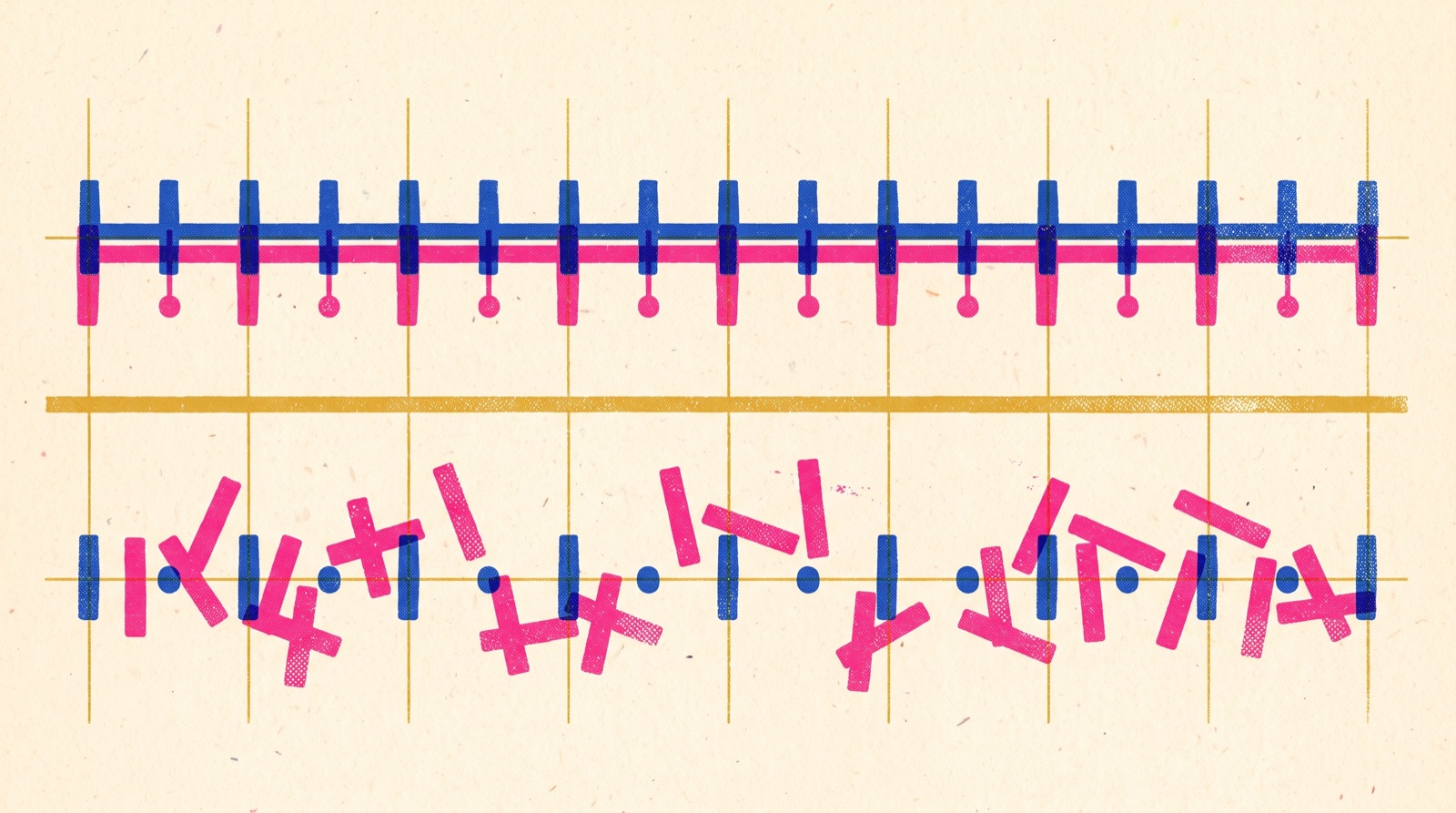
Three cut-density templates (copy-paste ready)
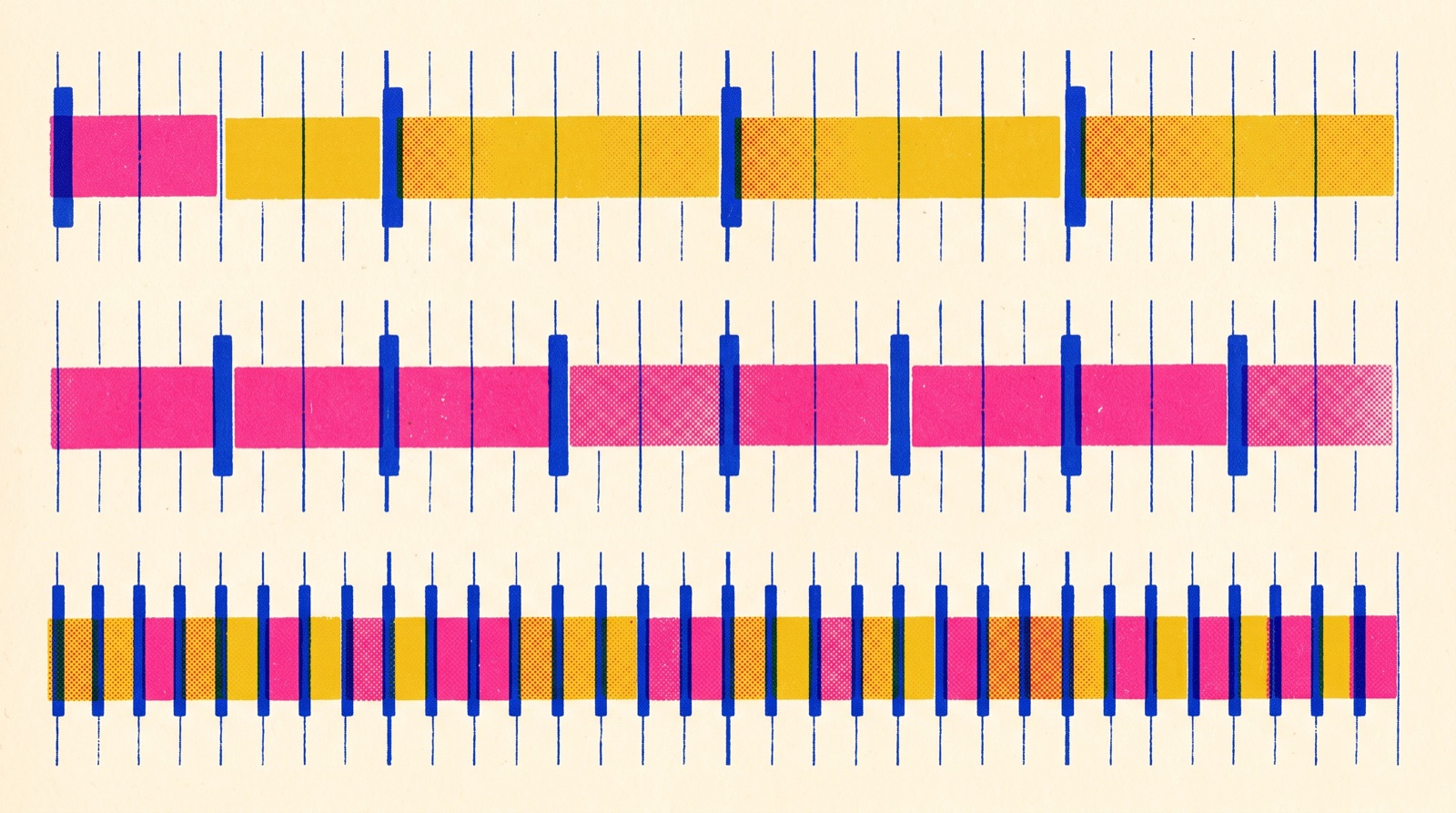
Using a typical 120 BPM, 4/4 song as baseline (each bar = 2 seconds):
Template A: 4-beat cut (1 cut per bar, relaxed pacing)
- Cut frequency: 1 cut every 2 seconds (1 cut per bar)
- Best for: ballads, folk, slow R&B (BPM ≤ 90)
- Strength: each shot has enough time for viewers to finish reading it — perfect for narrative-driven content
- Weakness: low fault tolerance — each shot must be intrinsically valuable (no filler frames)
Template B: 8-beat cut (1 cut per half-bar, neutral pacing)
- Cut frequency: 1 cut per second (1 cut per half-bar)
- Best for: pop, city pop, electronic chillhop (BPM 90-125)
- Strength: matches the “comfort bandwidth” of mainstream viewers — 80% of MVs should default here
- Weakness: can feel generic — if you want a distinct style, push it through visual content choices
Template C: 16-beat cut (1 cut per beat, dense pacing)
- Cut frequency: 1 cut every 0.5 seconds (1 cut per beat)
- Best for: EDM, hip-hop, action-driven MVs (BPM ≥ 130)
- Strength: high-density cutting creates “information overload” — great for hook moments
- Weakness: sustained 16-beat fatigues viewers. Use it for 8-16 second hook sections only; drop back to 8-beat on verses
https://www.youtube.com/embed/HOpoYvgIRBM
Rhythm matching table by BPM band
Not every song is 120 BPM. The table below gives recommendations for three common BPM zones:
| BPM Band | Typical Genre | Recommended Template | Chorus Boost |
|---|---|---|---|
| 70-90 | Ballad / folk / slow R&B | Template A (4-beat) | Boost chorus to 8-beat |
| 95-125 | Pop / city pop / mainstream | Template B (8-beat) | Boost chorus to 16-beat |
| 130-160 | EDM / hip-hop / action | Template B + C mix | Full 16-beat on chorus |
| 165+ | Hardcore / DnB | Template C (16-beat) | Boost chorus to 32-beat |
Decision filter: When you receive a new song, run BPM detection (use BeatScanner or SunoMV’s built-in detector) first, then look up the template. This step is 10× more accurate than “cut by feel.”
Running the framework automatically in SunoMV
SunoMV’s Beat-Synced Mode has these templates built in:
5 operational steps
- Upload your music file. SunoMV auto-detects BPM and beat positions.
- Pick “Beat-Synced Auto-Cut” mode.
- Choose cut density (“Smooth” = 4-beat / “Standard” = 8-beat / “Energetic” = 16-beat).
- SunoMV generates cuts on every beat point, aligned to song sections (intro / verse / chorus / bridge).
- On chorus sections you can independently bump density (e.g. switch from 8-beat to 16-beat).
Advanced: manual fine-tuning
If you want “cut on offbeat” or “cut on hihat hit” — finer control — SunoMV exposes a timeline editor:
- Select any cut point, use
→/←hotkeys to nudge (0.025s precision per step) - Hold
Shiftto lock to the nearest beat (avoid drifting off the integer beat)
Practical rule: The first cut of the chorus must land on the chorus’s first downbeat. That’s the audience’s emotion handoff — miss it and the entire chorus loses impact.
Cut type ↔ beat position mapping
It’s not just when you cut. How you cut also has to match rhythm:
| Beat Position | Recommended Cut Type | Psychological Feel |
|---|---|---|
| Strong beats (1, 3) | Hard Cut | Crisp, impactful |
| Weak beats (2, 4) | Dissolve | Flowing, continuous |
| Syncopated / hihat | Jump Cut | Tense, kinetic |
| Section transition (verse → chorus) | Match Cut | Aha moment |
| Bridge → Outro | Fade | Section close |
Pair beats and cut types using this table, and your visuals “breathe” with the music.
Failure cases to avoid
Failure 1: BPM detection error
Song is 122 BPM but the AI detects 244 (doubling error). Cuts fly off at 16-beat density.
Fix: Manually re-test BPM. SunoMV has a “halve BPM” shortcut to correct doubling.
Failure 2: Cut density unchanged across sections
Whole song uses 8-beat cuts — verse 8-beat, chorus 8-beat, bridge 8-beat. The viewer “can’t hear the chorus.”
Fix: Cut density must follow the emotional arc. Verse 8-beat / Chorus 16-beat / Bridge 32-beat is the classic curve.
Failure 3: Ignoring bar boundaries
Cuts land on odd-beat positions (cuts on beats 1, 3, 5). Viewers’ subconscious flags “wrong cut.”
Fix: All cuts align to bar boundaries (multiples of 4: 0, 4, 8, 12…).
Failure 4: No “prep” before the chorus
Verse jumps straight to chorus, chorus explodes with no warning. Result: chorus has no punch.
Fix: Gradually increase cut density 2-4 beats before the chorus (8-beat → 16-beat), then hard-cut to the chorus’s hero shot on the first downbeat. This is “editing pre-roll.”
4 practice projects (easy → hard)
- Beginner: Pick any 100-110 BPM pop song, full 8-beat cut, produce a 60-second MV
- Easy: Same song — verse 8-beat / chorus 16-beat — feel the “density shift”
- Intermediate: Pick a 70 BPM ballad, full 4-beat cut, but switch to 8-beat in the last 4 beats before the chorus (“editing pre-roll”)
- Advanced: Same song, three versions (full 4-beat / full 8-beat / verse-chorus dynamic), A/B test which version has highest completion rate
FAQ
Q1: Is BPM-synced cutting only for electronic and dance music?
No. Any music with a steady pulse — classical, jazz, folk included. Classical with 4-beat cuts (each beat 0.5+ seconds) looks elegant; jazz with its heavy syncopation benefits from the jump-cut row above, letting visuals breathe with the instruments.
Q2: Can I cut manually with beat precision?
Human hands aren’t reliable below 30ms accuracy. Use tools — SunoMV is one, Premiere/FCP with Beat Markers works too. Manual cutting reaches “looks right.” Tools reach “measures right.”
Q3: Must the entire MV strictly hit the beat?
No. Bridge sections, intros, and outros can deliberately drift “off-beat” — once you’ve established rhythm, breaking the rule creates unexpected tension. But verse and chorus bodies must stay synced.
Q4: What if BPM changes mid-song?
Modern productions often have BPM shifts (chillhop → trap). SunoMV’s Beat-Synced Mode auto-detects BPM changes and resets cut density. Manual editing requires section-by-section handling.
Q5: Does this framework work for short-form (TikTok / Reels)?
Especially so. Short-form has a tighter retention window — the first 3 seconds’ cut density is critical. Use 16-beat cuts for the first 3 seconds to max out information density, retention shoots up. See the TikTok music video guide for more.
Workflow summary: from track to publish
- Measure BPM: Use SunoMV / BeatScanner / your DAW. Write it on line one of your treatment.
- Pick template: Look up BPM band, choose A/B/C.
- Draw density curve: Verse baseline, chorus +1 step, bridge case-by-case.
- Cut type mapping: Match beat positions to cut types per the table.
- Pre-roll: 2-4 beats before chorus, run the editing pre-roll.
- Fine-tune: Use SunoMV’s timeline editor to lock every cut to the beat grid.
Closing thought: a “comfortable-looking” music video isn’t mysticism. It’s math. BPM is math. Beats are math. Aligning cuts to beats is math. Get the math right, and even ordinary imagery outperforms beautiful-but-out-of-sync MVs by 2× retention.
Want to try automated beat-cut editing? Try SunoMV free — upload your song and let AI lock every cut precisely to the beat grid.
Popular guides
More in this series
- Lyric-Driven Shot List Method for SunoMV (2026): Reverse-Engineer Storyboards from Suno Lyrics
- AI Lyric Video Generator Complete Guide (2026): End-to-End Workflow for Syncing Suno Lyrics to Visuals with SunoMV
- Scene-by-Scene Storyboard Method for AI MV (2026): Composing Narrative-Driven Music Videos with Cinematic Storyboard Thinking
- Emotion Arc Music Video Composition Method (2026): A Four-Stage Curve for Re-Watchable AI Music Videos
- Cinematic Mood Mapping: Translating Emotional Arcs into SunoMV Prompt Parameters (2026 Method)