/icon.png)

Christmas AI Music Video Planning: The Q4 Holiday Production Calendar (2026)

Short answer: a holiday music video should be built as a series, not as a single release. Instead of starting from scratch four times between October and January, you build one visual template — a character, a color system, a recurring motif — and then run it through four festive beats, swapping only the palette and the props each round. This guide gives the lead times, the change/lock list, and the platform schedule. The core rule: start in July, ship the first round in October, and never rebuild the visual identity twice.
It is the middle of July. Your festive track is somewhere in a folder, half-finished, and the whole thing feels comfortably far away — the shops are still selling sunscreen. So you close the folder. In late November you open it again, panic-produce one video in a weekend, upload it on December 20th, and it lands to almost nobody.
That failure is not a production problem. It is a calendar problem. Festive search demand is the most predictable, most violently seasonal curve a creator will ever face, and it rewards exactly one behavior: being already indexed when the curve starts climbing. A video published on December 20th is competing for a peak it never had time to earn a position in.
Most holiday production advice is written as a single tutorial — “how to make a Christmas video.” That framing is the actual mistake, because it quietly assumes you will do this once. You will not. There are four festive beats in the last quarter of the year, they are close enough together that rebuilding your look each time is pure waste, and the creators who compound across those beats are running a calendar, not a tutorial.
1. Why Your Holiday Calendar Starts in July, Not November
Festive demand is a long ramp, not a spike on the day. Search interest for holiday music climbs through late October and November and peaks well before the holiday itself — you can verify this seasonality for any market and any query on Google Trends by pulling a five-year view of a term like “christmas songs.” The curve is remarkably stable year to year, which is exactly what makes it plannable.
The commercial side of the season starts even earlier than most creators assume. Think with Google describes the retail opportunity as capturing consumer demand “from July to January,” and identifies its most deliberate shopper segment as most active “July to August” — months before any festive content typically gets made.
For a creator, the practical translation is about indexing time, not shopping. A new video needs weeks of accumulated watch signals before platforms will confidently surface it against a competitive seasonal query. Publishing into the peak means arriving as an unknown quantity at the exact moment the shelf is fullest.
Image: SunoMV — one cinematic visual template designed to carry a whole series
Practical rule: Publish two to three months ahead of the moment you want to rank. If you want to win December, your December asset should be live and accumulating signals by early October.
2. The Four-Beat Q4 Calendar: Lead Times for Every Release
The last quarter is not one event. It is four, and each one has its own start-work date and its own publish date. Here is the calendar in its Western default form:
| Beat | Start work | Publish by | Peak window |
|---|---|---|---|
| Beat 1 — Halloween | Mid-July | Late August | Mid-to-late October |
| Beat 2 — Thanksgiving / harvest | Late August | Late September | Third week of November |
| Beat 3 — Christmas / midwinter | Mid-September | Early October | Late November to December 25 |
| Beat 4 — New Year | Late October | Mid-November | December 26 to January 5 |
Two things about this table matter more than the dates themselves.
First, the beats overlap. You are finishing Beat 2 while Beat 3 is already in production. This is precisely why a shared visual template is not a nice-to-have — it is the only thing that makes an overlapping schedule survivable for one person.
Second, the four beats are a structure, not a list of holidays. If your audience is not in a Christmas-centric market, keep the shape and change the contents. The framework is “four festive moments in the closing months of the year, produced from one template, each published roughly two months early.”
| Market | A workable four-beat mapping |
|---|---|
| Türkiye, Indonesia, Malaysia | Local autumn observances → national day → year-end celebration → New Year |
| India | Navratri → Diwali (October–November) → year-end → New Year |
| Thailand, Vietnam | Local autumn festivals → year-end → New Year → Lunar New Year (January–February) |
| Greater China | Mid-Autumn → year-end → New Year → Spring Festival (January–February) |
| Latin America, Southern Europe | Local patron festivals → year-end → New Year → Carnival season |
The Lunar New Year variant is worth flagging: in those markets the biggest beat sits in January or February, which pushes the whole calendar later and makes Beat 4 the anchor rather than Beat 3. Same method, shifted axis.
Practical rule: Write your four beats and their publish dates into a calendar before you produce a single frame. If the dates are not in a calendar, the series will collapse into one rushed December upload.
3. One Visual Template, Four Releases: What You Build Once
The template is the whole point of this method. You are building an identity once and amortizing it across four releases.
A holiday series template has three components:
- A character or subject. A recurring figure the audience recognizes across all four videos. Getting a figure to stay visually stable across separate generations is its own discipline — the character consistency method covers how to describe and lock one.
- A base color system. Not the festive palette — the underlying grade that stays constant while festive colors layer on top. The color grading consistency method is the reference here.
- A recurring visual motif. One object or composition that reappears in every release and becomes your signature. See the recurring visual motif method for how to choose one that carries meaning rather than just repeating.
Build these three in July, before any specific holiday is in play. Deliberately keep them season-neutral: a motif that only reads as “Christmas” cannot serve Beat 1 or Beat 4.
The songs themselves can be written on a looser schedule than the visuals — a festive track drafted in Suno in August is fine, because the template work is what has the long lead time, not the music.
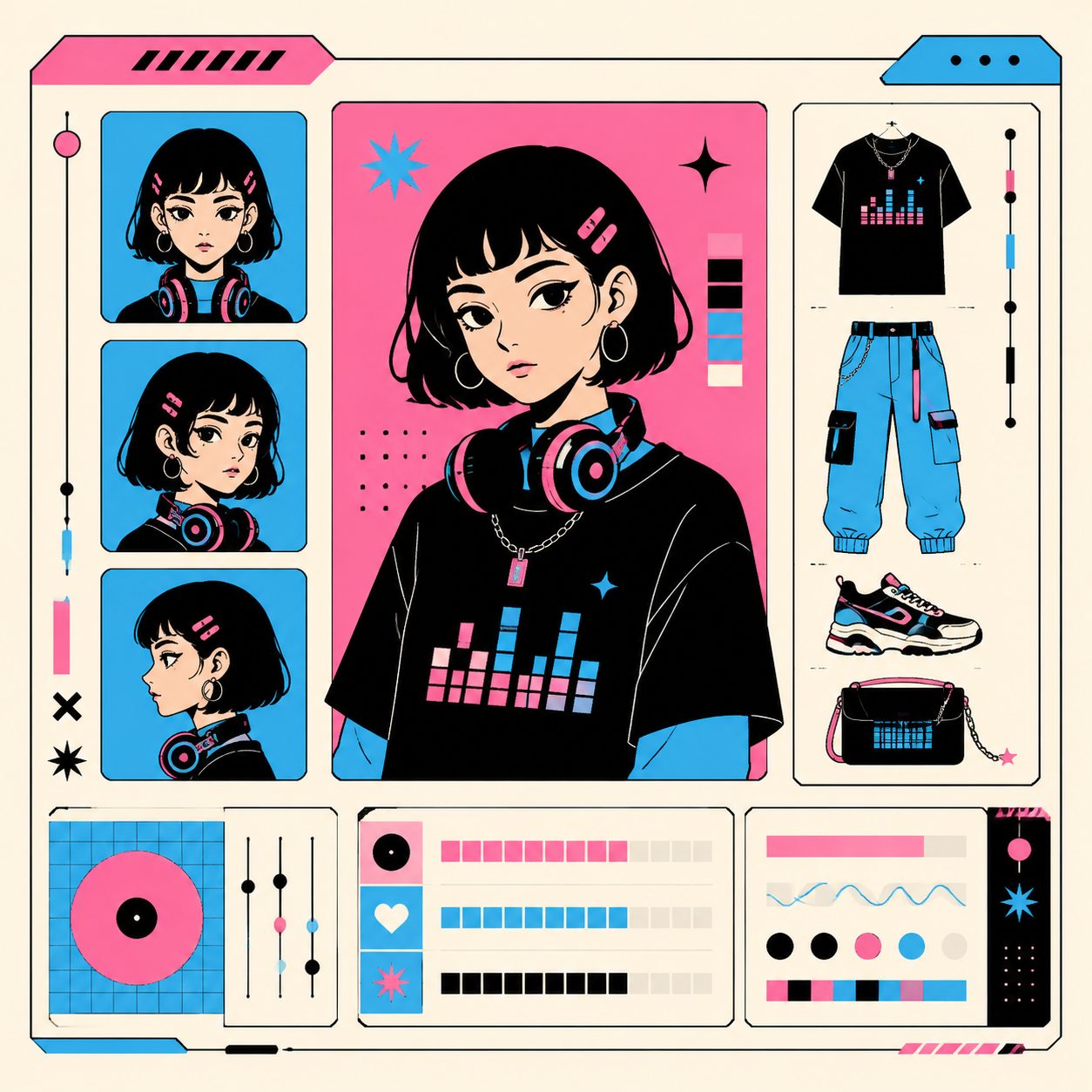
Image: SunoMV — locking the elements that stay fixed across every release in the series
This is where the distinction from seasonal songwriting matters. The seasonal mood songwriting method is about translating a season’s sensory qualities into the song itself — what the music should feel like. This article is about the production schedule and asset reuse around a series of releases. Different layers of the same problem: one writes the work, the other plans it.
A useful filter when deciding what belongs in the template: if an element cannot survive all four beats unchanged, it is not template material — it belongs in the swap list covered in the next section.
4. Between Rounds: What Changes, What Stays Locked
Every round, you make the same decision: change the seasonal signals, lock the identity signals. Getting this backwards is why most series feel like four unrelated videos from four different channels.
| Element | Between rounds | Why |
|---|---|---|
| Color palette | Change | The fastest, cheapest festive signal — orange/black, amber/brown, red/green, silver/blue |
| Props and set dressing | Change | Carved pumpkins, harvest table, string lights, fireworks |
| Lyric and subtitle styling | Change | Small seasonal accent on an otherwise fixed layout |
| Character and subject | Lock | This is the thread that makes it a series |
| Camera language | Lock | Same shot lengths, same movement vocabulary |
| Recurring motif | Lock | Its meaning comes from surviving all four rounds |
| Typography and layout | Lock | Brand recognition lives here |
| Aspect ratio set | Lock | Reformatting rules stay identical every round |
Roughly speaking, each subsequent round should take a fraction of the effort of the first, because rounds two through four are palette-and-prop passes over an identity you already own.
Image: SunoMV — the change/lock decision applied across a series
In practice, working in SunoMV means keeping the character and motif descriptions identical in every scene description across all four projects, and editing only the palette and prop language. The locked half of the list is copy-paste; the changed half is a short seasonal rewrite.
Practical rule: Keep the change/lock table in the same document as your calendar. When you are producing Beat 3 in a hurry, the table is what stops you from redesigning something that was working.
5. Platform Scheduling: Where Each Release Goes and When
Each round produces one song and several cuts. The reformatting rules do not change between rounds, which is another reason the template pays off.
A workable per-round distribution:
- Vertical short (9:16), published first. The discovery engine for the round. The vertical music video guide covers framing for this format specifically.
- Full-length horizontal (16:9), published two to three days later. The asset you actually want ranking on the seasonal query — the one that needs the long indexing runway.
- A second vertical cut, mid-window. A different hook from the same song, published while the beat is still climbing.
Ratio decisions per platform are covered in the aspect ratio platform guide, and those rules should be settled once in July rather than re-litigated each round.
Schedule uploads in advance rather than publishing manually. Every major platform supports scheduled publishing, and the YouTube Help documentation covers setting a publish time at upload. The reason this matters for a seasonal series is simple: the peak weeks are the weeks you are least likely to be at your desk.
Practical rule: Upload and schedule the whole round the day it is finished. A finished video sitting in a folder waiting for you to “post it at the right time” is the single most common way a beat gets missed.
6. The Post-Season Debrief: Turning This Year Into Next Year’s Head Start
The last step is the one everyone skips, and it is the one that makes year two cheap.
In early January, while the numbers are still fresh, do three things:
- Archive the template. Save the exact character description, the palette values, the motif definition, and the scene descriptions that worked. Label it by beat. This is the asset — next year’s Beat 1 starts from a file, not from a blank page.
- Record what each beat actually did. Views, retention, and where traffic came from, per beat and per format. Four data points from four beats in one quarter is a genuinely useful sample.
- Write next year’s calendar immediately. The dates shift slightly, the structure does not. Doing it in January means July-you inherits a plan instead of a vague intention.

Image: SunoMV — archiving the season’s template as a reusable asset
By the third year, the compounding is the entire advantage: a recognizable recurring character, four seasonal videos already ranking from previous years, and a template that reduces each new round to a palette swap.
Practical rule: Do the debrief in the first week of January or it will not happen. The template is only worth archiving while you still remember why the choices were made.
FAQ
When should I start my Christmas music video? Start building the shared visual template in July and have the Christmas asset published by early October. Publishing in December means competing for the peak without any accumulated ranking signals.
Do I really need four videos? Can I just do Christmas? You can, but the template cost is the same for one release as for four. Having built a character, a palette and a motif, running them through three additional beats is the cheapest content you will produce all year.
What if my audience doesn’t celebrate Christmas? Keep the four-beat structure and swap the occasions for whatever anchors your market’s year-end — local autumn festivals, national holidays, New Year, or a Lunar New Year peak in January or February. The method is about lead time and template reuse, not about any specific holiday.
How far ahead should each video be published? Roughly two months before its peak window. That is the rough runway a new video needs to accumulate enough signal to compete on a seasonal query.
What should stay identical across the four videos? Character, camera language, recurring motif, typography and aspect ratio rules. Change only the palette, props and seasonal accents.
Start Your Q4 Calendar
Four beats, one template, everything published two months early. The work that makes this possible happens in July, not November.
- Build your holiday music video series in SunoMV — turn your festive track into a finished video with synced lyrics and a consistent visual style
- Lock your recurring character first — the element that makes four videos feel like one series
- Settle your platform ratios once — so every round reformats the same way
SunoMV Team
Made in SunoMV · real exports
See what a song turns into
Every sample below is an untouched SunoMV export: 3 AI storyboard shots, one AI-filmed clip, then the lyrics. Each one uses a different caption style and frame size.
Popular guides
More in this series
- SunoMV Music Video Production Workflow: A Complete Professional Guide from Concept to Final Cut
- Negative Space Wins: The "Breathing Room" Editing Method for AI Music Videos (2026 SunoMV Method)
- The Recurring Visual Motif Method for Music Videos (2026)
- Silence and the Pause: The Tension Method That Lets an AI Music Video "Breathe" (2026 Method) — Stop Filling Every Beat
- The Genre-to-Visual Mapping Method: Make Your AI Music Video Visuals Feel Right at First Glance (2026 Methodology)