/icon.png)

Why Your AI Music Video Looks Like Slop: The 5-Symptom Diagnostic & Pre-Publish Checklist (2026)

TL;DR Up Front
“AI MV looks like slop” isn’t a fidelity problem—it’s a systemic taste failure. Same Suno track, same Sora 2 / Veo 3 compute budget: one creator hits 60%+ retention, another bleeds out at 10% in three seconds. The gap isn’t render quality. It’s five hidden rules nobody’s writing down.
This guide gives you a 5-root-cause diagnostic plus a 5-minute pre-publish checklist, with each row mapped to a specific repair path. By the time you finish reading you can audit your last upload, find the symptom that’s tanking watch time, and fix it before the next one ships.
What Is AI MV Slop? — The Vibe Failure Everyone Recognizes
A creator on r/SunoAI nailed it:
“Existing tools garbage. Purpose AI have almost zero ability to listen to said music and actually grasp it. The biggest ‘slop’ content is the stuff with minimal effort. People who actually put time into things get better results.”
——
Primary-Floor8574, r/SunoAI
“Slop” has hardened into a load-bearing term across the AI creator economy—shorthand for output that plays fine but feels wrong. AI MV slop has a fingerprint:
- Single freeze-frames look passable
- Watch it run and it feels cheap
- You can’t point to what’s broken, but retention craters
- The comments include “is this AI?” (the death sentence)
The reliable way to catch slop in your own work isn’t rewatching your render (you’ve already seen it too many times—your brain fills in the gaps). It’s handing it to a friend cold and watching whether they keep watching past five seconds. If they bounce: that’s your slop diagnosis.
The five root causes below are ranked by how hard each one hits retention.
Symptom 1: Character Drift Across Scenes (The Worst Offender)
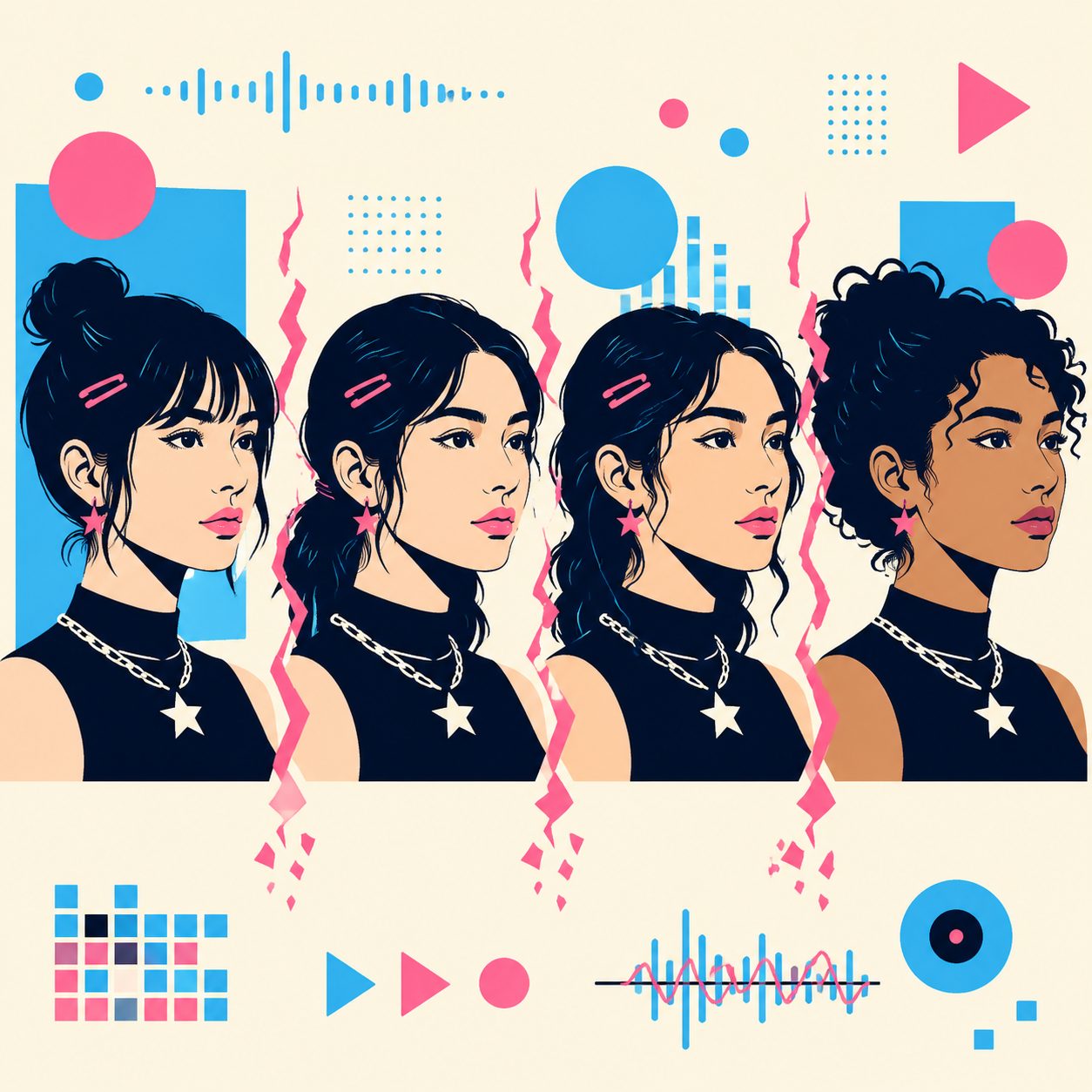
What it looks like: Pre-chorus your lead is a woman in a cream knit sweater. Post-chorus she’s wearing a black tank top. The expression shifts from “contemplative” to “scowling.” Sometimes the gender quietly changes between cuts.
Why it kills: The human brain is exponentially more sensitive to face inconsistency than to scene inconsistency. Your one-minute MV can blow character continuity in two frames and the viewer’s subconscious has already filed the whole thing under “fake.”
Reddit consensus:
“Keeping characters looking the same across scenes — character consistency is still the hardest part.”
——
Budget_Coach9124, r/SunoAI
The fix: Build a character bible + reference lock + per-scene prompt + sanity check. Full 4-step method in the cross-scene character consistency guide, including a five-engine head-to-head between Veo 3 / Hailuo / Kling / Jimeng / Wan 2.7.
Symptom 2: Beat Misalignment (The Stealth Killer)
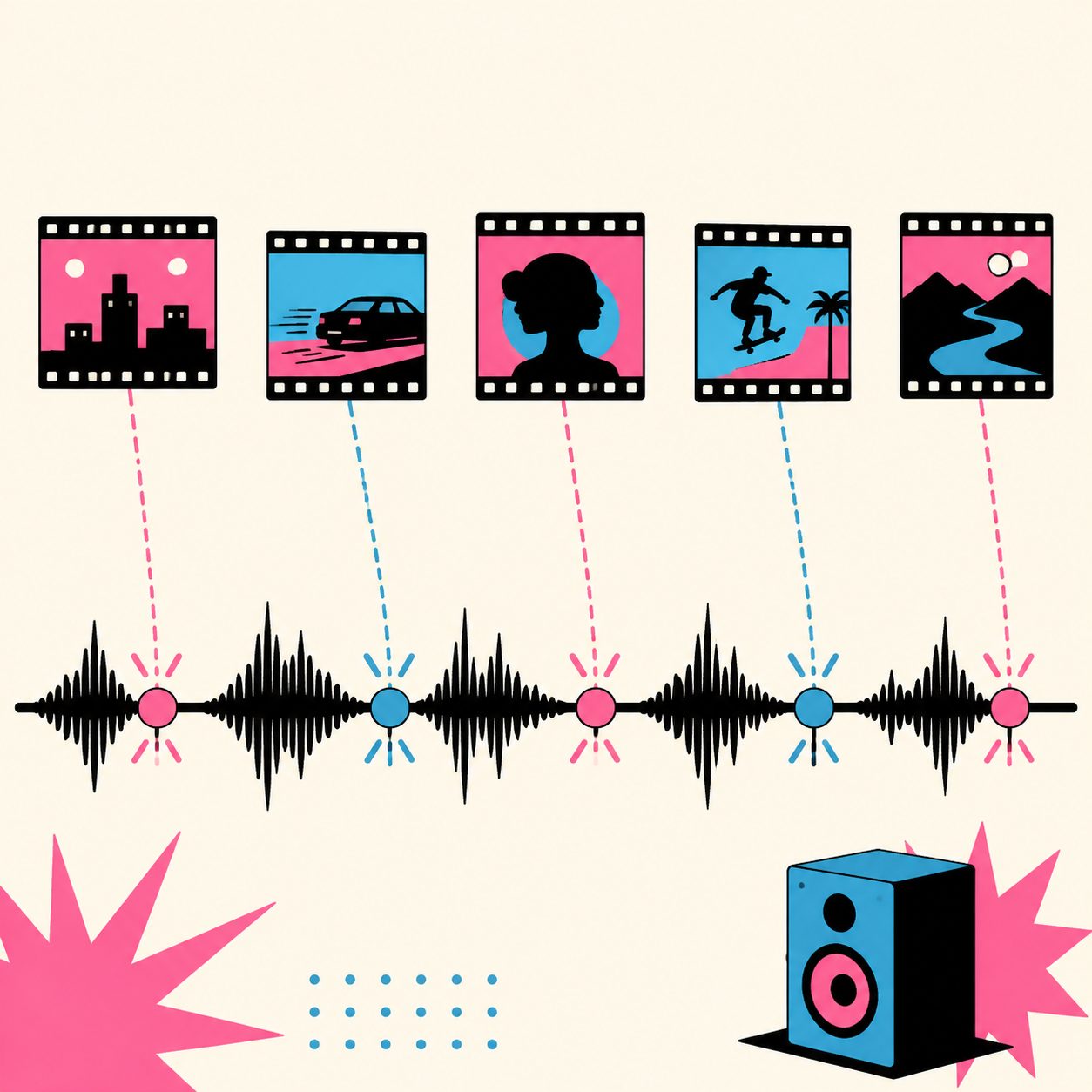
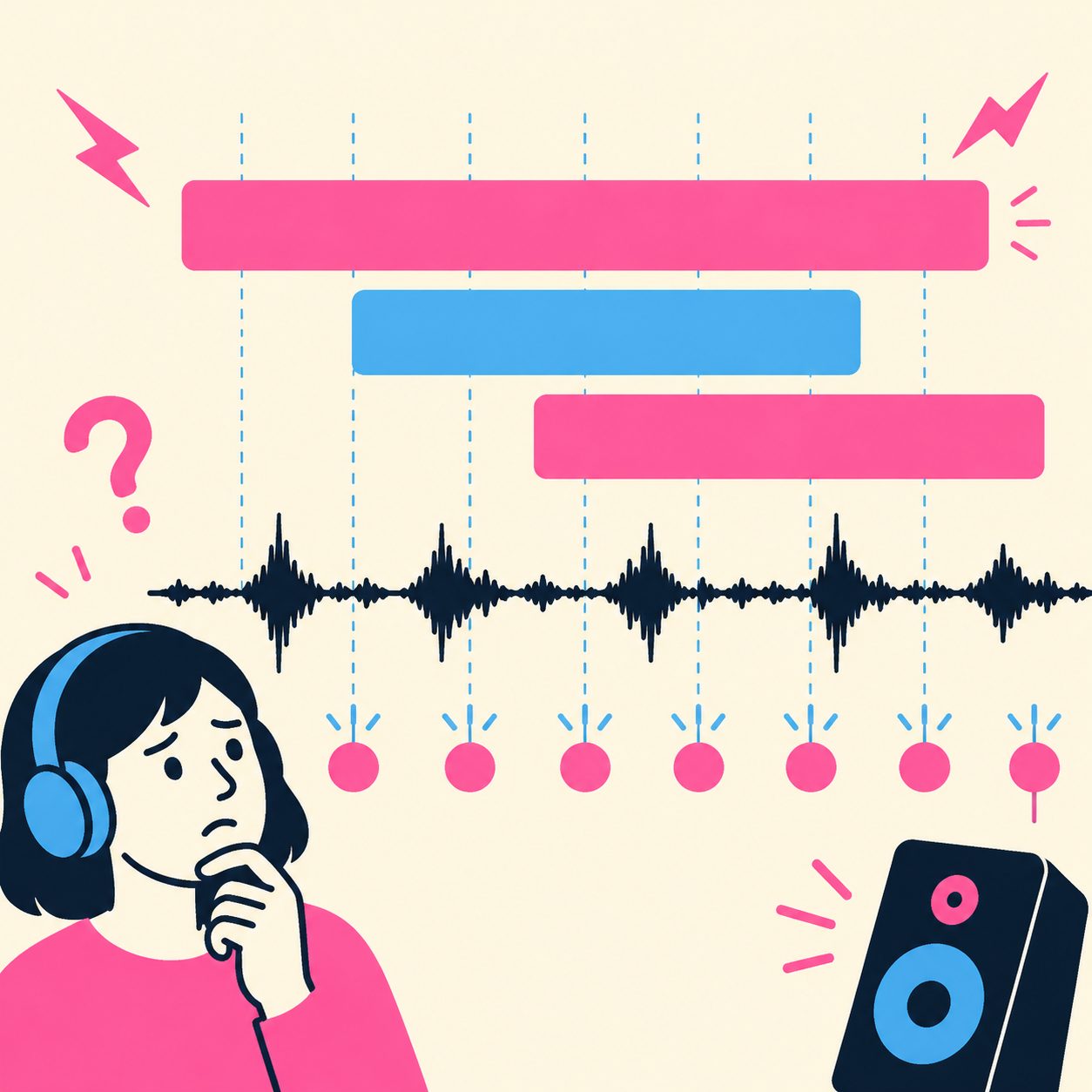
What it looks like: The footage is fine on its own. The track sounds fine on its own. Glued together they “tear”—the chorus cut lands off the kick, captions don’t punch with the lyric, transitions arrive half a second early or late.
Why it’s stealth: Viewers can’t articulate what’s wrong, but the retention curve tells you immediately. On 9:16 vertical this is brutal—average decision-to-keep-watching is around 1.5 seconds, and a single rhythm miss is enough to bounce them.
The fix: The root cause isn’t visual quality. It’s the alignment between visual cadence and musical cadence. Full 6-step process in beat-synced visual pacing method: word-level timestamp extraction → section energy mapping → transition density planning → caption style matching → video model allocation by energy tier → pre-export beat audit.
Symptom 3: Budget Smearing (The Most Wasteful)
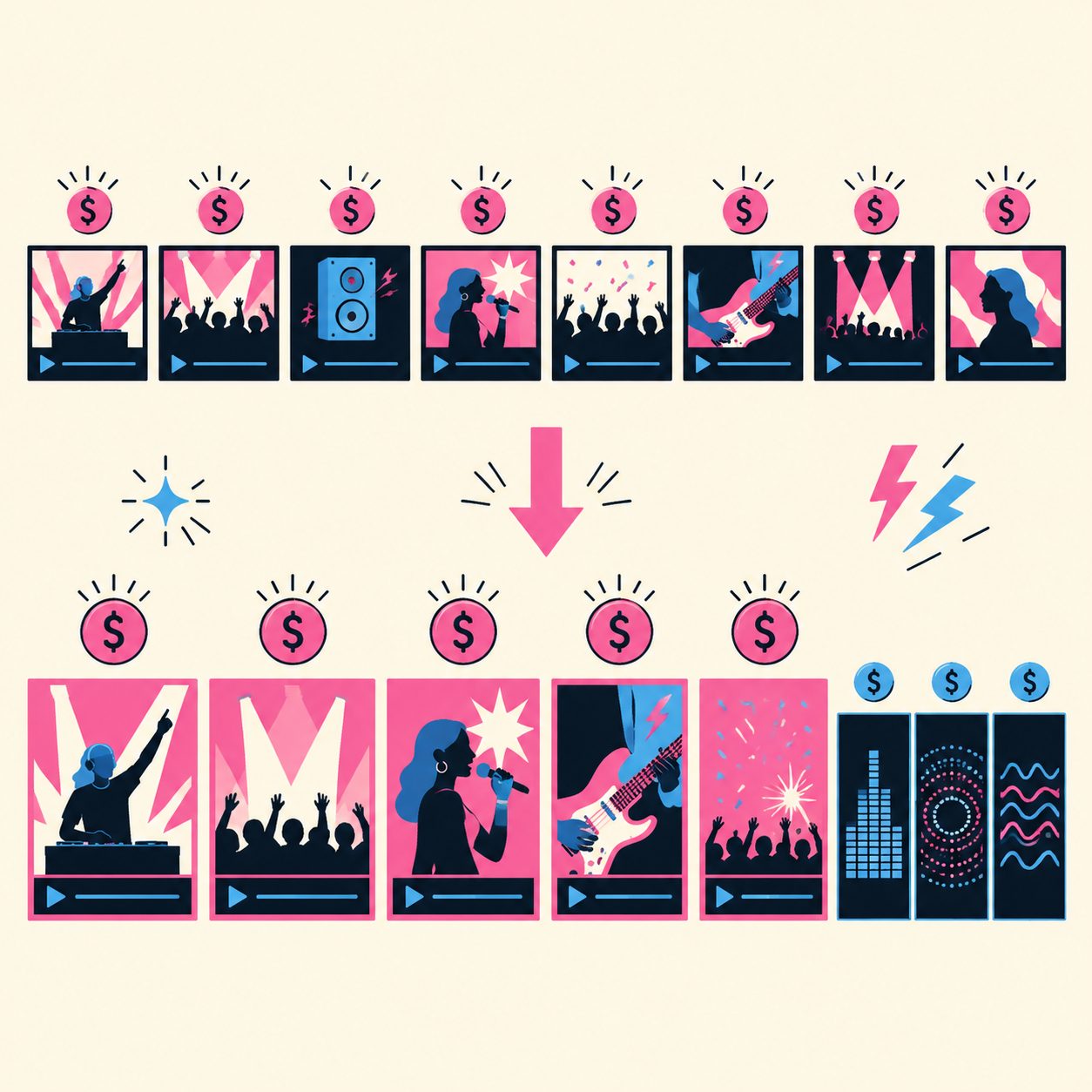
What it looks like: Every section gets full Sora 2 / Veo 3 generation. Quality is “uniform”—and none of it is exceptional. You spread your compute budget over 8 sections, each gets 1/8 of the attention, and the result is “fine but never thrilling.”
Why it’s wasteful: There are at most 5 moments in any track that viewers actually lock onto—chorus drop, chorus peak, bridge contrast, final resolve, hero shot. The other 80% of runtime is noise, not signal. Spending equal compute everywhere is like spreading peanut butter on a baseball bat.
Reddit consensus (top-voted comment):
“A ‘lite’ agent approach — agent that plans scenes, picks reusable motion templates, generates only keyframes or short loops, and stitches with cheap visualizer in between. 80% of the vibe without 10x cost.”
——
Otherwise_Wave9374, r/SunoAI
The fix: Concentrate budget on 5 hero moments—those frames get the premium engine, everything between them gets a visualizer. Complete formula in the Lite-Agent low-budget workflow, with a 9:16 short-form section budget calculator.
Symptom 4: Visual Style Mashup (The Most Amateur)
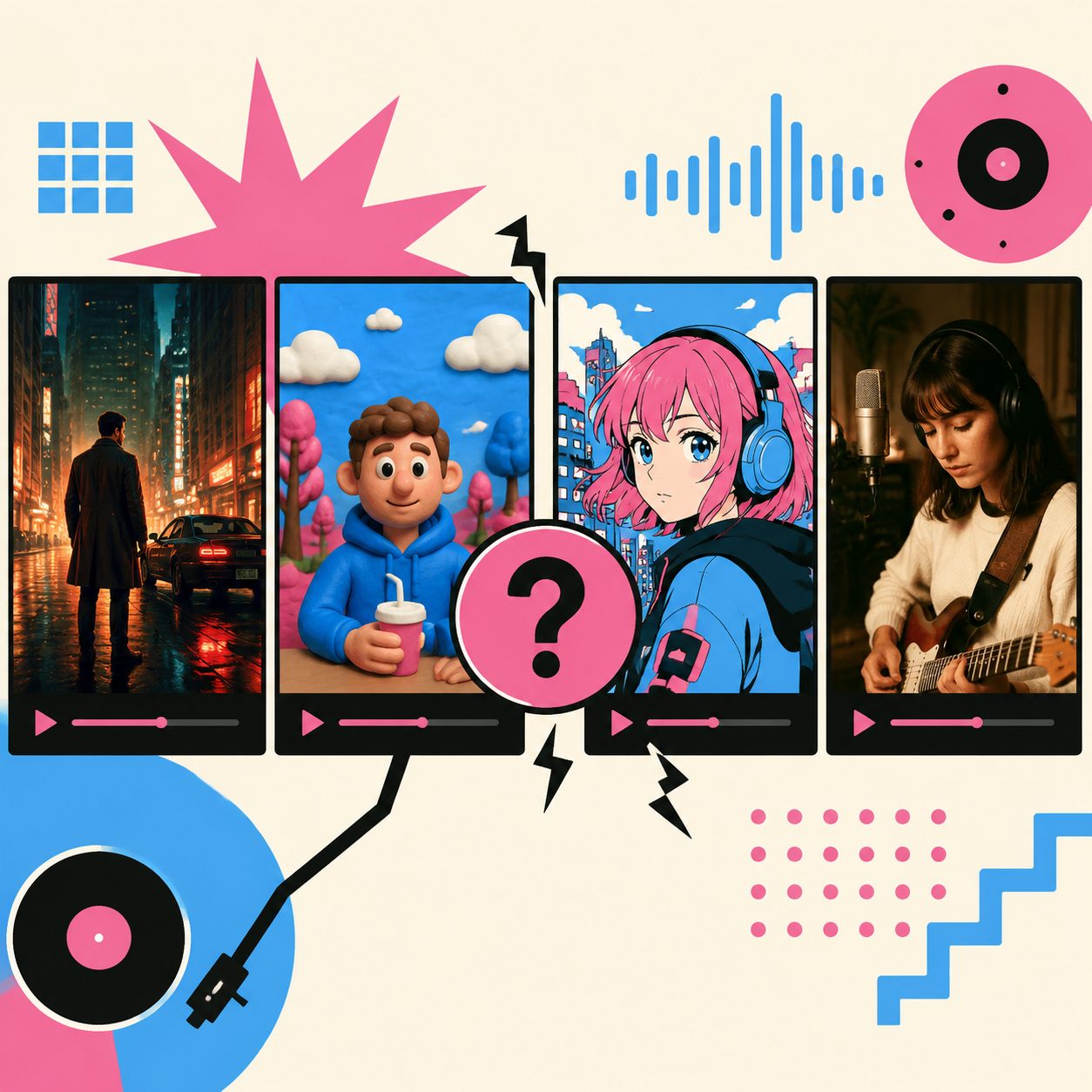
What it looks like: Section 1 hits cinematic (Veo 3 output). Section 2 lands plastic (Hailuo output). Section 3 goes anime (DomoAI output). Stitched together it reads like three different directors’ reels glued onto one song.
Why it screams amateur: Every model has its own aesthetic fingerprint—Veo 3 leans cool cinematic, Hailuo runs warm plastic, Sora 2 sits in photorealism, DomoAI lives in anime, Jimeng pushes Chinese-style. Mixing engines forces you to pin the style words across every prompt (cinematic, 35mm / anime, cell-shaded / realistic photography etc). Skip that and you’re rolling dice on visual coherence.
The fix:
- Write one master style prompt (single sentence, lives in the character bible)
- Repeat it verbatim in every section prompt—do not abbreviate
- When swapping engines, run a 1-segment calibration first: same prompt through Veo 3 + Hailuo, eyeball whether the outputs feel like the same project. If not, tune both prompts until they converge
- Nuclear option: lock the entire MV to one engine. Lower per-shot ceiling beats a style fracture every time
SunoMV’s multi-engine router handles this internally—you give one prompt, it tunes the underlying model parameters per engine to keep style coherent.
Symptom 5: Captions That Don’t Hit the Beat (Easiest Fix, Most Ignored)
What it looks like: Lyrics show up line-by-line. A whole bar parks on screen for 5 seconds, waiting for the next bar—but the verse is actually moving at 0.3 seconds per syllable. Captions are floating outside the rhythm.
Why it gets ignored: Most AI video tools only output line-level captions (one bar at a time). That’s fine for long-form vlogs—on a music video it’s a slop signal. The viewer’s subconscious knows the captions don’t match the music. They can’t say why. They just bounce.
The fix:
- Use word-level captions (every syllable independently timestamped)
- Each word’s display window aligns to the actual audio timestamp
- Choruses / high-energy sections use “pop-in” style (one-word punches, social-media-native)
- Verses / low-energy sections use “line-roll” style (minimal, cinematic-style)
SunoMV ships word-level captions by default—paste your Suno link, every word gets start/end times accurate enough to land on the kick. Pair it with the audio-to-video AI generator and you can pick caption presets directly (pop punch / minimal / cinematic / social media).
The 5-Minute Slop Self-Audit Checklist
Before you hit publish on any MV, spend five minutes running this:
| # | Audit question | Tool / path | Pass criterion |
|---|---|---|---|
| 1 | Is the lead the same person across every section? | Sample 8 frames, run face similarity comparison | Cosine similarity ≥ 0.85 |
| 2 | Does the chorus cut land on the beat? | Single-step to chorus-start frame | Off by ≤ 1 frame (@30fps) |
| 3 | Are there 5 distinct hero moments? | Skim watch (jump every 5s) | You can name 5 clear “visual peaks” |
| 4 | Is the visual style consistent across sections? | Pull 4 frames, lay them side by side | Subjective: “this reads as one piece of work” |
| 5 | Are captions in sync with the lyric rhythm? | Mute the video, watch captions pop | Caption beats line up with vocal cadence |
Pass criterion: 4 of 5 pass = ship it. 3 of 5 = revise once and re-audit. ≤ 2 = redo from scratch.
Don’t bet on “viewers won’t notice.” They can’t articulate what’s wrong, but their thumbs swipe up anyway. The body is honest.
Hit 4/5 Audit Items in One Click on SunoMV
SunoMV’s pipeline already covers the first 4 items by default:
- Item 1 (character consistency) → story music video generator ships with built-in character bible templates
- Item 2 (beat alignment) → one-click music video generator auto-applies word-level timestamps and beat-locked transitions
- Item 3 (5 hero moments) → Lite-Agent workflow plans 5 keyframes by default
- Item 4 (style consistency) → multi-engine router handles cross-model style alignment automatically
- Item 5 (caption rhythm) → manual selection required, but 4 presets cover the common cases
Item 5 stays manual because caption style is an aesthetic call, not a technical one. The 4 presets handle ~90% of use cases—the remaining 10% is custom taste.

FAQ: 5 Edge Cases on Slop
Q1: Does this checklist apply to 16:9 long-form MVs too?
Yes, but the weights shift. 16:9 long-form has lower retention pressure—beat misalignment is somewhat forgivable. 9:16 vertical is brutal: every item must clear. For shorts, add item #6: “Is there a hook in the first 3 seconds?”
Q2: Are MVs from Suno Hooks automatically slop?
Depends on how you use it. Suno Hooks does well on items 1+2 by default (character lock + beat alignment baked in), but the visuals tend toward abstract—item 3 (5 hero moments) is the usual fail point. Hooks works better as a “music sampler” than a complete MV narrative engine.
Q3: If I run every section through Sora 2 alone, doesn’t that prevent slop?
No. Single-engine = item 4 passes for free. But item 1 (character) and item 2 (beat) are not problems Sora 2 solves on its own—they’re workflow problems. The 5 items are independent dimensions; no single engine, however good, covers all five.
Q4: Do slow songs (< 80 BPM) still need to hit beats?
Yes, but density drops to 1/4. Fast songs cut every 5–10 seconds; slow songs cut every 15–25 seconds. The cuts that do happen still need to land on the kick—a one-beat miss in a slow song is more obvious than the same miss in a fast one, because every kick is exposed.
Q5: How do I objectively diagnose slop—show it to a friend or check analytics?
Both. Short-term: cold-test it on a friend, watch whether they make it past 5 seconds (the strictest retention test you’ll ever run). Long-term: check 3-second retention rate on TikTok / Shorts / IG analytics. Slop MVs typically show < 50% retention at the 3-second mark. Non-slop typically holds > 70%. If your 3-second retention is below 50%, the audit caught something you didn’t.
Closing
Slop isn’t an AI failure—it’s a workflow failure. Same Suno track, same Sora 2 / Veo 3 compute, full 5-of-5 audit pass vs 0-of-5 = roughly 6x retention delta. That’s not a render quality difference. That’s a systems difference.
Bookmark this checklist as your last gate before publish. Five minutes. All five items must clear before you hit upload.
Further reading (each post is the full repair path for one symptom):
- Symptom 1 fix → 4-step cross-scene character consistency method
- Symptom 2 fix → Beat-Synced Visual Pacing 6-step process
- Symptom 3 fix → Lite-Agent low-budget workflow
- Symptom 5 fix → SunoMV 22 caption styles
Try it now: SunoMV one-click music video generator — paste a Suno link and the first 4 audit items clear automatically.
——SunoMV Team
Popular guides
More in this series
- Character Consistency in AI Music Videos: The 4-Step Cross-Scene Method (Suno + Veo 3 + Hailuo + Sora 2)
- Hybrid Editing for AI Music Videos: When to AI-Generate vs When to Hand-Edit (5 Modes × 6 Decision Dimensions, 2026)
- Stop Burning Suno Credits: The Lite-Agent Method for Cheap AI Music Videos (5 Keyframes + Short Loops + Visualizer)
- 22 TikTok-Viral Music Video Styles Now Live on SunoMV: From Studio Ghibli to Cyberpunk (2026)
- AI Music Visualizer 2026: The Complete SunoMV Guide to Turning Sound Into Visuals