/icon.png)
AMV with AI: The 2026 Anime Music Video Production Workflow (Suno + Wan 2.7 + Kling Anime Mode + DomoAI)

TL;DR
AMV (Anime Music Video) is not just “anime clips + music” — it’s a 40-year-old editing genre with its own conventions for pacing, typography, and cut density. The tradition started on AnimeMusicVideos.org in the 1980s, lives today on YouTube AMV channels, niconico, Reddit’s r/AMV, and Bilibili’s anime zone, and has its own grammar that distinguishes it from regular music videos.
The AI era brings a fundamental shift to AMV creation: you are no longer constrained by the editable range of existing anime footage.
This article delivers a complete AI-era AMV workflow: Suno for the song → Wan 2.7 chained generation → Kling 2 anime mode keyframes → DomoAI for anime-style translation → SunoMV for stitching. We also include 5 AMV sub-genre presets (action, emotional, character study, story-mix, and Vocaloid1 MV).
What is AMV? Why is it a standalone genre?
AMV traces back to American anime fan circles in the 1980s — fans editing Beta and VHS tape footage to Western pop music. Forty years later, the genre has cemented these defining traits:
| Dimension | AMV trait | Regular MV |
|---|---|---|
| Rhythm | Strict drum-hit alignment; chorus drop must hit a peak scene | Loose |
| Typical length | 60–90 sec (short) or 3–5 min (standard) | 3–4 min mainstream |
| Typography | Type is a visual element (each subtitle has motion, not just display) | Optional |
| Cut density | 1–2 sec/cut on chorus, 3–5 sec/cut on verse | 5–10 sec/cut even in chorus |
| Color grade | Strong “visual unity”; aggressive LUT | Natural tones |
| Lipsync / sync to emotion | Character mouth shape / expression maps to song emotion | Not enforced |
AMV community map:
- niconico (Japan) — birthplace of MAD videos and Vocaloid MVs, with its iconic real-time 弾幕 (danmaku) comment overlay
- YouTube AMV.org legacy + active YouTube AMV creators (US/global)
- Bilibili anime zone (China) — bullet comment culture similar to niconico
- Twitter/X AMV community — short-form, viral
- Reddit r/AMV — discussion, contests, technical critique
The core change AI brings to AMV:
- Traditional AMV: constrained by editable existing anime footage
- AI AMV: can generate entirely new anime-style footage — custom characters, scenes, and stories made specifically for this song, free from anime IP constraints
This unlocks a new lane in AMV creation: original anime-style MVs, where the visuals don’t come from any existing series.
The complete 5-step workflow
Step 1: Pick or generate the song
Traditional AMV has 3 selection criteria for songs:
- Clear rhythm — chorus must have an unmistakable “peak moment” (drum hit / drop / vocal high note)
- Emotional contrast — verse mood vs chorus mood differ noticeably
- Concrete lyrics — lyrics translatable to visuals (“flame”, “soaring”, “heartbeat”)
If you generate via Suno V5.5, append these prompt elements: ["dramatic build", "anime opening style", "epic chorus", "emotional bridge", "BPM 120-140"]. Most AMV creators’ Suno prompts lean on J-pop / J-rock / anime opening (OP) styles as a base.
See the detailed Suno V5.5 prompt engineering guide.
Step 2: Build a character bible (for original characters)
If you’re making an “original anime-style MV” (no IP characters), follow our 4-step character consistency method. AMV-specific notes:
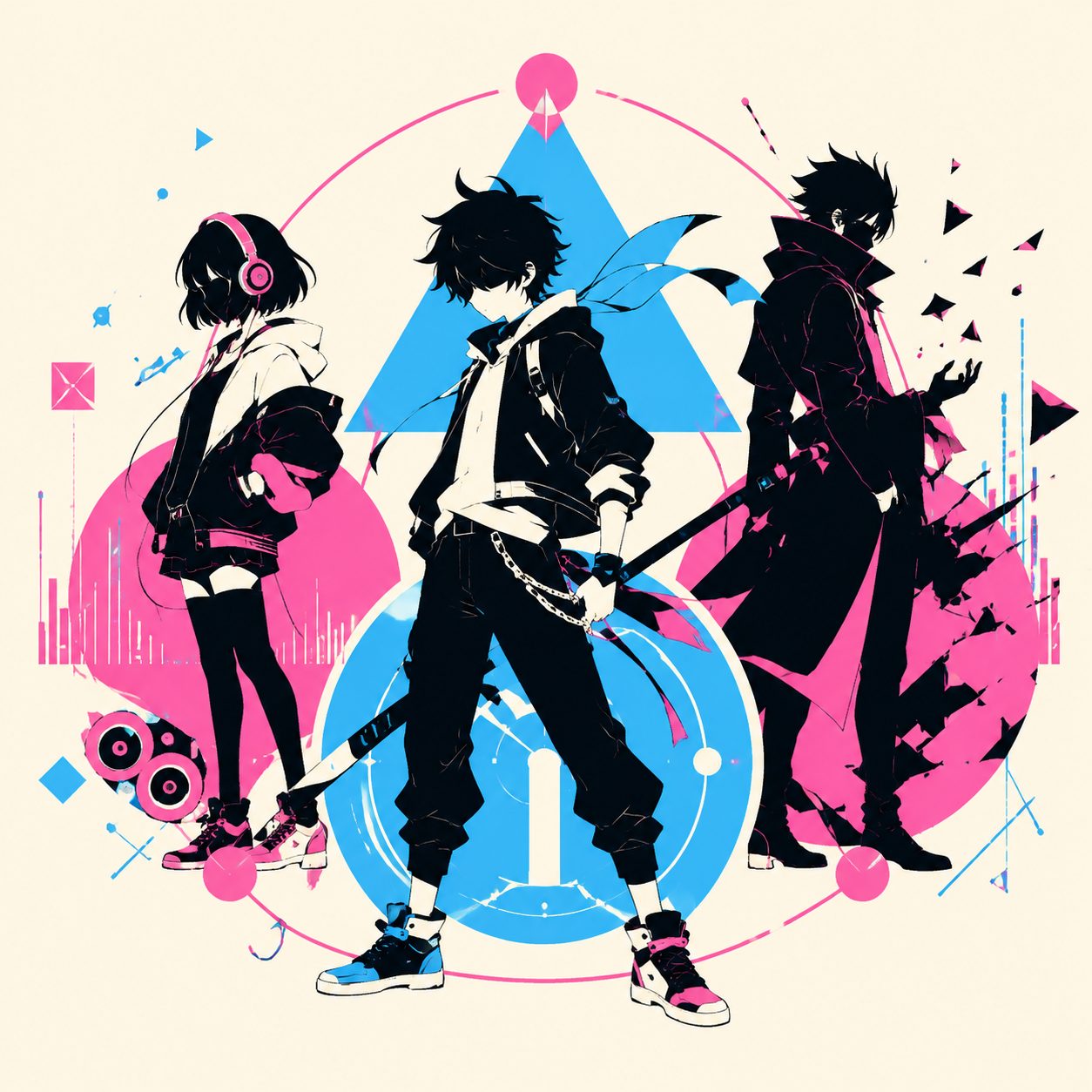
- Multi-character scenes are common — protagonist + sidekick + antagonist may all need bibles, with 2–3 characters per single bible doc
- Style consistency matters more than character consistency — all characters must share one art style (Studio Ghibli, Kyoto Animation, Trigger). Style cohesion outranks per-character cohesion
- Typical shot framing — AMV favors mid-shot + close-up alternation; full-body shots are rarer
For Vocaloid MVs, basing your character bible on official public character settings (Hatsune Miku, Kagamine Rin via Crypton Future Media’s Piapro Character License) is the standard safe path on niconico. Crypton’s PCL explicitly permits non-commercial fan creation, making it the most legitimate route for AMV creators.
Step 3: Segment generation — 4-engine combo strategy
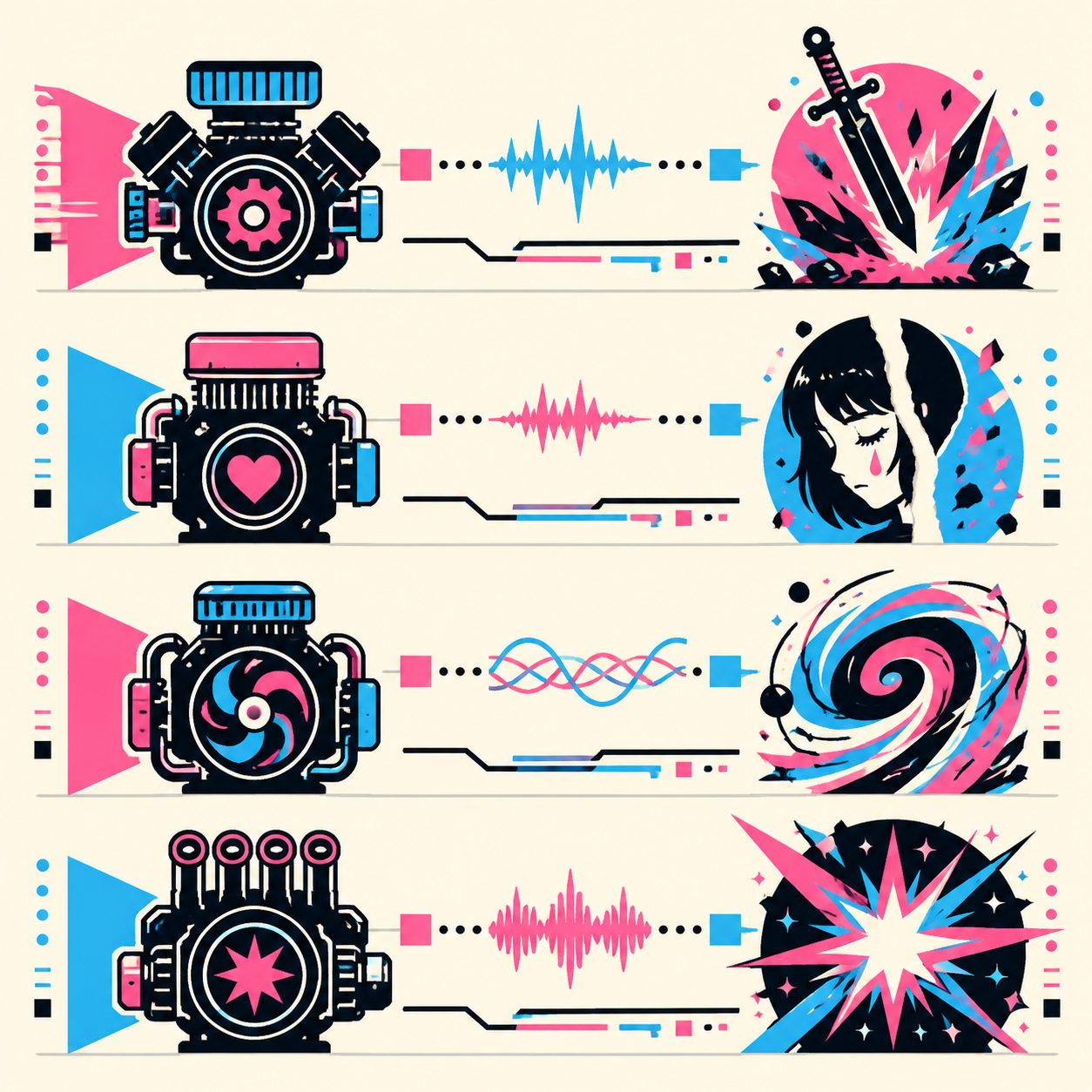
AMV uses different engines for different segment roles:
| Segment role | Recommended engine | Why | Per-segment cost |
|---|---|---|---|
| Key narrative(peak / chorus climax) | Wan 2.7 chained (first frame → video) | Coherent character motion + AMV rhythm alignment | $0.18 |
| Emotional monologue (verse / lyrical) | Kling 2 anime mode | Detailed expressions + anime aesthetic | $0.20 |
| Abstract / transition | DomoAI (Japanese AMV tutorial standard) | Most reliable anime style + rich transitions | $0.20 |
| Hero peak (chorus final) | Veo 3 anime style prompt | Best quality, reserve for top 1–2 segments | $0.50 |
| Typical 90-sec AMV total cost | $3–5 |
Wan 2.7 chained generation’s AMV advantage: take the last frame of segment N as the first frame of segment N+1, chaining 20–30 seconds of coherent motion shots — exactly what AMV “action sequences” need.
External references: Wan 2.7 official, Kling official, DomoAI, Veo 3 official.
Step 4: AMV stylization — typography + transitions + LUT
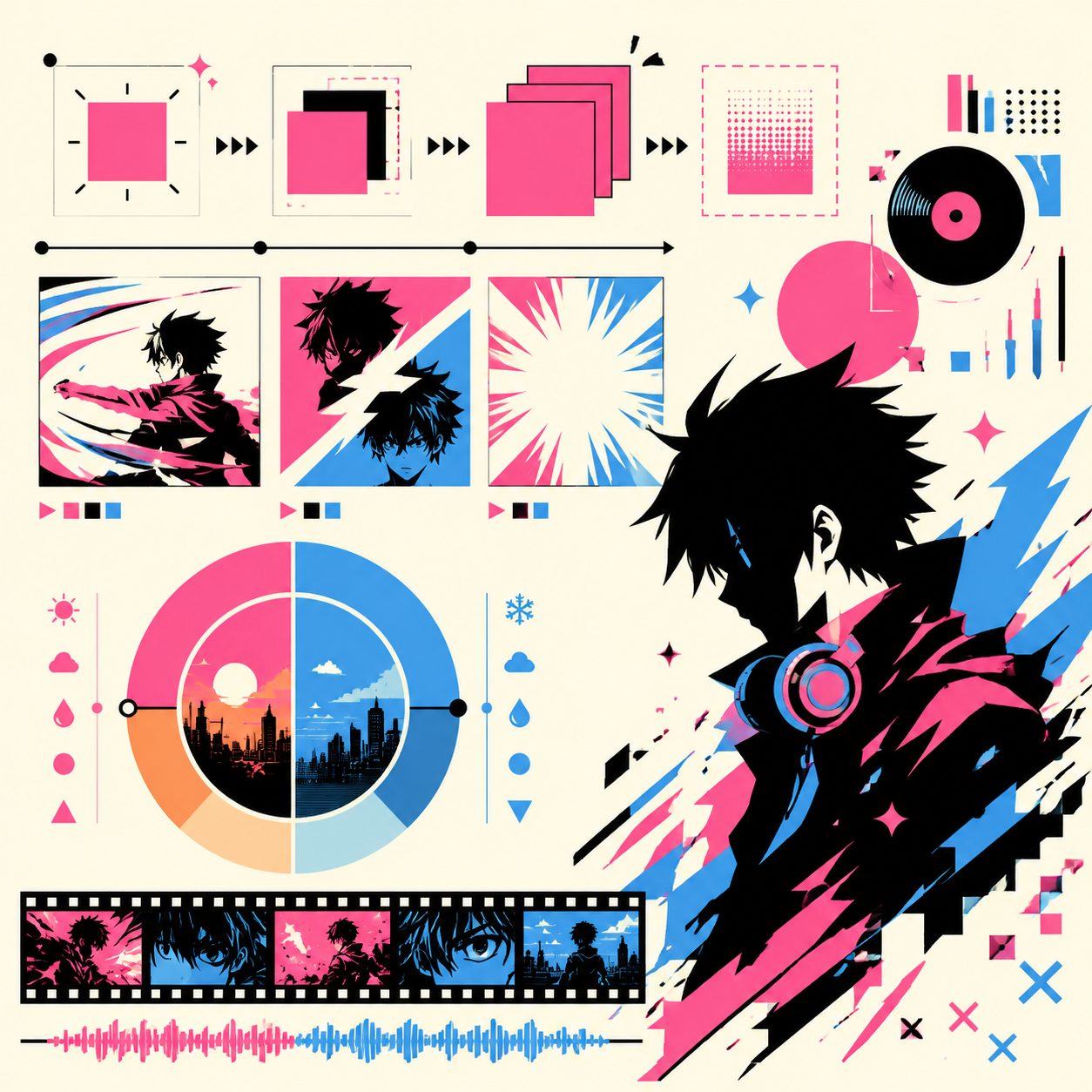
AMV is recognized as AMV via these three pillars:
Typography (motion type):
- AMV type isn’t just a subtitle — it’s a visual element
- Pop-in / zoom / glitch / fade animation on each H3 keyword appearance
- Verses use minimal typography; choruses use dramatic typography
- SunoMV Viral-Shorts MV generator ships 22 caption styles; “AMV typography”, “anime opening”, and “dramatic pop” fit AMV best
Transitions:
- Hard cut + whip pan + fade rotated alternately
- Zoom punch on chorus drop / peak moments
- White flash on verse → chorus transitions
LUT color grading:
- Apply a unified LUT across the full piece (warm orange / cool blue / purple-pink monotone dominance)
- Increase contrast (AMVs feel “harder” than source footage)
- Crush shadows, lift highlights (high-dynamic-range look)
SunoMV cut editor provides LUT application + AMV-style preset transitions, so you don’t need to bounce out to a desktop NLE for AMV finishing.
Step 5: Beat alignment + export
AMV beat requirements are stricter than K-pop — chorus is 1–2 sec per cut. Use the Beat-Synced Visual Pacing 6-step method, but double the cut density.
Output formats:
- niconico → 1080p mp4, 60 fps (high refresh is niconico cultural norm)
- YouTube AMV → 1080p / 4K mp4, 30 / 60 fps both work
- Twitter/X → 720p webm (Twitter’s compression is brutal — pre-downscale to stay readable)
- Bilibili anime zone → 1080p mp4, 60 fps, with bullet-comment buffer space
5 AMV sub-genre presets
| Sub-genre | Primary platform | Song style | Engine combo | Caption style | Length |
|---|---|---|---|---|---|
| Action AMV | YouTube / niconico | J-rock / metal / EDM | Wan chain (70%) + Veo3 hero (30%) | dramatic pop | 90s |
| Emotional AMV | YouTube / Bilibili | J-pop / ballad | Kling anime (80%) + DomoAI (20%) | minimal typography | 3 min |
| Character study AMV | niconico / Twitter | indie / OST | Kling anime + strict character bible | cinematic | 60s |
| Story-mix AMV | YouTube / Bilibili | J-pop / theme song | Wan + Kling multi-character | AMV typography | 3-4 min |
| Vocaloid MV | niconico / YouTube | Vocaloid / synth | DomoAI + Wan link | minimal + bullet space | 4-5 min |
Vocaloid MV sub-genre note: niconico’s Vocaloid MV is the most distinctive AI AMV sub-genre — pairing Hatsune Miku / Kagamine Rin / Megurine Luka with AI-generated anime-style scenes. The character bible MUST be built on official public character settings (color palette, costume design, three-view sheets) under Crypton’s Piapro Character License. AI-generated “Miku-like” vocals are not officially recognized as “official Vocaloid output” — clearly label as “AI vocaloid-style”.
Implement on SunoMV
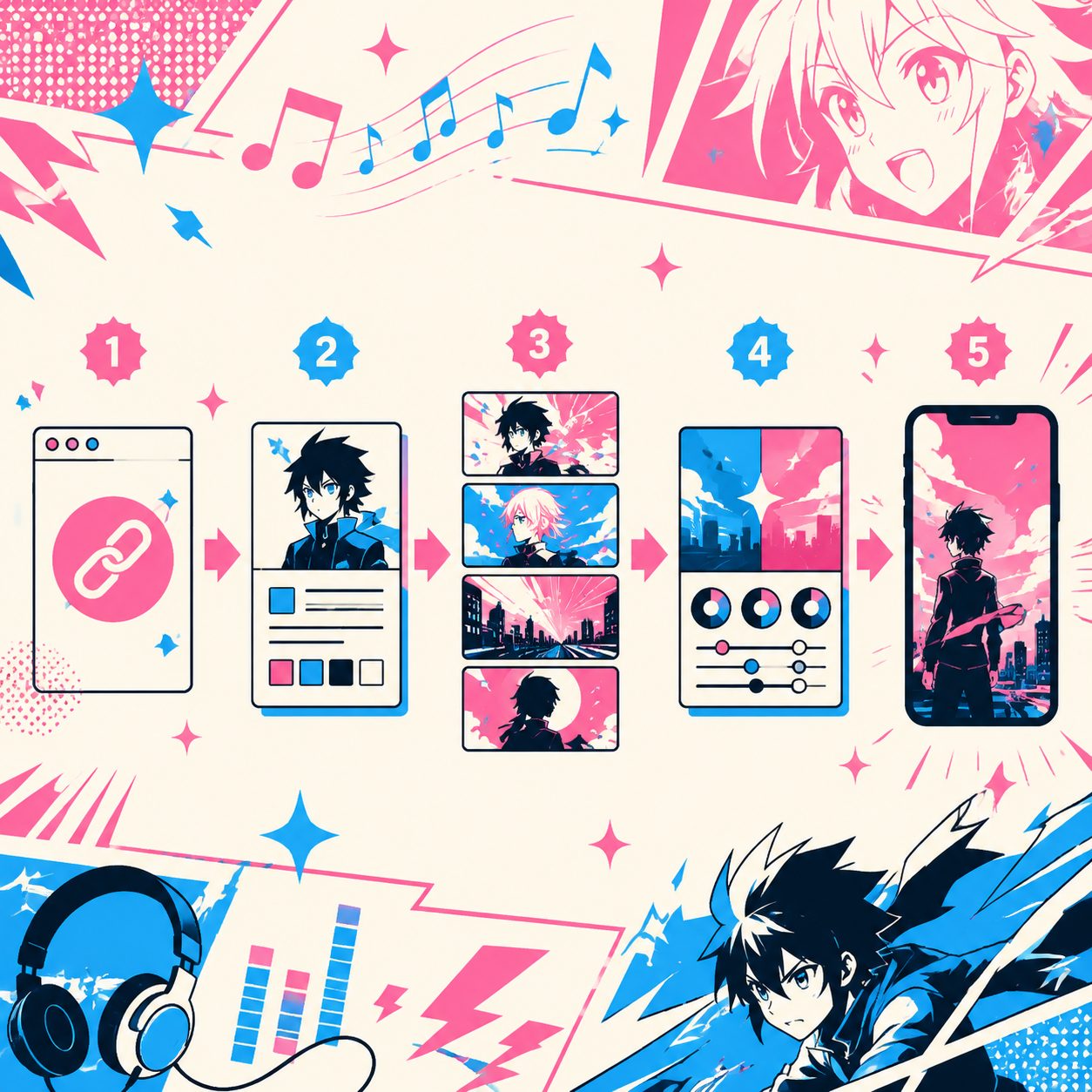
SunoMV’s concrete AMV workflow path:
- Paste the Suno link → one-click music video generator auto-extracts beats and analyzes segment energy
- Go to story music video generator → batch-generate key narrative segments using your character bible (Wan chain / Kling anime routing)
- Go to Cinematic Abstract MV generator → abstract / transition segments (DomoAI / visualizer)
- Go to audio-to-video generator → stitch + apply AMV LUT + select “anime opening” / “AMV typography” caption preset
- Export → choose target platform preset (niconico / YouTube / Bilibili)
Why SunoMV fits AMV:
- Multi-engine routing covers Wan 2.7, Kling anime, DomoAI (everything an AMV creator needs)
- AMV typography caption presets built in
- Beat-point alignment + chorus drop auto-cut
- 1080p 60fps mp4 export (niconico-compatible)
Compliance map: the AMV creator’s IP boundary
The AMV community has a long unwritten “gray zone” tradition — fan creation has been tolerated for decades. AI-era compliance thinking:
✅ Generally OK:
- AI-generated original anime characters + AI-generated music — fully AI creation, no IP dependency
- Use officially public Vocaloid characters (Hatsune Miku etc.) + original songs — Crypton’s “Piapro Character License” explicitly permits non-commercial fan creation
- AI-generate original characters in an established style (e.g., “Studio Ghibli style”) — style influence vs character copying is a legal gray area, but tolerated by mainstream community
- Clearly tag as “AMV / fanmade / fan creation” — don’t blur into “official”
❌ Don’t:
- Direct AI replication of existing anime characters (e.g., directly using Demon Slayer’s Nezuko as your protagonist) — though AMV community traditionally tolerated this, in the AI era “lower originality” puts you closer to IP risk
- Commercial AMV (selling courses, dropshipping, SaaS promotion) — non-commercial is the AMV community’s traditional baseline
- Use of unlicensed music — traditional AMV using commercial BGM is an IP risk; AI-generated Suno songs are safer
- Cross-IP character pairing (e.g., EVA Rei Ayanami × Demon Slayer Nezuko) — touches multiple rights holders simultaneously
On this section: empirical boundary, not legal advice. Consult local counsel for commercial-scale operations.
FAQ: 5 advanced AMV questions
Q1: Will AI AMV get downvoted on niconico?
Depends on quality + labeling. niconico’s AMV culture has historically been picky about “low effort / high repetition” content — AI-generated “slop” content gets criticized in 弾幕 (bullet comments). Doing 4 things avoids this: high originality (don’t replicate existing anime), strict beat alignment (every cut on the beat), character consistency, and typography craftsmanship. Run the AI MV slop diagnostic 5-item self-check before publishing.
Q2: Can I make a “live action → anime style” AMV?
Yes — DomoAI / Kling anime mode both support this. Upload live footage → select “anime style” → output an anime-converted version. But respect source video copyright — commercial film / live-action MV segment IP status is determined by the source; AI anime conversion does not strip IP rights.
Q3: Can I use Suno to generate Vocaloid-style songs for a Vocaloid MV?
Yes. Suno V5.5 prompts with vocaloid synth, Hatsune Miku style, electronic vocals, J-pop synth pop produce Vocaloid-style songs. But AI-generated Vocaloid-style vocals are not officially recognized as “official Vocaloid output” — explicitly label as “AI vocaloid-style”. This is also a community honesty norm.
Q4: Doesn’t 1–2 sec/cut on AMV chorus tire viewers?
The AMV community’s “not tiring” magic is rhythm alignment. If cut density is right and every cut hits a drum/beat, the viewer’s subconscious rides the rhythm rather than fatiguing. That’s the AMV core technique — not “cut fast”, but “cut precisely”. Watch any Kyoto Animation OP carefully and you’ll see the same principle.
Q5: Does AMV need “multi-character chase / battle” type scenes? Can AI handle that?
AI’s current weakness. Multi-character interaction / complex battle motion is a known limit of current AI video models — typically requires Wan chained gen + manual keyframe intervention. Simplification strategy: alternate single-character monologue / reaction shots with visualizer abstract segments to avoid complex multi-person interaction. r/AMV community consensus: the best AI-era AMVs are character study (single-protagonist emotional narrative), not action (multi-person combat).
Closing
AMV is a 40-year-old editing genre — the AI era’s core change isn’t quality, it’s creative freedom: you’re no longer constrained by existing anime footage.
Save this 5-step workflow as your SOP for the next AMV project: pick song → character bible → 4-engine segmenting → typography + LUT → beat alignment → export.
Try SunoMV story music video generator — upload your character bible, pick the anime style preset, batch-generate coherent narrative segments.
Further reading:
- 4-step character consistency method: detailed character bible template
- Beat-Synced Visual Pacing 6 steps: AMV chorus density alignment
- Hybrid editing decision tree: when AI-only, when manual finishing
- Lite-Agent budget workflow: how to push a 90-sec AMV under $3
— SunoMV Team
Footnotes
-
Vocaloid (ボカロ): Japanese singing voice synthesis software with iconic virtual characters (Hatsune Miku, Kagamine Rin, Megurine Luka). Vocaloid MVs are a beloved sub-genre on niconico (ニコ動)2, Japan’s premier anime/otaku video platform. ↩
-
niconico (ニコ動): Japanese video sharing platform famous for its real-time scrolling comment overlay (弾幕 / danmaku). The native home of MAD videos and Vocaloid MVs. ↩
Popular guides
More in this series
- K-pop AI Cover Music Video Workflow: Suno V5.5 Voice Clone + Kling Character Lock + SunoMV 9:16 (2026 Hallyu Fan Guide)
- Independent Musician Album Pipeline Methodology (2026): A 4-Week Roadmap from One-Sentence Theme to 10 Songs with Full MVs
- Case Study: Indie Band Subtle Static Ships an EP's Full MV Set in 9 Days with SunoMV (2026)
- Case Study: An Indie Meditation-App Creator Replaced Her Whole Soundtrack with SunoMV in One Week (2026)
- AI Music for Meditation, Mindfulness and Sleep Apps with SunoMV: 2026 Complete Guide
View all 34 articles in Indie Albums, Game Soundtracks & Format Stories →