/icon.png)

Back-Catalog Music Videos: How Songwriters Are Giving Decades of Old Songs a Music Video With AI (2026)

As of 2026-10-24. This is the first post in our Back-Catalog Music Video series: real stories from songwriters who are giving their old songs the video they never had.
A song finished years ago, seen as a music video for the first time.
Ask any songwriter who has been at it for a while how many finished songs they have, and you usually get a pause, then a number that surprises them. Forty. Eighty. “A few hundred, if you count the demos.”
Ask how many of those songs have a music video, and the answer is almost always “one or two,” or “none.”
For decades that made sense. A music video meant a crew, a location, an editor and a budget, so it went to the one song you were pushing that year. Everything else stayed audio. A file on a hard drive, a track on a streaming page, a cassette in a shoebox.
That is the gap we keep seeing at SunoMV. A growing share of the people who write to us are not starting a music career. They already had one, or they have been writing quietly for years, and they have a back catalog: a library of finished songs that never got pictures. We call what they are making a back-catalog music video: an MV made today for a song that was finished long ago.
We asked four of them if we could tell their story. Their names, details and song titles are withheld, but the workflows are real.
Why the back catalog is where the music lives
If you think old songs are a niche, the listening data says the opposite.
Industry tracker Luminate counts any release older than 18 months as “catalog.” In the US in 2023, catalog made up 72.6% of total album-equivalent consumption, while new releases made up the other 27.4% (Music Business Worldwide on Luminate’s 2023 data). Most of what people play is not new.
Pictures matter for those songs too. When Spotify opened up Canvas, its short looping visual on the Now Playing screen, it reported that a high-quality Canvas can lift streams by up to 120% and saves by up to 114% (Spotify for Artists Canvas guide). An eight-second loop is not a music video, but it shows what visuals do once a listener has already found the song.
Our own numbers tell the same story from the creator side. Over the past six months, creators who paid for SunoMV made about 2.6 times as many music videos per person as free users (2.9 songs on average against 1.1). Nearly a hundred of them have made ten or more. People with a catalog do not make one video and stop. They work through the shelf.
Practical rule: If you have more than ten finished songs, stop asking “which song gets the video?” Plan for the whole shelf and design one look you can reuse.
Story 1: The songbook keeper — over a hundred songs, one look at a time
 One song, one storyboard of stills, one consistent look. Then on to the next song.
The first creator is a songwriter with a very large library: blues, children’s songs, love songs, a stage musical, a run of space-themed instrumentals. Over about two months he has made more than a hundred music video projects with SunoMV.
He does not start with video. He starts with pictures. For most songs he generates a full storyboard of still images, checks each one, redraws the few that look wrong, and exports. Every scene gets its picture, the lyrics come in as captions, and the song has a finished video for the cost of the stills.
Three things made a library that size workable:
- A saved cast. He keeps a small set of recurring characters and places in his library, so a new song can reuse “the singer” or a favourite rooftop without describing them again.
- A series look. For his space instrumentals he kept the same spacecraft and painting style across tracks, so they play like episodes of one story instead of unrelated clips.
- Instrumentals handled as instrumentals. A track with no words gives an AI nothing to illustrate line by line. He marks those songs as having no sung lyrics, so the storyboard follows the music’s sections rather than waiting for words that never come. Our instrumental music video guide covers that setup.
His kindest note to us was that the videos came out “beautifully artistic, which is exactly what I want.” He also told us the interface was hard to learn and that he was learning something new every day. Both were useful. Notes like the second one are why we keep renaming buttons so they say what you will get.
Practical rule: With a big catalog, the cheapest version of every song is a finished stills video. Make that first, then spend video credits on the few songs that deserve motion.
Story 2: The family songwriter — songs about real people, starring real people
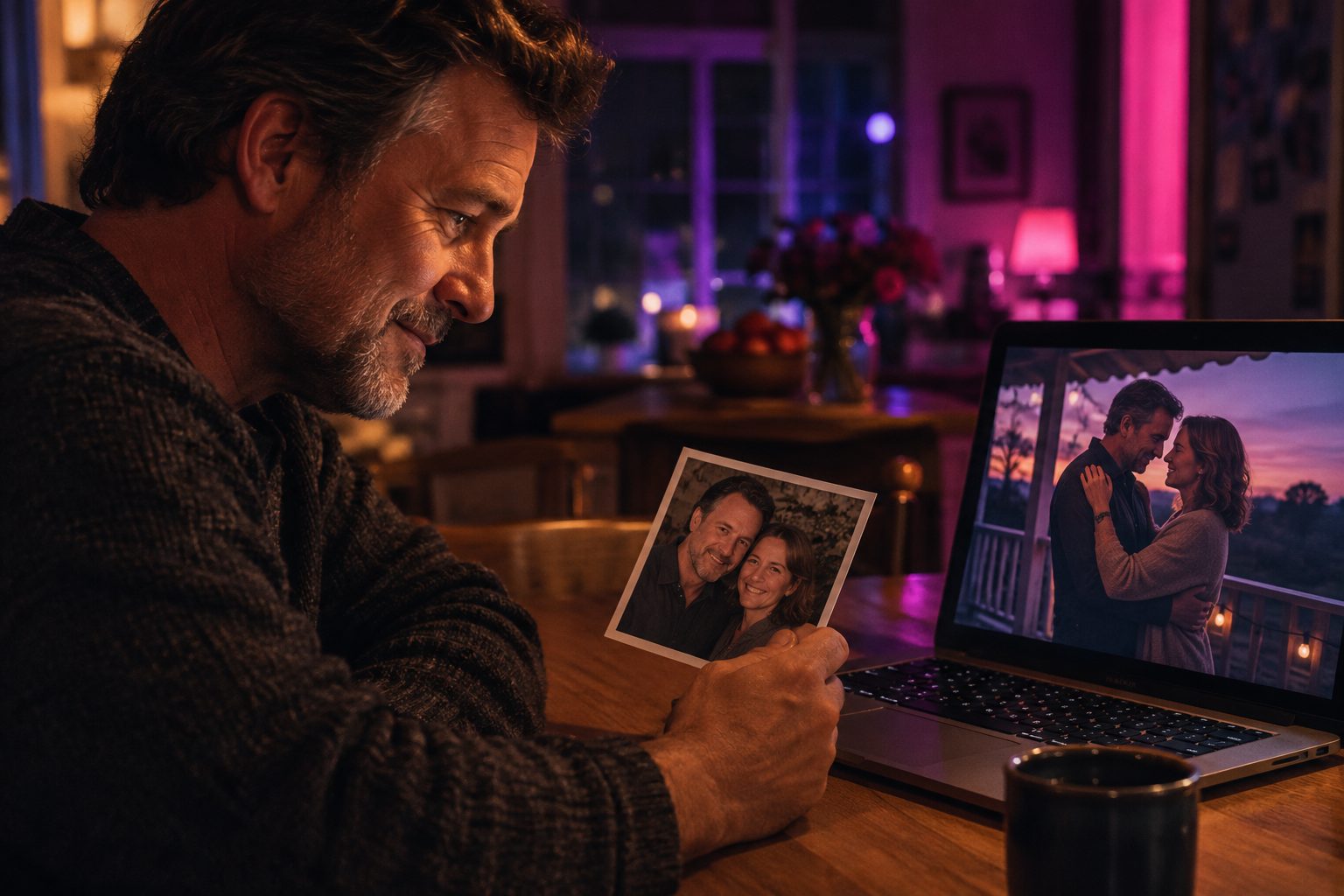 Set the cast once, with reference photos, and the same faces carry through every scene.
The second creator writes songs for and about his family. One of them is about him and his wife. He wanted the video to be the two of them, not two strangers who look a bit like them.
So the first thing he did, before generating a single scene, was set up the cast: a husband, a wife, and later their grown son, each with a reference photo. With the cast locked, every scene keeps the same faces, from the first verse to the last chorus.
He made more than twenty music video projects in his first three weeks. When a song is about a real person, he told us, the video stops being a nice extra and becomes something the family keeps.
If you want the same result, the method is in our character consistency guide. The short version: lock the people before you generate, and they stay the same through the whole song.
For a song about real people, set up the cast with their photos before you generate anything. Fixing faces after the fact costs more than getting them right first.
Story 3: The studio veteran — when the vocal has to be the vocal
 Lip sync belongs on the shots where someone is actually singing.
The third creator has spent decades in recording studios and has written about audio for a living. His ear is not forgiving, and his first project with us was not a smooth one.
He uploaded his own recording, a short summer song with a lead vocalist, and wanted two things: the singer’s lips matching the vocal, and close-ups that did not crop off the top of her head. On his first pass, our in-editor assistant sent him to the wrong tool for fixing the lip sync, and a couple of stills cut her face off. He told us so, plainly.
That feedback changed how SunoMV works. The assistant now sends “fix her mouth” requests to lip sync and nothing else.
The lesson for anyone with recorded vocals:
- Use lip sync only on the shots where the singer is singing. Wide shots, instrumental breaks and scenery do not need it, and leaving them as normal video keeps cost down.
- Check the framing of every close-up still before you animate it. Motion keeps the crop you give it. If a head is cut off in the still, it will be cut off in the video.
- See our lip sync guide for the details.
Practical rule: Animate the still you approved, not the still you hoped for. Fix the framing first, then spend credits on motion.
Story 4: The singer starting over — stills first, then a few clips at a time
 Check each still and redraw the ones that look wrong. Stills cost far less than video.
The fourth creator is a singer with recordings of her own, including an operatic version of one of her songs. Her first attempt went the way many first attempts go: she pushed straight into video, one scene kept failing, and she spent a lot of credits trying to force it before she had looked at the pictures underneath.
When she came back, the workflow she settled on is the one we now suggest to every back-catalog creator:
- Cast: put your own photo in, so every shot is you.
- Stills: generate the whole storyboard as pictures. They are cheap, so redraw anything that looks off.
- Video, a few clips at a time: once the pictures look right, animate three or four scenes, watch them next to the stills, and only then do the rest.
It is slower for the first song. From the second song on it is faster, because you are no longer paying to find out what you do not want.
How to turn your own back catalog into music videos
Put the four stories together and you get a workflow that suits a shelf of songs better than any single-video tool:
| Step | What to do | Why it matters for a catalog |
|---|---|---|
| 1. Gather | Collect the audio files and the lyrics, if you have them | Lyrics give each scene something to show; you can skip them for instrumentals |
| 2. Upload | Upload the song to SunoMV; it doesn’t have to come from Suno | Decades-old recordings work the same as new ones |
| 3. Cast | Add recurring people and places to your library once | Every later song can reuse them |
| 4. Stills | Generate and check the whole storyboard as pictures | A finished stills video costs little; this is your baseline |
| 5. Motion | Animate a few key scenes; use lip sync only where someone sings | Video credits go where they show |
| 6. Export | 9:16 for TikTok, 16:9 for YouTube | One song, two places to post it |
Two more habits from our heaviest catalog creators:
- Batch by look, not by date. Group songs that should share a style (all the blues tracks, all the lullabies) and do them together. The cast and style carry over, and the series looks deliberate.
- Keep the originals. Upload your best master. The video will only sound as good as the file you give it.
Practical rule: Treat your catalog like a series, not a pile. One cast, one style per group of songs, and every video makes the next one cheaper.
Where back-catalog videos end up: TikTok and YouTube
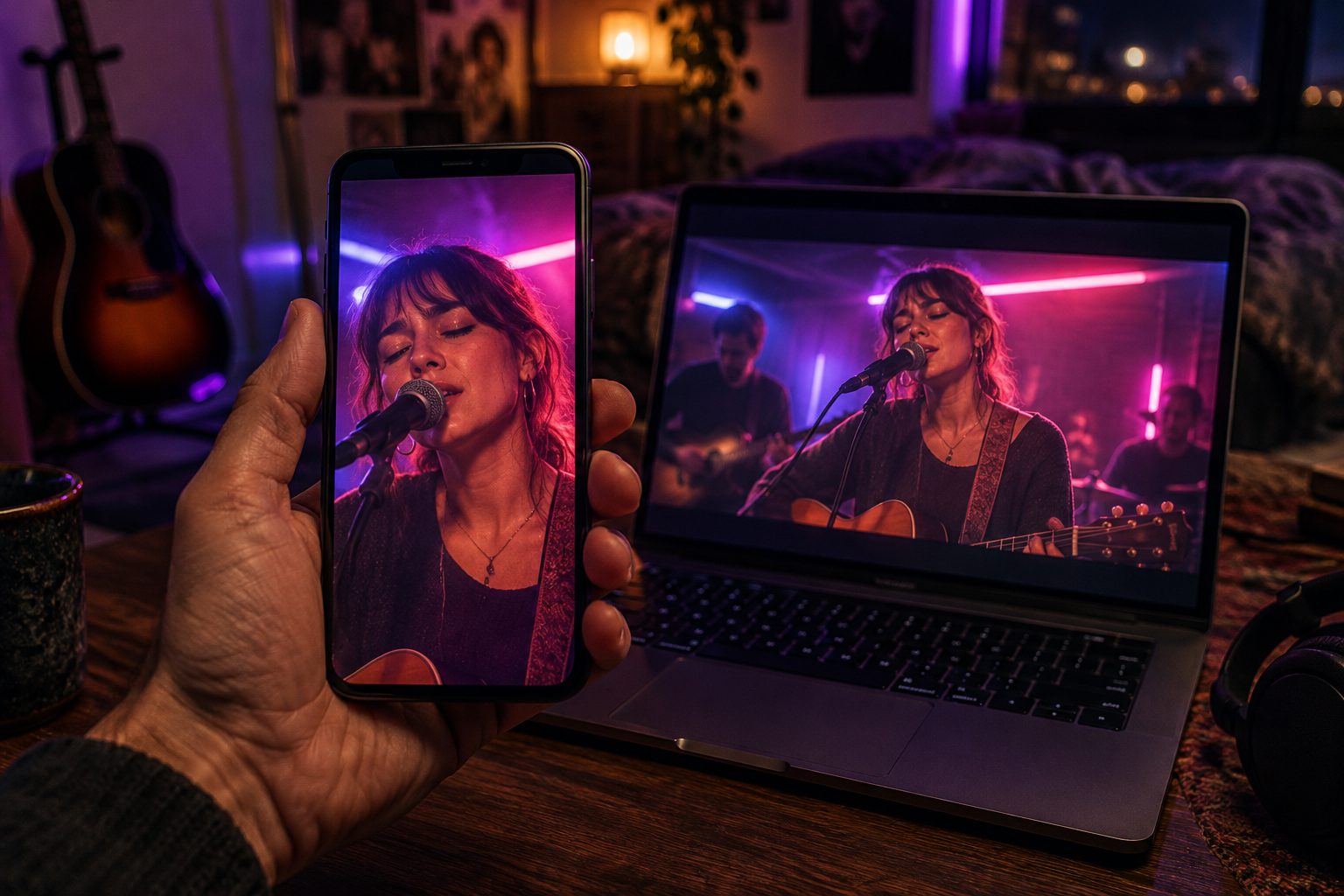 Export a vertical cut for TikTok and a wide cut for YouTube from the same project.
Almost every creator in this post ends up in the same two places. YouTube is where the full video lives: one channel, the whole catalog, easy to share with family and old fans. TikTok is where new listeners find the songs, and it is the one our creators keep telling us works better.
That matches how the two platforms behave. On YouTube, a new upload from a small channel tends to reach the people who already subscribe. TikTok’s For You feed shows a video to people who have never heard of you, so a song from 1994 starts on equal footing with one released this morning. A finished song with a strong chorus and a clear picture of what it is about is exactly what that feed rewards.
What works on TikTok for back-catalog songs:
- Export vertical, not cropped. Make a 9:16 version in SunoMV instead of letting the app crop your 16:9 video. Faces and lyrics stay in frame.
- Lead with the chorus. Post the 20 to 40 seconds around the best hook first. Link to the full video on YouTube for people who want the whole song.
- Tell them how old the song is. “I wrote this in 1987 and it finally has a video” is a hook on its own. The age of the song is part of the story.
- Post the catalog as a series. One song a day or a few a week, same look, same cast. Viewers who like one will go looking for the next.
Practical rule: Upload the full video to YouTube, then post the chorus as a vertical clip on TikTok. YouTube is the archive; TikTok is where new listeners come from.
FAQ
Can I use songs I recorded years ago, not made with Suno? Yes. SunoMV works from any audio file you upload. Several creators in this post use recordings that are years or decades old.
What if my song has no lyrics? Mark it as having no sung lyrics. The storyboard then follows the music’s sections, and you can describe the story you want each section to tell.
Do I need to animate every scene? No. Many back-catalog creators export with still pictures for most scenes and animate only the moments that matter. Scenes without video use their picture, with your captions.
Will the people look the same across the whole video? They will if you set them up in the cast with a reference photo before generating. That is the single biggest difference between a video that feels like your story and one that feels random.
Should I post on YouTube or TikTok? Both. Put the full video on YouTube so the whole song is always one link away. Post a vertical cut of the chorus on TikTok, where creators in this post say new listeners find them more easily.
I have dozens of songs. Where should I start? Start with the song people already ask about. Make a stills version end to end, see how it feels, then decide how much motion it needs. The second song will take half the time.
Your shelf of songs is waiting
Most songs get written, recorded, and then never seen. If you have a drawer full of finished songs, you don’t have to pick one and leave the rest. Upload your first back-catalog song to SunoMV and see it as a finished video, one scene at a time.
This is part one of our Back-Catalog Music Video series. Next up: how to turn instrumental tracks with no lyrics into a full storyboard, and how to plan a whole album’s videos around one look.
Made in SunoMV · real exports
See what a song turns into
Every sample below is an untouched SunoMV export: 3 AI storyboard shots, one AI-filmed clip, then the lyrics. Each one uses a different caption style and frame size.
Popular guides
More in this series
- Xiao Yao Xian Goes Viral in 72 Hours: How One Ordinary Creator Rode an AI Music Video to 100K+ Views (2026 Case Study)
- How to Make a Phonk Football Anthem with AI (World Cup 2026 Guide)
- AI World Cup Anthems: Inside the Viral Fan-Song Trend Taking Over 2026
- How to Make an AI World Cup Song + Music Video (2026 Guide)
- Make a USMNT Anthem with AI: Songs for a Home World Cup 2026 (+ England Template)
View all 35 articles in Indie Albums, Game Soundtracks & Format Stories →