/icon.png)
Kling O3 Prompt Guide: 10 Tips + Copy-Paste Templates

You type cinematic, 8K, masterpiece into a box and hit generate. Fifteen seconds later the clip looks like a stock wallpaper that learned to walk. The chorus still has no camera. The singer’s jacket changes color on the second beat. You did not fail at “being more creative.” You handed the model a mood board and asked it to direct a shot.
People searching Kling O3 prompt already picked the model. What they want is a string they can paste: duration and ratio first, then @Image1 if they uploaded a face, then subject, action, scene, camera, light — then a closing lock on what must not change.
This is not a methodology lesson. Every tip below is a full block. The anti-example is the same intent written as empty adjectives. Paste the block, pick Kling O3 or Kling O3 Pro in the SunoMV audio-to-video generator, and export a shot that can sit on a chorus.
Table of Contents
- Why “cinematic, 8K” is not a Kling O3 prompt
- The official slots Kling actually uses
- 10 copy-paste tips
- 5 music-video templates
- Empty prompt vs a Kling O3 prompt
- FAQ
- Copy, pick Kling O3, export the MV
Why “cinematic, 8K” is not a Kling O3 prompt
Kling’s own prompt guide is blunt about the writing job: a useful prompt names subject, action, scene, camera, lighting, and mood. The VIDEO 3.0 comparison page is equally blunt about the physical facts of the current series: flexible duration from 3 to 15 seconds, up to 15 seconds of output.
That is the whole job on this site too. In SunoMV the picker shows Kling O3 (720p, faster, up to 15s) and Kling O3 Pro (1080p, stronger reference consistency). Both take an image, a first-and-last frame pair, or up to four reference stills. Neither is a text-only generator. “Cinematic 8K” fills none of the official slots, and it does not bind a face.
On this site, the same-cluster experiment is already measured. In May–July 2026, two Suno prompt pages sat at almost the same Search Console position: the copy-paste title (10 Tips + Copy-Paste Templates) pulled 3.79% CTR; the “7-Step Pro Method” title pulled 0.17% — a 22× gap on the same intent. The variable was the title shape, not “whether we optimized.” This page is the Kling O3 version of the winner shape.
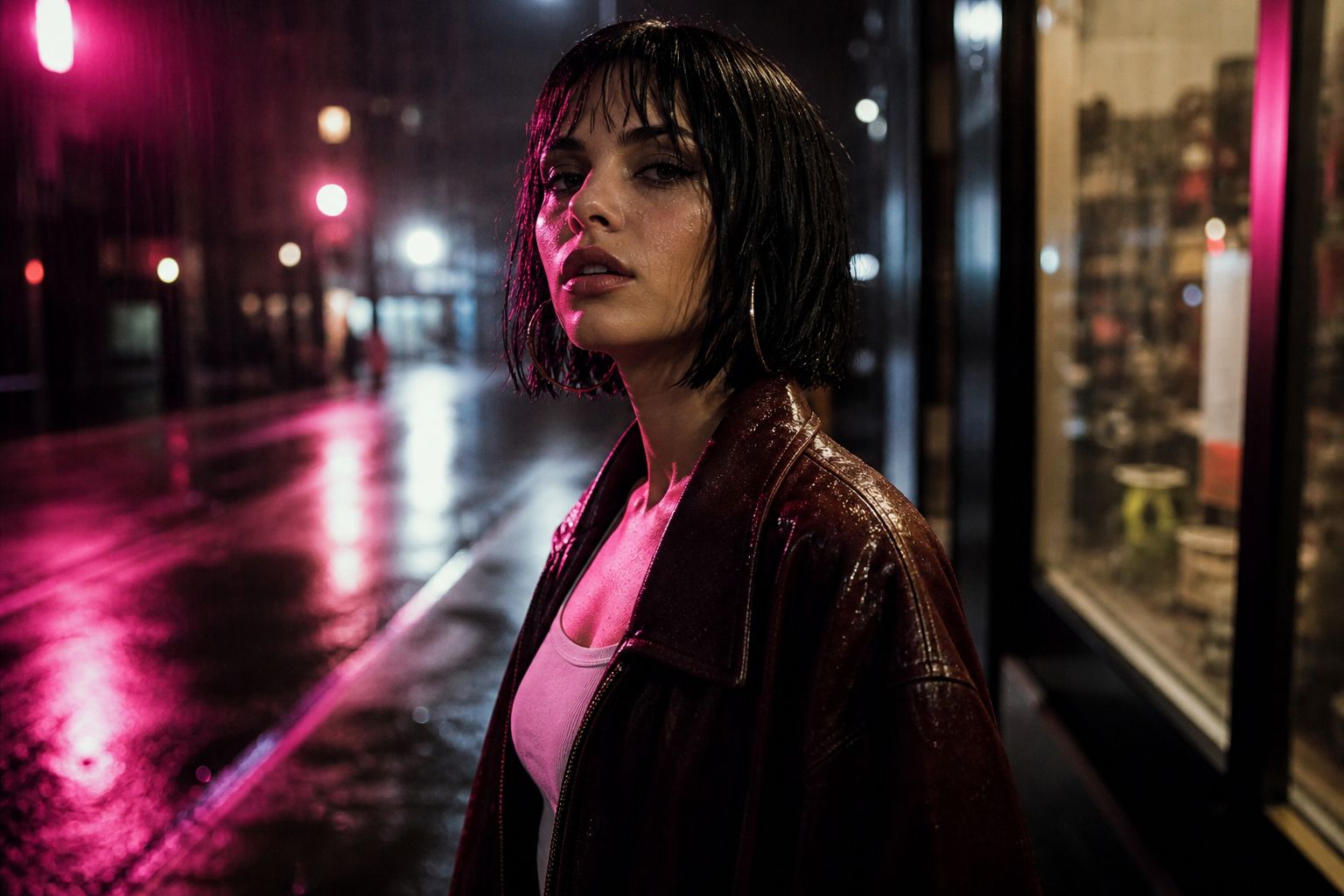
Image: SunoMV Team · music-video still written as camera + subject + rain, not as “cinematic 8K”
Practical rule: If the first line is not duration, ratio, or
@Image1 is…, you are decorating a shot the model already chose for you.
The official slots Kling actually uses
Kling’s August 2026 prompt guide gives the formula as Subject + Action + Scene + Camera + Lighting and Mood. Fill the table. Any empty cell becomes the blandest default.
| Slot | Fill this | Anti-example |
|---|---|---|
| Duration / ratio | Duration: 10 seconds. Aspect ratio: 16:9. (3–15s) | “make it viral” |
| Face / Element lock | @Image1 is the woman. Keep face, hair, jacket identical. | “use these references” |
| Subject | One person, wardrobe, age band, hair | “a beautiful girl” |
| Action | Verbs + physics (weight, speed, contact) | “dancing beautifully” |
| Scene | Room, weather, time of day, foreground clutter | “epic location” |
| Camera | Shot size + named move + speed | “cinematic camera” |
| Lighting and mood | Key direction + texture + color | “cinematic lighting, 8K” |
| Continuity lock | What must stay identical across the 15 seconds | (nothing — the jacket recasts itself) |
On Kling’s own site, Element lock uses a named tag such as @Explorer. In SunoMV’s clip editor the pasteable tags are @Image1, @Image2 — keep them; they are the face and wardrobe lock. Official Element and SunoMV @ImageN are the same job: bind the still before you describe the shot.
Kling O3 in this picker does not generate from text alone, and it does not lip-sync a Suno vocal. You already have a track. Point Kling O3 at the picture. Put “don’ts” in the negative prompt field when the UI offers one — do not stuff a paragraph of exclusions into the positive shot.
A public walkthrough of Kling VIDEO 3.0 on Kling’s own site — camera, subject, action, environment, lighting — is this 2026 full guide. That video also shows Kling-site extras (six-shot custom mode, Omni native dialogue). Those extras are not what the SunoMV picker runs. Here you paste one shot, 3–15 seconds, onto a song.
Video: YouTube · Kling VIDEO 3.0 walkthrough. SunoMV Kling O3 is picture-to-song: one clip, up to 15 seconds, no lip-sync.
Practical rule: Write Kling’s five slots in order, then bind
@Image1. Do not bury the face lock inside the wardrobe line.
10 copy-paste tips
Each tip is a full block. The anti-example is the same intent as empty adjectives. In SunoMV: pick Kling O3 or Kling O3 Pro, paste the whole block into the shot description, generate, then cut the clip onto the lyric line.
1. Bind @Image1 before you describe the shot
One-line rule: uploading is half the job. Kling O3 will not guess that picture 2 is the street.
@Image1 is the woman.
@Image2 is the Tokyo side street at night.
The woman from @Image1 walks toward camera on the street in @Image2.
Keep her face, blunt black bob, oxblood jacket, and silver hoops identical to @Image1.
Anti-example: Use the attached photos. Cinematic music video.
How to use it in SunoMV: if you uploaded stills, this block goes above the rest of the prompt. Do not delete @Image1. If you uploaded nothing, start from a first frame still — this picker is not a text-only generator.
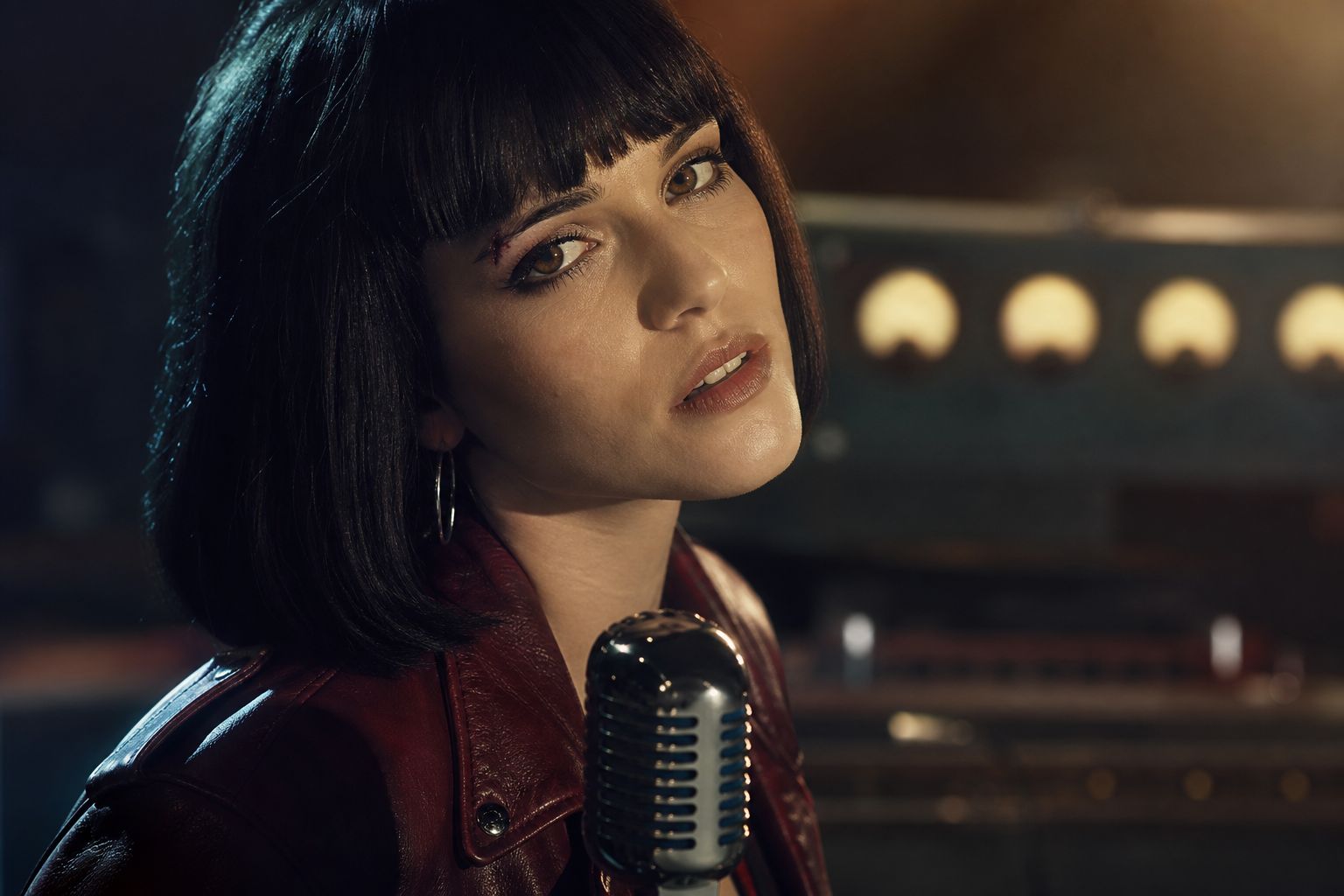
Image: SunoMV Team · @Image1 holds the face; the prompt only names what is allowed to change
2. Put duration and aspect ratio in the first line
One-line rule: the model will invent a length if you do not write one. Official range is 3 to 15 seconds.
Duration: 10 seconds. Aspect ratio: 16:9.
One continuous take, no cut inside the clip.
Start on her hands at the jacket zipper, end on her eyes as she looks up into the rain.
Anti-example: A full music video that follows her all night across the city.
How to use it in SunoMV: one prompt = one generation, at most 15 seconds. A 10-second oner is a chorus or a verse, not the whole MV. For 9:16 Reels, change the first line only. Pick Kling O3 for 720p and a faster turnaround; pick Kling O3 Pro when you need 1080p.
3. Number the shots and give each one a time range that sums to ≤15s
One-line rule: 15 seconds is a timeline, not a caption. Write Shot 1 [0s-5s] ranges that actually fit.
Shot 1 [0s-5s] Medium close-up, slow dolly push-in, 35mm.
She takes three steps toward camera, left heel striking wet asphalt.
Shot 2 [5s-10s] Tracking from the left, hip height. She turns her head, rain on her lashes.
Shot 3 [10s-15s] Hold on her eyes. She inhales. No cut. No time-lapse.
Anti-example: Then she walks, then she dances, then later that night she is on a rooftop.
How to use it in SunoMV: if the prompt contains “then later,” you are writing a sequence the 15-second lock cannot hold. Split it, or keep the whole story inside the time ranges. Duration is a shot-level lever; reference capacity is a series-level lever.
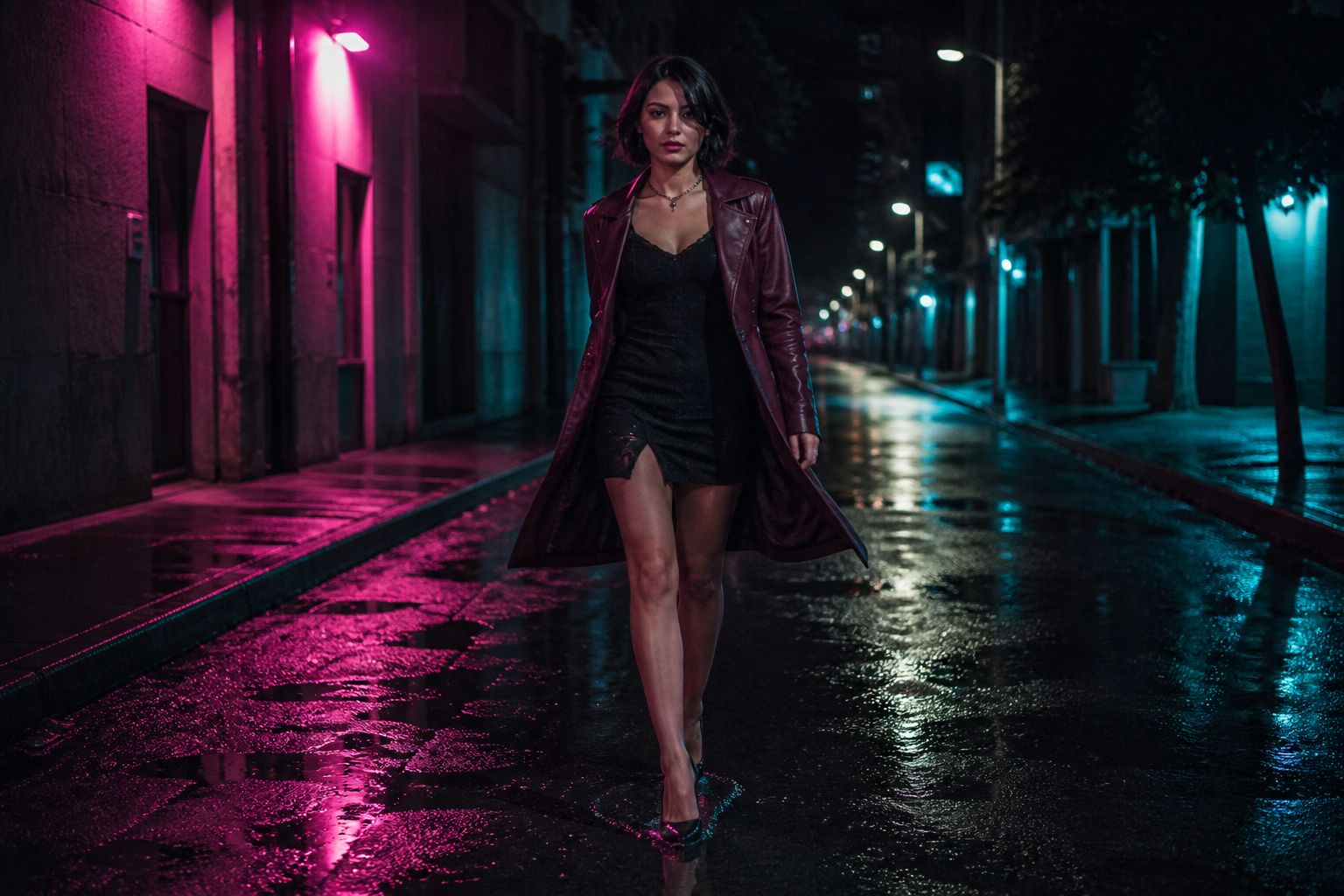
Image: SunoMV Team · the first clause after the timestamp is the camera move, not the adjective “cinematic”
4. Name one subject the way a costume department would
One-line rule: “a girl” is a casting call. Wardrobe is a lock. The same three-to-five anchors should repeat in every shot.
Subject: a woman in her late 20s, blunt black bob, silver hoop earrings,
oversized oxblood leather jacket over a white tank, chipped black nail polish.
Keep the same jacket and hair in every shot. Do not recast. Do not change hair.
Anti-example: A beautiful mysterious girl with good vibes.
How to use it in SunoMV: copy this subject block into every Kling O3 shot for the same song so the chorus and the verse do not recast her. Pair it with musician image prompts if you need a still of her before the first video generation — or generate that still on ChatImg with the same wardrobe line.
5. Write action as physics, not as a compliment
One-line rule: “dancing beautifully” has no weight. “Heel strikes wet asphalt” does. The same craft shows up in Runway’s camera-prompt notes: named moves beat mood words.
Action: she takes three slow steps toward camera, left heel striking wet asphalt,
jacket hem swinging, rainwater flicking off the collar.
She does not spin. She does not jump. Weight stays in the front foot.
Anti-example: She dances energetically with amazing choreography.
How to use it in SunoMV: use this on a pre-chorus walk-up. High-burst flips are where a 15-second take falls apart; keep the body slow and let the camera move.
6. Replace “cinematic lighting” with a direction and a texture
One-line rule: light direction is the cheapest quality lever in Kling’s own samples.
Lighting and mood: hard key from camera-left neon, magenta, cutting a
narrow rim on her jaw. Soft fill from a shop window on the right.
Low-key contrast, wet highlights, slight grain, no clean beauty lighting.
Anti-example: Cinematic lighting, volumetric god rays, ultra realistic.
How to use it in SunoMV: keep the same key/fill pair across shots so the grade does not reset every generation.
7. First and last frame still need a prompt
One-line rule: the frames hold identity. The prompt still has to name the camera and the action. A first-last pair with cinematic 8K in the middle is still an empty prompt.
Duration: 8 seconds. Aspect ratio: 16:9.
Start frame: she stands outside the shop, both hands in her jacket pockets, looking at the glass.
End frame: she is one step closer, right palm on the window, reflection sharp.
Camera: slow push-in, 35mm, eye-level. Rain on the glass. No recast.
Anti-example: Animate between these two pictures. Make it cinematic.
How to use it in SunoMV: drop the start still and the end still, then paste this block. The pair is the lock; the sentences are the shot.
8. Put exclusions in the negative field, not in the positive shot
One-line rule: Kling O3 has a native negative-prompt field. The positive block should say what is in the frame.
Positive:
Duration: 8 seconds. Aspect ratio: 16:9.
@Image1 is the woman. Medium close-up, slow push-in.
She inhales and looks just past camera. Rain on her lashes.

Negative:
subtitles, watermark, extra fingers, second face, crowd, studio backdrop
Anti-example: Cinematic 8K masterpiece, no blur, no extra limbs, not ugly, not deformed, no text.
How to use it in SunoMV: paste the positive block into the shot description. Put the don’ts in the negative box when it is shown. Do not spend half the shot on a list of “no”s.
9. Keep the Suno track — do not ask Kling O3 to score the chorus
One-line rule: this picker is picture-to-song. Kling O3 here has no audio reference and no lip-sync. Quoted lines are mouth shapes, not a second mix.
She looks just past camera. Keep her mouth in frame.
No score. No vocal ad-libs from off-screen.
SFX as picture only: a sharp heel click, rain ticking on a metal awning.
The song is already on the timeline — do not invent a new chorus.
Anti-example: She sings the whole chorus with perfect lip sync and epic music.
How to use it in SunoMV: you already have a song. Point Kling O3 at the picture and keep the track. The Suno prompt tips guide is the pasteable list for the audio half; this page is the pasteable list for the picture half. If you need a lyric block first, use the lyric generator.
10. Lock identity with a closing constraint, not a hope
One-line rule: official samples spend a surprising share of their words on “keep / lock / do not change.” A serial dies from character drift, not from a weak five-second clip.
Closing constraints:
Keep the woman identical to @Image1: face, blunt black bob, oxblood jacket, silver hoops.
No subtitles. No watermark. No second face. No crowd.
One unbroken take. Do not recast between Shot 1 and Shot 3.
Anti-example: Make her consistent and professional.
How to use it in SunoMV: this block goes last. If you skip it, a 12-second oner will still look expensive — and she will be a different person at 0:09.
Practical rule: If you cannot point to the start frame and the end frame in the prompt, you do not have a shot. You have a vibe.
5 music-video templates
Each template is one paste. Swap the bracketed bits. Keep the slot order. Every block stays inside 15 seconds.
Pop chorus (16:9, 15 seconds)
Duration: 15 seconds. Aspect ratio: 16:9. One continuous take.
@Image1 is the woman.
Subject: a woman in her 20s, red vinyl jacket, wet hair stuck to her cheek.
Shot 1 [0s-5s] Medium shot, eye-level, slow push-in, 35mm.
She mouths the chorus and steps one pace toward camera, rain on her lashes.
Shot 2 [5s-11s] Hold, then a 2cm drift. City grid behind her, one red aviation light blinking.
Shot 3 [11s-15s] End on her eyes. She smiles on the last beat.
Lighting: hard backlight, thin fog, teal-and-red grade, light grain.
Keep face and jacket identical to @Image1. No score. No subtitles.
Lyric close-up (mouth + caption room)
Duration: 8 seconds. Aspect ratio: 16:9.
@Image1 is the woman.
Cinematography: close-up, slight low angle, locked-off with a 2cm drift.
Subject: the same woman, oxblood jacket, silver hoops, a small scar on the left eyebrow.
Action: she inhales, then delivers one line, eyes wet but not crying.
Scene: dark studio, a vintage microphone in the lower third, out-of-focus meters behind.
Lighting: warm key from the right, cool rim, shallow focus on the mouth.
Leave headroom at the top for captions.
Keep her identical to @Image1. No score.
Vertical short (9:16)
Duration: 10 seconds. Aspect ratio: 9:16.
@Image1 is the woman.
Cinematography: medium close-up, slow crane-up from chest to eyes.
Subject: the same woman in the red vinyl jacket, rain in her hair.
Action: she looks up, blinks once, then smiles on the last beat.
Scene: neon stairwell, one pink tube light, condensation on the rail.
Lighting: magenta key, green bounce from a sign, crushed blacks.
Keep her in the center third. Headroom for captions.
Keep her identical to @Image1. No score.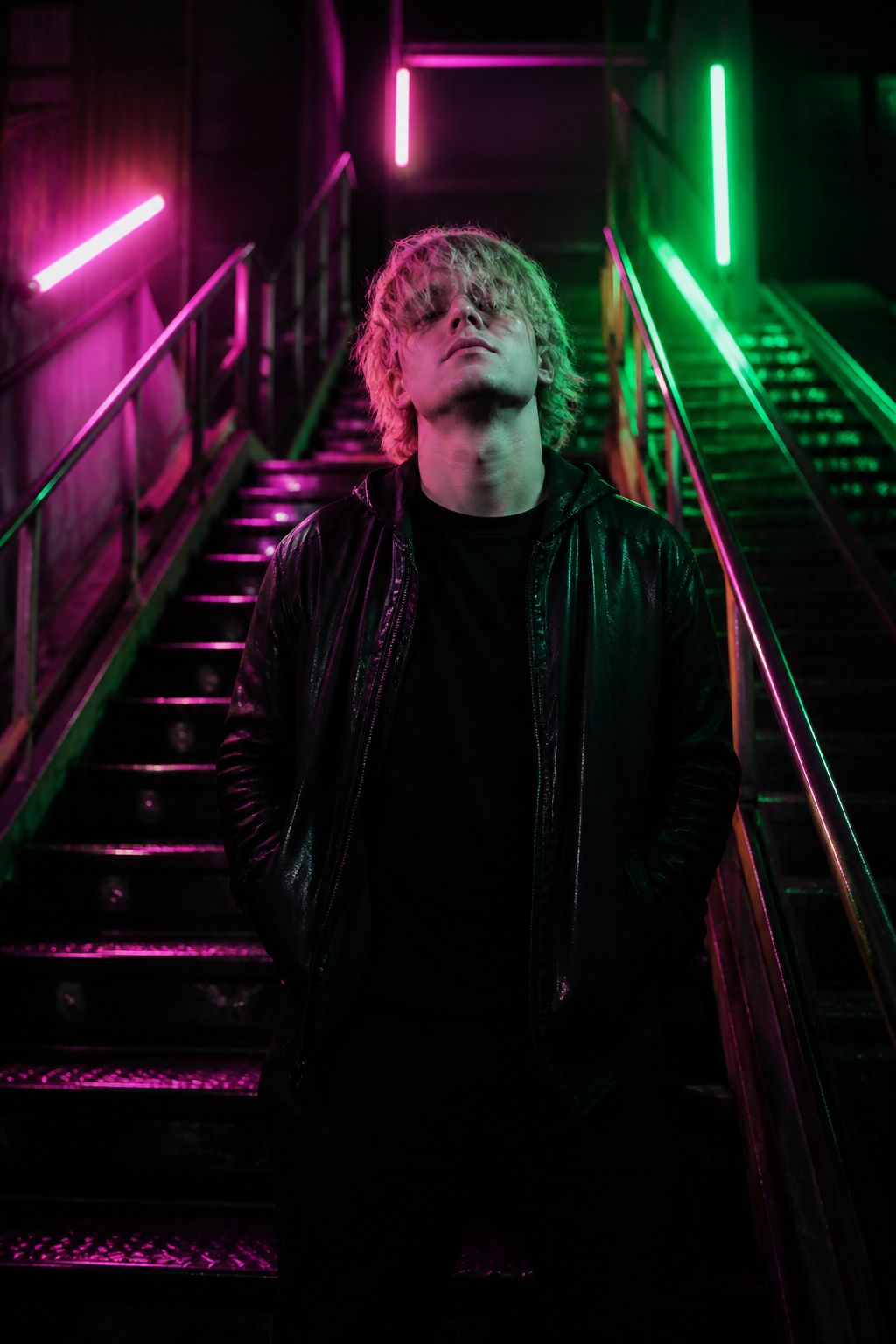
Image: SunoMV Team · 9:16 as a written slot, not a crop of a wide shot
Character lock with @Image1 (Element)
Duration: 12 seconds. Aspect ratio: 16:9.
@Image1 is the woman. @Image2 is the convenience-store window at night.
The woman from @Image1 leans on the glass in @Image2 and watches her own reflection.
Preserve her face, blunt black bob, oxblood leather jacket, white tank, silver hoops.
Cinematography: wide-to-medium, slow dolly right, 35mm.
Lighting: sickly green fluorescents vs magenta street neon, wet glass.
Do not recast. Do not change hair. No score.
Start-end frame walk (shop-window reflection)
Duration: 8 seconds. Aspect ratio: 16:9.
@Image1 is the woman.
Start frame: she stands outside the shop, both hands in her jacket pockets.
End frame: she is one step closer, right palm on the glass, her reflection sharp in the window.
Camera: slow push-in, 35mm, eye-level. Rain ticks on the awning.
Keep face, bob, and oxblood jacket identical to @Image1.
No recast. No crowd. No score.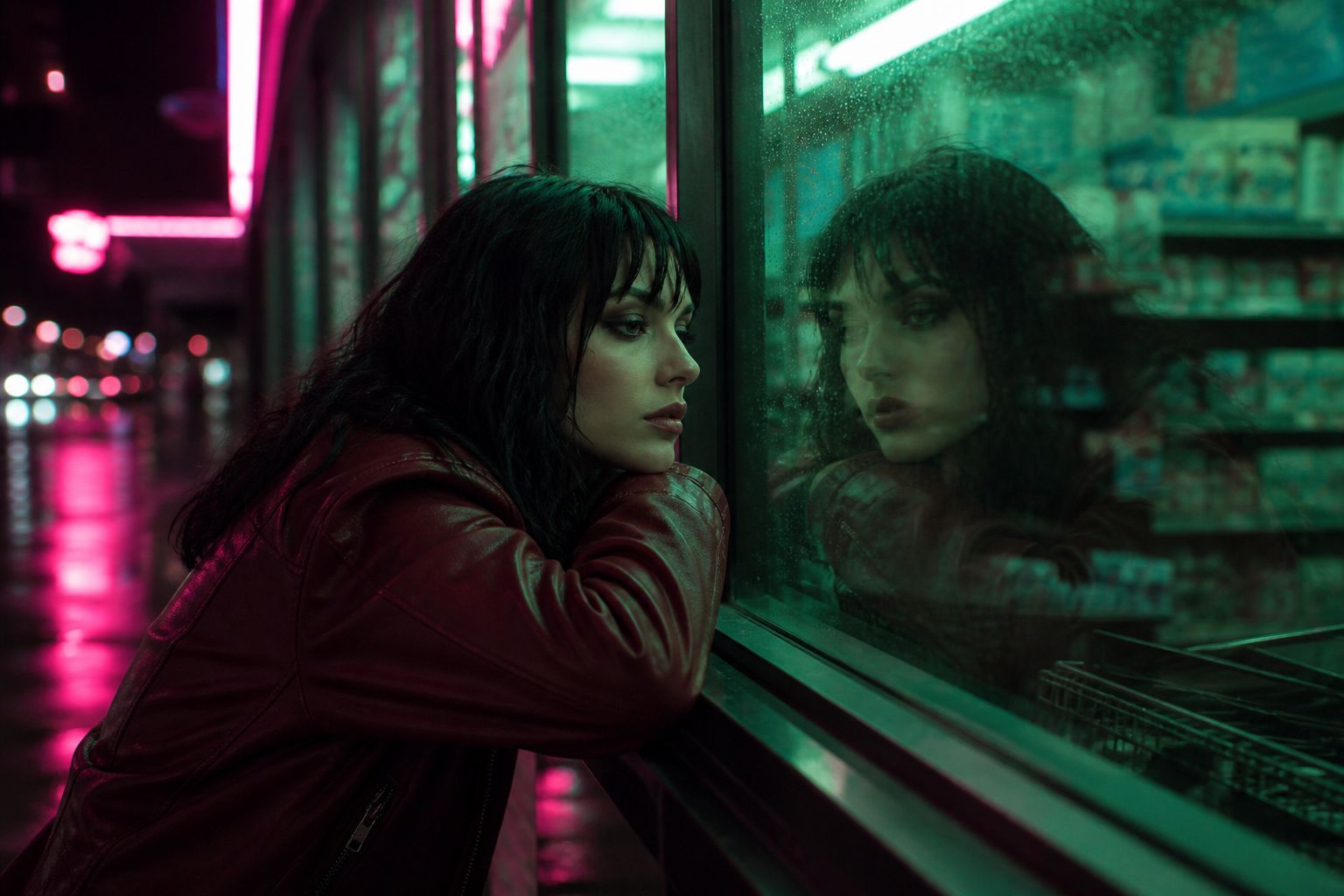
Image: SunoMV Team · the frames hold identity; the prompt still has to name the camera and the step
Empty prompt vs a Kling O3 prompt
Same song, same 10 seconds, two inputs. Only one of them is a Kling O3 prompt.
| Empty | Copy-paste | |
|---|---|---|
| First line | “cinematic, 8K” | duration + ratio, or @Image1 is… |
| Subject | “a girl” | wardrobe + hair + one distinguishing mark |
| Action | “dancing” | three steps, weight, contact with the ground |
| Time | (none) | Shot 1 [0s-5s] … summing to ≤15s |
| Audio | “perfect lip sync + epic music” | “no score” — the Suno track is already there |
| Continuity | (hope) | “keep the jacket identical to @Image1” |
| Who it’s for | a still that pretends to be a video | a chorus cut you can actually edit |
If you already have a Suno track, do not ask Kling O3 to write another one. Point it at the picture and keep the song. For a Wan-shaped 30-second lock, see the Wan 3.0 prompt guide. For a Veo-shaped 8-second lock, see the Veo 3 prompt guide. For Seedance-style second-level timestamps, see the Seedance 2.5 prompt guide. Different slots, same “copy the block” job. The AI music video creation guide is the workflow for stringing those shots.
A sister-site note if you also need a transcript of the finished MV: BibiGPT’s YouTube transcript generator is the paste-a-link path for that, not this page.
Practical rule: If you cannot point to
@Image1(or a first-and-last pair) and a last frame, you do not have a Kling O3 prompt. You have a vibe.
FAQ
Do I write “Kling O3” inside the prompt?
No. The model name does not belong in the prompt text. People search Kling O3 prompt; SunoMV’s picker lists Kling O3 and Kling O3 Pro. The slots are the same. O3 is 720p and faster. O3 Pro is 1080p. Pick in the list, not in the sentence.
Why did my duration get lifted, or why did a 30-second oner get chopped?
Write the duration as a field. Official range on Kling’s current 3.0 series is 3–15 seconds; SunoMV Kling O3 / O3 Pro clips use the same 3–15 second window. A prompt that describes a minute of story will not get a minute.
First and last frame: do I still write a prompt?
Yes. The frames hold identity. The prompt still has to name the camera and the action. See tip 7.
Why is there no lip-sync even though I wrote a line?
This picker is picture-to-song. Kling O3 here has no audio reference. Quoted lines do not mix a second vocal. Keep the Suno track; do not ask the picture model to score the chorus. Kling’s own site documents Native Audio on VIDEO 3.0 — that is not what this selector runs.
How many reference stills can I upload?
Up to four stills on Kling O3 / O3 Pro in SunoMV. Bind each one (@Image1 is the woman, @Image2 is the street). An unbound still is a decoration. Official Kling Element on their site uses named tags such as @Explorer; here the pasteable tags are @ImageN.
Should I write negative prompts?
Yes — in the negative field. The positive shot says what is in the frame. See tip 8.
Can one prompt be the whole music video?
No. One prompt is one generation: up to 15 seconds. String the shots. This page is only the pasteable Kling O3 prompt.
Is this the same as Kling VIDEO 3.0 Omni / 4K / six-shot custom mode?
No. Those are Kling-site workflows. SunoMV Kling O3 is image-to-video, start-end frames, or reference-to-video, 720p (O3) or 1080p (O3 Pro), 3–15 seconds, up to four stills, no lip-sync. Write for the picker you can click.
Copy, pick Kling O3, export the MV
A Kling O3 prompt is finished when you can paste it, not when you can explain it.
- Copy one template above. Fill the brackets. Keep Kling’s slot order. Bind
@Image1. - Open the SunoMV audio-to-video generator. Drop in the song (Suno link or your own file).
- In the model list, pick Kling O3 (720p, faster) or Kling O3 Pro (1080p).
- Paste the whole prompt into that shot. Put don’ts in the negative field. Do not split the
@Image1sentence from the action sentence. - Export the clip onto the lyric line. Repeat. The MV is the string of shots, not one heroic paragraph.
Every model you can click is a prompt guide that has not been written yet. The people who get usable Kling O3 footage are not the ones with a better adjective list. They are the ones who already have a pasteable prompt before they touch generate.
SunoMV Team
Popular guides
More in this series
- Wan 3.0 Prompt Guide: 8 Tips + Copy-Paste Templates
- Veo 3 Prompts: 10 Tips + Copy-Paste Templates (2026)
- The Complete Seedance 2.5 Prompt Guide: Official Formula, Second-Level Timestamps, and 30-Second One-Take Shots (Tested August 2026)
- Suno's New Lyrics Workflow: Lyric Personas + Natural-Language Editing + Structure Tags (2026)
- 30 Suno Prompts to Copy and Paste, by Genre (v6, 2026)