/icon.png)
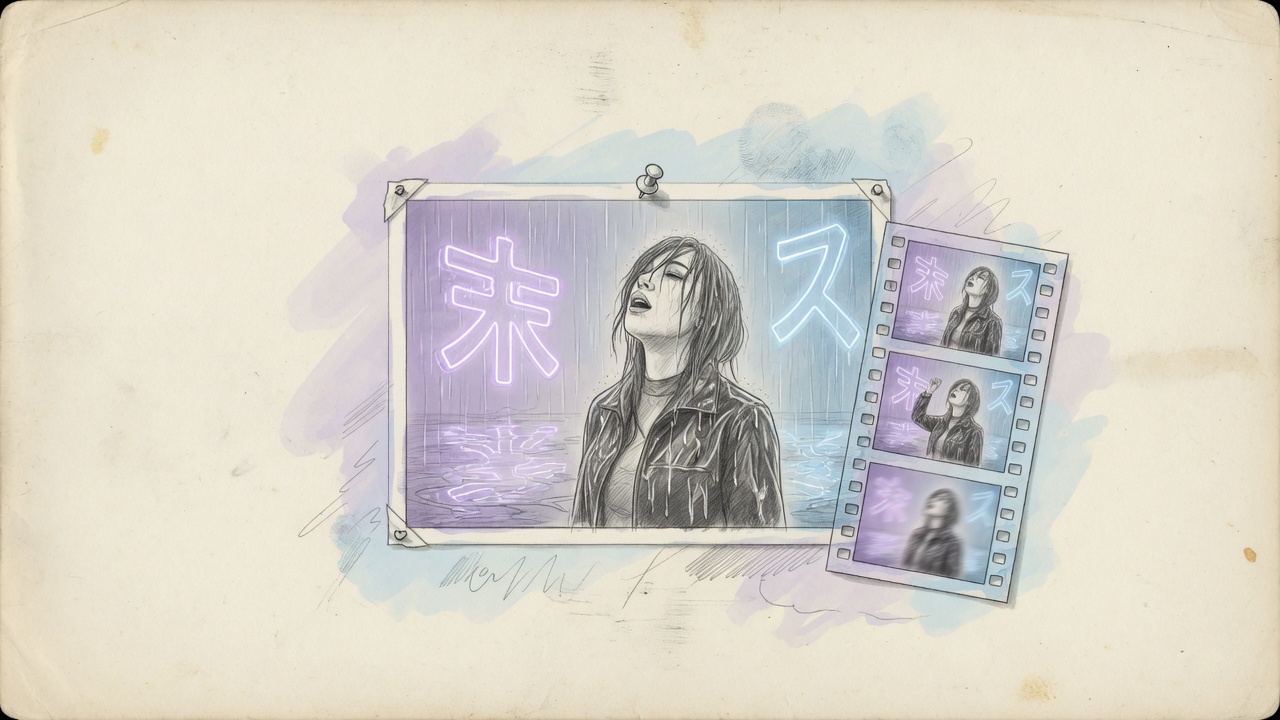
Image-to-video, reference-to-video, and edit-video for music videos

On the second chorus shot the singer is wearing a different jacket. You did not fail at writing “cinematic.” You stuffed one storyboard still, three face references, and someone else’s camera move into the same switch. The model honors the contract it was given: a still becomes the first frame; a stack of faces is a promise not to swap identity; a finished clip is an edit, not a regeneration.
This is an input-contract choice, not a leaderboard. Image-to-video, reference-to-video, edit-video, extend, and upscale show up as a dozen vendor endpoints. When you turn a Suno song into an MV, you usually need one default path and two or three upgrades.
Most roundups line up logos. This page lines up shot jobs: default generation, face lock, patching a clip that already works, then upscale. A model name appears only when it changes the contract.
Table of Contents
- Why the second chorus shot swaps a face
- Six inputs: pick by what you already hold
- Default path: storyboard stills through image-to-video
- When to escalate: face lock, edit, upscale
- What each family actually wires for an MV
- How to choose, and how credits actually burn
- FAQ
Why the second chorus shot swaps a face
A three-minute song, cut on lyric lines, is often forty to fifty shots. A longer clip will not save a lead who changes face on the chorus. Duration is a shot-level lever. Reference capacity is the MV-level lever — serial footage dies of identity drift, not of a clip that is only ten seconds.
Business of Apps’ Suno stats put a sharp number on the audio side: about 7 million songs a day, and a fixed number of distribution slots. Songs are already too many. You compete on being seen: the same face, jacket, and neon holding through the chorus.
Ask what you are holding before you ask which vendor. No storyboard still, and even a flagship is guessing composition. A still plus a text-only generate throws the first frame away. A character card plus a single first frame gives the model no contract to remember the next shot.
Illustration: SunoMV Team · the default music-video contract is animating one storyboard still, not growing a whole MV from a blank prompt
Practical rule: Lock the input contract for this shot (still / face lock / finished clip) before you pick a model. The wrong contract with a better model is still the wrong contract.
Six inputs: pick by what you already hold
Vendor tags (image-to-video, reference-to-video, text-to-video) are not four products. They are the same generator split by input. For an MV you only need six contracts:
| What you hold | Contract | What it does in an MV | Do not treat it as |
|---|---|---|---|
| Text only | text-to-video | Fallback before storyboard stills exist | Default generation |
| One storyboard still | image-to-video | Default generation: still → lyric-cut clip | Face lock |
| Two stills (in / out) | first–last frame | Pin chorus entries and transitions | Face lock |
| Several character / wardrobe / set stills | reference-to-video | Face lock across verse and chorus | Editing a clip |
| A clip you already generated | edit-video | Change a jacket or the weather; leave the rest | Face lock |
| A finished 720p cut | upscale | Raise resolution to 1080p or 4K | Regenerating |
Reference-to-video is identity. Edit-video is a finished take as the base. FLUX 3’s edit endpoint is labeled video-to-video on the vendor page — do not call it reference-to-video. Extend adds seconds. Upscale changes resolution; it does not invent motion from a still.
Practical rule: When you hear “reference,” ask whether you mean a face, a camera move, or a finished clip. Those three things go in three slots.
Default path: storyboard stills through image-to-video
The default MV move is concrete: draw stills, turn each still into a four-to-fifteen-second clip, cut on lyric lines. That is image-to-video. The song-to-music-video workflow on this site is the same path.
First–last frame is the two-anchor variant of image-to-video. The chorus opens with the singer already in the rain; it ends on a neon sign — two stills beat a paragraph of adjectives. Seedance hangs the last frame on the same image-to-video call; FLUX 3 has a dedicated first–last endpoint. For you both mean “pin both ends,” not a new model.
Text-to-video is only a fallback before stills exist. Kling O3 / O3 Pro on this site do not take text alone: they want an image, or references. The Kling O3 copy-paste templates are blunt: if the first line is not duration, ratio, or @Image1 is…, you are decorating a shot the model already chose. Default generation looks like this: still, clip, then a cut on the beat.
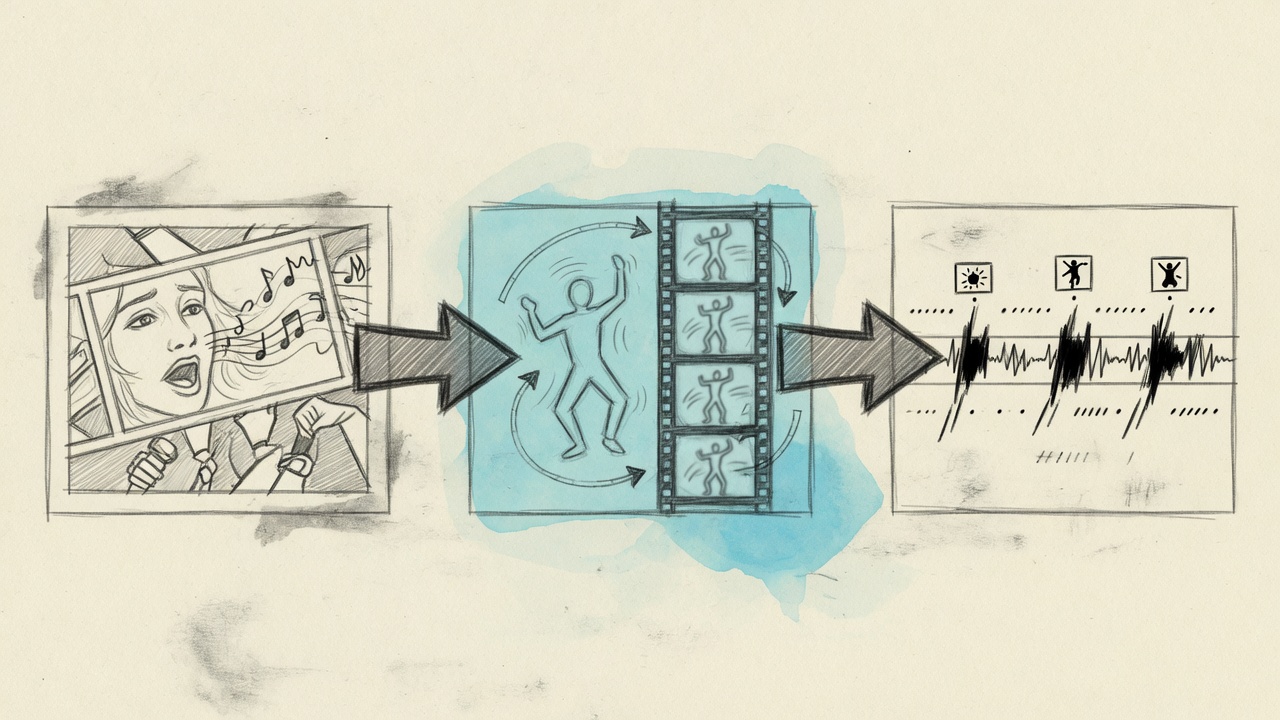
Illustration: SunoMV Team · default three steps are still → image-to-video → cut on the beat, not flagship-first composition
A default you can run:
- Split shots on lyric lines. One line, one shot. Chorus cuts land on the first word.
- Draw one still per shot: one person, one action, one camera.
- Send the still to image-to-video, duration matching the line (often 5–10s, then trim).
- Open reference-to-video only when the same character is about to cross shots.
- If a shot already works and you only want a different jacket, edit-video — do not reroll the whole clip.
- Keep the draft at 720p. Upscale after the song works; do not burn 4K on sketches.
JSFILMZ built a full fantasy MV on Seedance 2.5 and published a generation bill around $300. The emphasis in the finished piece is continuity and camera, not “every shot on the most expensive tier.” The clip below is that path: lock the person with references, then cut on the beat.
Video: JSFILMZ · Seedance 2.5 fantasy music video, about $300 in generation cost
When to escalate: face lock, edit, upscale
The default path covers about 70% of shots. The other 30% earns an upgrade. There are only three reasons: identity, motion, sharpness.
Face lock (reference-to-video). The same singer has to survive verse, bridge, chorus. Seedance, MiniMax H3 / H3 Max, and Wan 3.0 take multiple stills. Kling O3 binds with @Image1 before the action — four images max, as in the official Kling prompt guide. FLUX 3 has no character-library lock: its keyframes are timeline interpolation, not “this is the same person.”
Motion reference. You have an existing MV’s camera, or a depth map driving motion. Seedance puts a reference video in the reference-to-video video slot; FLUX 3 sends the source clip to edit-video. Depth maps have their own video-to-depth-map page: pull motion out of a finished take, then hand it to a model that accepts motion reference.
Edit-video. The chorus already works; the jacket color is wrong. Rerunning image-to-video will also move the feet. Edit-video’s contract is “change this one thing.” FLUX 3 is about an order of magnitude cheaper here than regenerating (vendor list around $0.17/s to generate, $0.03/s to edit, Aug–Sep 2026). Grok Imagine also lists edit / extend on fal; default generation on this site still uses its image-to-video path.
Upscale. FLUX 3 has a separate video upscaler: precise and creative, 1080p / 2K / 4K. It does not invent new motion. Do not use it on drafts. The picker does not expose it yet — finish the song at 720p first. That is closer to a shippable cut than buying 4K sketches.
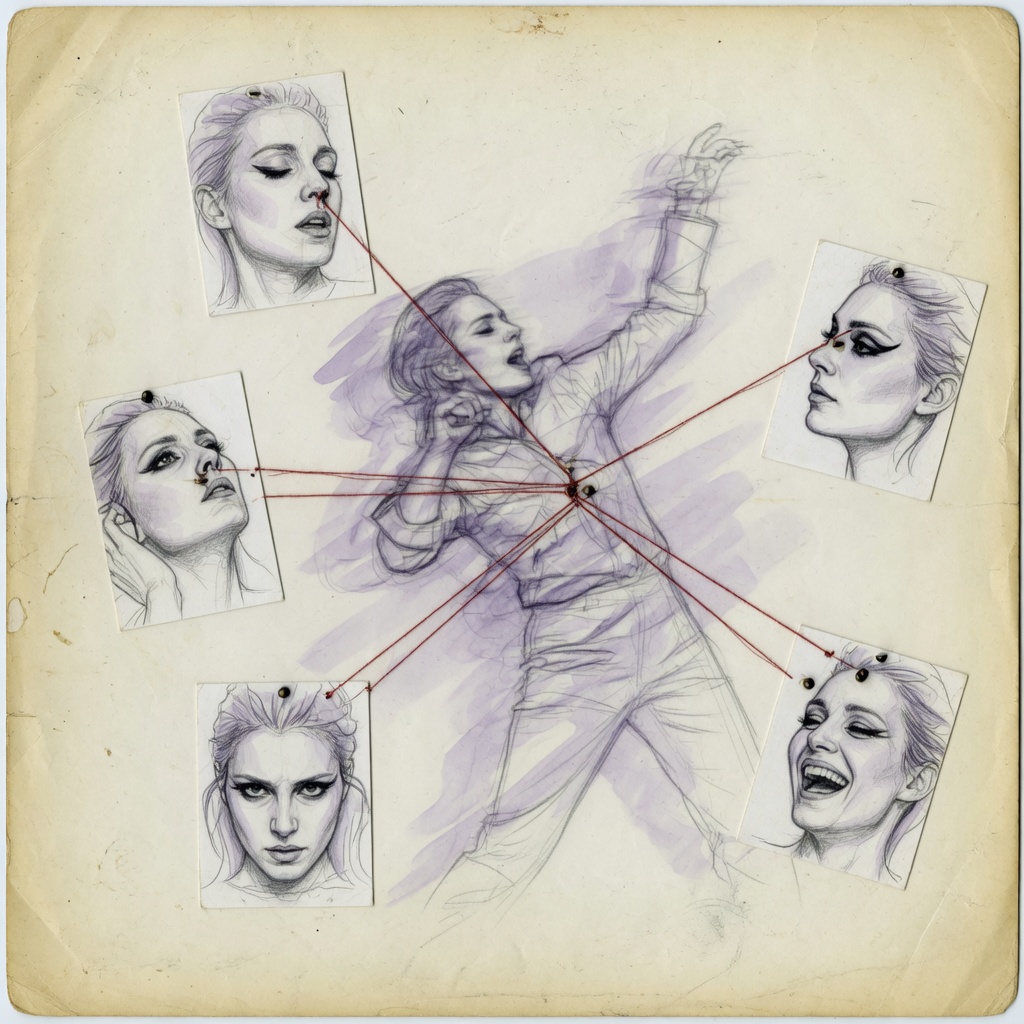
Illustration: SunoMV Team · face lock pins references onto a character; it is not more adjectives in the prompt
Decision filter: Is this shot about composition, identity, or a patch? Composition → image-to-video. Identity → reference-to-video. Patch → edit-video. Keep one answer.
What each family actually wires for an MV
Kling’s own 2026 model roundup puts Seedance 2.5, Wan 3.0, and Kling 3.0 on the “multi-shot + reference-led” side, and short directed singles on the other. For music videos that split is more useful than a score. The table below is what default MV generation can actually reach — not a copy of thirteen vendor rows.
| Family | Default MV slot | Face lock | Edit / extend / upscale | When I would pick it |
|---|---|---|---|---|
| Seedance | image-to-video (first–last on the same call) | Real lock, optional video / audio refs | No edit-video, no upscale | Default finish; same person across shots |
| MiniMax H3 / H3 Max | image-to-video + first–last | H3 / H3 Max lock; Turbo has no lock | No edit-video | Speed: Turbo. Lock: H3 Max |
| Grok Imagine | image-to-video | Multi-image refs | fal lists edit / extend; default path does not | Fast 720p drafts |
| Kling O3 | image-to-video + first–last (no text-only) | @Image1 bind, max four | Vendor page has video-to-video; picker closed | Official prompt slots |
| Wan 3.0 | image-to-video + first–last | Real lock, video / audio refs, up to ~30s | Happy Horse also has video-edit | Longer single takes |
| FLUX 3 | image-to-video + dedicated first–last | No character-library lock | Edit-video, extend, separate upscale | Patch a chorus; upscale later |
In the MiniMax picker, H3 Max is the fast row, not the 2K row. Turbo is faster and cheaper, and it has no reference-to-video — do not ask it to remember the second chorus face. H3 itself carries 2K.
Kling’s vendor page is noisier than the O3 picker: 4K, video-to-video, motion-control, lipsync, avatars. Lipsync here is a refine after generation, not a different generator. 4K and video-to-video are not in the picker; writing them into the prompt will not route there.
Wan 3.0 has a large reference budget and longer takes — useful when a bridge is one walk and one follow. Happy Horse can reference-to-video but has no first–last frame, so skip it when both ends of a chorus must be pinned.
FLUX 3 is the most complete post house: cheap edits, more expensive extend, separately priced upscale. It does not replace Seedance for face lock. Using it as the default generator wastes the slots that actually make it valuable.

Illustration: SunoMV Team · edit-video’s contract is one change, not sending the whole shot back to the lottery
How to choose, and how credits actually burn
Pick by job, not by logo.
- Iterate until the whole song stands up: MiniMax H3 Max Turbo, or Seedance Fast. Image-to-video, and fast enough.
- One face has to hold the chorus: Seedance 2.5, H3 Max, Wan 3.0. That is reference-to-video work.
- It already works; change one thing: FLUX 3 edit-video. Do not promote to keyframes, and do not reroll the shot.
- 720p looks right and the platform wants sharper: FLUX 3 upscale later. Get cuts and faces right first.
- Need lipsync: refine after generation. Do not expect the generator to sing the lyric on time.
Credits are per second, 720p as the base. The retail pack is about 1 credit = $0.01. Seedance Fast is about 50 credits/s; H3 Max Turbo about 16; FLUX 3 generation about 70 — and its edit-video cost is about one-sixth of generation. Billing still follows the model, not the task, so edits currently overcharge; that is a known stance (charge extra until task prices split). Seedance 4K is about 600 credits/s. It does not belong on a draft.
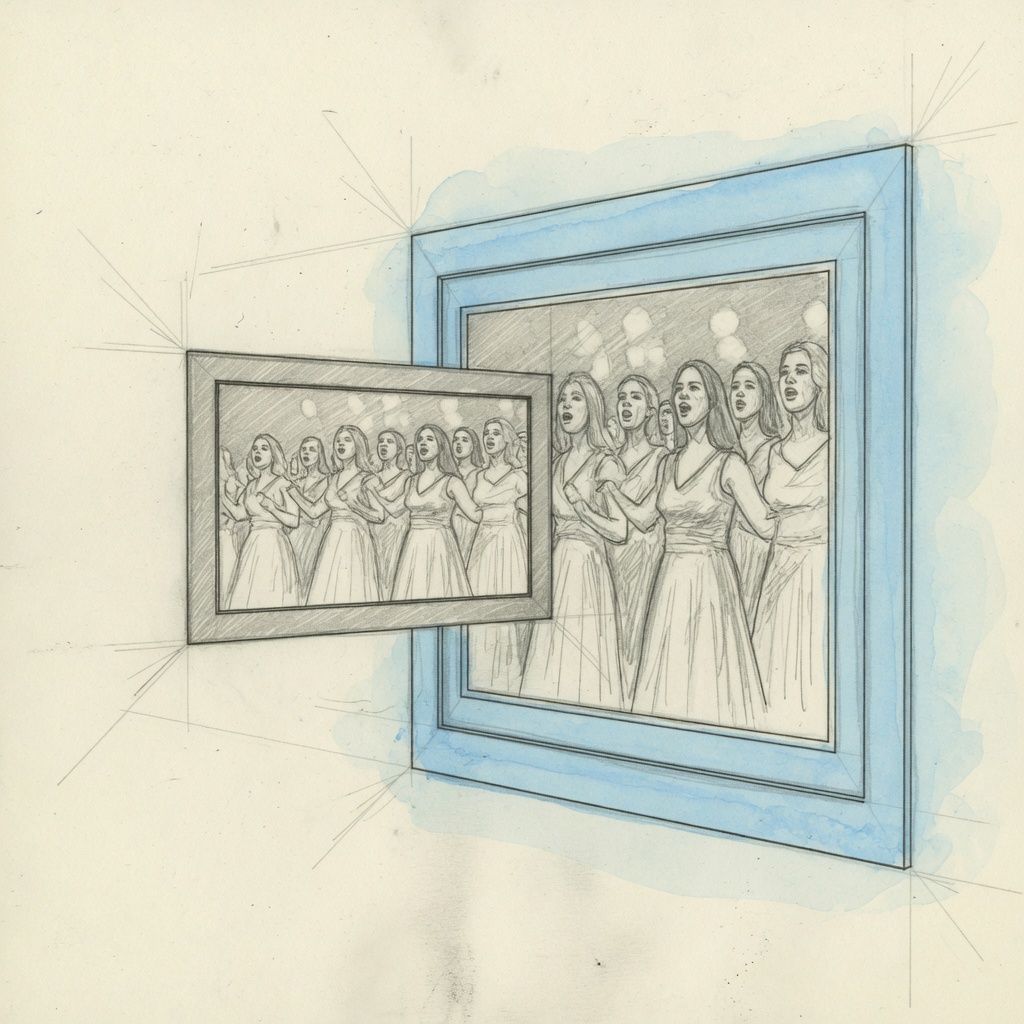
Illustration: SunoMV Team · upscale enlarges motion that already works; it will not rescue an empty prompt
Practical rule: Draft all ~40 shots on cheap image-to-video. Upgrade only the character that would swap faces, and the chorus that already works. 4K and upscale are finish steps, not exploration.
FAQ
Do music videos only need image-to-video?
Default generation does. A storyboard still as the first frame is image-to-video. That is not “wire only this slot and delete the rest”: first–last frame already has an entry; face lock and edit-video are upgrades, and they do not steal the default path unless you pass a reference.
What is the difference between reference-to-video and edit-video?
Reference-to-video is identity: this is the same person. Edit-video is a patch: this take already exists, change one thing. FLUX 3 edit-video is not Seedance’s multi-image face lock.
Why can’t FLUX 3 lock a face?
It has no character-library reference-to-video. Keyframes interpolate on a timeline. For the same face across shots, use Seedance, H3 Max, Wan 3.0, or Kling’s @Image1.
Can upscale replace 4K generation?
Upscale enlarges motion you already have. 4K generation samples high-res from frame one and costs an order of magnitude more. Finish the song at 720p, then enlarge. That is usually closer to a postable cut than 4K sketches.
Kling’s vendor page has so many endpoints. Why does the picker show a few?
Because an MV uses image-to-video, first–last frame, O3 face lock, plus lipsync after generation. Trainers, 4K, and video-to-video are not on the generation path. Prompt text will not jump slots.
Turn storyboard stills into lyric-cut clips from Suno to video. Start with image-to-video. Open references when the face has to hold. Edit and upscale only after the take already works.
Make an MV that cuts on the lyric:
- 🌐 SunoMV: https://suno.bi/en
- 🎬 Audio to video: https://suno.bi/en/audio-to-video-ai-generator
- ✨ Paste a Suno link: https://suno.bi/en/features/suno-to-video
Made in SunoMV · real exports
See what a song turns into
Every sample below is an untouched SunoMV export: 3 AI storyboard shots, one AI-filmed clip, then the lyrics. Each one uses a different caption style and frame size.
Popular guides
More in this series
- Suno Arrangement in Practice: Lock Song Structure with Timeline Section Tags So Your MV Storyboard Has Something to Stand On (2026)
- Christmas AI Music Video Planning: The Q4 Holiday Production Calendar (2026)
- SunoMV Music Video Production Workflow: A Complete Professional Guide from Concept to Final Cut
- Negative Space Wins: The "Breathing Room" Editing Method for AI Music Videos (2026 SunoMV Method)
- The Recurring Visual Motif Method for Music Videos (2026)