
Grok Imagine 1.5 Lite Prompt Guide: 10 Tips + Copy-Paste Templates

You paste the Grok Imagine 1.5 block, <IMAGE_1> through <IMAGE_7>, plus a line that locks the last frame. Lite returns a clip that never saw those stills. The face drifts. You did not write a bad shot. You wrote a reference prompt for the row that does not accept references.
People searching Grok Imagine 1.5 Lite prompt already picked the cheaper row. What they want is a string they can paste: a short shot brief, an optional opening still, a Sound: line, and Music: none. Lite is not the Grok Imagine 1.5 prompt guide. That page is where <IMAGE_1> belongs.
This page is only the pasteable prompt. Every tip below is a full block.
Table of Contents
- What Grok Imagine 1.5 Lite actually accepts
- The slots to fill
- 10 copy-paste tips
- 5 music-video templates
- A 1.5 prompt vs a Lite prompt
- FAQ
- Copy, pick Lite, export the shot
What Grok Imagine 1.5 Lite actually accepts
On SunoMV the picker shows Grok Imagine 1.5 Lite. The row copy is a lower-cost tier for text-to-video or image-to-video, with sound. In our credit list Lite is 40 credits per 5 seconds. Grok Imagine 1.5, the full row, is 280 credits per 5 seconds. That is the price difference you can check in the picker. It is not a second feature set.
xAI’s Grok Imagine Video 1.5 note describes the family: motion, native audio, and image conditioning. The reference-image follow-up is the full row, up to seven stills tagged <IMAGE_1>. Lite’s tasks on this site are only text-to-video and image-to-video from an opening frame. There is no reference-to-video, and transitions do not lock a tail frame.
| Lever | Lite on SunoMV | Do not paste this |
|---|---|---|
| Tasks | Text-to-video, or image-to-video from one opening still | <IMAGE_1> … <IMAGE_7>, or a tail-frame lock |
| Length | 1–15 seconds | “Hold the last frame for the outro” |
| Resolution | 480P, 720P, or 1080P | A 4K line |
| Prompt length | Up to 4,000 characters | A storyboard for the whole song |
| Audio file | None. Native audio is generated with the picture | Audio 1: or a vocal upload |
| Negative box | None | A second box of don’ts |
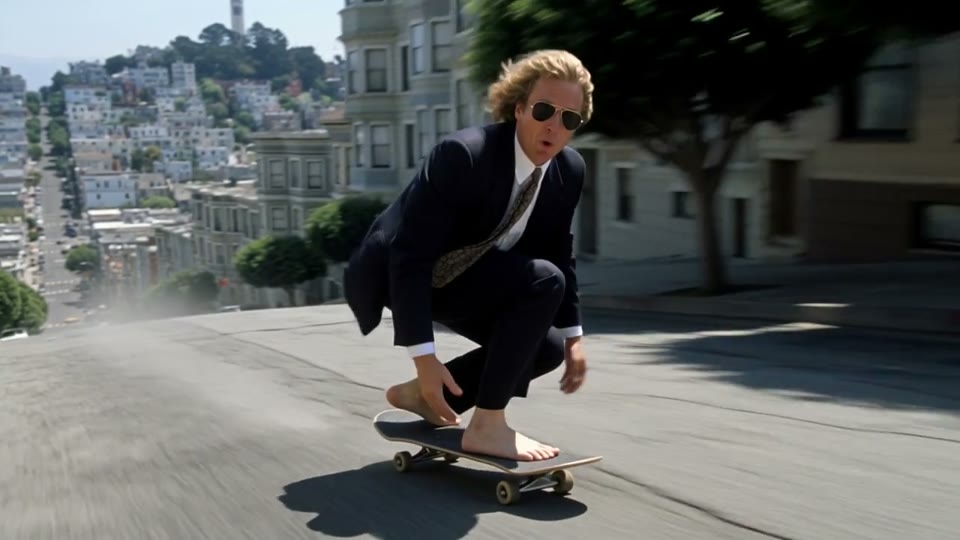
The still in the picker is the family reel, shared with the full 1.5 row. It shows the look of the family. It is not proof that Lite read a reference stack.
Image: xAI family reel, used as the Lite poster in SunoMV’s model compare (shared still). Not a reference-image result.
Practical rule: If the block contains
<IMAGE_1>or “end on this second photo,” it is a full 1.5 prompt. Delete those lines before you pick Lite.
The slots to fill
Lite wants a short shot brief: what moves, how the camera behaves, what it sounds like. The full row’s image-tag docs are for image-to-video on the model that accepts them. On Lite, one opening still is the image. You do not name it <IMAGE_1>.
| Slot | Fill this | Anti-example |
|---|---|---|
| Shot brief | One camera, one subject action, one place | “cinematic, 8K, masterpiece” |
| Opening still | Upload one image, then describe the motion after that frame | “Use <IMAGE_1> as her face and <IMAGE_2> as the street” |
| Sound | Sound: rain on asphalt, one heel tap, breath | “epic orchestral score” |
| Music | Music: none when the Suno track is already the score | A second genre |
| Duration / ratio | Duration: 6 seconds. Aspect ratio: 9:16. | “Full chorus” |
| Locks | Do not recast. Do not add a second person. No subtitles. | A negative-prompt box |
Camera language can stay plain. One framing word plus one move is enough. A public glossary of camera words, if you want the noun, is Runway’s camera prompt notes. You still paste one move, not five.
The full 1.5 row is the one with head-and-tail language and <IMAGE_n> tags. Its poster is a different file. Do not describe that still as a Lite reference test.
Image: xAI · Grok Imagine 1.5 poster on the full row. Reference tags belong with this row, not with Lite.
Practical rule: Name the camera move, the action, and a
Sound:line. Do not tag<IMAGE_1>. Lite will not bind a stack of stills just because the prompt mentions them.
10 copy-paste tips
Each tip is a full block. Pick Grok Imagine 1.5 Lite, paste into the shot description, generate, then cut the clip onto the lyric. The page is the audio-to-video generator.
1. Write the shot, not the reference list
One-line rule: Lite has nothing to bind a tag to.
Medium close-up, eye-level. A woman in an oxblood leather jacket stands in rain on a neon side street. She mouths the chorus, left heel planted. Slow push-in. Sound: rain on leather, distant traffic, breath. Music: none.
Do not recast. No subtitles.
Duration: 6 seconds. Aspect ratio: 16:9.
Anti-example: <IMAGE_1> is the woman. <IMAGE_2> is the street. End on <IMAGE_3>.
2. One opening still, then the motion
One-line rule: if you upload a still, it is the first frame only. The prompt says what happens next. It does not introduce more stills.
The uploaded still is the first frame: oxblood jacket, blunt black bob, rain.
Next: slow push-in, she mouths one syllable, heel stays planted.
Sound: rain, one heel tap. Music: none.
Duration: 5 seconds. Aspect ratio: 16:9.
Anti-example: Open on <IMAGE_1> and resolve into <IMAGE_2>.
3. Duration stays inside 1–15 seconds
One-line rule: write the number. A chorus longer than 15 seconds is several Lite shots.
Duration: 8 seconds. Aspect ratio: 9:16.
Close-up of the oxblood collar and one silver hoop. She turns her chin a few degrees toward lens. No cut. Music: none.
Sound: rain in the foreground.
Anti-example: 30-second continuous take of the whole chorus.
4. Do not lock a last frame
One-line rule: transitions on this row start from the opening frame. There is no tail still.
Start from the uploaded still. She takes one step toward lens. The clip ends on that step. Do not cut to a new place.
Sound: heel, rain. Music: none.
Duration: 6 seconds. Aspect ratio: 16:9.
Anti-example: End exactly on this second photo of the rooftop.
5. Sound is a line, music stays empty
One-line rule: native audio will invent a bed if you name a genre. Name noises. Write Music: none when the song exists.
Sound: wet asphalt, a jacket creak, her inhale. Music: none.
No lyrics. No second melody.
Anti-example: Sound: epic trap drop, full mix, perfect lip sync to these lyrics: ...
6. Stay under 4,000 characters by writing one action
One-line rule: the cap is 4,000 characters. You will hit it by pasting a whole song, not by writing one shot.
One action: she plants the left heel and mouths the chorus.
One place: neon side street, rain.
One camera: slow push-in, 35mm, eye-level.
Music: none.
Duration: 6 seconds. Aspect ratio: 16:9.
Anti-example: the lyric sheet, three locations, and a wardrobe change in one block.
7. 480, 720, or 1080 — not 4K
One-line rule: name a resolution only when the frame needs it. The credit anchor stays 40 per 5 seconds on this row. 4K is not a choice.
Resolution: 720P.
Close-up, rain beads on the oxblood shoulder, hoop at the frame edge. Slow drift left.
Sound: rain. Music: none.
Duration: 4 seconds. Aspect ratio: 16:9.
Anti-example: 4K IMAX, best quality, ultra detailed.
8. There is no negative-prompt field
One-line rule: closing locks replace the missing box.
Do not recast. Do not add a second person. Do not change the jacket color. No subtitles. No logo. No extra score.Anti-example: Negative prompt: blur, watermark, extra fingers, bad anatomy.
9. Repeat the wardrobe because nothing else will
One-line rule: without reference stills, the next shot only matches if the words match.
Same woman as the previous shot: oxblood leather jacket, blunt black bob, silver hoops.
Wider frame, two steps further into the street, same rain. Slow track at her shoulder.
Sound: rain, heel. Music: none.
Duration: 6 seconds. Aspect ratio: 16:9.
Anti-example: Next shot, surprise me with a new outfit.
10. Cheap is not a reason to stack three locations
One-line rule: 40 credits per 5 seconds is the cheap row. It is still one action. Cut the song from several Lite shots.
One location: the side street.
One action: the heel comes down.
No rooftop, no tunnel, no crowd.
Music: none.
Duration: 5 seconds. Aspect ratio: 16:9.
Anti-example: Verse on the street, chorus on a roof, bridge in a club, one prompt.
A shot you can actually point at is still a camera and a person, not a mood board. The cover below is a music-video still of that shape, not a Lite generation.
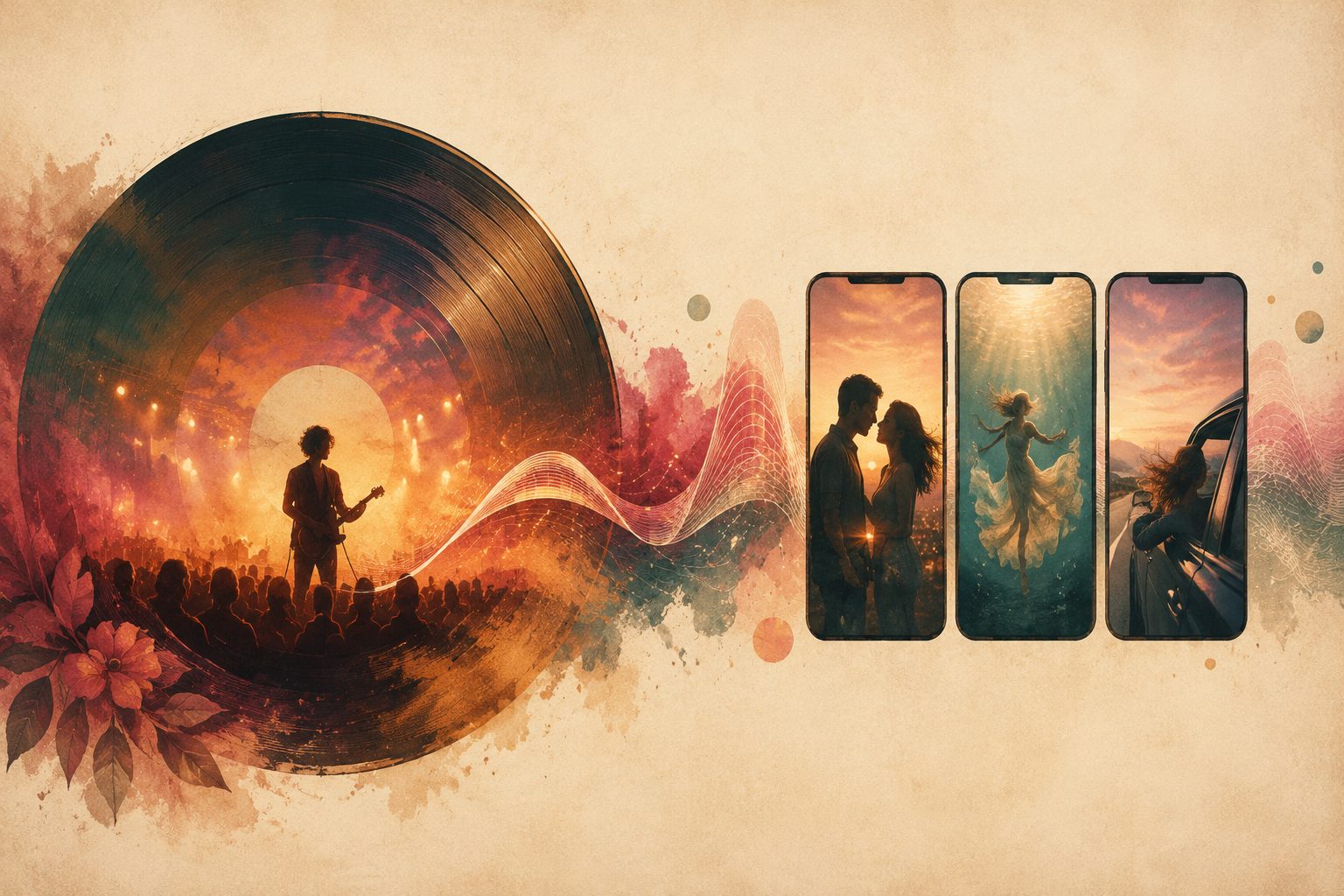
Image: SunoMV Team · a shot written as camera plus subject plus rain. Not a Grok Lite output.
Practical rule: One shot, one action, no image tags. If you need
<IMAGE_1>or a last frame, switch to Grok Imagine 1.5 and use that guide.
5 music-video templates
Paste one. Change the jacket and the street. Leave the shape.
Chorus push-in
Medium close-up, eye-level, 35mm, slow push-in.
Oxblood leather jacket, blunt black bob, silver hoops, left heel planted, mouths the chorus.
Neon side street, rain.
Sound: rain, heel, breath. Music: none.
Do not recast. No subtitles.
Duration: 6 seconds. Aspect ratio: 16:9.
Vertical hook
Duration: 5 seconds. Aspect ratio: 9:16.
Close-up, oxblood collar, one silver hoop, rain in front of the lens.
She turns her chin a few degrees. No cut.
Sound: rain. Music: none.
From one still
The uploaded still is frame one: oxblood jacket, blunt bob, rain.
She takes one step toward lens. Same jacket. Same bob.
Sound: heel, rain. Music: none.
Duration: 5 seconds. Aspect ratio: 16:9.
Wide, face not the point
Wide shot from across the street. A figure in an oxblood jacket walks away under neon.
Camera stays put. Rain. No close-up.
Sound: distant traffic, rain. Music: none.
Duration: 8 seconds. Aspect ratio: 16:9.
Second shot, wardrobe repeated
Same woman: oxblood leather jacket, blunt black bob, silver hoops.
Wider than the last shot, two steps down the same street, same rain.
Slow track at shoulder height. Music: none.
Duration: 6 seconds. Aspect ratio: 16:9.
The model row is where you pick Lite. The prompt does not grow a reference box.
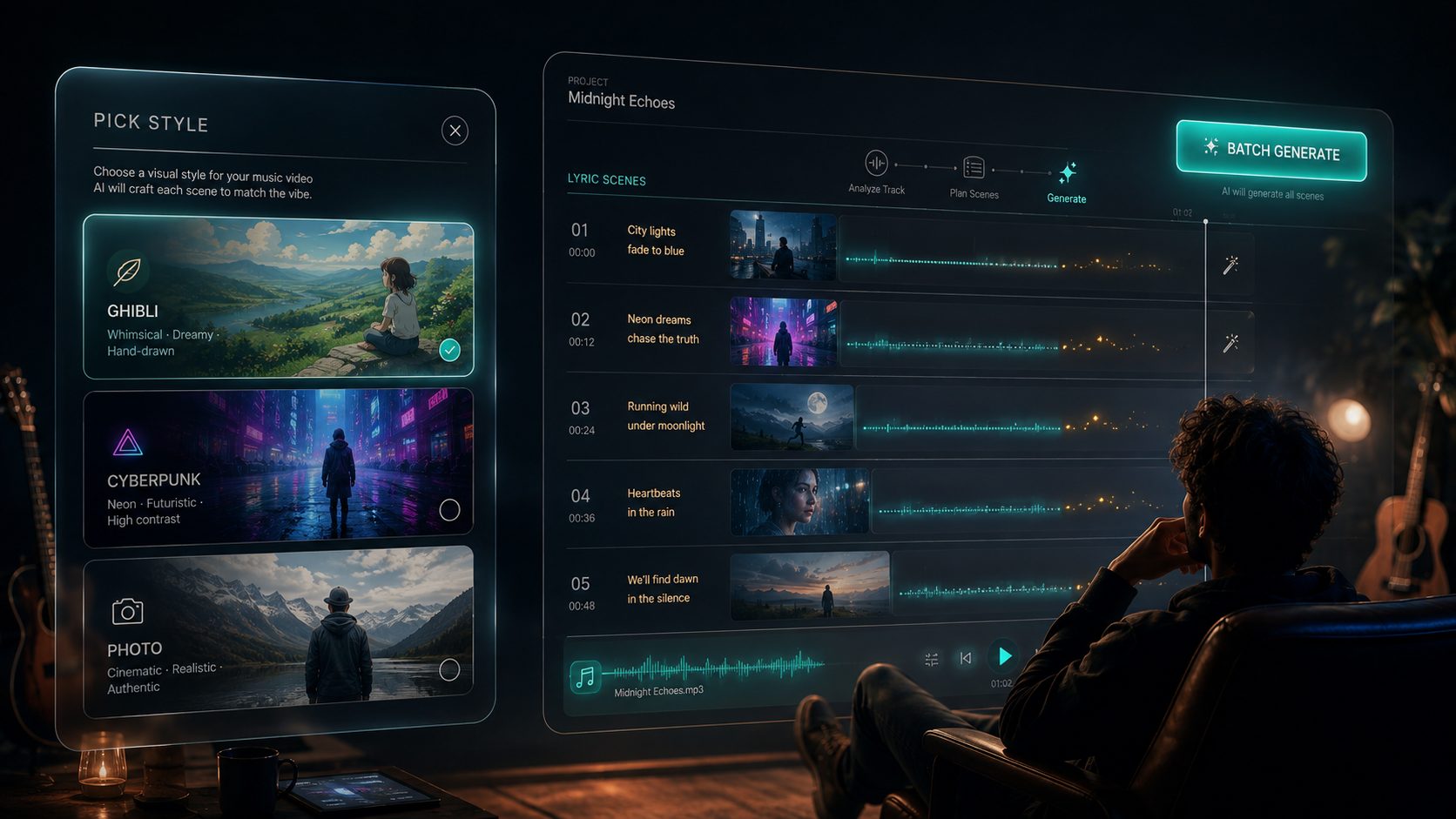
Image: SunoMV Team · Lite is a row in the model list. Paste the brief. Do not paste image tags.
A 1.5 prompt vs a Lite prompt
| You wrote | On Grok Imagine 1.5 | On Lite |
|---|---|---|
<IMAGE_1> … <IMAGE_7> | The reference path, up to seven stills | Not this row. Tags do nothing useful |
| Open on one photo, end on another | Head-and-tail language on the full row | Opening frame only. No tail lock |
| 40 credits per 5 seconds | No. That row is 280 | Yes |
Short brief, Sound:, Music: none | Works | Works. This is the whole prompt |
A vocal file as Audio 1 | Not a slot | Not a slot |
Need the tags? Use the Grok Imagine 1.5 prompt guide. Need a cheap shot that does not depend on a face stack? Stay here.
Practical rule: Lite is the short brief. The full row is the reference stack. Do not paste one into the other.
FAQ
Can I paste my Grok Imagine 1.5 prompt into Lite?
Only the shot brief, the Sound: line, and Music: none. Delete every <IMAGE_n> tag and every “end on this photo” line. Those belong on the 1.5 guide.
Why is Lite 40 credits and the other row 280?
That is the model list: 40 credits per 5 seconds for Lite, 280 for Grok Imagine 1.5. The lower number is not a hidden reference-image tier. You give up the still stack and the tail frame.
Will an opening image keep the face for the next shot?
It keeps the first frame of this shot. The next shot matches only if you repeat the jacket, hair, and one mark in words. There is no seven-still lock on Lite.
Where do I paste this?
Pick Grok Imagine 1.5 Lite on the audio-to-video generator. One prompt is one shot of 1–15 seconds.
Copy, pick Lite, export the shot
Paste a block from the tips or the templates. Keep it inside 15 seconds and inside one action. Leave music empty when the track is already yours. If the next angle needs the same person, repeat the wardrobe in the next block. If the shot needs <IMAGE_1> or a locked last frame, switch rows instead of adding those words here.
A still to use as that single opening frame can start from the musician image prompt maker. For a transcript of a clip you are matching, BibiGPT’s transcript page is the text, not the video model. A still you need to redraw first can go through ChatImg and come back as frame one.
Practical rule: The prompt is done when a stranger can paste it and get one length, one action, and no
<IMAGE_1>tag left in the box.
Made in SunoMV · real exports
See what a song turns into
Every sample below is an untouched SunoMV export: 3 AI storyboard shots, one AI-filmed clip, then the lyrics. Each one uses a different caption style and frame size.
Popular guides
More in this series
- Kling 4.0 Prompt Guide: 10 Tips + Copy-Paste Templates
- Seedance 2.0 Mini Prompt Guide: 10 Tips + Copy-Paste Templates
- HeyGen Video Prompt Guide: 10 Tips + Copy-Paste Templates
- Seedance 2.0 4K Prompt Guide: 10 Tips + Copy-Paste Templates
- MiniMax H3 Max Turbo Prompt Guide: 10 Tips + Copy-Paste Templates