
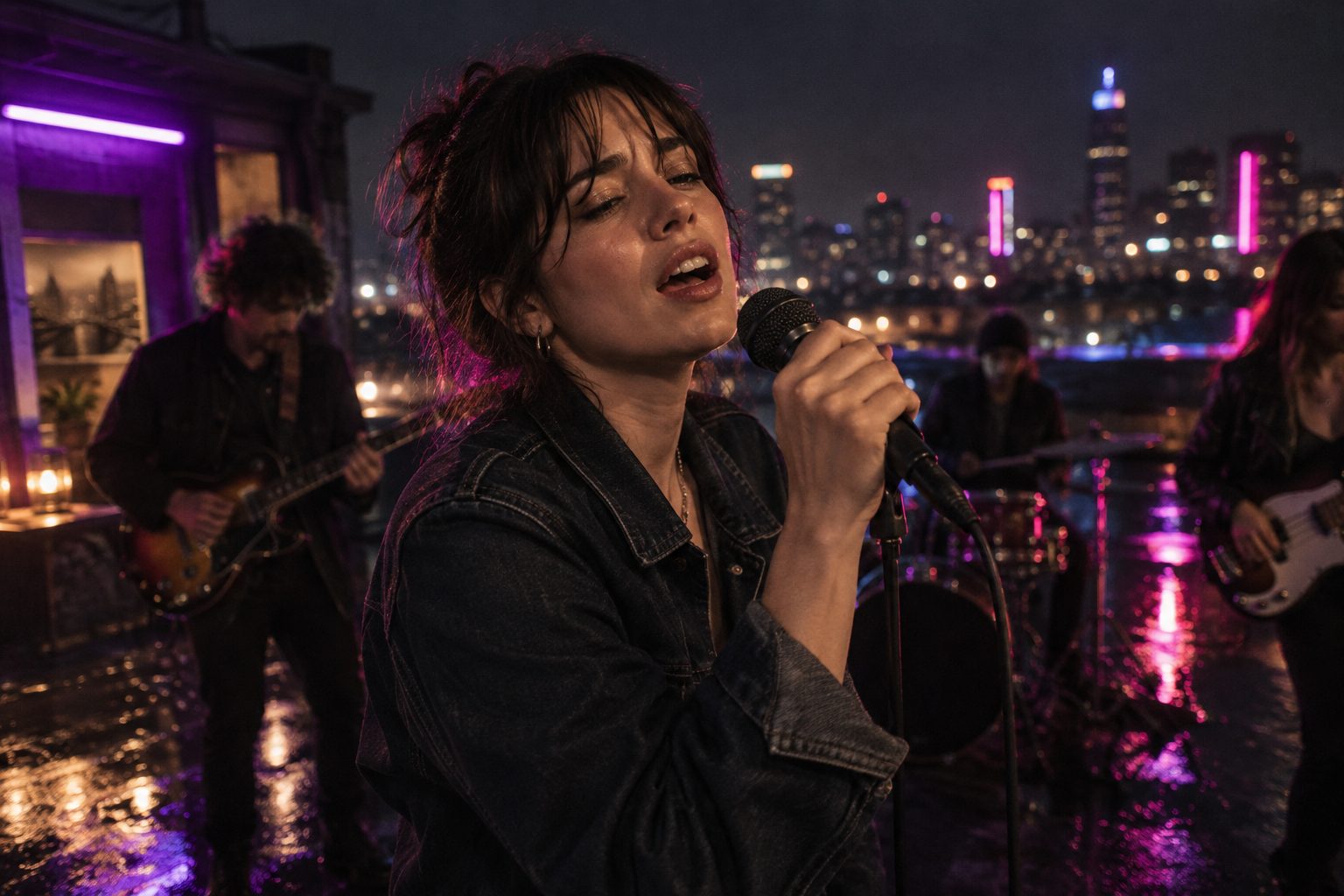
Gemini Omni 1.2 Flash Music Video Prompts: 8 Copy-Paste Templates

Google shipped Gemini Omni 1.2 Flash on 5 November 2026. The headline numbers are easy to repeat: clips up to 15 seconds, an API price about 30% below 1.1, fewer jump cuts. None of that helps if the prompt you paste still reads cinematic music video, 8K, epic.
A 15-second take is a long time for a model to guess. If you do not say who is in the frame, what they do, and where the camera goes, it fills the gap with a new face halfway through the chorus. This page is the pasteable version: what the SunoMV row accepts, the slots to fill, and eight blocks you can copy straight into the shot box.
The spec sheet, prices and the 1.1 comparison live on the Gemini Omni 1.2 Flash page. This post only does prompts.
Table of Contents
- What the Gemini Omni row accepts now
- The slots to fill
- 8 copy-paste templates
- Draft at 360p, keep at 720P or above
- When another row is the better pick
- FAQ
- Copy, pick Gemini Omni, export the shot
What the Gemini Omni row accepts now
SunoMV upgraded its Gemini Omni row to 1.2 on release day and cut the row’s price by 20%. These are the limits your prompt has to respect:
| Fact | Gemini Omni 1.2 in SunoMV |
|---|---|
| Inputs | Text, one still, or a first frame plus a last frame |
| Reference | A reference image of your lead for the same face across shots |
| Length | 3–15 seconds (Google’s default is 10) |
| First-and-last-frame length | 3–10 seconds — Google’s cap for this mode |
| Resolution | Draft (labelled 480P, rendered at 360p), 720P, 1080P, 4K |
| Aspect ratio | 16:9 or 9:16 only |
| Not in this picker | Editing an existing clip, multi-turn extension to 30 seconds |
Google’s Omni docs list more than the picker does — up to six reference images (three per character, two characters), editing, and extension of 3–10 seconds per turn. Prompt the row you are actually using, not the API reference.
Practical rule: If your first line is not the duration and the aspect ratio, the model picks them for you — and it picks 10 seconds.
The slots to fill
| Slot | Fill this | Anti-example |
|---|---|---|
| Duration / ratio | Duration: 12 seconds. Aspect ratio: 9:16. | “make it vertical and viral” |
| Lead | The singer from the reference image: same face, same jacket. | “a beautiful singer” |
| Action | One verb with weight: steps, turns, lifts the mic | “dancing emotionally” |
| Scene | Room, light, weather, time of day | “epic location” |
| Camera | Shot size + one named move + speed | “cinematic camera” |
| Continuity | What must not change for the whole take | (nothing — the jacket changes on bar 3) |
| Sound | Mouth closed, no dialogue. | pasting the chorus lyrics |
The last row matters more on 1.2 than it did on 1.1. Google says 1.2 improved character voices, and our test clips came back with their own audio track. That audio is not your song. Keep mouths closed unless you want the model to invent a line, and lay your track in the editor.
8 copy-paste templates
Open the audio-to-video generator, pick Gemini Omni, and paste a block into the shot description. Each one is a full prompt; swap the nouns, keep the order.
1. One chorus line, one take (15 seconds)
Duration: 15 seconds. Aspect ratio: 9:16.
The singer from the reference image: same face, same black denim jacket, silver hoop earrings.
She walks slowly toward camera down a narrow neon alley, singing with her mouth closed, eyes on lens.
Wet asphalt, violet and pink signs, light rain.
Camera: medium shot, slow dolly back at walking pace, eye level, no cuts.
Keep the jacket, earrings and hair identical for all 15 seconds.
Anti-example: 15 second epic chorus, multiple scenes, outfit changes, drone shots.
Fifteen seconds is the reason to use 1.2. Spend it on one action and one move, not three locations.
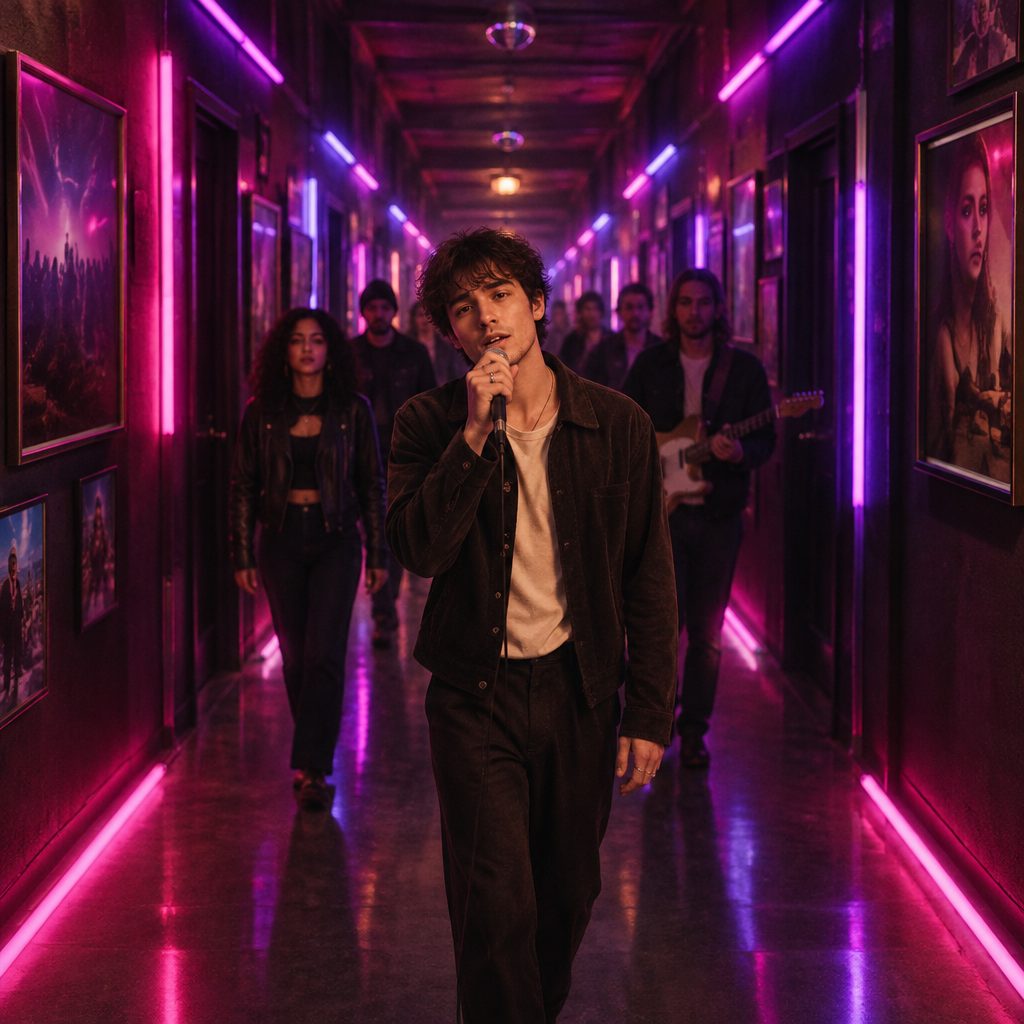
Image: AI illustration of one long take. A full chorus line, one camera, one face.
2. Scene-to-scene transition (first and last frame)
Duration: 6 seconds. Aspect ratio: 16:9.
First frame: the singer on the subway platform, red coat, facing the tracks.
Last frame: the same singer, same red coat, stepping into the train car.
She turns and steps through the doors as they open.
Underground station, cold fluorescent light mixed with magenta from the train interior.
Camera: side angle, short tracking move with her, steady.
Same person, same coat, same time of night.
Anti-example: a first frame at noon and a last frame at night in a different coat.
Keep this mode between 3 and 10 seconds. Longer requests are outside Google’s limit for first-and-last-frame.
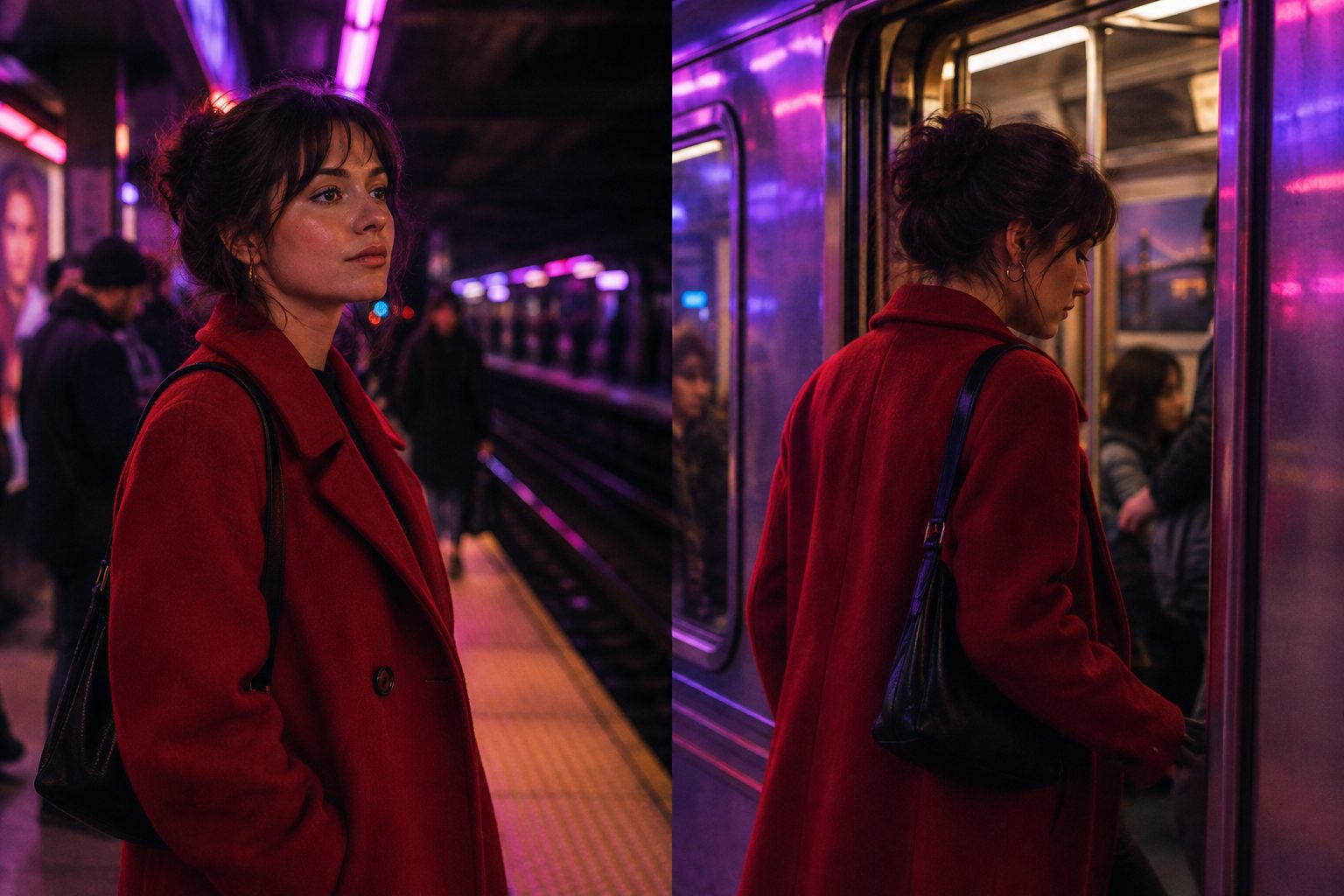
Image: AI illustration of a frame pair. Both stills share the person, the coat and the light, so the model only has to invent the move.
3. Lock the lead before the shot
Duration: 8 seconds. Aspect ratio: 16:9.
The guitarist from the reference image is the only person in frame: same beard, same silver earring, same brown leather jacket.
He looks up from the fretboard on the downbeat and nods once.
Small bar stage, one warm spotlight, dark room behind.
Camera: close-up, slow push-in.
No second person enters. No wardrobe change.
Anti-example: a guitarist who looks like my photo, cool vibe.
Name what the reference has to hold — face, hair, the one accessory people remember. Google’s 1.2 notes say the model follows uploaded references more closely; give it something specific to follow.
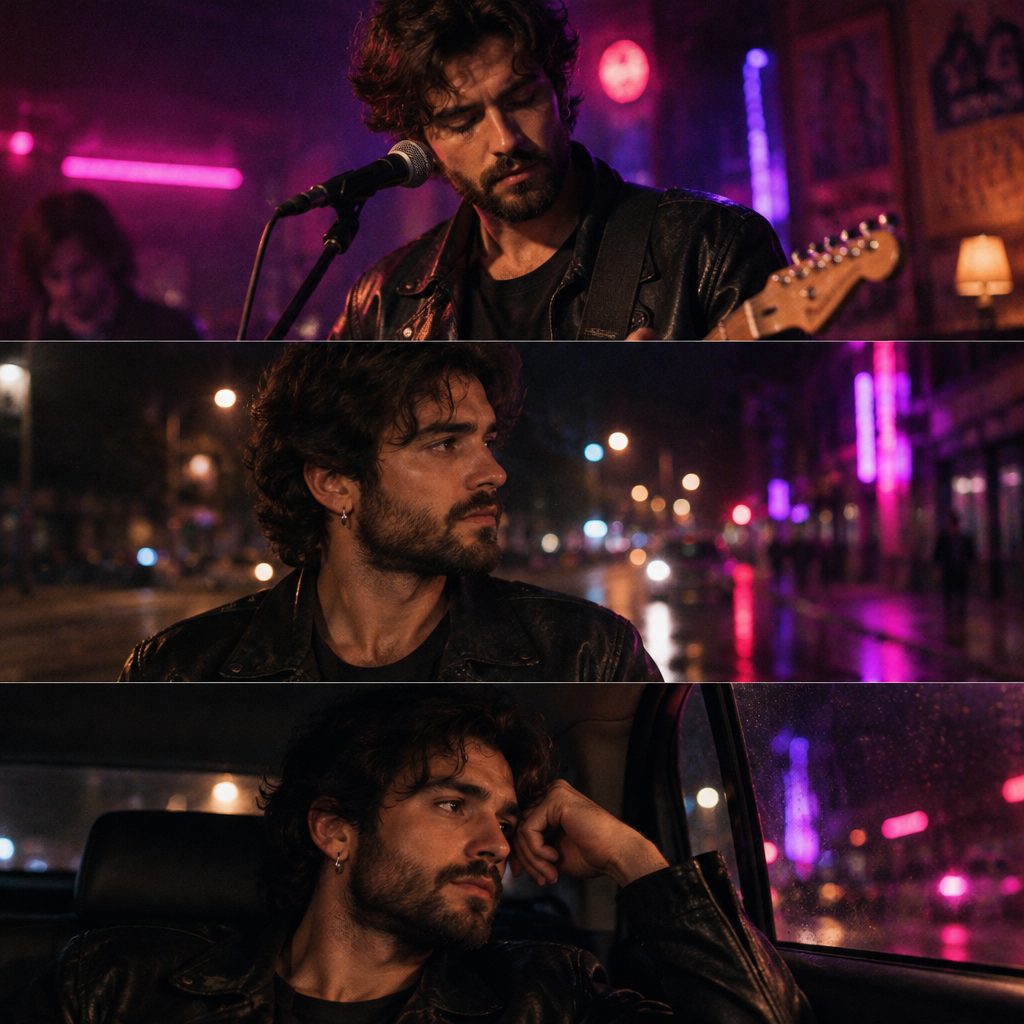
Image: AI illustration of character consistency. Three scenes, one reference image, the same jacket every time.
4. Vertical hook for a short
Duration: 5 seconds. Aspect ratio: 9:16.
The singer from the reference image, cropped white jacket, hair tied back.
She snaps her fingers once, then freezes and holds eye contact.
Black background, single hard key light from frame left.
Camera: tight close-up, static.
Mouth closed. No captions, no logo.
Anti-example: TikTok viral hook, trending, high energy.
5. Widescreen establishing shot, no face needed
Duration: 10 seconds. Aspect ratio: 16:9.
No person facing camera. A lone figure in a long grey coat walks away along a harbour wall.
Blue hour, sodium lamps coming on, gulls, calm water.
Camera: wide, slow lateral track, the figure stays small in frame.
Keep the coat grey and the harbour empty.
Anti-example: beautiful city intro, 8K.
Use this to open a verse when the face does not matter yet. It also avoids the model inventing a lead you will have to match later.
6. Performance close-up without lip sync
Duration: 12 seconds. Aspect ratio: 9:16.
The singer from the reference image, black turtleneck, mouth closed, no singing, no dialogue.
She breathes in, closes her eyes for two beats, then opens them toward lens.
Studio with a single magenta rim light, smoke in the background.
Camera: head-and-shoulders, very slow orbit right.
No text, no lip movement, same turtleneck throughout.
Anti-example: pasting the whole verse and writing lip sync perfectly.
The row does not take your Suno vocal as audio. Cut the picture to the song; for sung lines that need mouths on the words, add lip-sync after the shot instead of asking the prompt for it.
7. Same lead, next scene
Duration: 10 seconds. Aspect ratio: 16:9.
The singer from the reference image: same face, same red coat, same short black hair.
She sits in the passenger seat of a moving car at night and turns her head toward the window on the beat.
Streetlights sliding across her face, rain on the glass.
Camera: medium close-up from the driver side, static, slight handheld drift.
Keep the coat and hair identical to the previous scene. No second person in focus.
Anti-example: a fresh description of “a woman in a car” with no reference, three shots after the platform scene.
Reuse the same reference image and the same garment words in every scene of the song. Changing “red coat” to “crimson jacket” between prompts is enough to get a different outfit.
8. Draft-to-keeper render
Duration: 10 seconds. Aspect ratio: 16:9.
The drummer from the reference image, grey hoodie, under one violet overhead light.
He hits the crash cymbal once, then holds still as the cymbal shakes.
Dark rehearsal room, haze in the light beam.
Camera: medium shot from the floor tom side, locked off.
Keep the hoodie, the kit and the light identical.
Run this exact block twice: once on the draft tier to check the action, once at 720P, 1080P or 4K for the keeper. Changing the prompt between the two runs throws away what the draft proved.
Practical rule: One take, one action, one camera move. Build the chorus from several takes on the timeline instead of asking one prompt to be the edit.
Draft at 360p, keep at 720P or above
We ran 1.2 on release day at the draft tier:
| Test | Requested | Got | Time |
|---|---|---|---|
| First and last frame | 5 seconds | 5.03-second clip with audio | 37 seconds |
| Text to video | 15 seconds | 15.04-second clip with audio | 58 seconds |
One run each, not a guarantee — but under a minute for a 15-second take means you can check a chorus idea before you commit credits to a high-resolution render.
Google’s pricing page shows why the draft tier exists. Per second of video: 360p $0.023, 720p about $0.07, 1080p (upscaled) $0.104, 4K (upscaled) $0.209. A 10-second 720p clip is about $0.70 at API price. SunoMV charges credits, and the Omni row is 20% cheaper than it was before the upgrade, but the ratio between tiers works the same way.
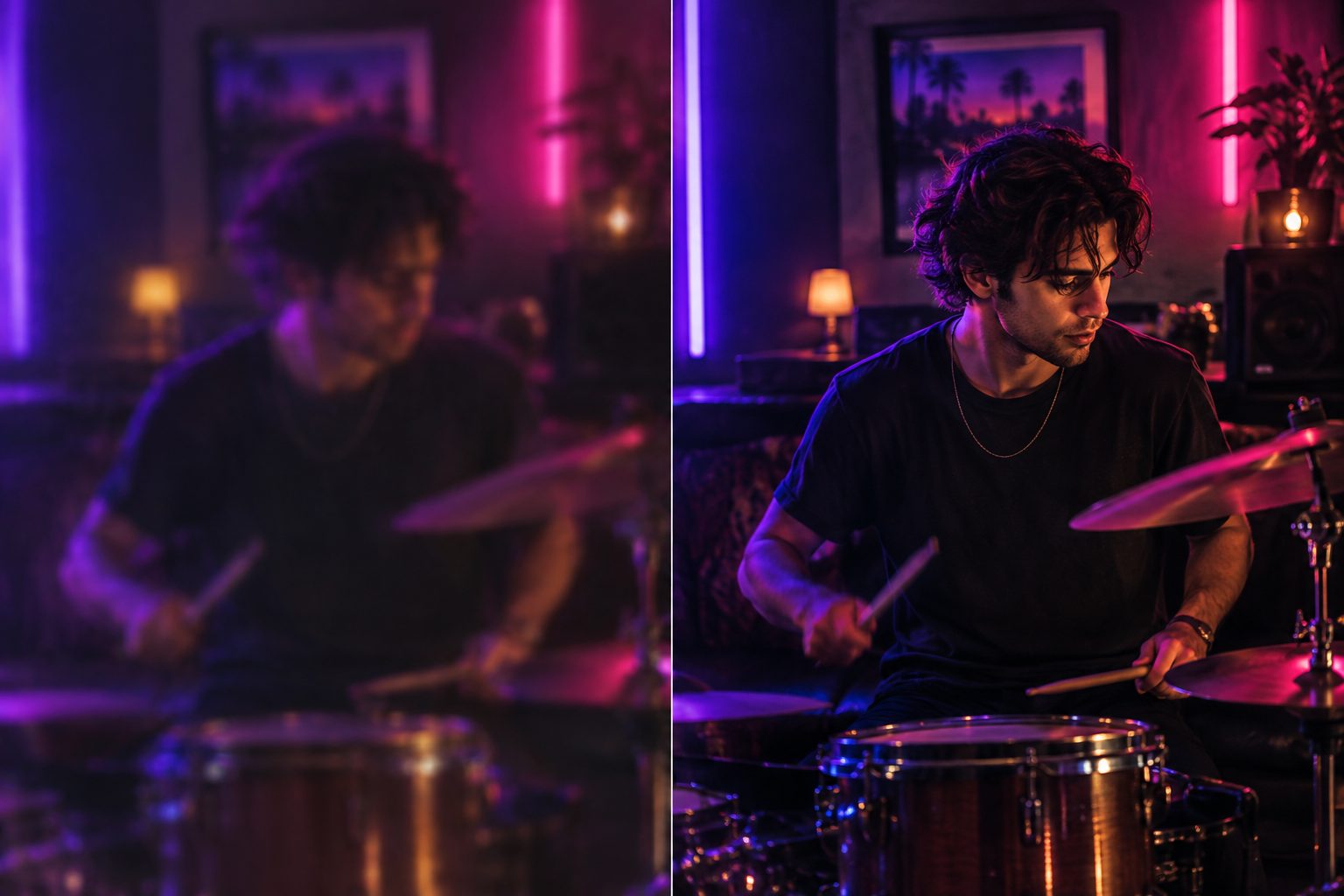
Image: AI illustration of draft versus final. The draft tells you whether the action works; the high tier is only for shots that already work.
Practical rule: A draft that fails costs a fraction of a keeper that fails. Do not render 4K until the 360p version has the right face and the right move.
When another row is the better pick
Still on Omni 1.1? Google routes 1.1 requests to 1.2 from 3 December 2026. In SunoMV the row is already 1.2. The Gemini Omni 1.1 Flash page stays up for the history.
Boarding a whole song cheap? MiniMax H3 Max does 5–15 second shots at 480P/720P. Board the full song there, then bring two or three chorus shots back to Omni 1.2.
Need up to 30 seconds in one clip, or ten reference stills? That is Kling 4.0’s job — see the Kling 4.0 prompt guide. Do not paste its @Image1 tags here; Omni 1.2 reads plain sentences.
Coming from Veo? The camera-first habit from the Veo 3 prompt guide transfers directly. The fixed 8-second transition does not — Omni lets you pick 3–10 seconds for a frame pair.
Practical rule: Pick the row by the job — length, references, resolution — then write the prompt for that row’s limits.
FAQ
Is Gemini Omni 1.2 Flash available in SunoMV? Yes. The Gemini Omni row in the video picker runs 1.2 from 5 November 2026, with text, image and first-and-last-frame input, a reference image for your lead, 3–15 second clips, and draft/720P/1080P/4K output.
How long can a first-and-last-frame transition be? 3 to 10 seconds. Other modes go up to 15 seconds.
Can I extend a clip to 30 seconds? Google’s API can, 3–10 seconds per turn. The SunoMV row generates single shots; build longer scenes by cutting several shots on the timeline.
Will it lip-sync my Suno song? No. The clip comes with its own generated audio, not your track. Keep mouths closed in the prompt and add your song in the editor.
Which aspect ratios work? 16:9 and 9:16. Square is not offered on this row.
Is it cheaper than 1.1? At Google’s API price, about 30% cheaper: $12 instead of $17.50 per million output tokens. In SunoMV the Omni row is 20% cheaper than before.
Copy, pick Gemini Omni, export the shot
- Copy one block above and replace the nouns with your song’s characters and places.
- Open the audio-to-video generator, choose Gemini Omni, set the duration, tier and aspect ratio from your first line.
- Generate on the draft tier, re-run the keepers higher, and cut them onto the lyric timeline.
Want the full spec sheet and the 1.1 comparison first? It is on Gemini Omni 1.2 Flash.
Practical rule: The prompt is done when a stranger could paste it and get the same person, the same move and the same length.
Made in SunoMV · real exports
See what a song turns into
Every sample below is an untouched SunoMV export: 3 AI storyboard shots, one AI-filmed clip, then the lyrics. Each one uses a different caption style and frame size.
Popular guides