
Veo 3.1 Fast Prompt Guide: 10 Tips + Copy-Paste Templates

You paste a 15-second block that says “hold for the whole chorus, then cut to the rooftop.” Veo 3.1 Fast returns eight seconds, ends mid-gesture, and never gets to the rooftop. The model did not ignore you. The row only ever makes one 8-second shot, and your prompt was written for a longer one.
People searching Veo 3.1 Fast prompt already picked the row. What they want is a string they can paste: one camera, one action, a sound line, and a note on what must not change. Fast is the row that makes sound with the picture, so the prompt has two jobs: direct the shot, and say what you hear.
This page is the pasteable prompt for the Fast row only. For the general five-slot formula across Veo, start from the Veo 3 prompt guide. Every tip below is a full block.
Table of Contents
- What Veo 3.1 Fast actually accepts
- The slots to fill
- 10 copy-paste tips
- 5 music-video templates
- Fast vs Lite vs Omni
- FAQ
- Copy, pick Fast, export the shot
What Veo 3.1 Fast actually accepts
On SunoMV the picker shows Veo 3.1 Fast with the line “balanced speed & quality.” Its sibling, Veo 3.1 Lite, is described as fast no-audio generation. That one difference decides how you write: Fast makes sound, Lite does not.
The limits your prompt has to respect come from our model table:
| Lever | Veo 3.1 Fast on SunoMV | Do not paste this |
|---|---|---|
| Tasks | Text-to-video, image-to-video, first-and-last frame, reference-to-video | A video-extension request |
| Length | Fixed at 8 seconds | “15-second continuous take” |
| Resolution | 720P or 1080P | A 4K line, or a 480P draft |
| References | Up to 3 reference images | A seven-still stack |
| Audio file | None. Sound is generated with the picture | Audio 1: or a vocal upload |
| Negative box | None | A second box of don’ts |
| Price | 320 credits per 8-second clip | Pricing it as “per 5 seconds” |
The price is per clip, not per second. The model list says transitions are fixed at 8 seconds, a limit of the model, with a higher cost per clip. So you do not save credits by asking for a shorter shot. You save them by getting the shot right the first time.
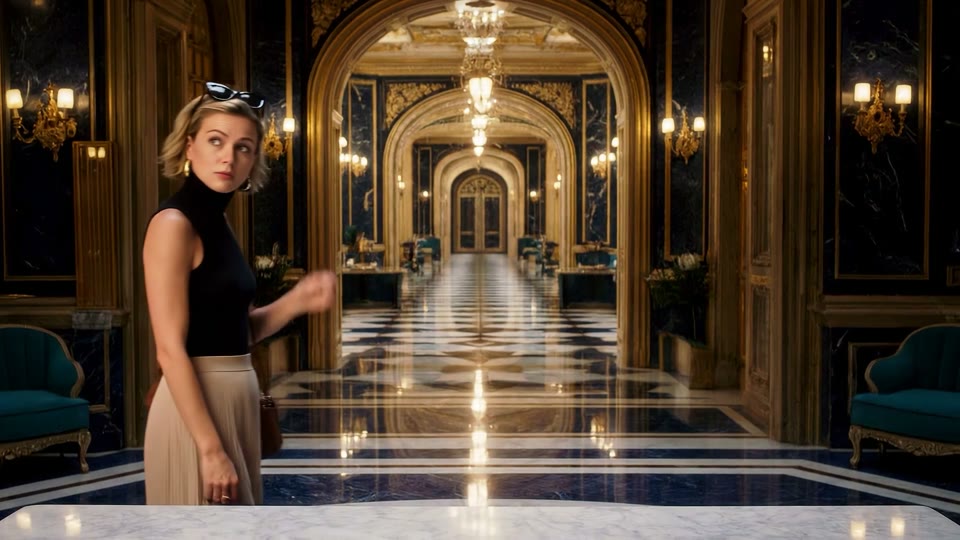
Image: Veo 3.1 Fast poster from SunoMV’s model compare. It shows the look of the row, not the result of a prompt on this page.
Google’s own notes agree on the shape. The Veo 3.1 prompting guide lists clips of 4, 6, or 8 seconds, 16:9 or 9:16, and synchronized audio guided by the prompt. SunoMV pins the Fast row to the 8-second end. One more thing worth knowing before you build a workflow on Veo elsewhere: the Gemini API video page says the Veo 3.1 Preview models in that API were shut down on 22 October 2026, and points to Gemini Omni Flash or the GA models on Google’s enterprise platform. The SunoMV row is unaffected by that notice, but it is the reason a lot of old API-era prompts floating around are written for limits you no longer need to think about.
Practical rule: Write for exactly one 8-second shot. If a sentence in your prompt needs more than 8 seconds to happen, it is a second prompt.
The slots to fill
Fast wants a short shot brief with a camera first. Google’s order is cinematography, subject, action, context, style and ambiance. On this row, add two more lines: Sound and Locks.
| Slot | Fill this | Anti-example |
|---|---|---|
| Camera | Shot size + angle + one named move + speed | “cinematic camera” |
| Subject | One person, wardrobe, hair | “a beautiful singer” |
| Action | One verb with weight: steps, turns, lifts the mic | “dancing emotionally” |
| Context | Room, weather, time of day | “epic location” |
| Style | Light direction + texture | “8K, masterpiece” |
| Sound | Sound: rain on asphalt, one heel tap. Music: none. | “add dramatic music” |
| Locks | Do not recast. No subtitles. No second person. | A negative-prompt box |
Veo makes native audio on this row, so skip the sound line and you still get a soundtrack, just not yours. If the Suno track is already the score, write Music: none and name only noises. If the shot should carry a spoken line, put it in quotation marks, since an unquoted line is read as description. Runway’s camera prompt notes are a handy glossary for the camera noun; you still paste one move, not five.
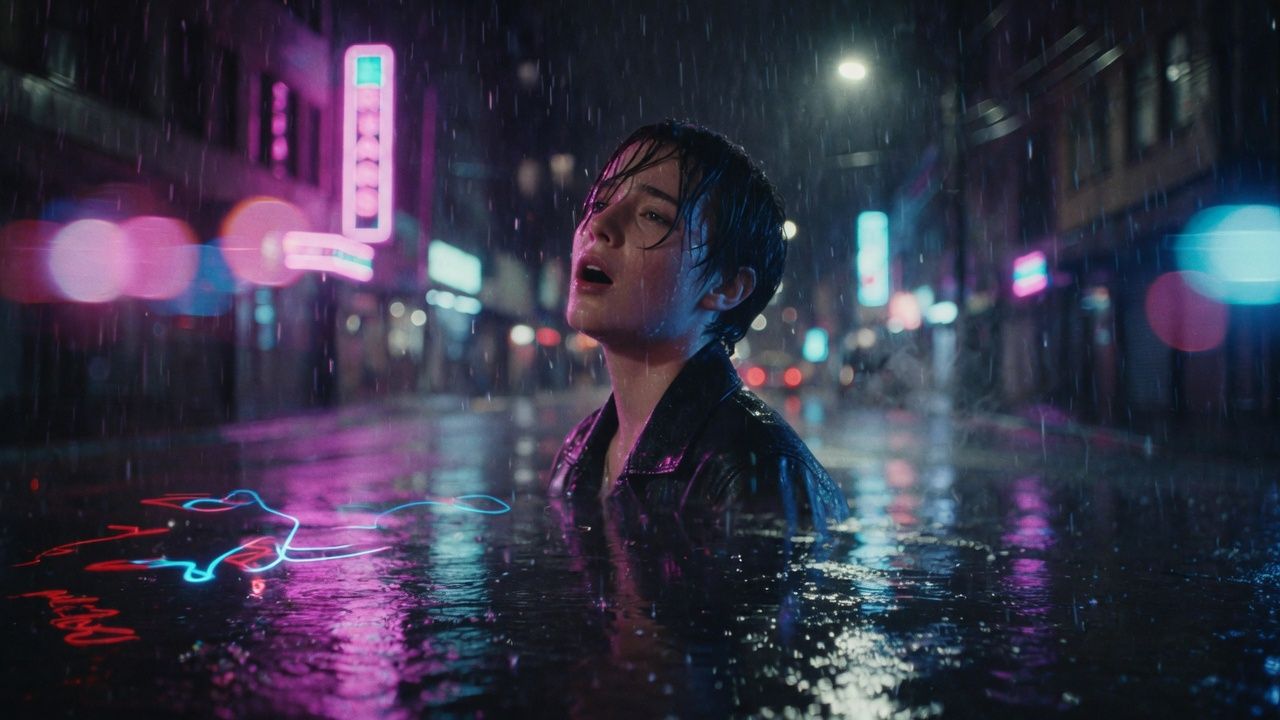
Image: SunoMV Team. A music-video still of the shape a Veo prompt can follow: camera, subject, weather. Not a Fast generation.
Practical rule: Camera first,
Sound:second,Music: nonewhen the song already exists. Everything else is decoration.
10 copy-paste tips
Each tip is a full block. Pick Veo 3.1 Fast, paste into the shot description, generate, then cut the 8 seconds onto the lyric. The page is the audio-to-video generator.
1. Write the shot to fit eight seconds
One-line rule: the row makes one 8-second take. Give it one action that finishes inside that.
Medium close-up, eye-level, slow push-in over 8 seconds.
A woman in an oxblood leather jacket stands in rain on a neon side street and mouths one line of the chorus, left heel planted.
Sound: rain on leather, distant traffic, breath. Music: none.
Do not recast. No subtitles.
Duration: 8 seconds. Aspect ratio: 16:9.
Anti-example: Full chorus, three locations, wardrobe change, 20 seconds.
2. Name the camera in the first clause
One-line rule: a named move beats a mood word.
Low angle, slow dolly-in at walking pace.
A singer in a soaked black jacket under a magenta shop sign, rain beading on the collar.
Hard key from camera-left neon, soft fill from a shop window on the right.
Sound: rain, one passing car. Music: none.
Duration: 8 seconds. Aspect ratio: 16:9.
Anti-example: Cinematic music video of a singer, highly detailed, 8K.
3. Quote the line if the mouth should move
One-line rule: Fast generates speech from your words. An unquoted line is only narration.
Close-up, static. A woman in a grey coat on a quiet train platform looks into lens and says, in a low voice: "I kept the light on for you."
Sound: station hum, one distant announcement, no music.
Duration: 8 seconds. Aspect ratio: 9:16.
Anti-example: She says something emotional about the night.
4. Say Music: none when your Suno track is the score
One-line rule: native audio will invent a bed if you let it.
Wide shot from across the street. A figure in an oxblood jacket walks away under neon.
Camera stays put. Rain.
Sound: wet asphalt, a jacket creak, distant traffic. Music: none. No lyrics.
Duration: 8 seconds. Aspect ratio: 16:9.
Anti-example: Epic trap drop, full mix, perfect lip sync to these lyrics: ...
5. Use one still as the first frame
One-line rule: the still holds the look; the prompt says what moves next.
The uploaded still is the first frame: oxblood jacket, blunt black bob, rain.
Next: she takes one slow step toward lens, hem swinging. Same jacket, same bob.
Camera: slow push-in, 35mm, eye-level.
Sound: heel on wet asphalt. Music: none.
Duration: 8 seconds. Aspect ratio: 16:9.
Anti-example: Make my photo cinematic.
6. Pair a first and last frame, then describe only the move
One-line rule: the frames hold identity. The prompt is the bridge.
First frame: the singer on a subway platform, red coat, facing the tracks.
Last frame: the same singer, same red coat, stepping into the train car.
She turns and steps through the doors as they open.
Camera: side angle, short tracking move with her, steady.
Sound: platform hum, doors chime. Music: none.
Duration: 8 seconds. Aspect ratio: 16:9.
Anti-example: a first frame at noon and a last frame at night in a different coat.
7. Use up to three references, and say which does what
One-line rule: three is the cap on this row. Give each one a job.
Reference 1 is the singer: same face, blunt black bob, silver hoops.
Reference 2 is the street: narrow alley, vending machines on the right.
Reference 3 is the jacket: oxblood leather, white tank underneath.
She walks toward camera down the alley, left heel striking wet asphalt.
Camera: medium shot, slow dolly back.
Sound: rain, heel. Music: none.
Duration: 8 seconds. Aspect ratio: 16:9.
Anti-example: Use all my photos, make it look like the vibe.
8. Name a resolution only when the frame needs it
One-line rule: the row offers 720P and 1080P. Pick 1080P for the keeper, not the test.
Resolution: 1080P.
Close-up, rain beads on the oxblood shoulder, one silver hoop at the frame edge. Slow drift left.
Sound: rain. Music: none.
Duration: 8 seconds. Aspect ratio: 16:9.
Anti-example: 4K IMAX, best quality, ultra detailed.
9. Replace the missing negative box with closing locks
One-line rule: there is no negative field, so the locks live in the last lines.
Do not recast. Do not add a second person. Do not change the jacket colour. No subtitles. No logo. No extra score.Anti-example: Negative prompt: blur, watermark, extra fingers, bad anatomy.
10. Repeat the wardrobe in the next shot
One-line rule: each clip is its own take. The next one matches only if the words match, or if you feed in a reference.
Same woman as the previous shot: oxblood leather jacket, blunt black bob, silver hoops.
Wider frame, two steps further down the same street, same rain. Slow track at her shoulder.
Sound: rain, heel. Music: none.
Duration: 8 seconds. Aspect ratio: 16:9.
Anti-example: Next shot, surprise me with a new outfit.
Here is the kind of still those blocks describe, a shot written as a camera, a person and weather. It is a cover image, not a Veo output.

Image: SunoMV Team. A shot written as camera plus subject plus rain. Not a Veo 3.1 Fast generation.
Practical rule: One shot, one action, one sound line. If you need a longer take, plan several 8-second clips and cut them on the timeline.
5 music-video templates
Paste one. Swap the jacket and the street. Leave the shape.
Chorus push-in
Medium close-up, eye-level, 35mm, slow push-in.
Oxblood leather jacket, blunt black bob, silver hoops, left heel planted, mouths the chorus.
Neon side street, rain.
Sound: rain, heel, breath. Music: none.
Do not recast. No subtitles.
Duration: 8 seconds. Aspect ratio: 16:9.
Vertical hook
Duration: 8 seconds. Aspect ratio: 9:16.
Close-up, oxblood collar, one silver hoop, rain in front of the lens.
She turns her chin a few degrees toward lens. No cut.
Sound: rain. Music: none.
Spoken line
Close-up, static, shallow depth of field.
A woman in a grey coat under a station clock says, quietly: "Say it again."
Sound: station hum, one distant train. Music: none.
Duration: 8 seconds. Aspect ratio: 9:16.
From one still
The uploaded still is frame one: oxblood jacket, blunt bob, rain.
She takes one step toward lens. Same jacket. Same bob.
Camera: slow push-in.
Sound: heel, rain. Music: none.
Duration: 8 seconds. Aspect ratio: 16:9.
Wide, face not the point
Wide shot from across the street. A lone figure in a long grey coat walks away along a harbour wall.
Blue hour, sodium lamps coming on, calm water.
Camera stays put. The figure stays small in frame.
Sound: gulls, water against stone. Music: none.
Duration: 8 seconds. Aspect ratio: 16:9.
The model row is where you pick Fast. The prompt does not grow extra boxes.
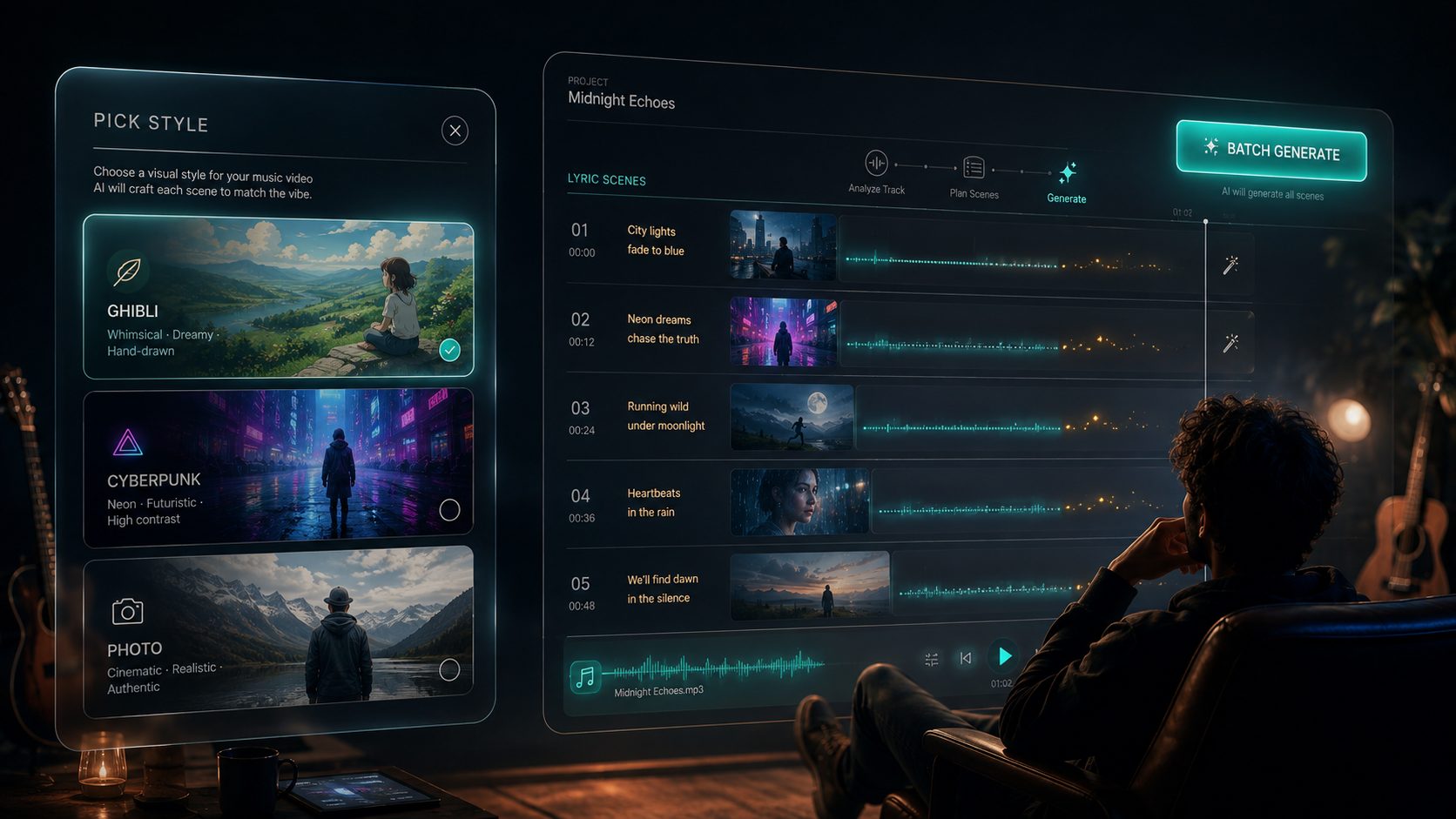
Image: SunoMV Team. Fast is a row in the model list. Paste the brief, then batch the shots.
Fast vs Lite vs Omni
Three Google rows sit near each other in the picker. They are not interchangeable, and a prompt written for one does not always carry over.
| You wrote | Veo 3.1 Fast | Veo 3.1 Lite | Gemini Omni |
|---|---|---|---|
| A quoted spoken line or named sound | Works, audio is generated | Not this row. Lite is described as no-audio | Works, audio generated |
| Length | Fixed 8 seconds | Fixed 8 seconds | 3 to 15 seconds |
| Resolution | 720P, 1080P | 720P only | Up to 4K |
| Three reference stills | Yes | Yes | Yes |
| Price on SunoMV | 320 credits per clip | 160 credits per clip | 200 credits per 5 seconds |
If the shot needs speech or named noises, stay on Fast. If you only need a silent picture and want the cheaper clip, switch to Lite and delete the Sound: and quoted lines. If you need a take longer than 8 seconds, use the Omni row; the Gemini Omni 1.2 Flash prompt guide has the blocks for that.
Practical rule: Sound lines belong on Fast. Length beyond 8 seconds belongs on Omni. Do not paste one row’s prompt into another without deleting what it cannot do.
FAQ
Can I paste my Veo 3 prompt into Veo 3.1 Fast?
Yes, if it fits eight seconds. Keep the camera, subject, action, context and style lines, then add a Sound: line. Delete any request for a longer take.
Why does the clip always stop at 8 seconds?
The row is fixed at 8 seconds on SunoMV, which is a model limit. Plan the chorus as several clips and cut them together.
Why is Fast 320 credits and Lite 160?
That is the model list: 320 credits per 8-second clip for Fast, 160 for Lite. The difference is that Fast makes sound with the picture and supports 1080P; Lite is the lower-cost no-audio option at 720P.
Will an opening image keep the face for the next shot?
It keeps the first frame of this shot. For the next one, repeat the wardrobe in words or feed the same reference stills again.
Where do I paste this?
Pick Veo 3.1 Fast on the audio-to-video generator. One prompt is one 8-second shot.
Copy, pick Fast, export the shot
Paste a block from the tips or the templates. Keep it inside eight seconds and inside one action. Write Music: none when the track is already yours, and quote any line that should be spoken. If the next angle needs the same person, repeat the wardrobe or reuse the references. If the shot needs more than eight seconds, switch rows instead of stretching the words.
A still to use as the opening frame can start from the musician image prompt maker. For a transcript of a clip you are matching, BibiGPT’s transcript page gives you the text, not the video. A still you need to redraw first can go through ChatImg and come back as frame one.
Practical rule: The prompt is done when a stranger can paste it and get one length, one action, and one sound line, with nothing left that needs a ninth second.
Made in SunoMV · real exports
See what a song turns into
Every sample below is an untouched SunoMV export: 3 AI storyboard shots, one AI-filmed clip, then the lyrics. Each one uses a different caption style and frame size.
Popular guides
More in this series
- Gemini Omni 1.2 Flash Music Video Prompts: 8 Copy-Paste Templates
- FLUX 3 Max Prompt Guide: 10 Tips + Copy-Paste Templates
- Grok Imagine 1.5 Lite Prompt Guide: 10 Tips + Copy-Paste Templates
- Kling 4.0 Prompt Guide: 10 Tips + Copy-Paste Templates
- Seedance 2.0 Mini Prompt Guide: 10 Tips + Copy-Paste Templates